What Learners Cover in the Foundation Course
Learner Foundations is built for school groups that need a clear start in 3D printing. The course introduces how a digital idea becomes a physical object, with practical lessons that suit Grade 4 to Grade 12 depending on the school programme and learner confidence. We keep the work simple, hands-on and relevant to classroom projects, makerspaces and holiday clubs.
Sessions usually cover basic shape design, scaling, naming files correctly, understanding layers, choosing a suitable print orientation and checking a model before sending it to the machine. Learners also get a plain explanation of material types, print times and why some objects succeed while others fail. It is not about pushing speed, it is about helping learners understand the process and how to work carefully with shared equipment.
- Introduction to 3D printing and where it is used
- Basic digital design concepts and simple modelling tasks
- File preparation, slicing basics and print preview checks
- Material handling, storage and safe classroom habits
- Responsible use of tools, nozzles, beds and moving parts
How the Course Is Delivered in Schools and Training Rooms
We run Learner Foundations at a school, in a lab, or at one of our training venues in Stellenbosch, Cape Town, Johannesburg, Pretoria, Durban, Gqeberha, Paarl and Somerset West. The format can be a single workshop, a half day introduction, or a longer block spread across several sessions. For busy schools and after-school programmes, we also structure the course so that one group can learn theory while another group gets guided machine time.
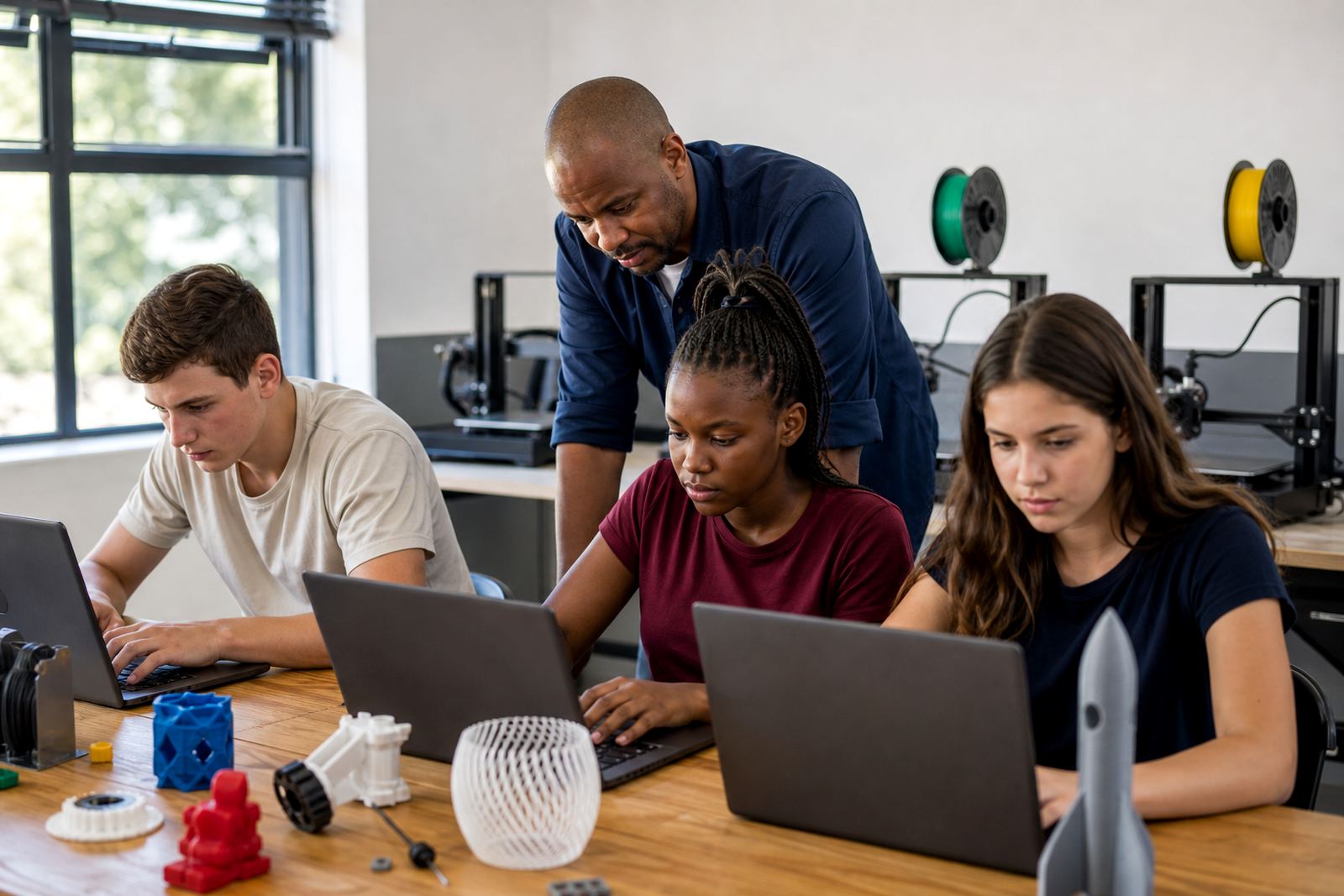
Each session includes a short explanation, a demonstration and then learner practice. The pace is steady, so teachers can manage different ability levels without losing control of the room. We keep class sizes practical for safe supervision and equipment sharing, especially where there is limited space or a power backup plan is needed during load-shedding.
- On-site delivery for schools across South Africa
- Training room delivery for mixed learner groups
- Flexible scheduling for holiday programmes and term time
- Teacher support during the session if the school prefers co-facilitation
Equipment and Classroom Specs Used for Learner Foundations
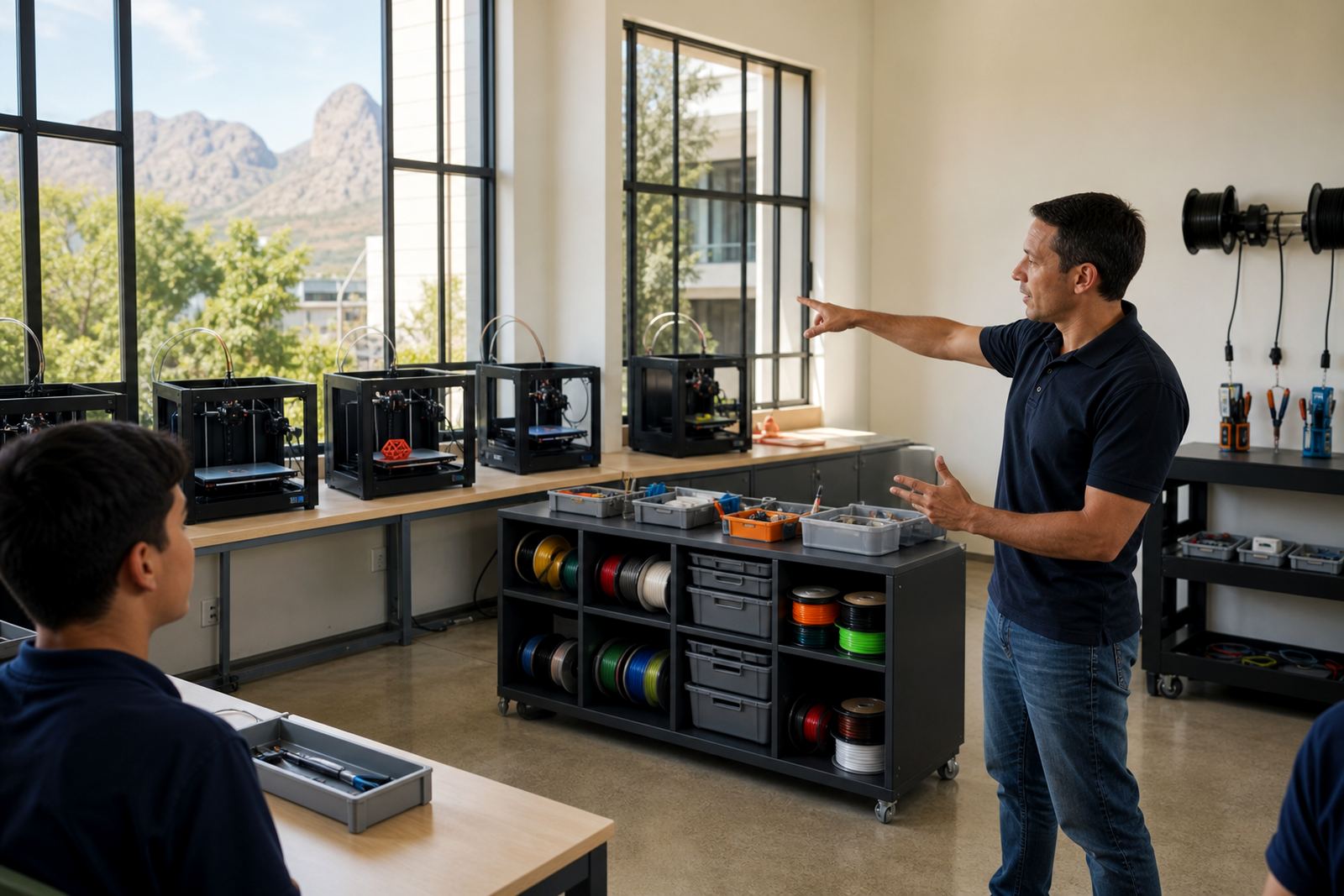
The course works best with a simple classroom lab setup that includes at least one 3D printer, a computer or laptop per small group, slicing software, standard filament and basic print tools. If the school already has machines, we adapt the training to that setup. If not, we can supply a suitable class-ready lab kit and show teachers how to manage it without extra clutter or unnecessary complication.
We pay attention to real classroom conditions in South Africa, including dust, coastal humidity, power interruptions and storage space. Filament must be kept dry, printers need a level surface, and machines should be placed where learners can observe safely without crowding the bed or nozzle. Teachers also get a simple setup checklist so the room is ready before the first session starts.
- Entry-level to mid-range FDM printer setup
- PLA filament for learner projects and classroom use
- Laptop or benchtop with basic modelling and slicing software
- Ventilated room with clear walkways and supervised access
- Dry storage for filament and small tools
- Table space for design work, print removal and sorting parts
What Schools Receive at the End of the Course
Schools receive practical takeaways that help the programme continue after the session ends. This includes a learner-friendly summary of the main steps, safety reminders, printer care notes and a simple project flow that teachers can reuse for future classes. The aim is to leave the school with enough structure to keep going, not just one-off exposure.
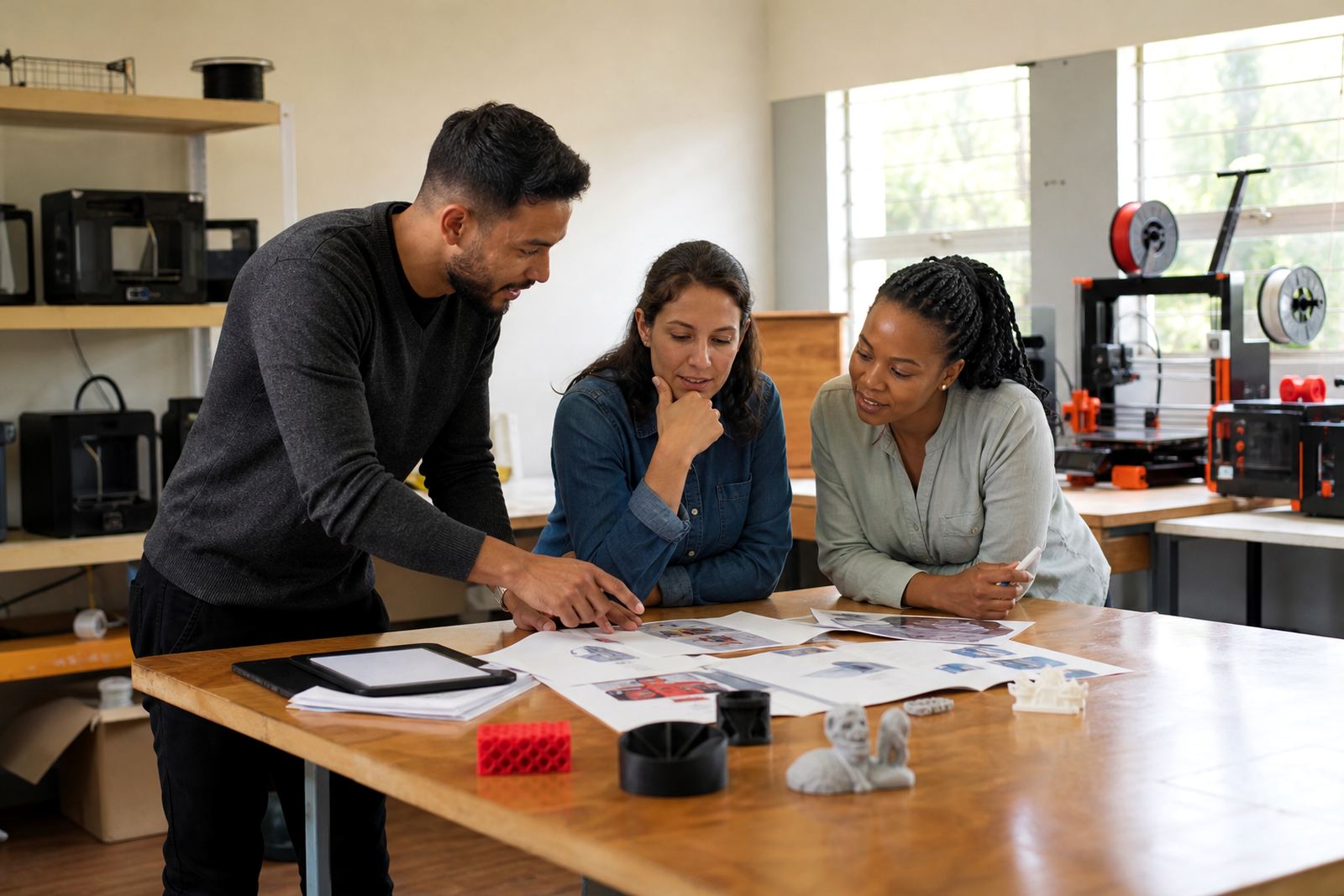
Where needed, we can also help the school identify which learner projects are suitable for the available machine size and classroom time. Small key rings, name tags, mini signs, classroom aids and simple geometric models are common starting points. Teachers often use the course to support design and technology, coding clubs, STEM activities and practical teachng tasks across different grades.
- Course summary for follow-up classroom use
- Basic project planning notes for teachers
- Safe use reminders for printers and tools
- Suggested starter projects suited to school labs
Turnaround, Booking Process and Course Planning
Most bookings begin with an enquiry through the contact page form, followed by a conversation about learner age, group size, venue, printer access and the level of support required. Once we know the setup, we suggest a course format that suits the school calendar and the available equipment. For schools in Stellenbosch and nearby towns, planning is often quick. For larger groups in Cape Town, Johannesburg, Pretoria, Durban or Gqeberha, we usually allow a little more lead time.
The turnaround depends on the scope of the booking. A focused introduction can be arranged sooner than a multi-session programme with custom content or multiple groups. If the school also needs printer maintenance or a lab review, that can be added to the same visit. Clear planning helps avoid interruptions, especially where printers need to be moved between rooms or powered carefully during outages.
- Enquiry submitted through the contact form
- Needs assessment for learner level and room setup
- Schedule confirmed around school dates and venue access
- Course delivered and follow-up notes shared where needed
Pricing Approach and Maintenance Intervals
Pricing is quoted according to the number of learners, the session length, the venue, whether the school has its own equipment and whether extra preparation is required. We do not force a one-size-fits-all rate because a small workshop for one class is very different from a multi-group school visit. Schools are usually quoted on a simple service basis, with equipment supply or extra support listed separately where needed.
For maintenance, the course includes guidance on sensible intervals rather than heavy technical servicing. Basic checks should happen before each print day, with a more careful clean, calibration review and parts inspection at regular intervals depending on usage. In busy school labs, a weekly visual check and a monthly functional review is often a practical starting point. Nozzles, beds, belts and fans should be watched closely, and filament should always be stored dry. A little routine care goes a long way in keeping learners active and the machines ready.
- Pricing based on group size, duration and venue
- Separate quoting for lab kits, travel and extra technical support
- Pre-session checks before each class day
- Weekly visual inspection for active school labs
- Monthly calibration and cleaning review for regular use
Safety Notes for Learners and Teachers
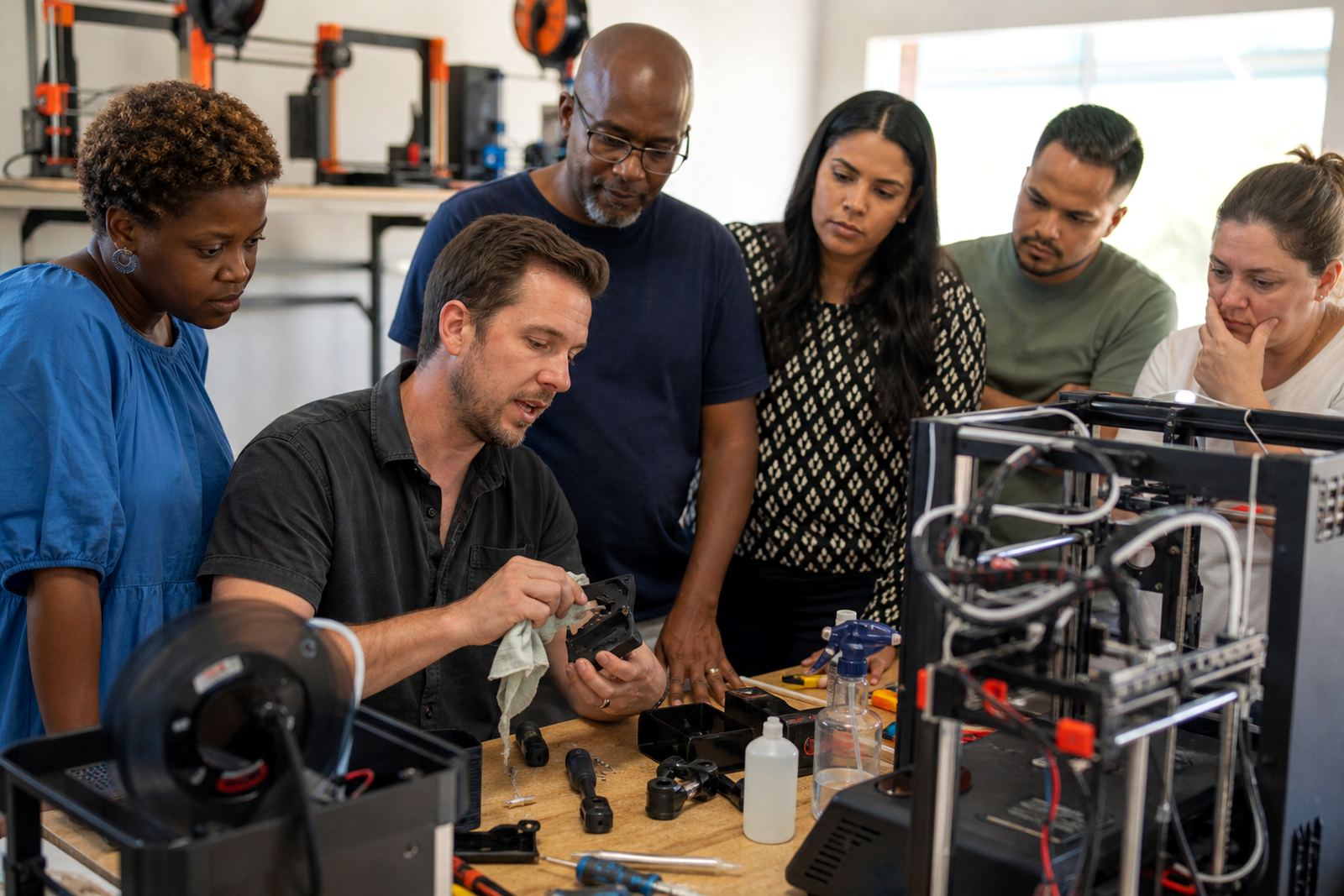
Learner Foundations always includes basic safety reminders. Learners should not reach into a moving machine, touch the nozzle or bed while hot, or leave loose items near cables and spools. Long hair should be tied back, drinks kept away from equipment, and printed parts handled carefully after cooling. Teachers should keep supervision clear and set simple rules before the first print begins.
We also remind schools to place machines on stable furniture, keep emergency access clear and avoid overloading power points. In humid areas near the coast, dry storage for filament matters more than many schools expect. In inland areas, dust control can be just as important. The course is practical, but it still needs order and good room habits if learners are going to use the equipment well.
Key facts
| Course level | Beginner learner course for school groups |
|---|---|
| Typical format | Half day, full day or multi-session programme |
| Delivery areas | Stellenbosch, Cape Town, Johannesburg, Pretoria, Durban, Gqeberha, Paarl and Somerset West |
| Core topics | Design basics, print preparation, safe use and simple project planning |
| Equipment | Entry-level FDM printer, slicing software, PLA filament and basic tools |
| Maintenance guidance | Pre-session checks, weekly visual review and monthly clean and calibration checks |