What Maintenance Basics covers in a school lab
This course is built for teachers, lab assistants and site staff who need to keep FDM style benchtop printers running without guesswork. It focuses on everyday care that can be done between lessons, plus the checks that help prevent blocked nozzles, poor first layers and avoidable downtime.
We keep the content practical and classroom-friendly. The aim is not to turn staff into full-time technicians, but to give them a clear routine for keeping machines prepared for student use, especially in schools where one printer may serve several classes. A little care each week often saves a lot of stoppages later, and thats the point of the course.
- Pre-use checks for belts, bed level, nozzle condition and filament path
- Cleaning routines for frames, fans, build plates and accessible moving parts
- Safe shutdown and storage steps after lessons or power interruptions
- Basic fault spotting before small issues become expensive repairs
- Classroom prep for safer handling of tools, filament and hot surfaces
Course structure and practical workshop flow
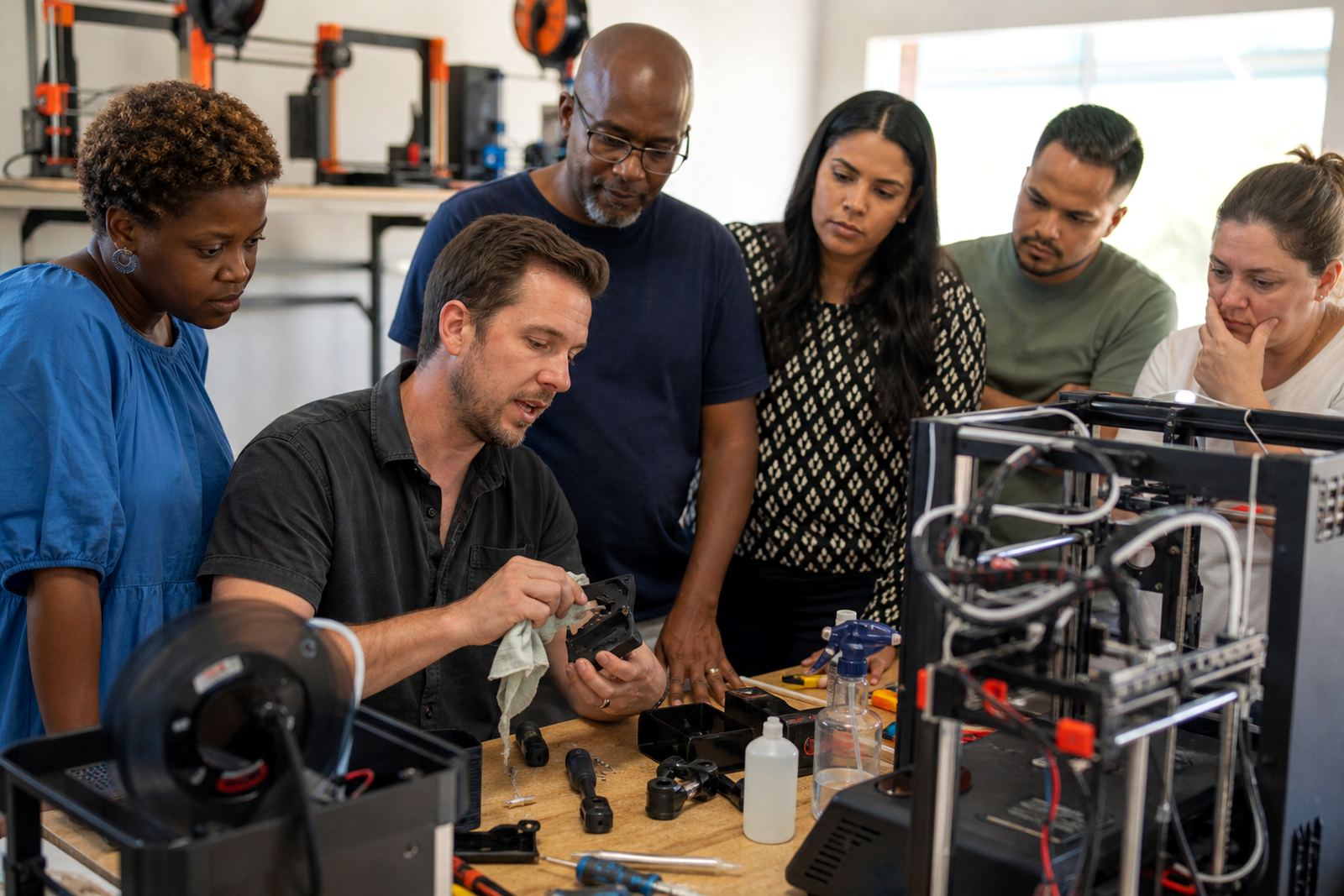
The course is usually delivered as a hands-on workshop at your school or training site, with learners working on real printers rather than only notes and slides. We can also shape the session for a small team or a wider staff group depending on how many machines need attention and how much time the school has available.
The process starts with a quick review of your current setup, then moves into routine maintenance tasks and a repeatable checklist. If your lab runs in Stellenbosch or Paarl, we often focus on dust control. For coastal schools in Cape Town, Durban or Gqeberha, we place more attention on moisture, filament storage and rust prevention. That local detail matters.
- Short briefing on printer parts, wear points and safe handling
- Demonstration of daily, weekly and monthly maintenance tasks
- Live practice on your own printer models and classroom tools
- Simple troubleshooting for common print failures and noise issues
- Checklist handover for ongoing use by staff and learners
Typical service steps from booking to handover
Once you send an enquiry through the contact form, we confirm the size of your lab, the number of printers and the main problems you want addressed. From there, we plan the session around your timetable, whether that is a half day, a full day or a grouped staff workshop. The goal is to keep the session useful and manageable, not rushed.
On the day, we work through the equipment setup first. That includes checking bed movement, filament feeding, nozzle cleanliness, cable condition and basic cooling performance. We also show staff how to spot signs that a machine needs deeper servicing, rather than pushing it too far and causing a bigger repair later.
- Step 1: Enquiry review and lab information gathering
- Step 2: Session planning around printer type and staff experience
- Step 3: On-site maintenance training and live demonstration
- Step 4: Checklist, cleaning routine and storage guidance
- Step 5: Follow-up notes on next service interval and care priorities
Maintenance intervals that suit school use
We recommend a simple interval approach so the work fits real school schedules. Daily checks are light and should take only a few minutes. Weekly checks cover cleaning and movement inspection. Monthly checks deal with the parts that wear more slowly, such as belts, rollers and bed surfaces. In busier labs, or where classes print for long periods, a tighter routine may be sensible.
Power cuts and load-shedding can interrupt prints and leave machines mid-job, so recovery steps matter too. Staff should know how to pause safely, clear a partially printed part and return the printer to a known state before the next class starts. In coastal areas, we also suggest monitoring filament storage more often because damp material can cause stringing, pops and weak layers.
- Daily: quick visual check, nozzle wipe and bed readiness
- Weekly: clean the build plate, inspect belts and clear dust
- Monthly: inspect fans, motion parts and cable wear
- Termly: review storage, safety habits and printer placement
What the course includes for classroom-ready equipment
Maintenance Basics is built around the items and methods schools usually need on hand. That means the training covers the common tools, cleaning items and consumables used in a normal education lab. We also cover how to set up a tidy maintenance station so staff are not hunting for the right tool in the middle of a lesson.
Where needed, we can advise on how to keep the lab organised for a mixed group of learners. Clear labelling, safe storage and an easy-to-follow routine help reduce mistakes. We keep the guidance practical and suited to South African school conditions, where staff time is limited and equipment may be used by many hands during the week.
- Cleaning cloths, brushes, scrapers and simple hand tools
- Replacement consumables suited to routine classroom use
- Bed care advice for glass, magnetic or removable surfaces
- Safe storage guidance for filament in humid or dusty areas
- Basic service checklist for teachers and lab helpers
Pricing approach and how schools are quoted
We quote according to the number of printers, the size of the group, the length of the session and the amount of on-site support needed. A single small lab will need a different scope from a multi-room setup serving several grades, so we price to match the work that is actually required. That keeps the quote fair and clear.
Schools can ask for a one-off maintenance workshop, a combined training and support visit, or a more structured plan tied to termly check-ins. Where there are several machines or a new lab setup, we may suggest grouping the work so the school gets better value from one visit. We keep the pricing approach simple and practical, with no hidden extras for basic planning.
- Based on printer count and lab size
- Adjusted for travel to your town or campus
- Scaled to half-day, full-day or multi-session work
- Quoted after we understand your equipment and support needs
Key facts
| Course type | Hands-on maintenance training for school 3D printer labs |
|---|---|
| Suitable for | Teachers, lab assistants, coordinators and support staff |
| Printer focus | FDM style benchtop 3D printers used in classrooms |
| Delivery format | On-site workshop or grouped training session |
| Coverage | Routine care, cleaning, checks, safe storage and recovery after interruptions |
| Maintenance rhythm | Daily, weekly, monthly and termly care intervals |