


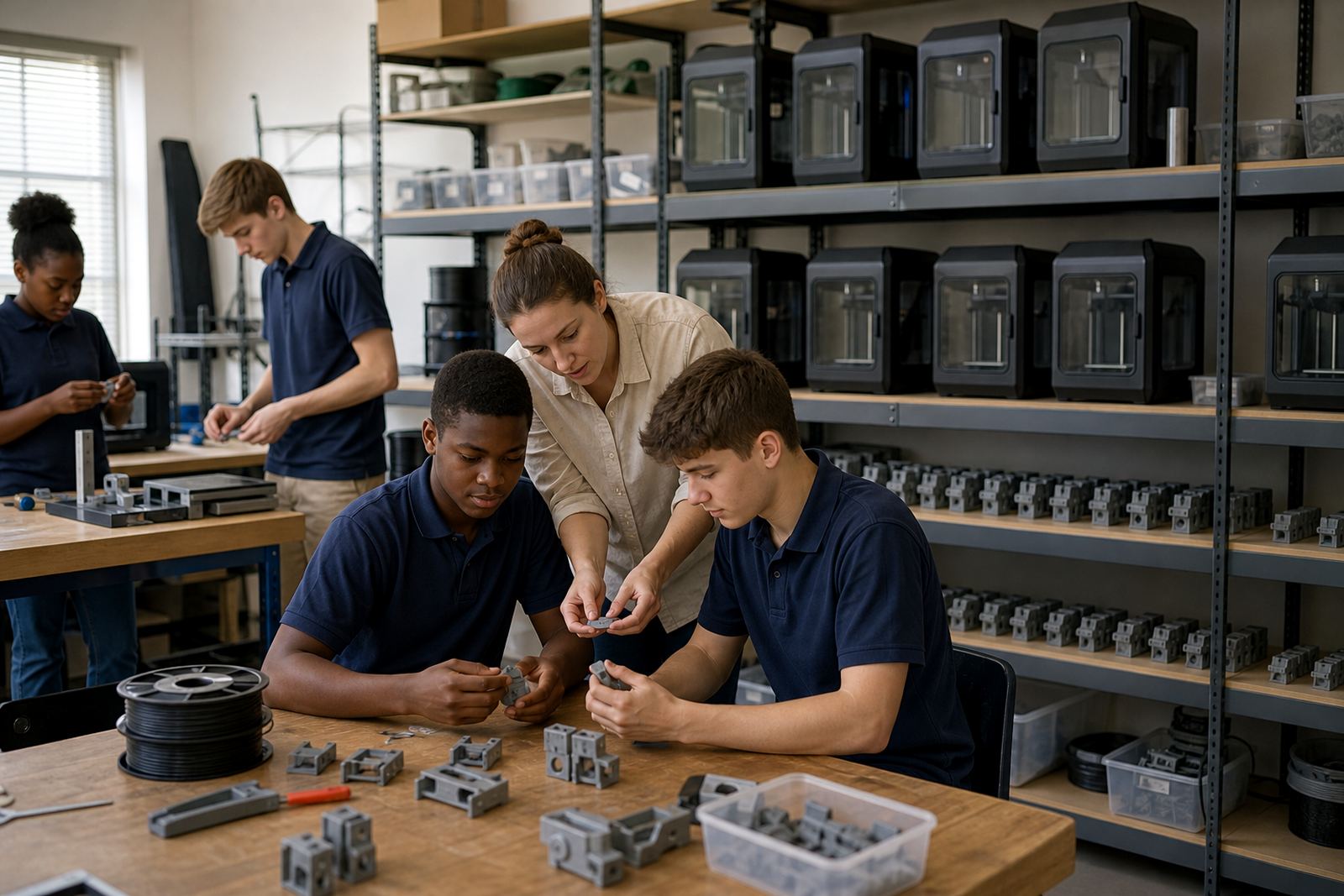
What a school 3D lab kit usually includes
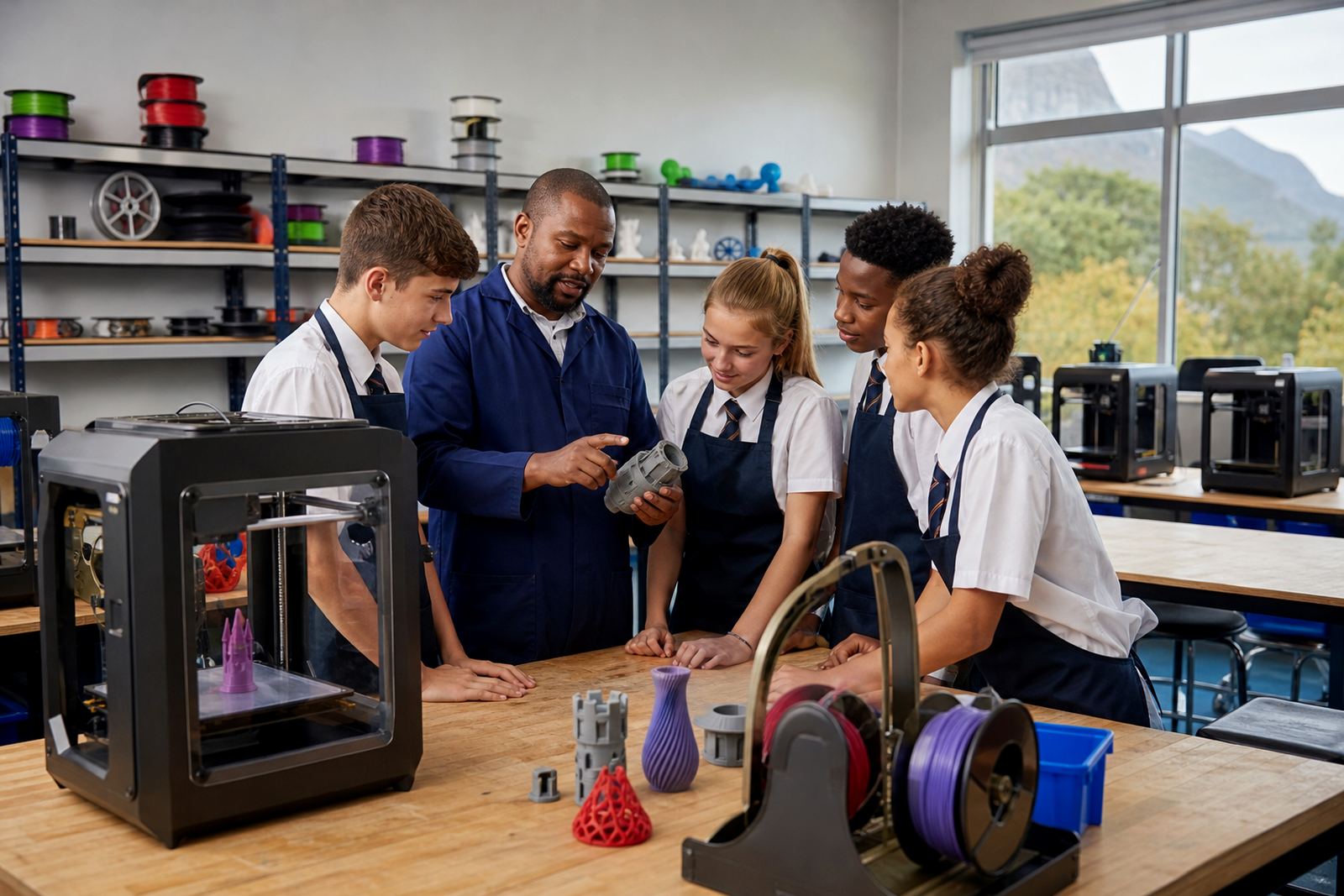
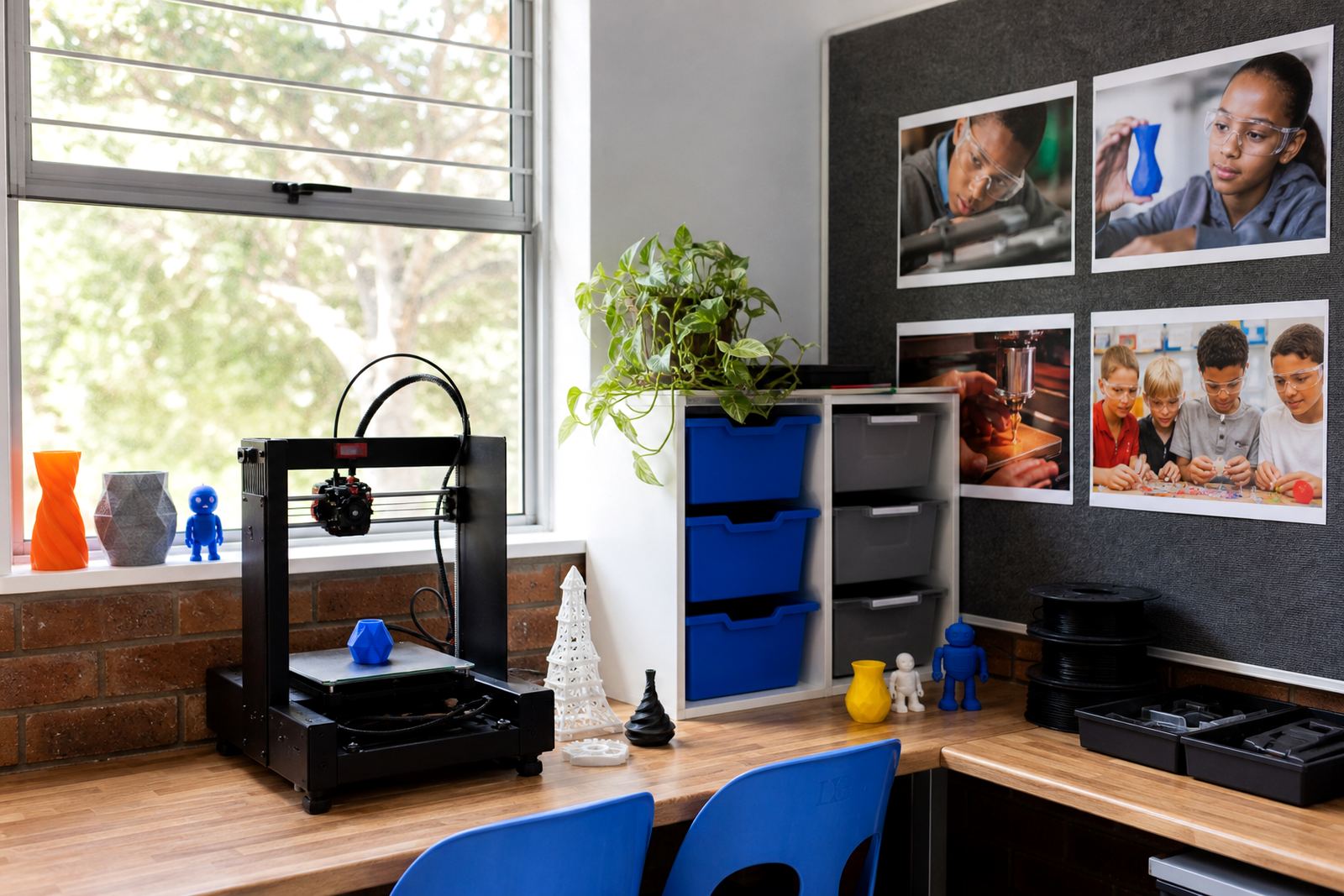
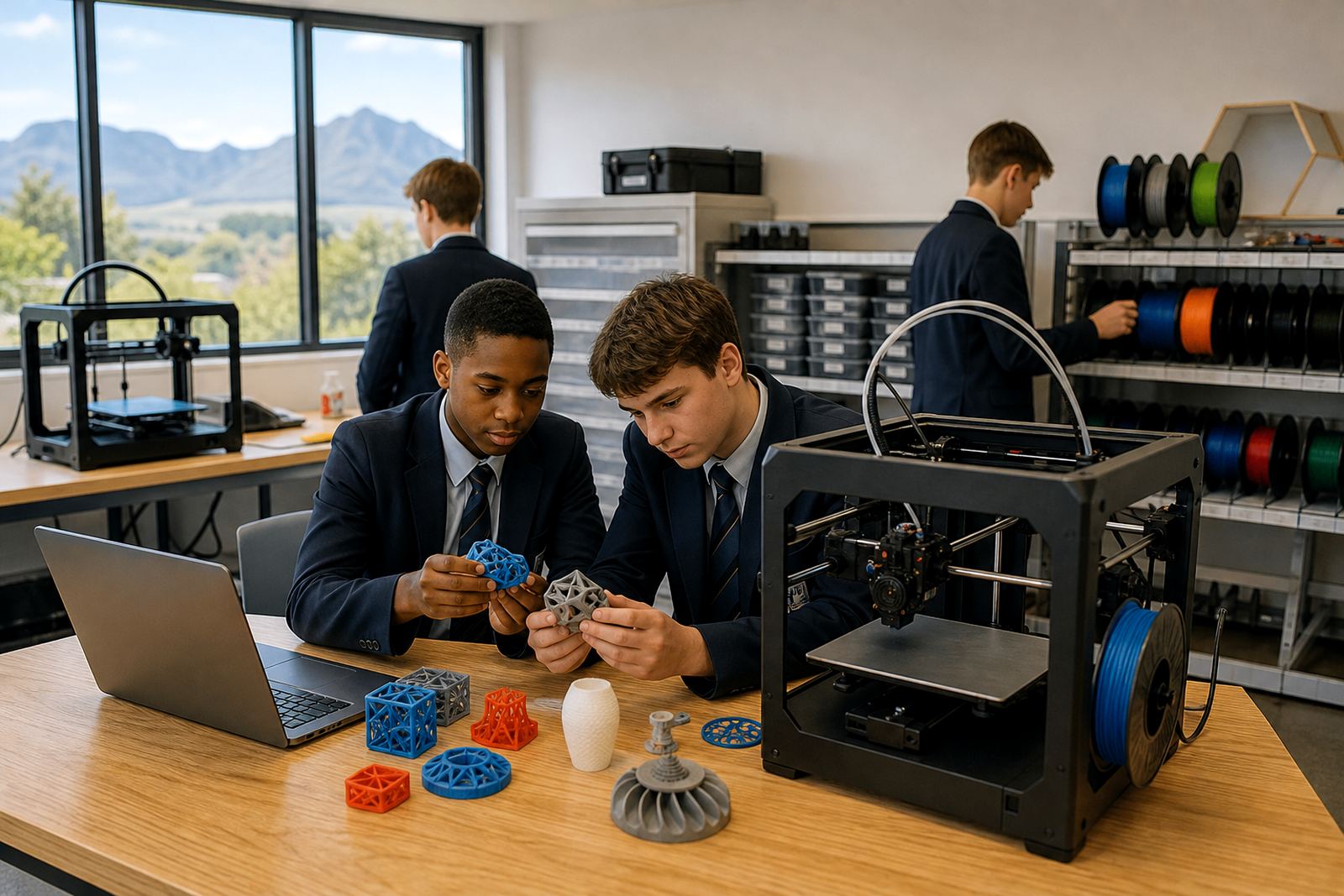
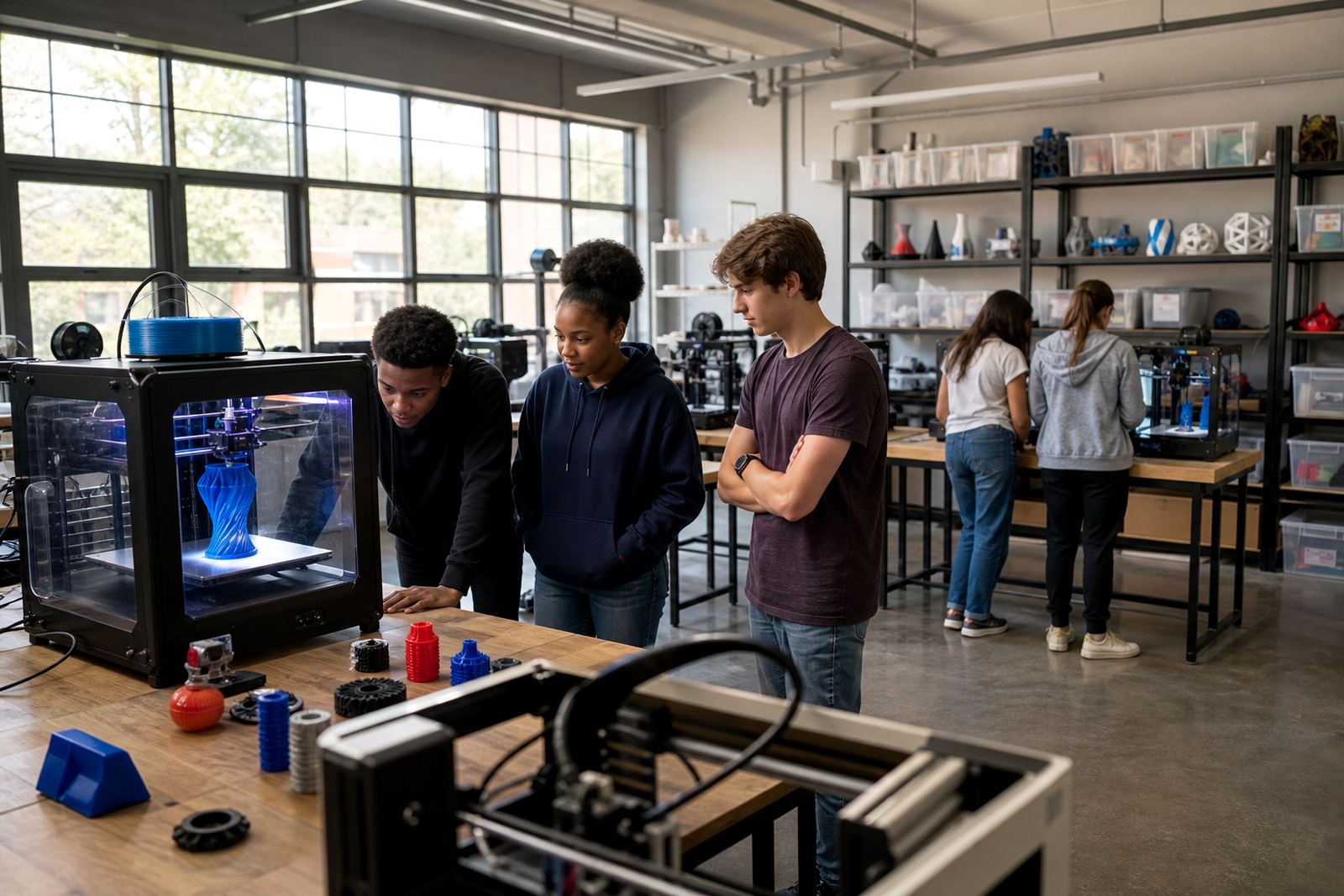
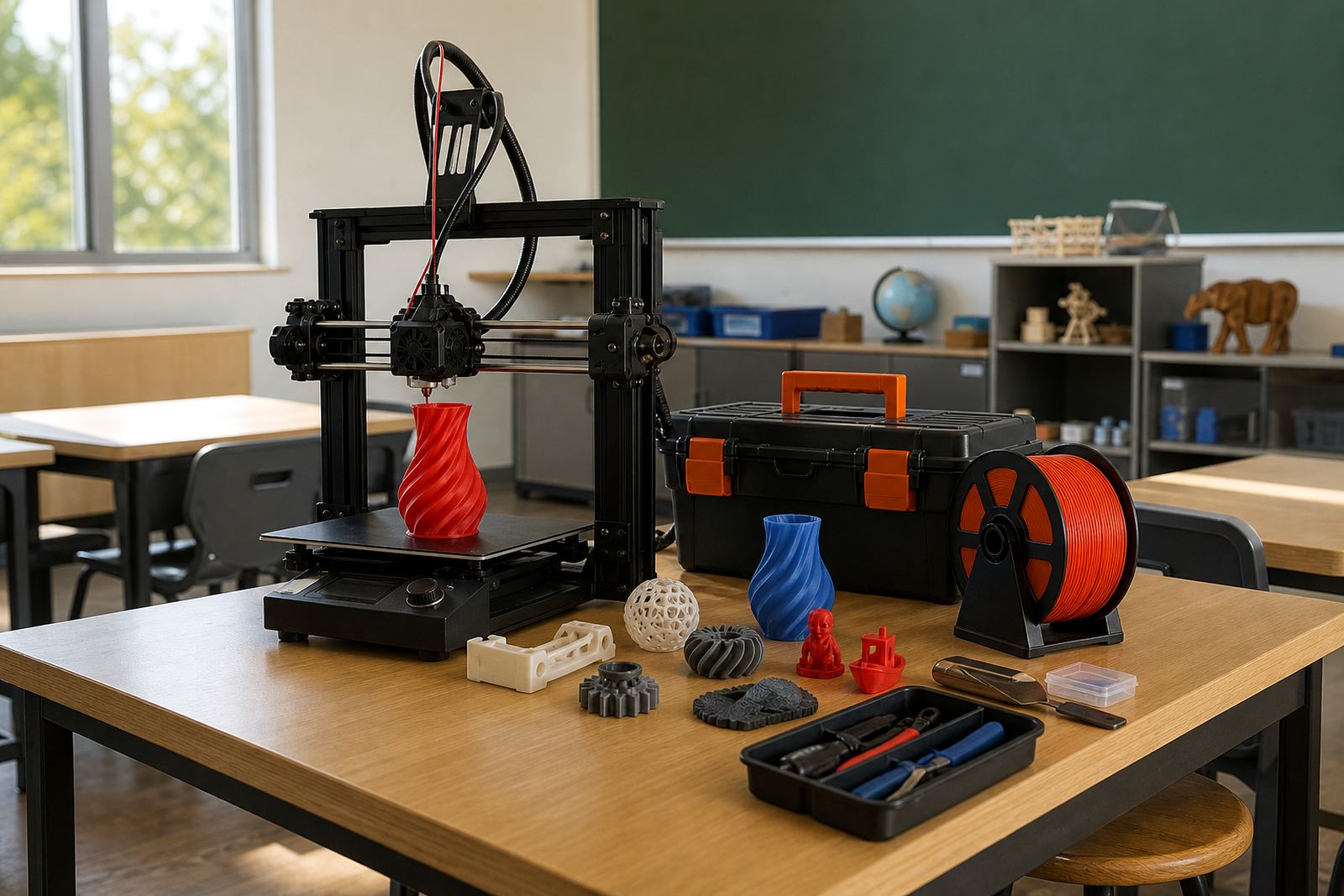
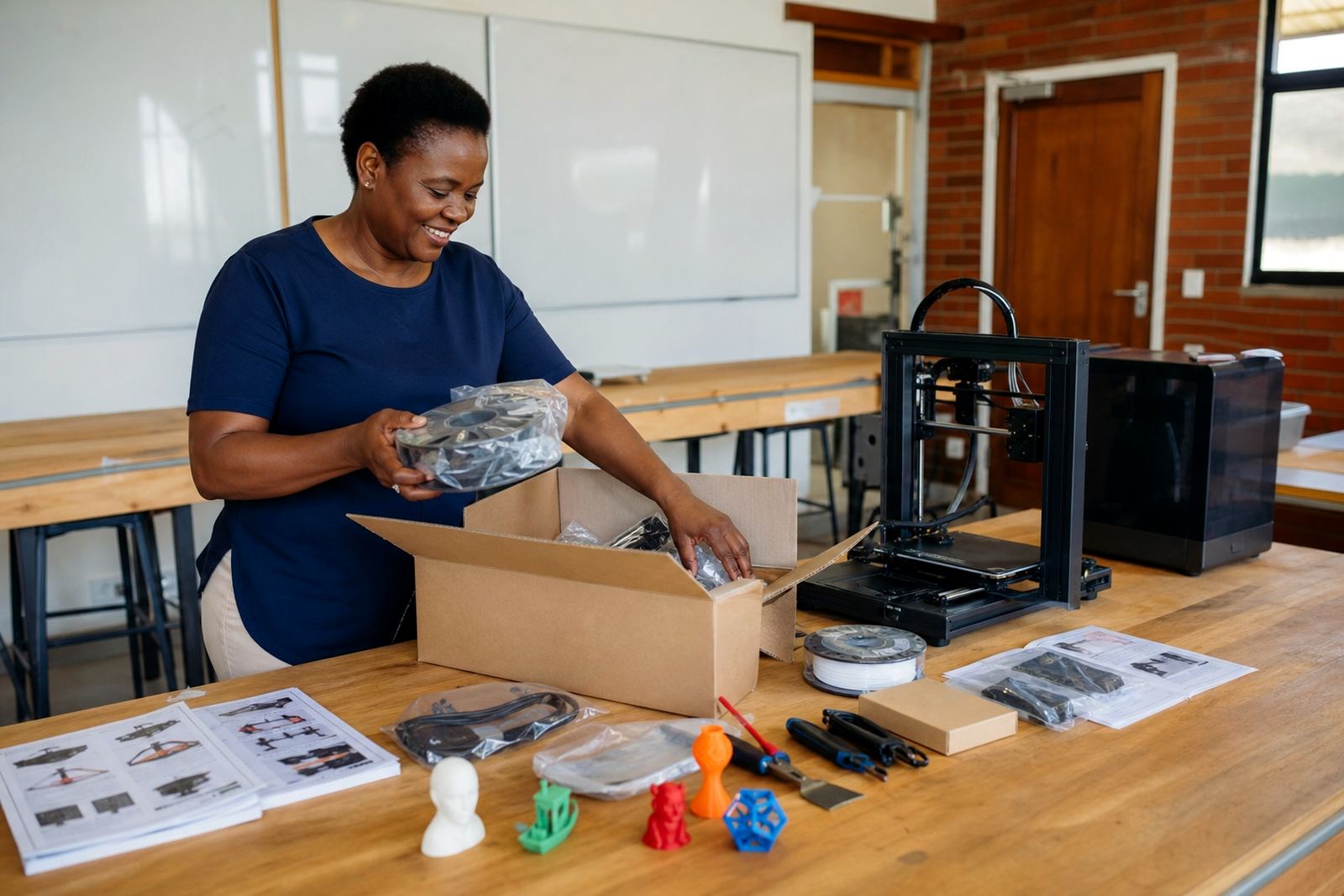
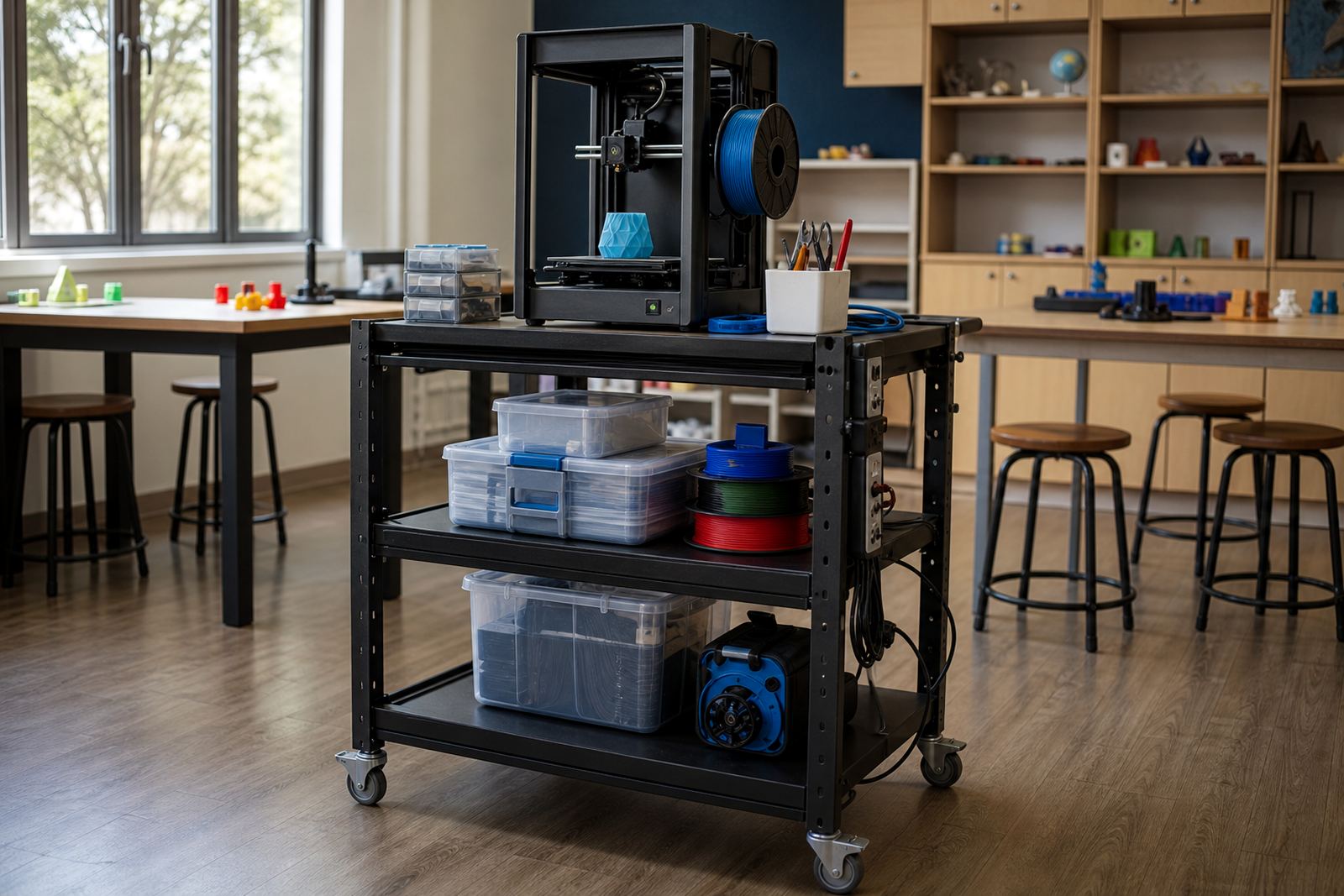
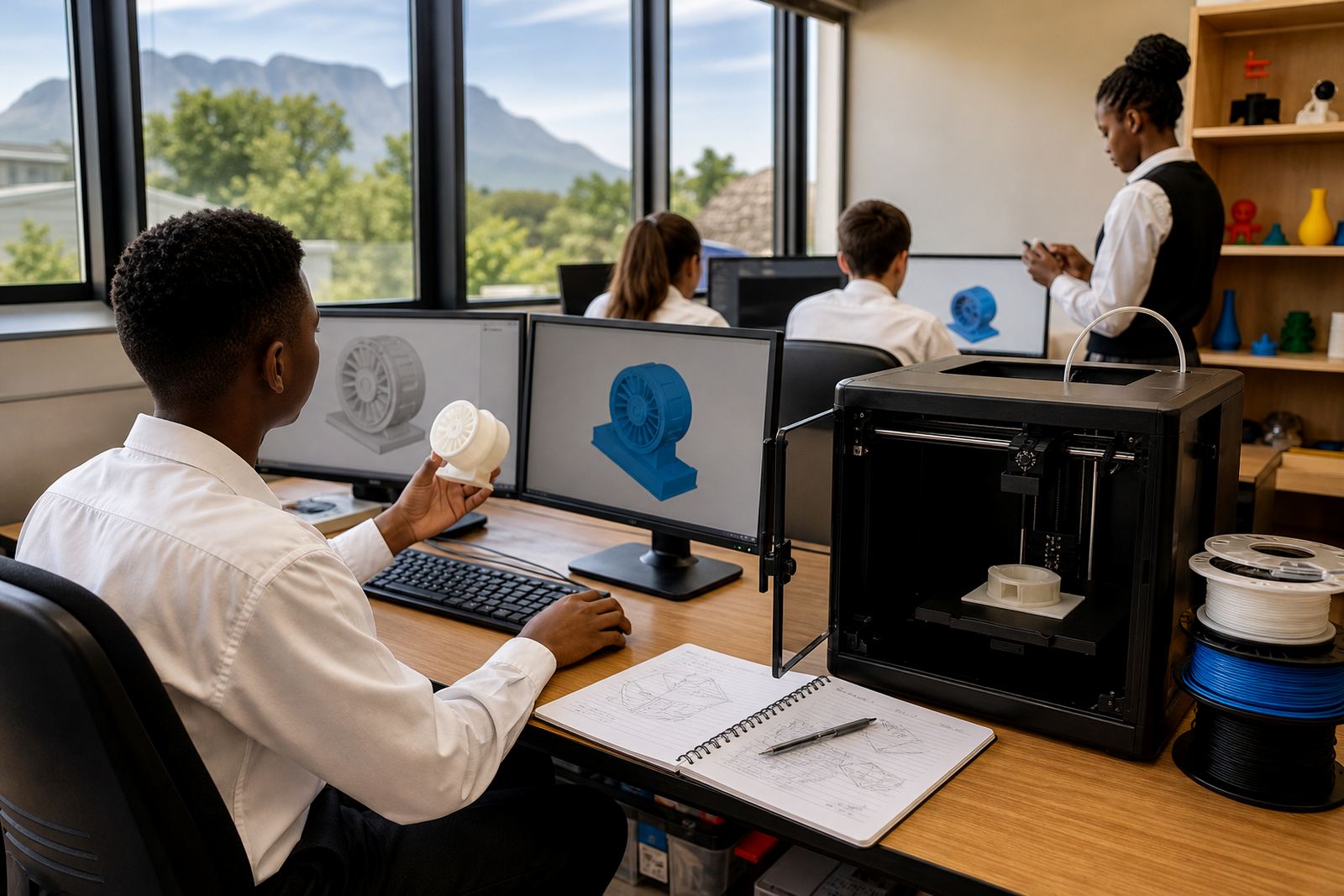
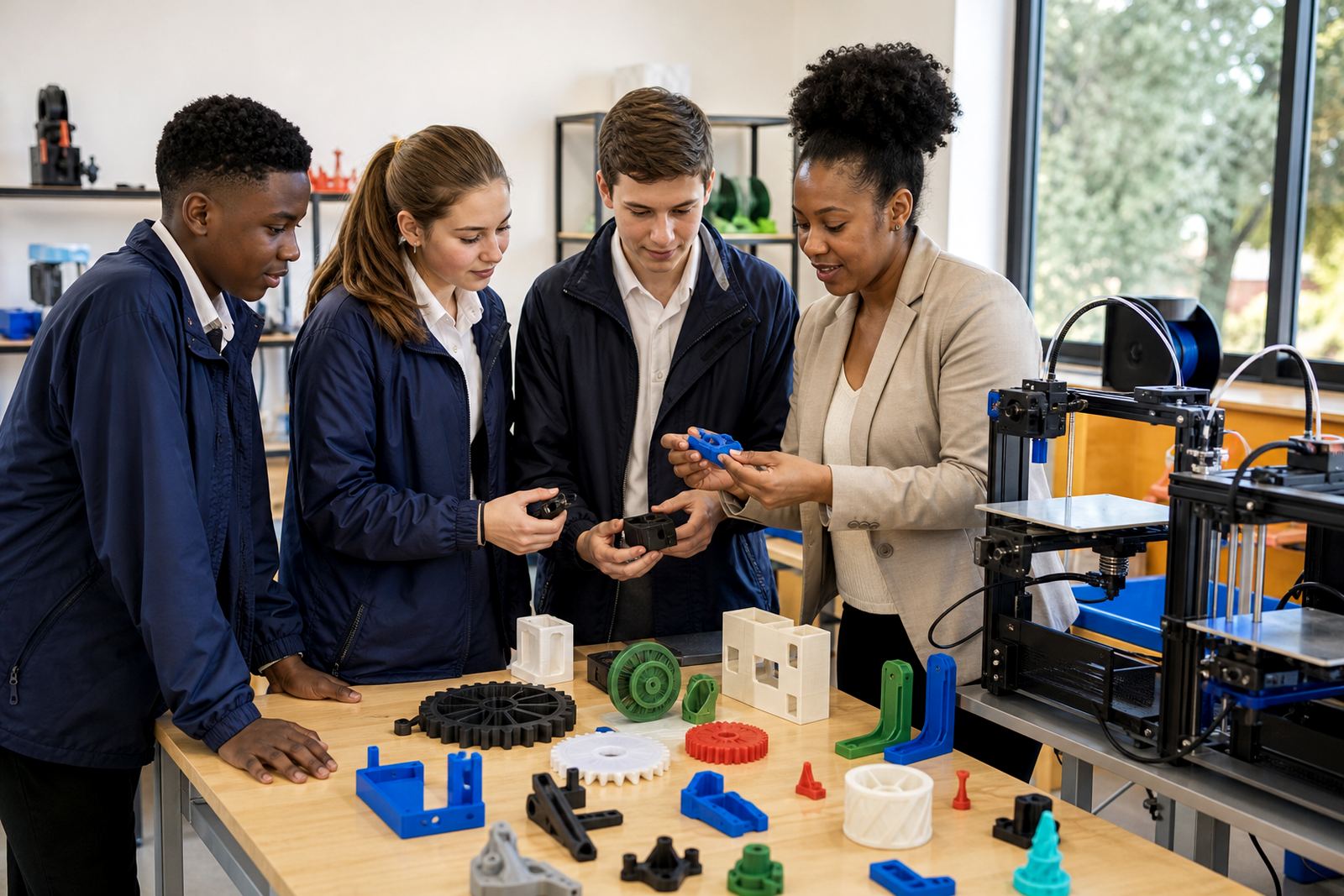
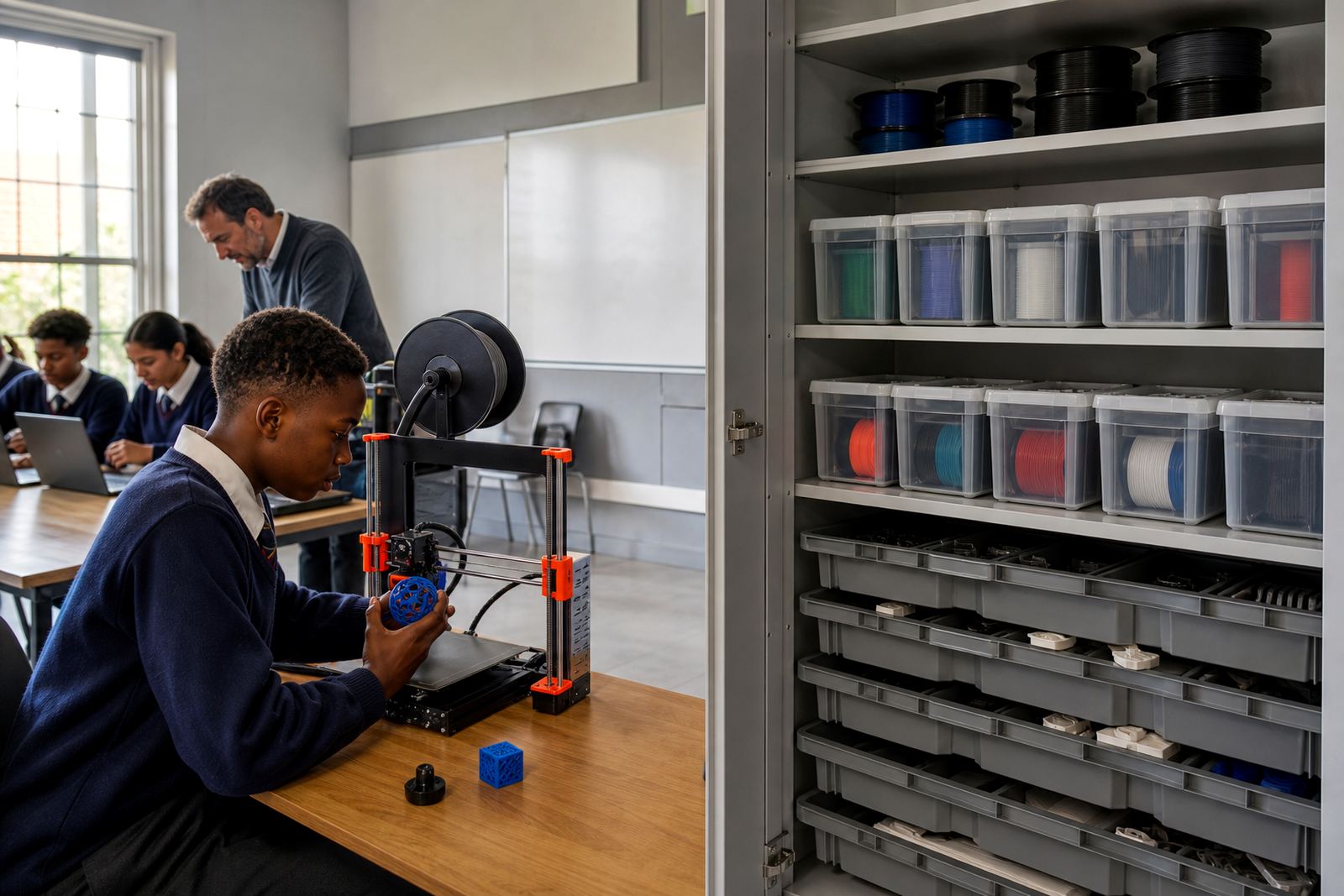
A good school kit brings together the equipment a class needs to start printing, keep materials organised and work safely. For schools in Stellenbosch, Cape Town, Johannesburg, Pretoria, Durban and Gqeberha, that often means a printer, basic tooling, storage, power protection and the right classroom accessories. The aim is not to overfill the room, but to create a setup that teachers can manage and learners can use without constant downtime.
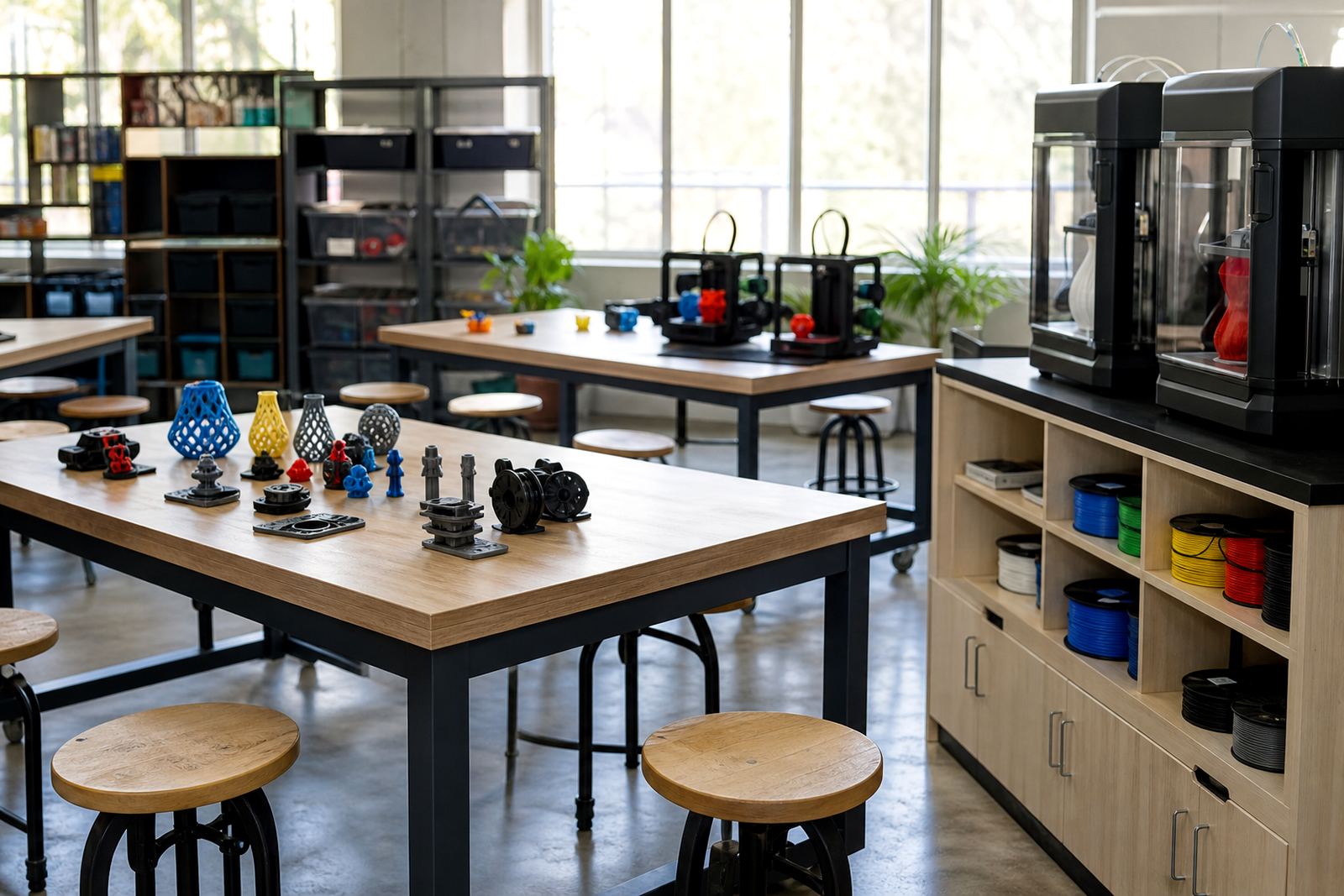
When planning a lab, it helps to think in stages. Some schools need a starter setup for a single teacher and small group. Others need a fuller space for clubs, Technology classes or project work across several grades. The right mix depends on class size, available counters, storage and how much printing will happen each week.
Choosing a kit for your classroom space
Room layout matters just as much as the equipment list. A compact classroom in Paarl will need different storage and cable planning from a larger lab in Pretoria. Before choosing a kit, measure the available surface area, check where the power points are, and decide where the printer will sit during lessons and after hours.
- Allow space for the printer to sit on a level, stable surface
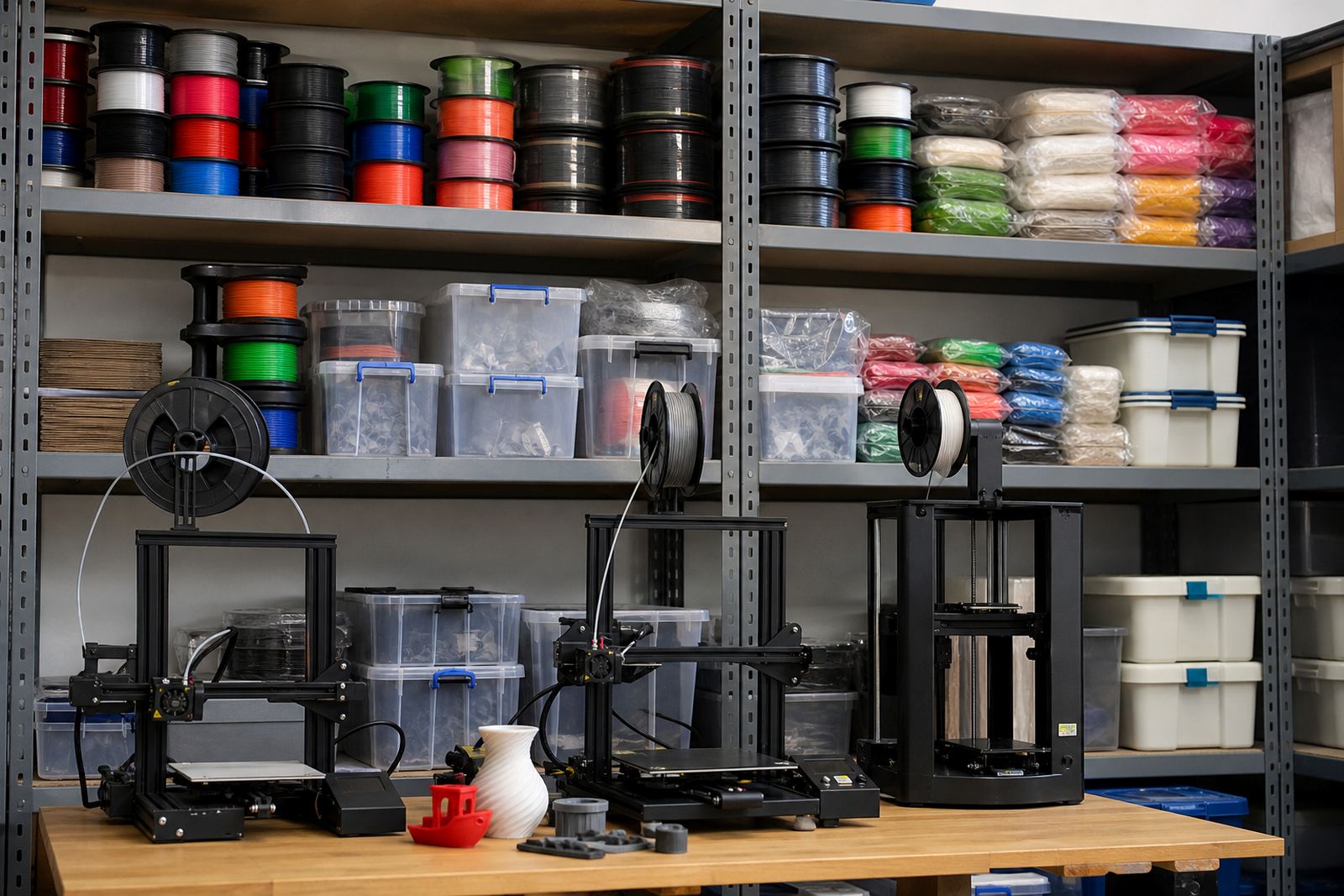
- Keep filament, tools and spare parts in a dry cupboard or lockable box
- Plan for a clean work zone where learners can remove prints and tidy up
- Use label cards or shelf labels so items return to the same place
- Place equipment away from direct sun, damp corners and busy walkways
In coastal towns, humidity can affect storage, so sealed containers are worth including. In hot or dusty areas, covers and enclosed shelving help keep the kit ready between lessons.
Power protection and day to day reliability
Schools across South Africa have to deal with load-shedding, brief outages and the odd power surge. A useful lab kit should take that into account. Protective equipment helps reduce interruptions and can protect printers, controllers and computer accessories from avoidable damage. It also gives teachers more confidence when lessons are scheduled around tight timetables.
Good setup choices include proper cable routing, clearly marked switches and enough room to shut the system down safely. If the room is shared, it is worth arranging the kit so that one person can pack up quickly after a session. That keeps the space tidy and lowers the risk of faults from loose leads or misplaced tools.
Support items that make teaching easier
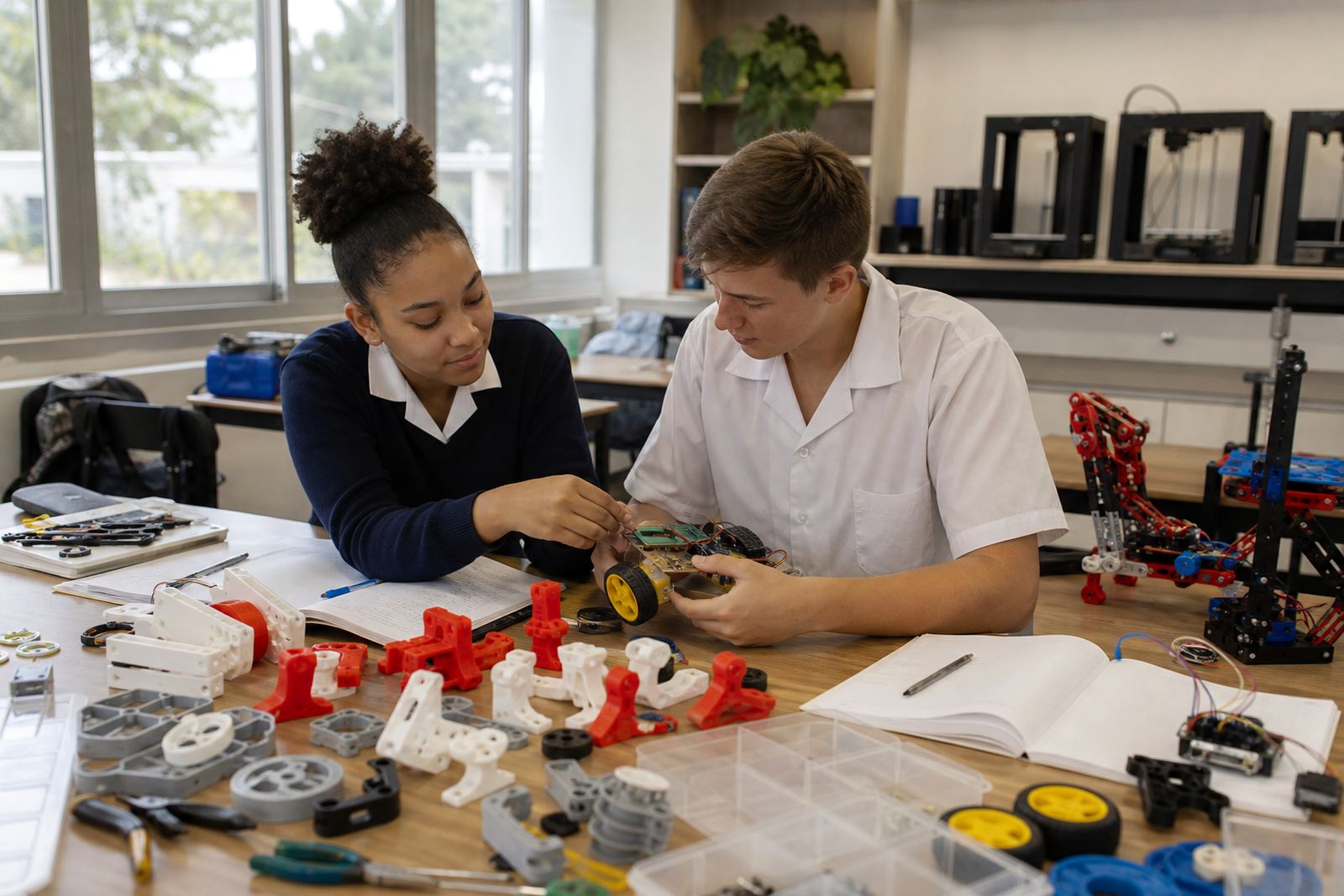
The small items in a lab often make the biggest difference. A well planned kit should include the bits that help learners follow instructions, clean up properly and complete a print without frustration. These items are practical, inexpensive compared with the printer itself, and they save time during busy school weeks.
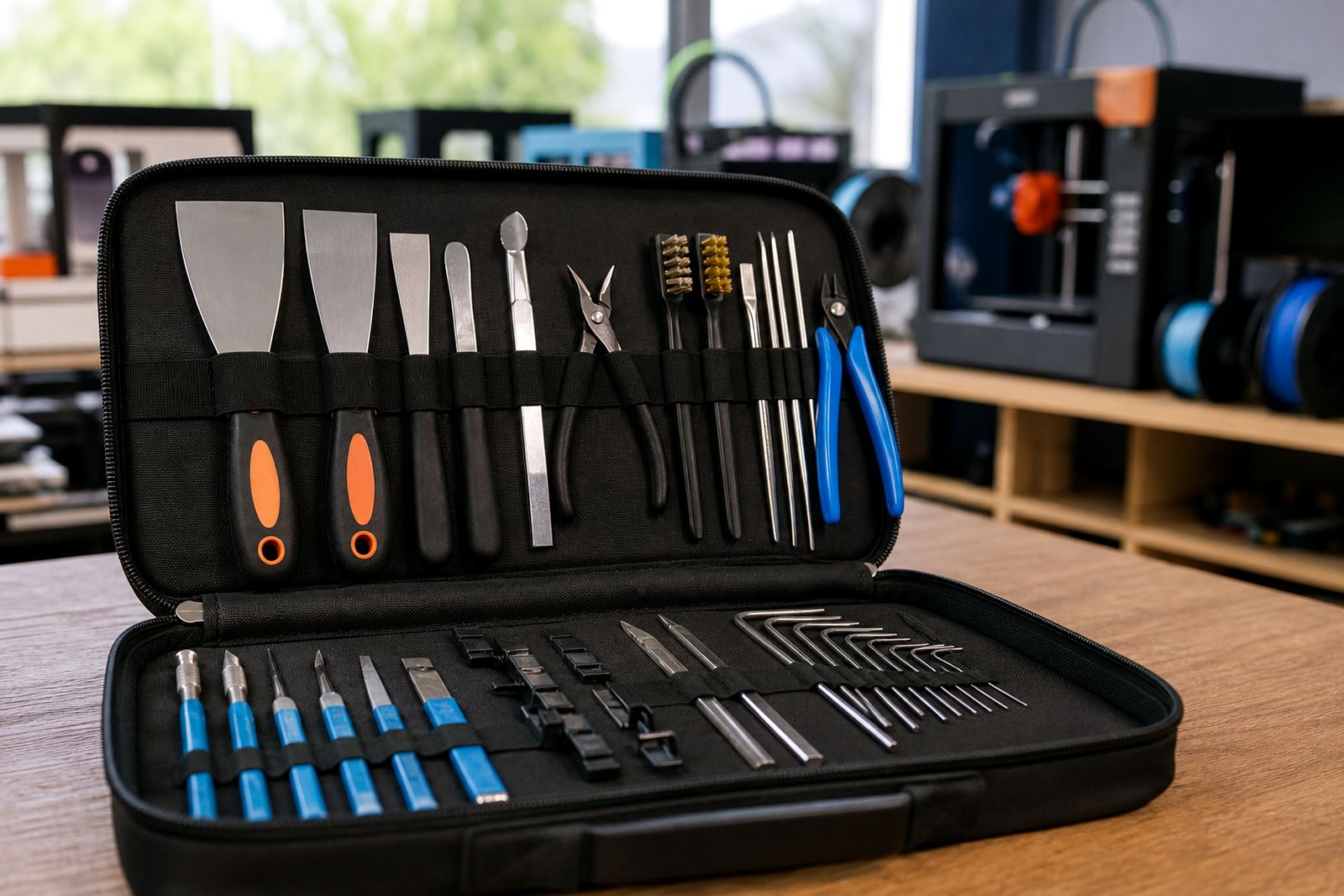
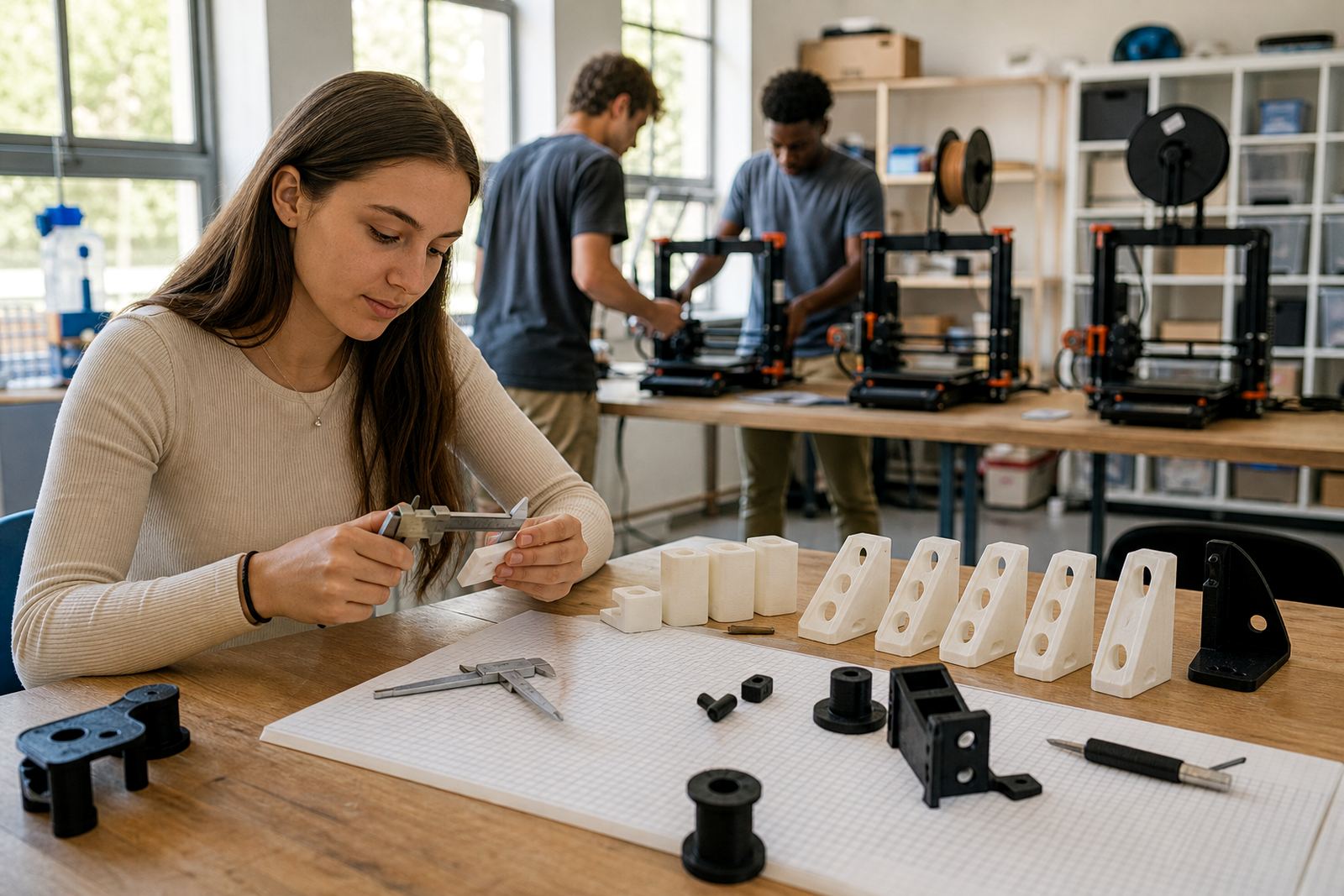
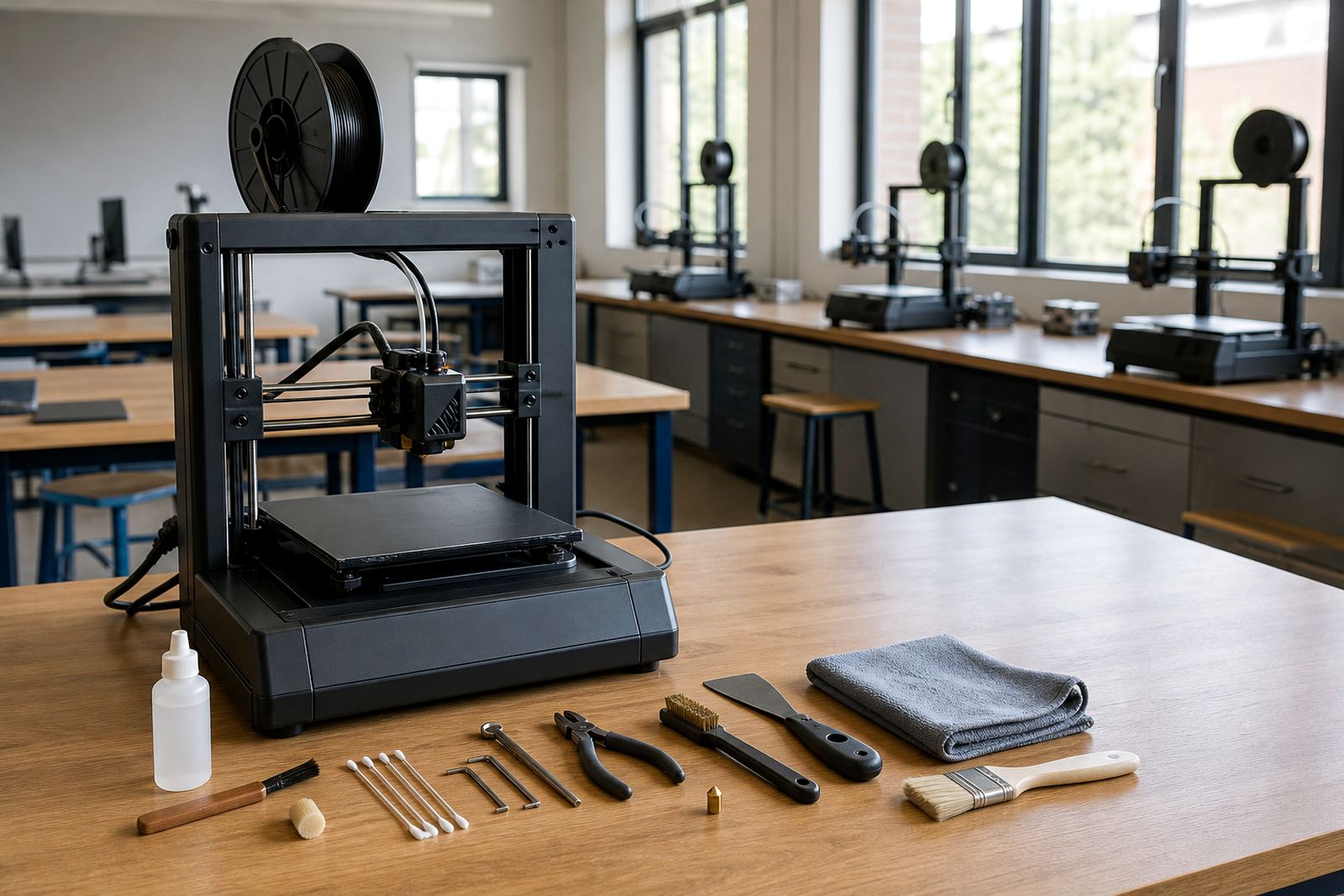
- Spatulas and removal tools for taking prints off the bed
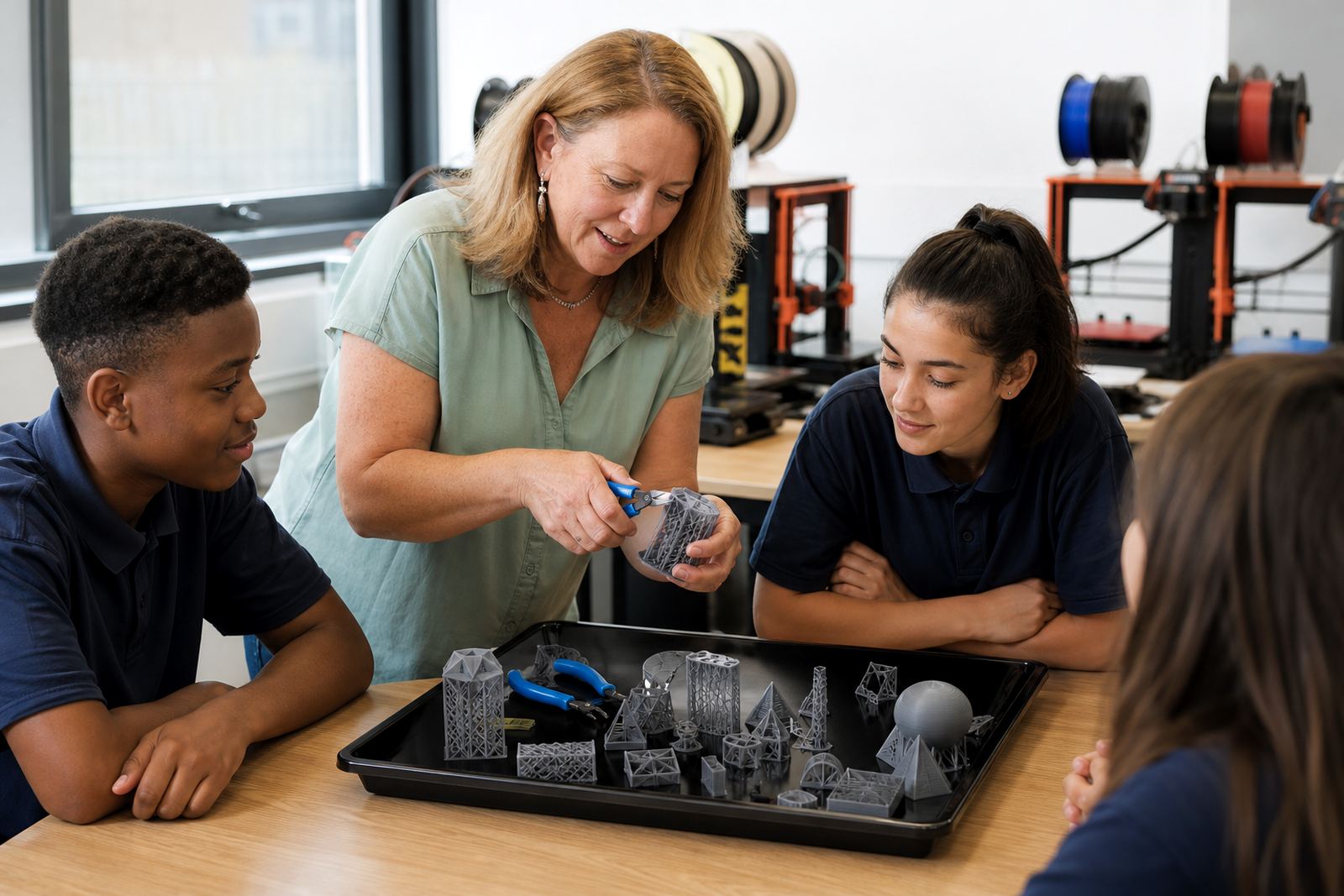
- Side cutters and basic finishing tools for trimming filament
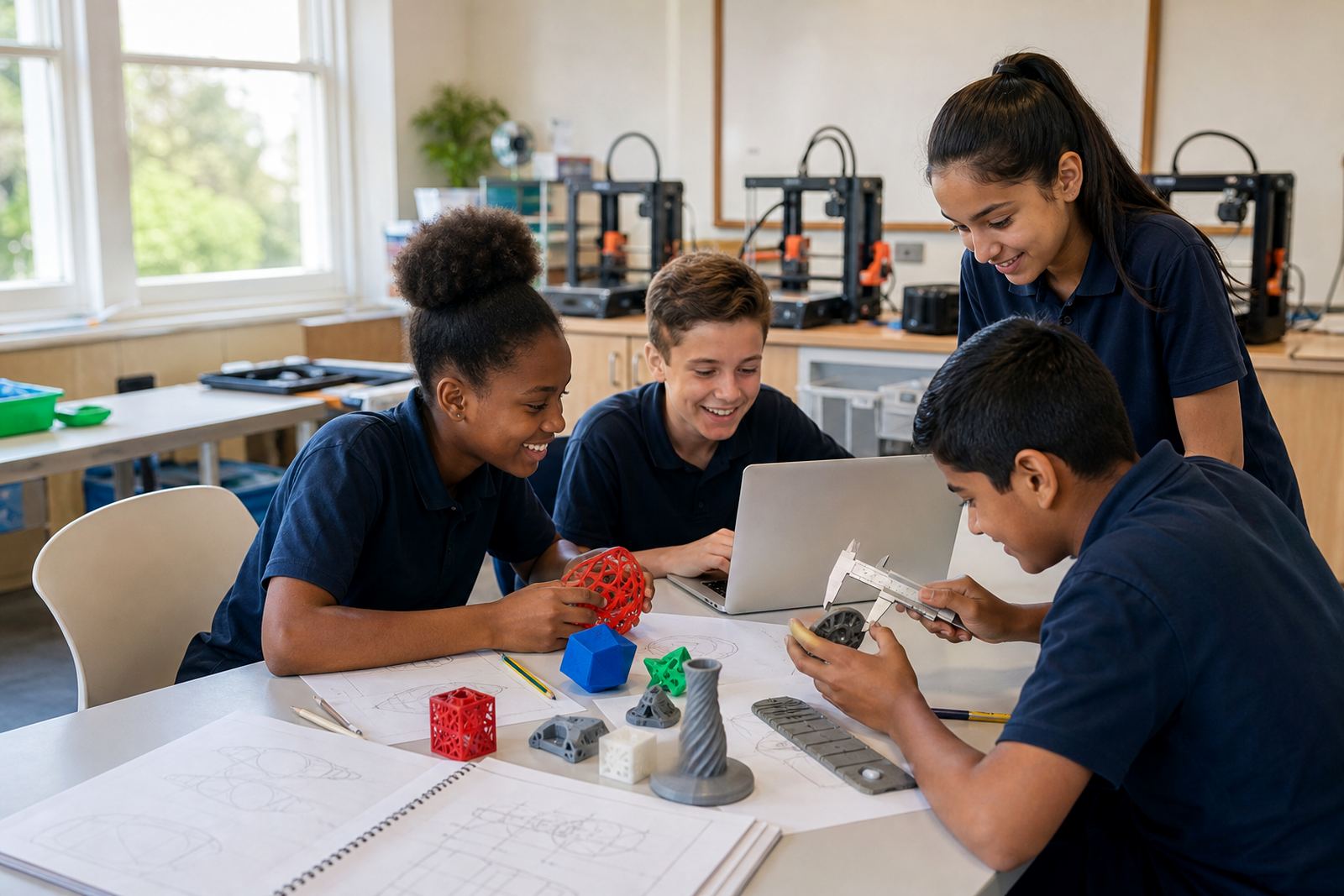
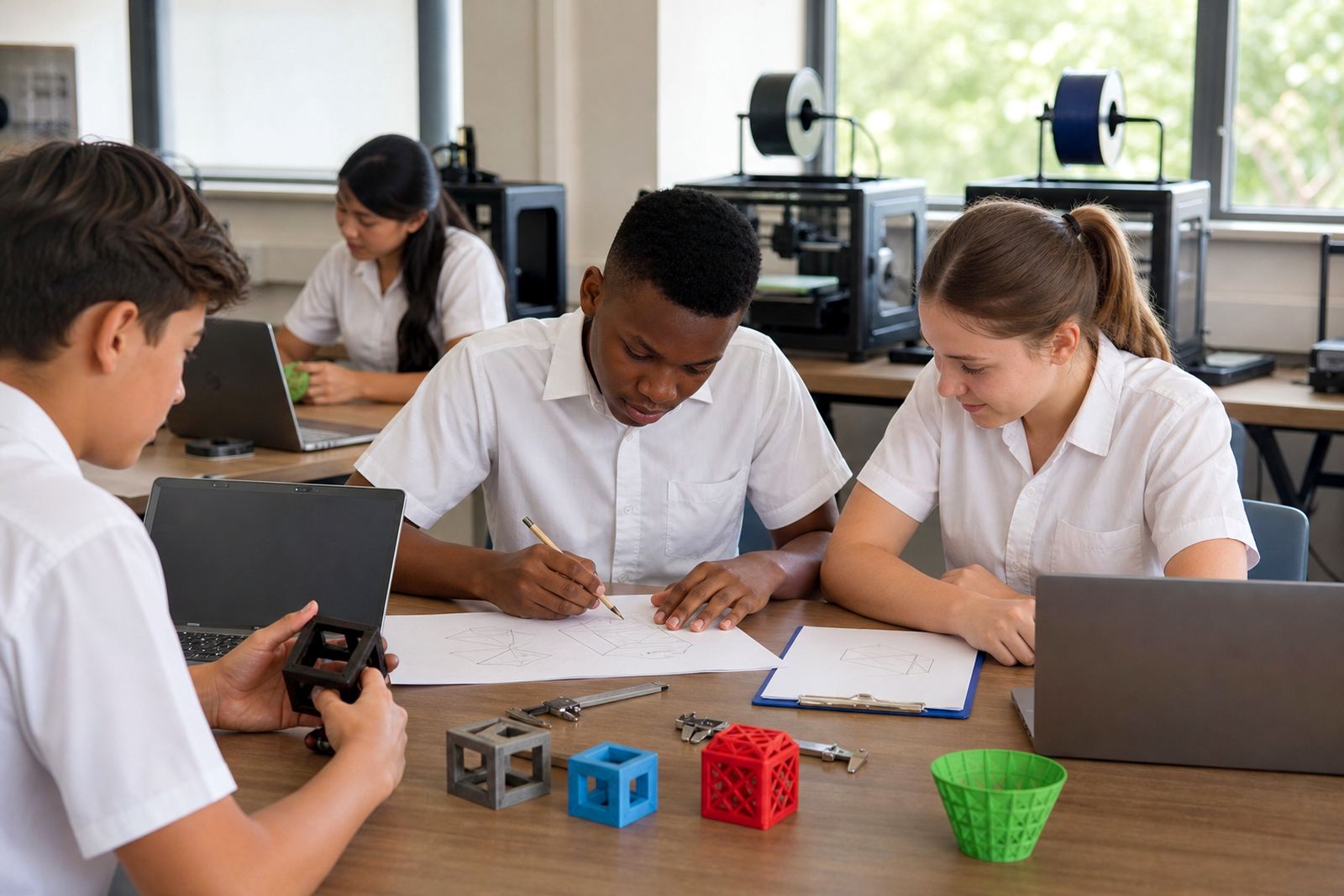
- Measuring tools for checking dimensions and fit
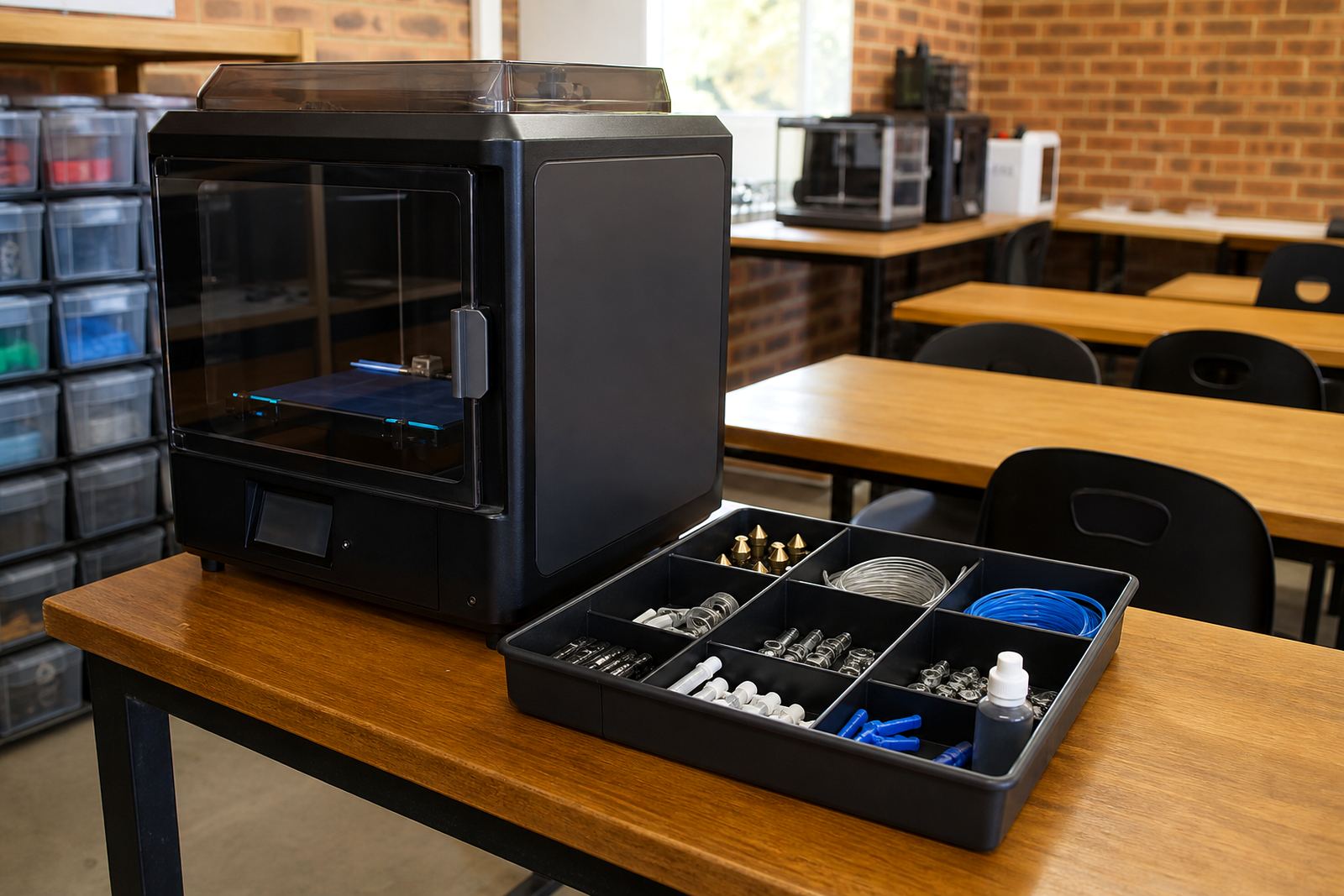
- Storage tubs for filament, samples and spare nozzles
- Cleaning cloths and brushes for regular maintenance
- Clear labelling for filaments, project parts and safety items
Teachers often find that a tidy support kit makes learners more independent. They can collect the correct tool, complete the task and return everything in order, which keeps the room workable over time.
Safe classroom use for learners and staff
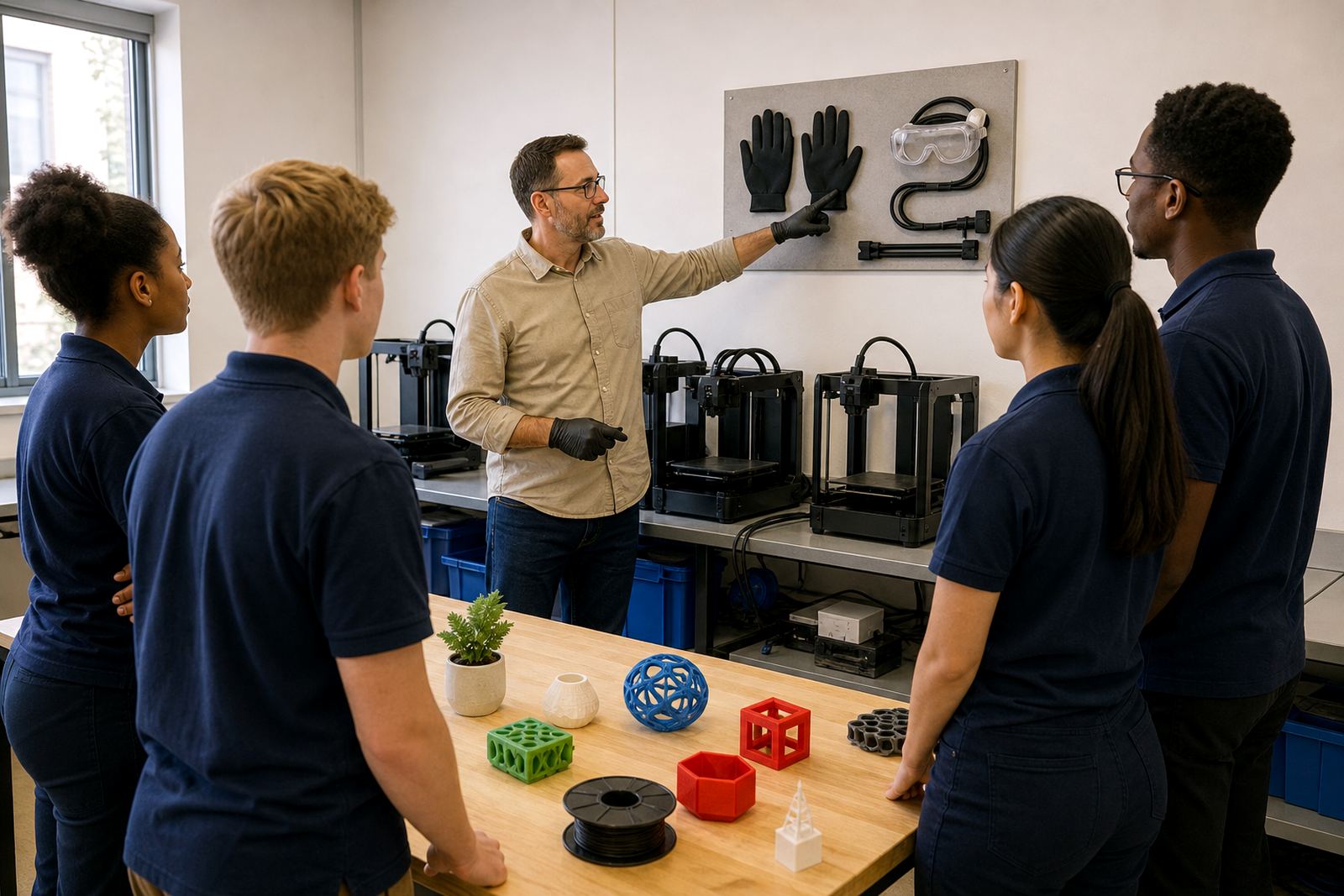
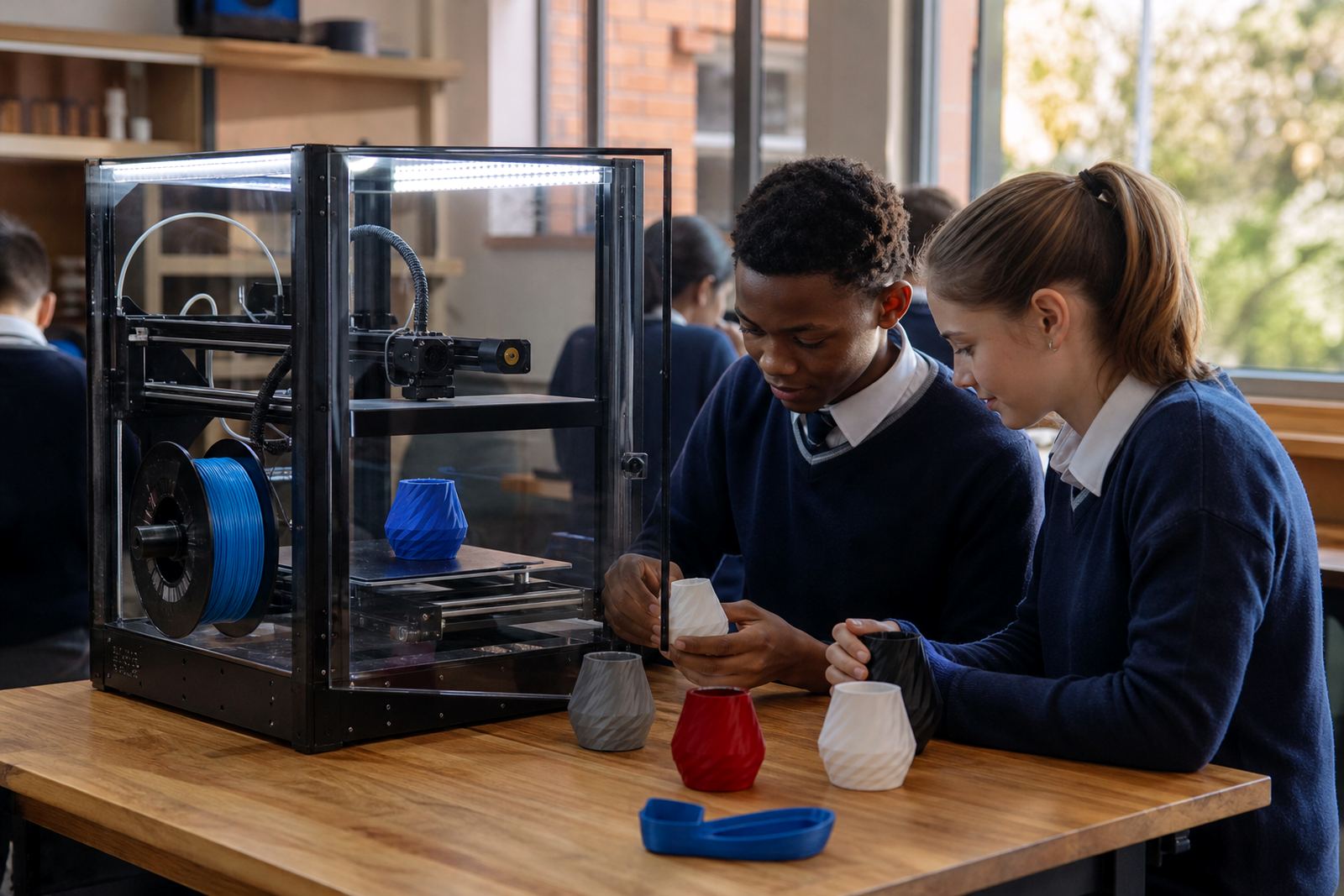
3D printing is hands-on and that is part of the value, but schools still need simple safety rules. Learners should know which parts get hot, when to ask for help and why the printer must not be touched while it is operating. A clear routine works better than long explanations that get forgotten halfway through the lesson.
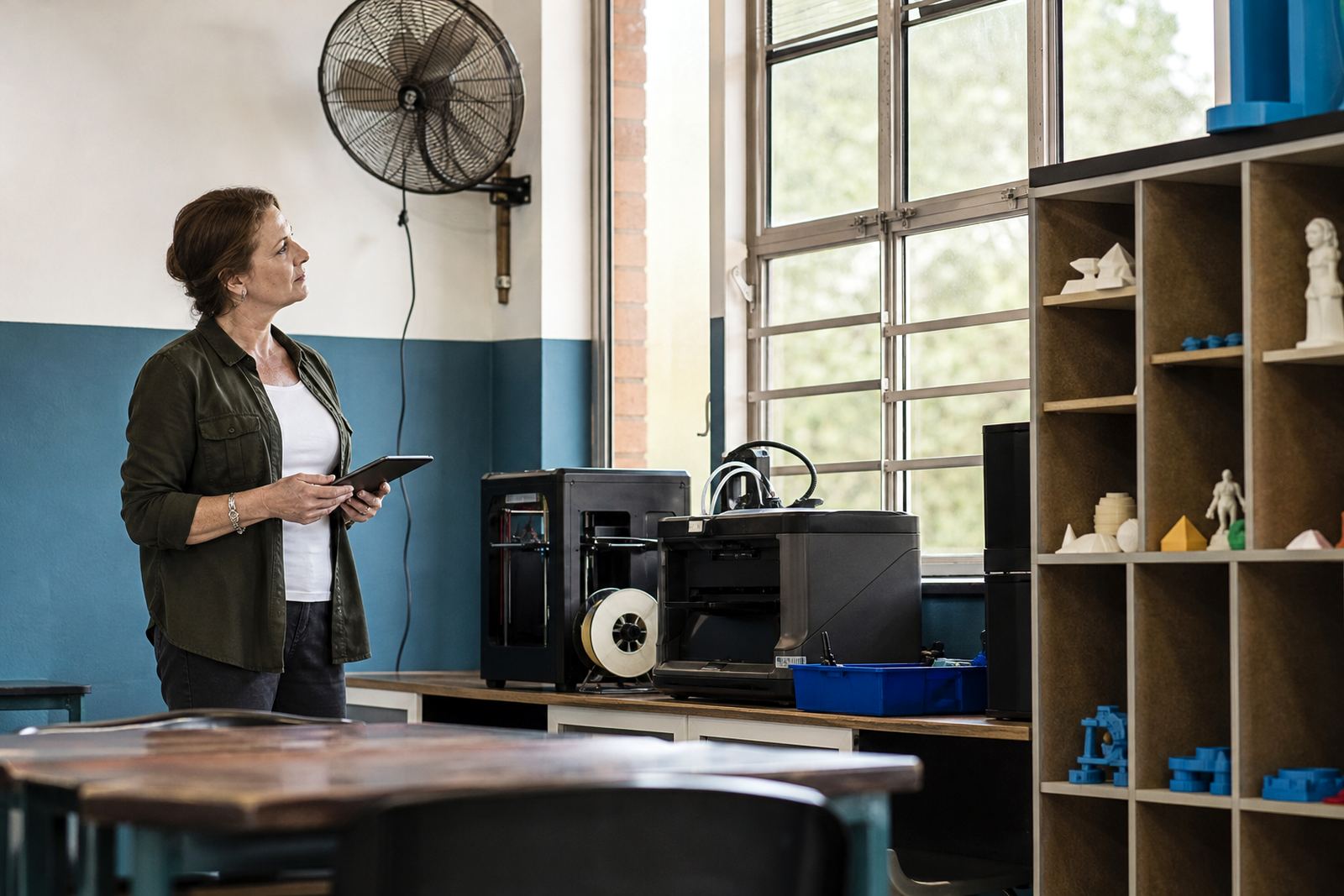
Basic guidance usually covers supervision, airflow, keeping hands clear of moving parts and storing consumables out of reach when not in use. If a lab is shared between classes, teachers should also agree on who switches equipment on, who checks the workspace and who records faults. That keeps the room organised and reduces accidents.
How schools use the kit over the year
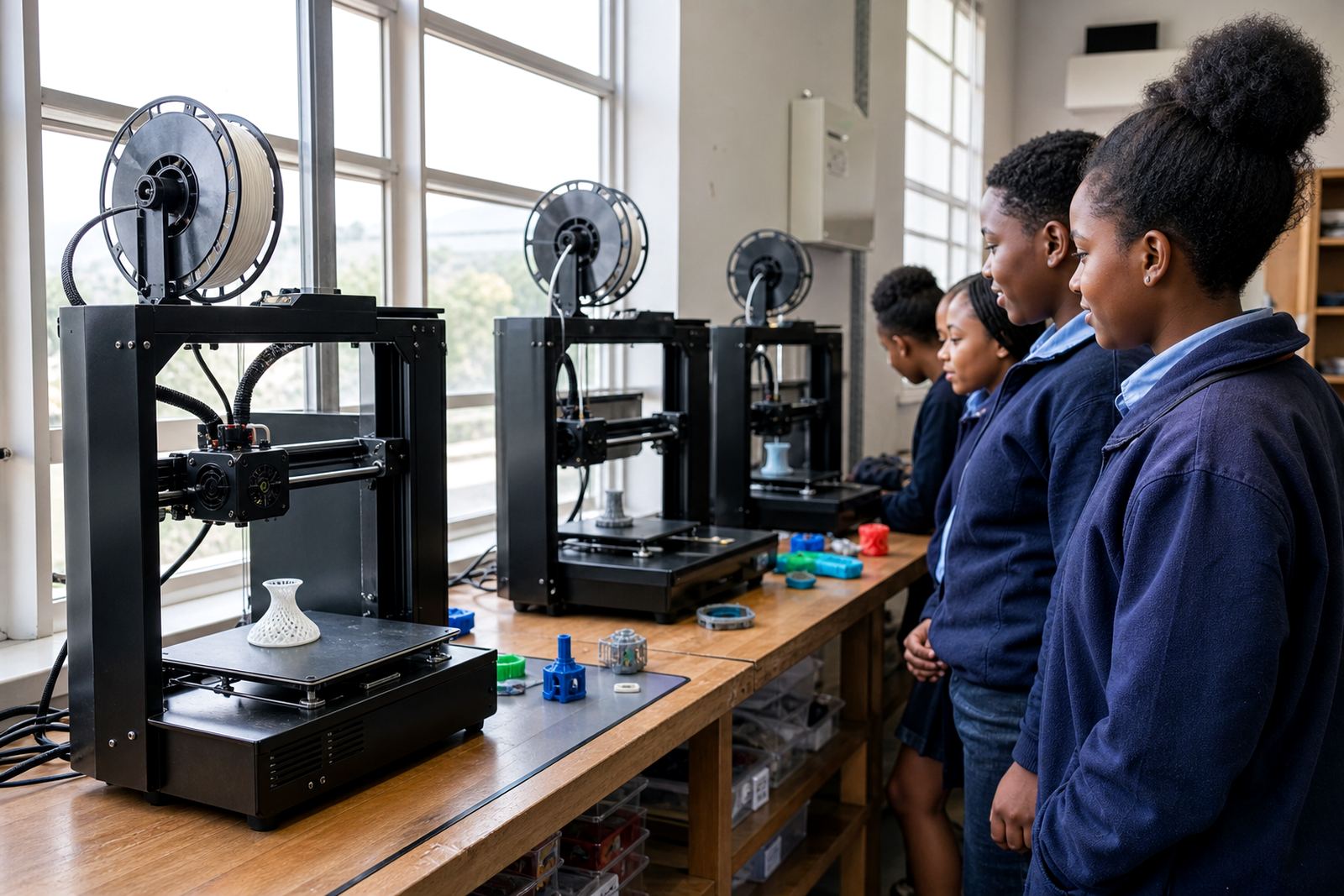
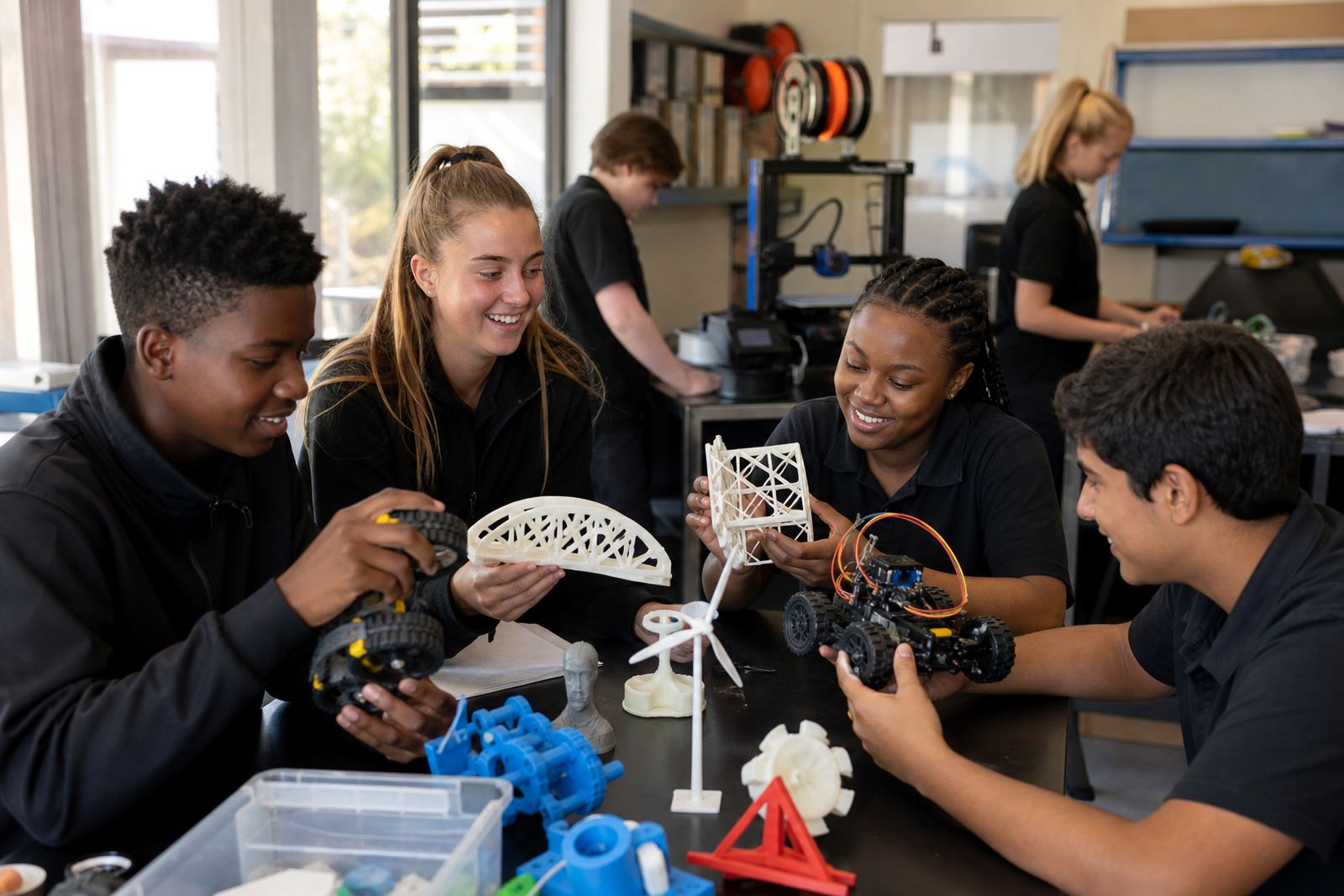
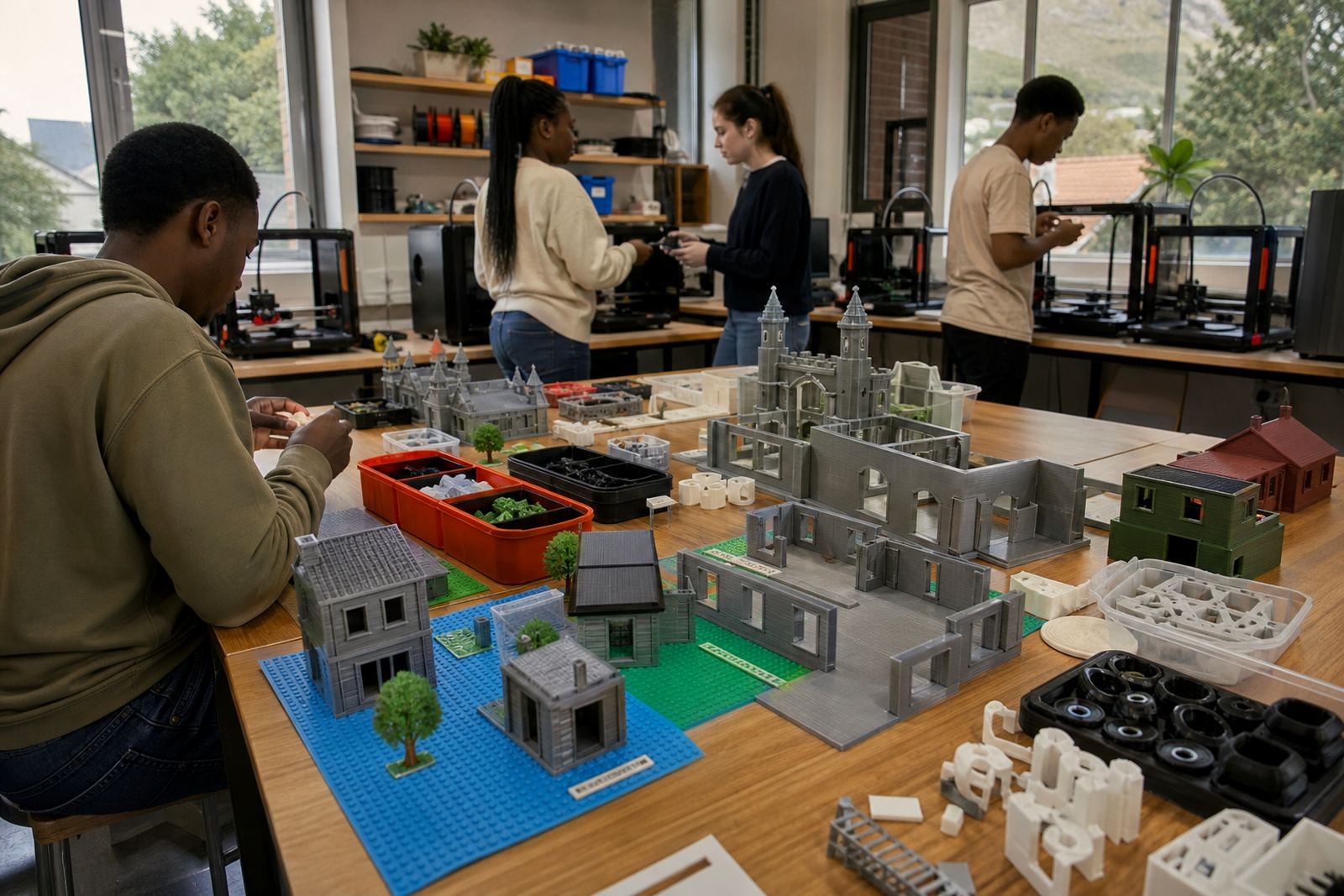
A school 3D lab kit can support more than one type of activity. Some schools use it for teacher demonstrations, others for short learner projects, and some for clubs or holiday programmes. The same core equipment can also support design lessons, model making and practical problem-solving across subjects. It is useful to think about the year ahead before choosing the final contents.
- Teacher introduction sessions for confident first use
- Learner foundations classes for basic modelling and printing
- Maintenance basics for simple upkeep and troubleshooting
- Custom group workshops for a specific grade or subject focus
If you are comparing kit options, look at what can be taught with the equipment you already have and what still needs to be added. That way the space grows in a sensible order, not all at once.