What the CAD Practice Pack includes
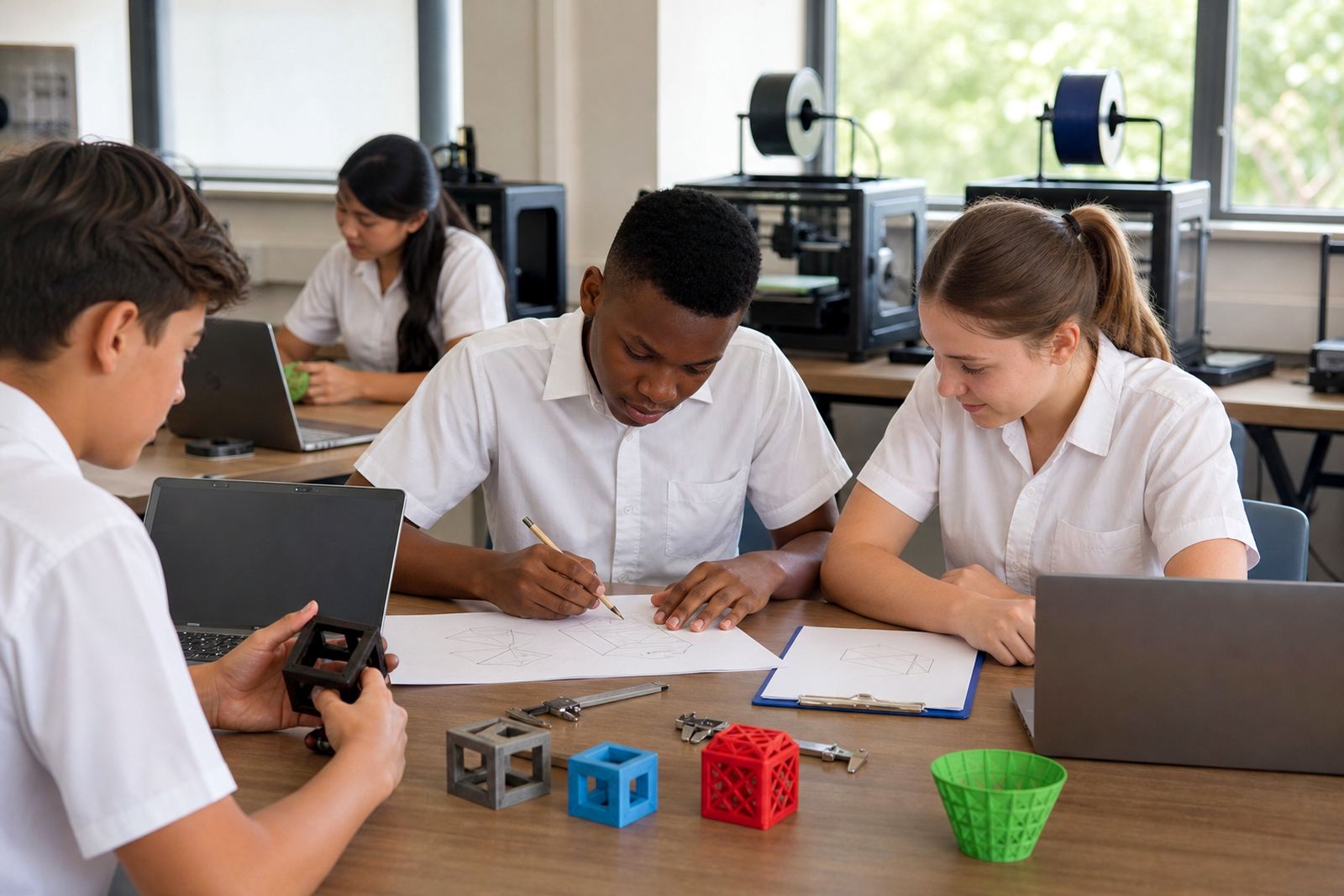
The CAD Practice Pack is a classroom resource set for early design work in 3D printing courses. It helps learners practise drawing, measuring, editing shapes and preparing files before they commit to a final print. The pack is useful where students are still learning how to think in layers, tolerances and print-friendly geometry.
It is supplied as a teaching pack rather than a machine kit, so it can be used with existing computers and any compatible 3D printer in the lab. Schools often use it during introductory lessons, holiday programmes and maker club sessions when time is limited and learners need a clear sequence to follow.
- Beginner-friendly design exercises for classroom use
- Works with most common entry-level 3D design programmes
- Suitable for group teaching or one learner at a time
- Can be reused across several classes with basic care
Size options and classroom fit
The pack is available in small, standard and extended classroom formats so schools can choose according to class size and lesson time. A smaller pack suits a teacher introducing CAD to one group, while a larger pack is better for a lab that runs repeated sessions during the week. For schools in Stellenbosch, Cape Town and surrounding towns, the smaller set is often enough for after-school clubs, while larger groups in bigger campuses tend to choose the extended option.
Because the exercises are modular, they can be spread over several lessons or completed in a single workshop. The pack is also useful where only some learners have computer access at one time, since tasks can be rotated between design, checking measurements and preparing print files.
- Small: ideal for 1 educator and a small group
- Standard: suited to a full class rotation
- Extended: better for multi-day workshops or larger labs
Where it works best in the school timetable
The CAD Practice Pack suits the early part of a 3D printing programme, before learners start printing functional parts or final project pieces. It is a strong fit for Technology, CAT-linked digital skills activities, STEM clubs, holiday classes and teacher upskilling sessions. The exercises support hand-eye coordination, measuring, problem solving and file preparation, which makes them useful across a range of grade levels.
In a school setting, the pack can be used to bridge the gap between theory and the printer. Learners get to test ideas first, then make adjustments before a print job is started. That reduces wasted filament and helps teachers manage class time better, especially when load-shedding cuts into a lesson or a computer lab has to work in shorter blocks.
- Introductory CAD lessons
- Pre-print design practice
- Holiday clubs and extra lessons
- Teacher demonstrations and group workshops
Installation, power and lab setup needs
The CAD Practice Pack itself has no power or gas requirements. It is a printed and digital teaching resource used alongside a computer, and if learners are going on to print their designs, the usual 3D printer setup will apply. Most schools already running a basic lab only need a clean working area, enough seating, and computers with the relevant software installed.
For smooth use in South African schools, keep the room well ventilated and avoid placing computers or printers near windows with direct coastal moisture, especially in areas like Durban or Gqeberha. If the pack is being used next to printers, teachers should also make sure learners know where to keep hands during hot nozzle and bed areas. A few simple rules help a lot:
- Keep drinks away from computers and printers
- Use a stable table with enough space for mice, notebooks and sample parts
- Store lesson sheets in a dry cupboard
- Use a backup power plan where classes are affected by load-shedding
Care, storage and long-term use
The pack is intended for repeated classroom use, so good storage matters. Keep printed sheets flat and dry, and store any sample pieces in labelled containers so parts do not go missing between sessions. If the pack includes reusable classroom components, they should be checked after each lesson for wear, bent corners or cracked edges.
Teachers and lab staff should also keep the exercises organised by level. That makes it easier to reset the room for the next group and reduces confusion when different classes are working on different tasks. In humid areas or schools close to the coast, it is worth keeping the pack off the floor and away from open windows, because paper and thin plastic parts can warp or curl over time.
- Wipe components with a dry cloth only
- Do not expose printed teaching sheets to water
- Refile lessons after each class
- Check sample parts for cracks or missing pieces before reuse
What to check before ordering
Before placing an order, schools should check the number of learners, the age group, the printer model already in the lab and whether the pack is for first-time use or an ongoing programme. It helps to know if the school wants a single classroom set, several sets for rotation, or a wider resource for teacher development. A quick check of available computer access also matters, because some activities work best when every learner has time on a keyboard and mouse.
It is also worth confirming whether the pack will be used with a teacher-led lesson, a club environment or a mixed group of beginners. That helps match the level of the exercises to the class and avoids overloading younger learners with too much detail. If the school is based in Gauteng, the Western Cape or along the coast, the ordering team can also advise on packaging and storage for transport between campuses.
- Group size and grade level
- Existing computer and printer setup
- Need for one-off or repeat use
- Storage space and transport between campuses
Key facts
| Product type | Classroom CAD practice resource pack |
|---|---|
| Use case | Beginner 3D design exercises before printing |
| Format options | Small, Standard, Extended |
| Suitable for | Schools, labs, maker clubs, holiday programmes |
| Power or gas | None for the pack itself |
| Care | Dry storage, flat filing, basic classroom handling |