



How to choose the right guide for your school
Schools come to 3D printing with different needs. Some are starting with one printer in a small lab, while others want a full programme for technology, design or STEM activities. Our teaching guides help you match the right training to your space, your staff and the age group you are working with.
If you are still planning your rollout, begin with the basics of printer operation and classroom safety. If your team is already using a machine, look at lesson support, project planning and maintenance so the equipment stays in use and not in a cupboard. For schools in Stellenbosch, Cape Town, Johannesburg or Durban, the same practical questions apply: who will run it, where will it live, and how will learners use it safely.
Setup, space and equipment planning
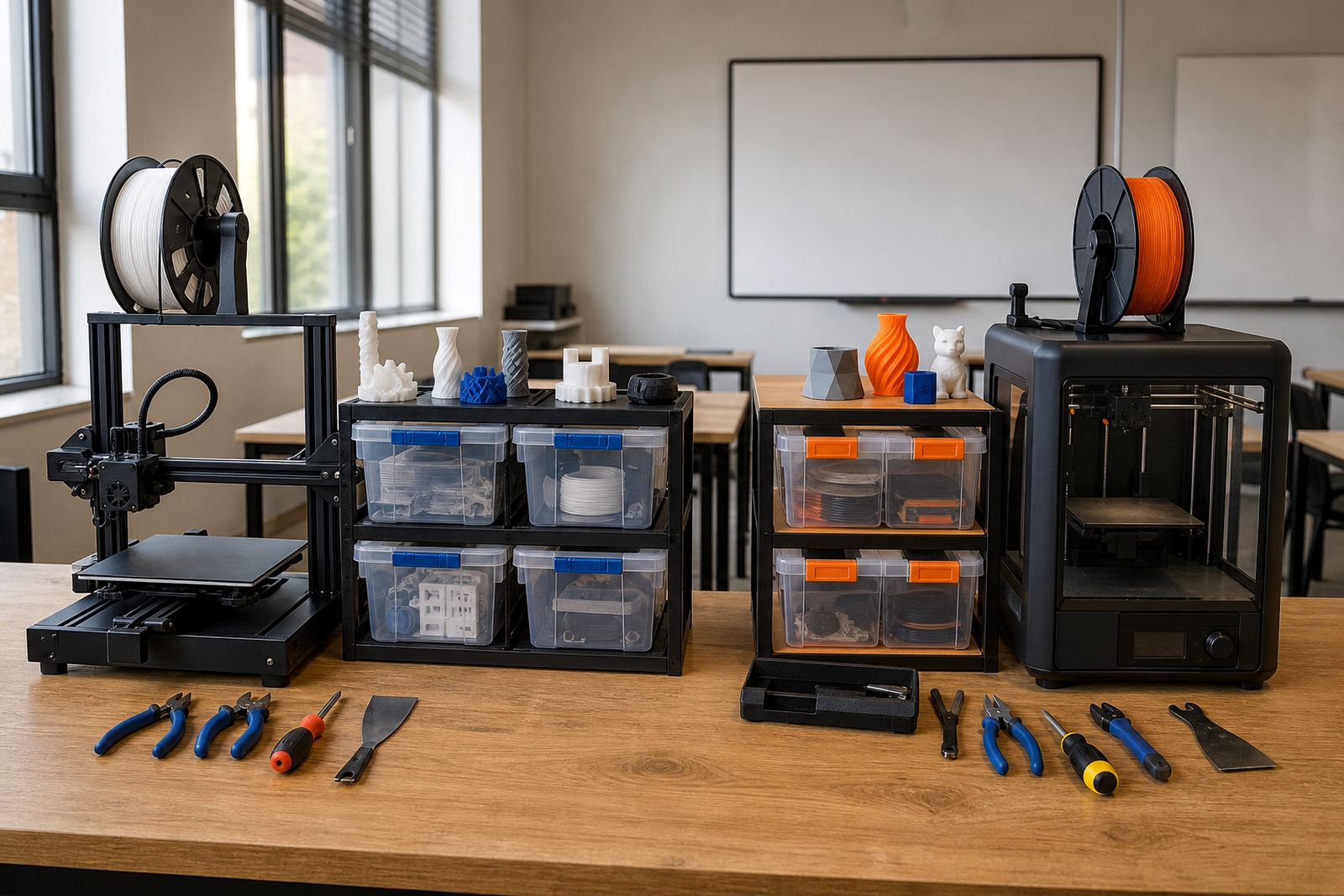
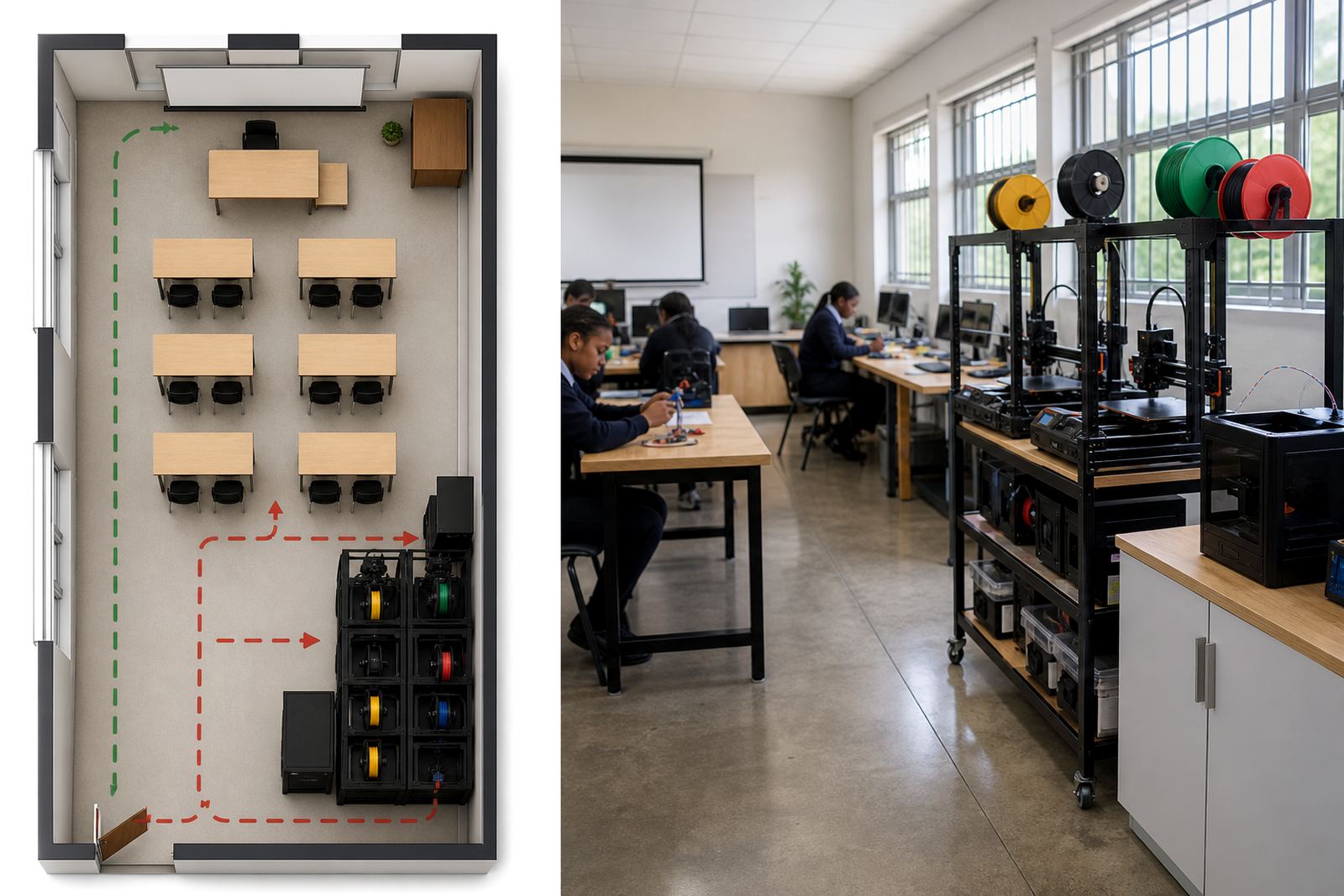
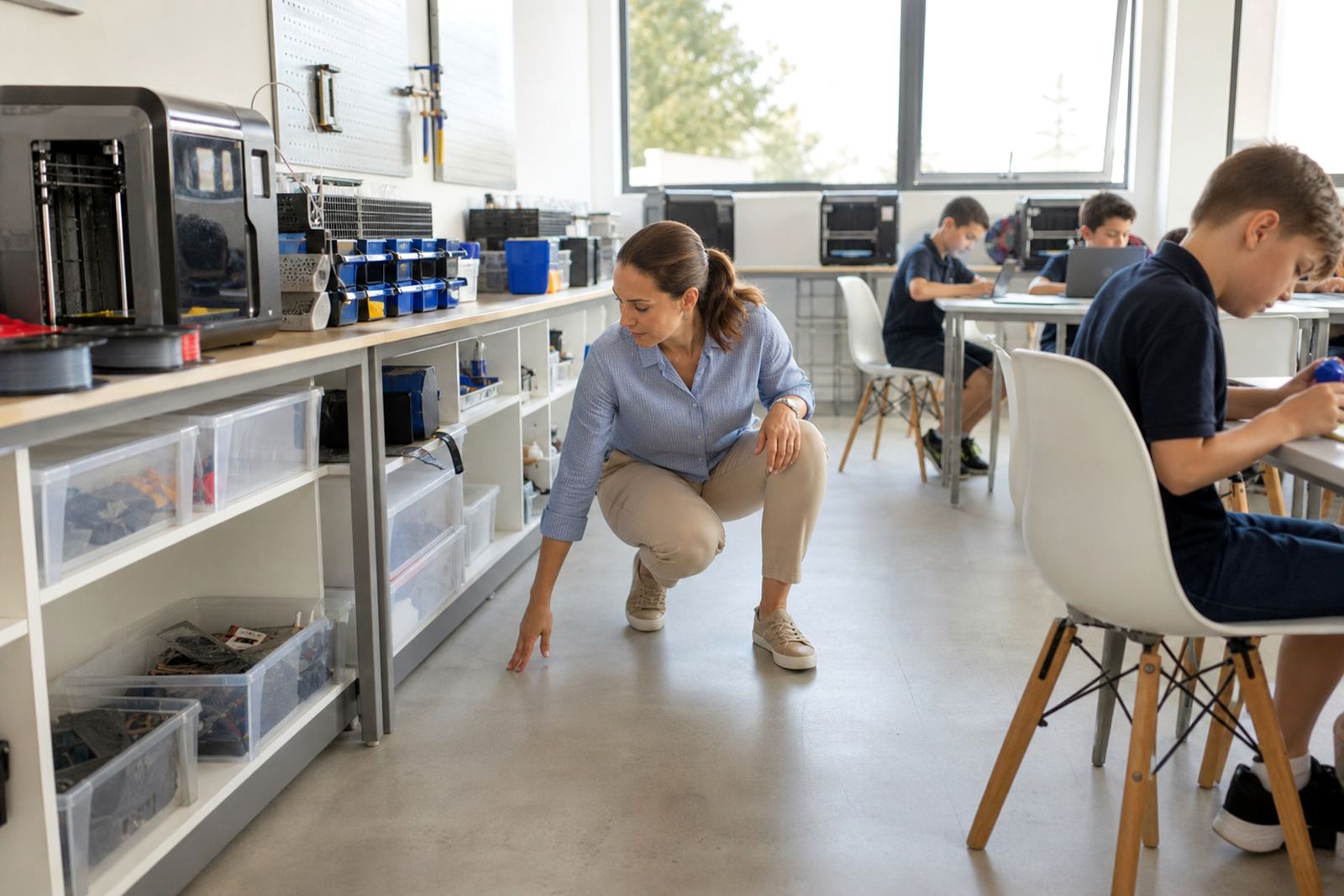
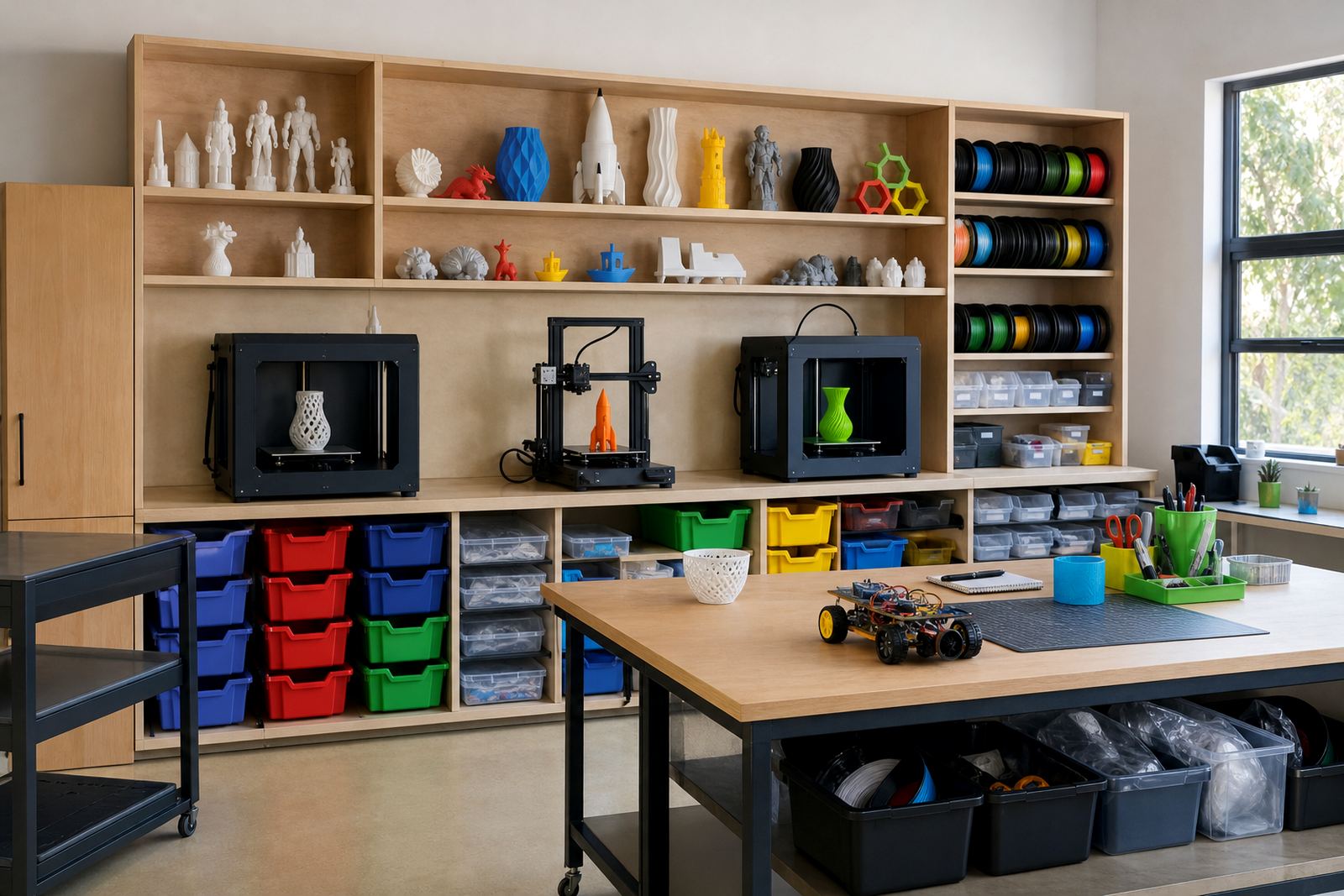
Good classroom results start with a sensible setup. Teaching Guides cover where to place printers, how much table space you need, what storage helps with filament and tools, and how to keep the area workable during load shedding. They also help schools think through ventilation, access control and clean-up after practical sessions.
For coastal schools, humidity can affect material handling and print consistency, so storage matters. Inland schools often deal with dust and hotter rooms, which means the same equipment needs a slightly different routine. The aim is not to overcomplicate the room, but to make it safe, tidy and easy for staff to manage.
- Printer placement and cable safety
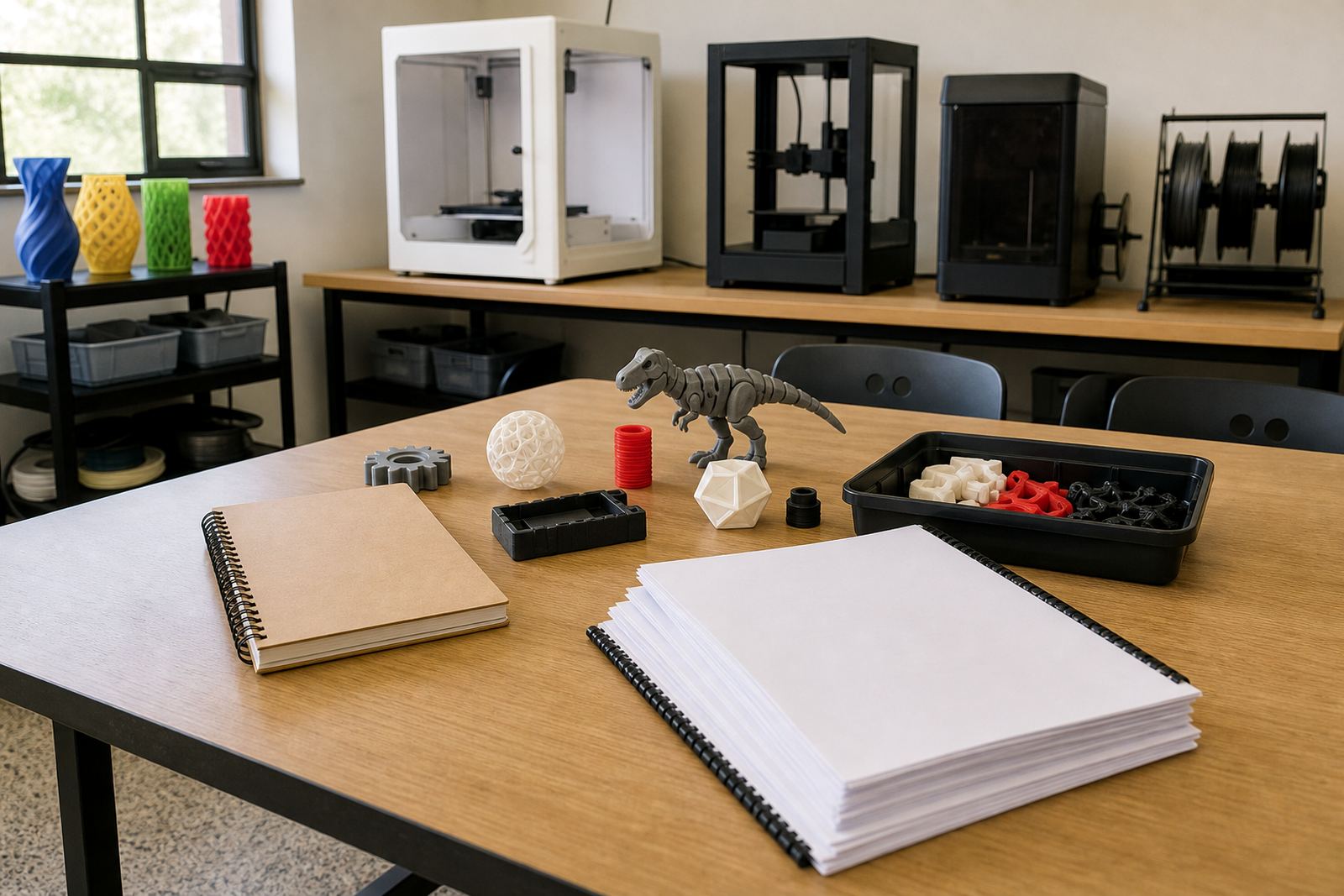
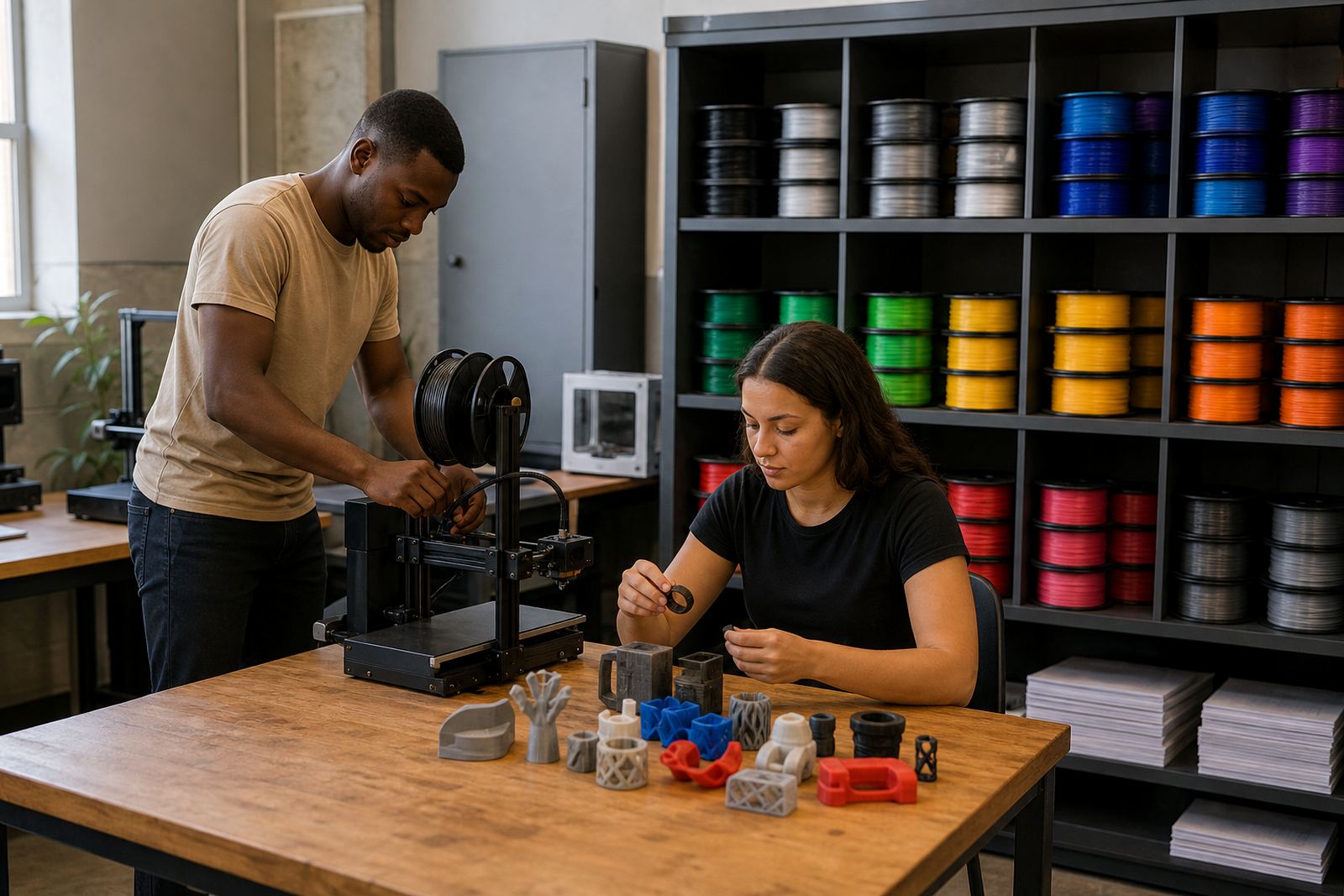
- Storage for filament, tools and sample parts
- Basic power planning for interruptions and outages
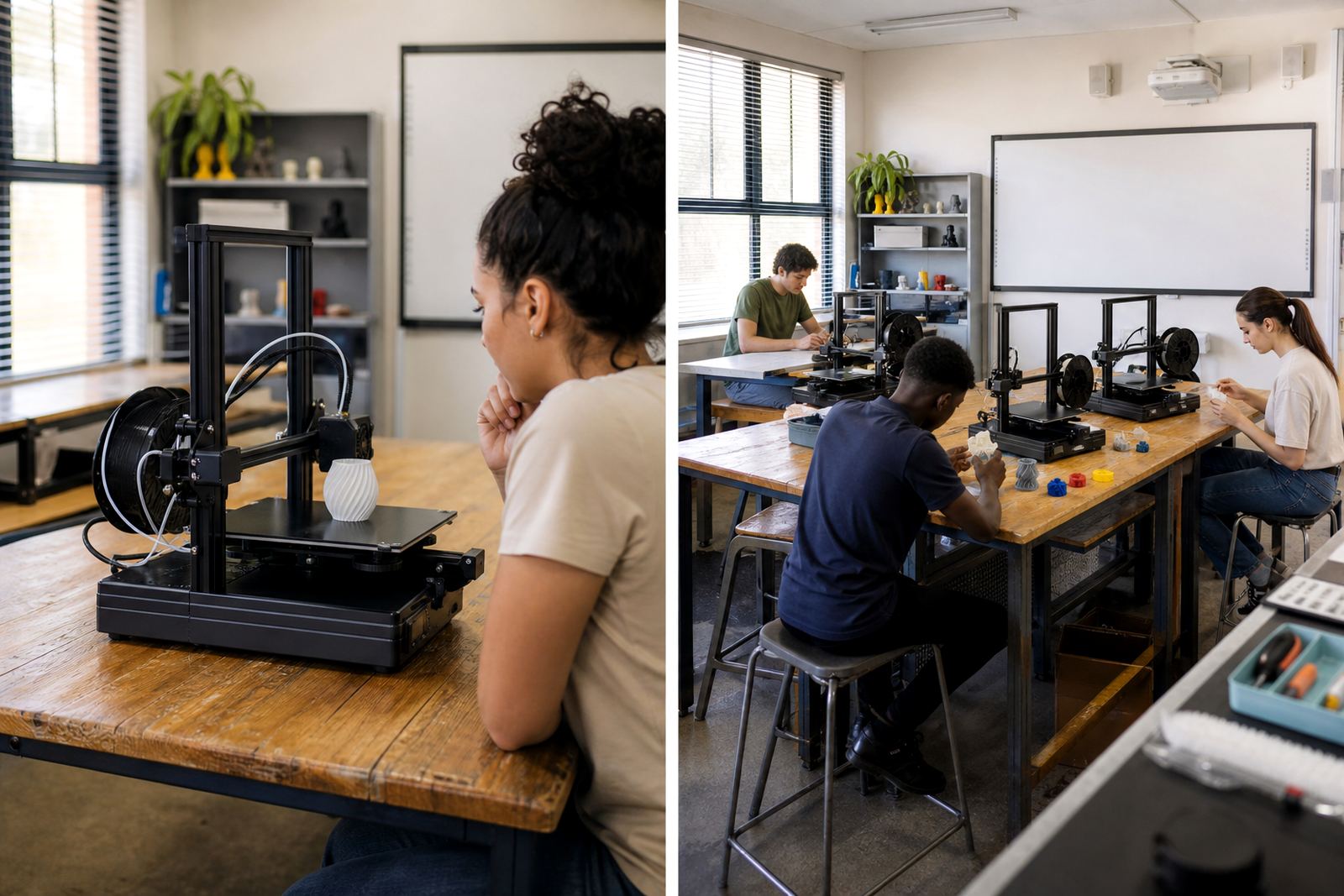
- Simple room rules for supervised learner use
Lesson support for teachers and learners
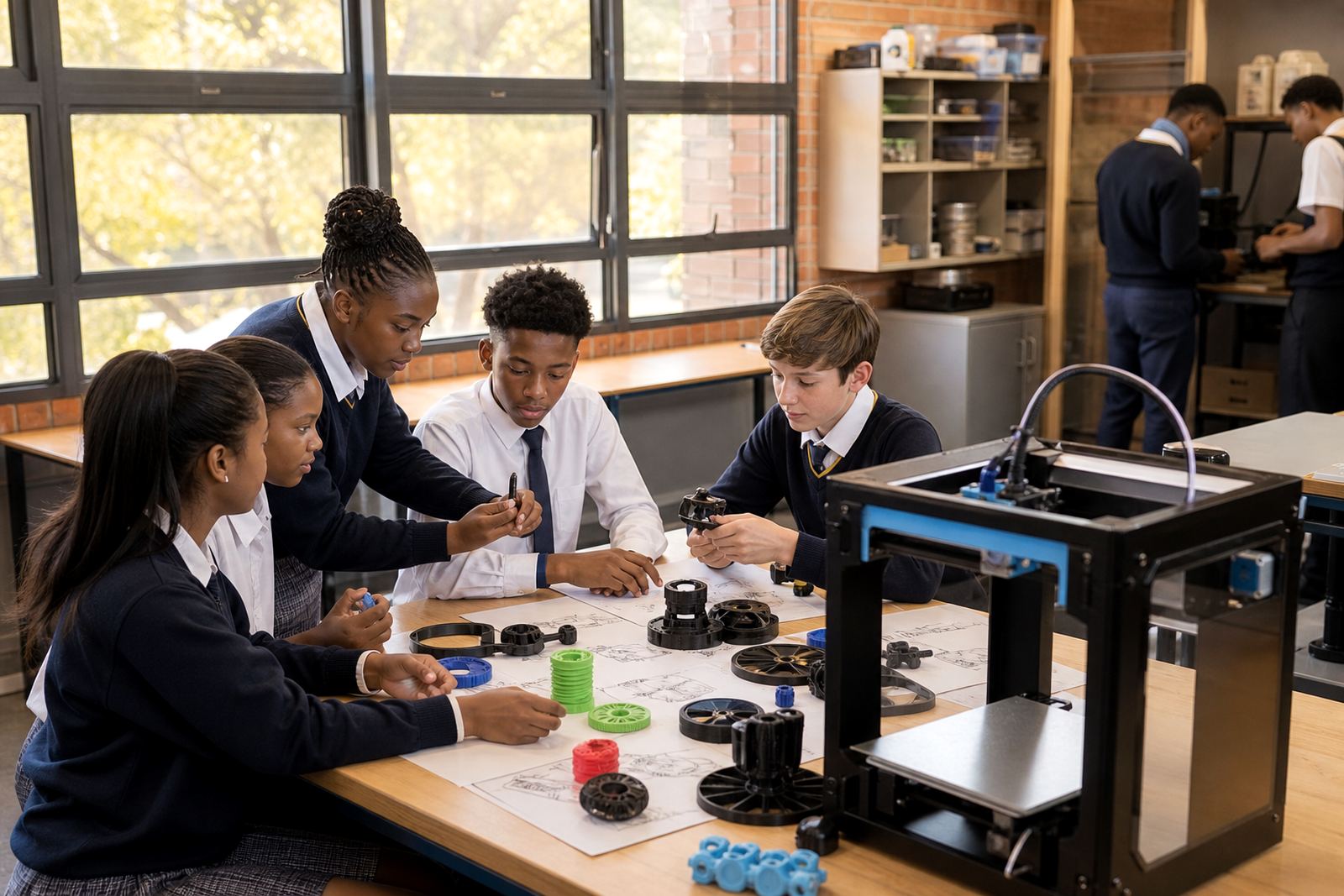
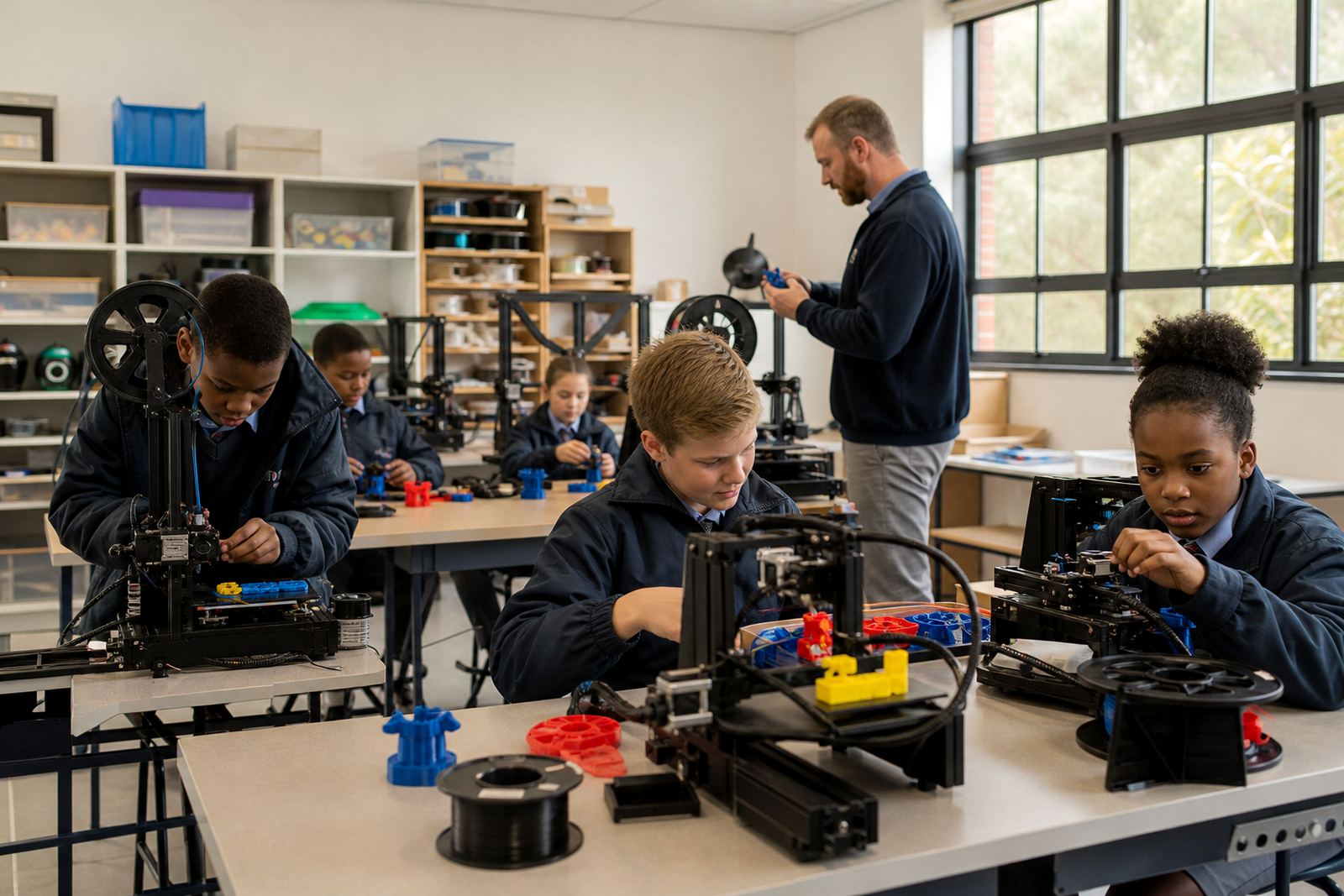
Teachers do not need to be engineers to use a 3D printer well. The guides explain how to introduce the equipment, set expectations for a lesson, and keep the learning focused on design, problem solving and practical output. They are useful for teacher introduction sessions, learner foundations and maker club activities.
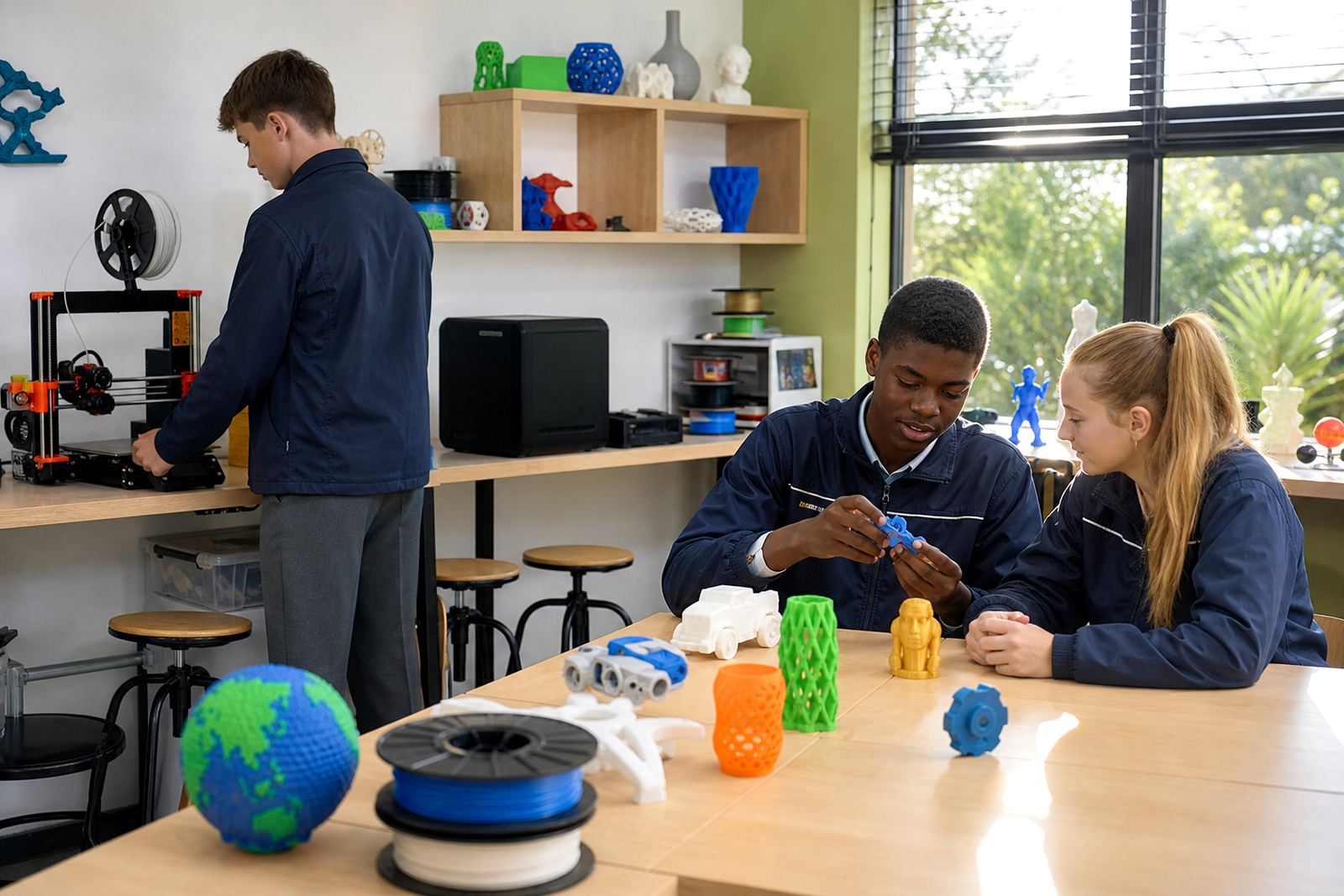
The content also supports classroom planning around age and skill level. Younger learners may work with simple shapes and measurements, while older groups can move into CAD basics, printer operations and project planning. A good lesson plan keeps the print job short enough for the timetable and gives learners a clear goal they can finish.
- What to teach before the first print
- Simple ways to link printing to design tasks
- Classroom timing for setup, print and review
- How to handle failed prints without losing the lesson
Managing printers in a busy school day
Day-to-day use needs structure. These guides show how schools can assign responsibilities, keep a print log and set up a basic handover process between teachers, lab staff and learners. That matters when one machine serves several classes or when a maker room is shared with other subjects.
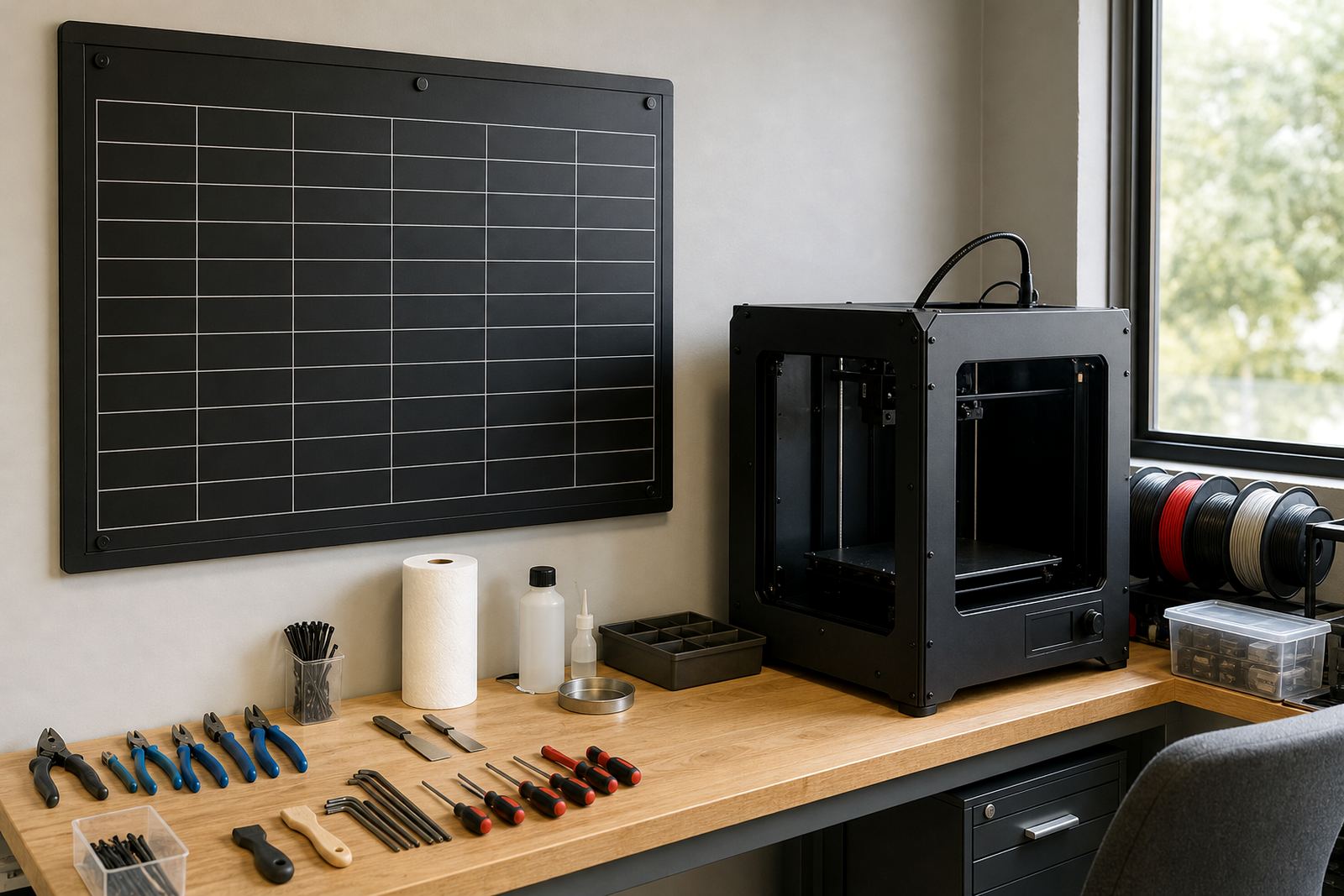
We also cover routine checks that help protect the equipment. That includes bed levelling, nozzle checks, filament changes and general cleaning. A short daily or weekly routine saves time later and helps the printer stay ready for class use instead of failing at the worst possible moment. Small checks make a big differnce.
Maintenance basics and practical fault prevention
Schools need clear guidance on what can be handled in-house and what should be referred for technical support. In real school conditions, staff are busy and time is limited. They help teachers spot common issues early, keep parts in order and avoid unnecessary wear.
Typical topics include belt tension, bed cleaning, filament feeding, blocked nozzles and safe shutdowns after a session. For schools in Gauteng, the Western Cape and KwaZulu-Natal, we also take into account power cuts, room temperature and dust. The goal is steady use, fewer interruptions and a safer classroom routine.
- Routine cleaning and inspection steps
- Basic fault spotting before a print starts
- When to stop and ask for support
- Simple records for printer use and upkeep
School leadership, budgeting and rollout planning
Successful classroom 3D printing needs support from management as well as teachers. Teaching Guides help school leaders think through staffing, scheduling, room control and the practical costs of keeping a lab active. They are useful for principals, HODs and lab coordinators who want a clear view of what is needed before rollout.
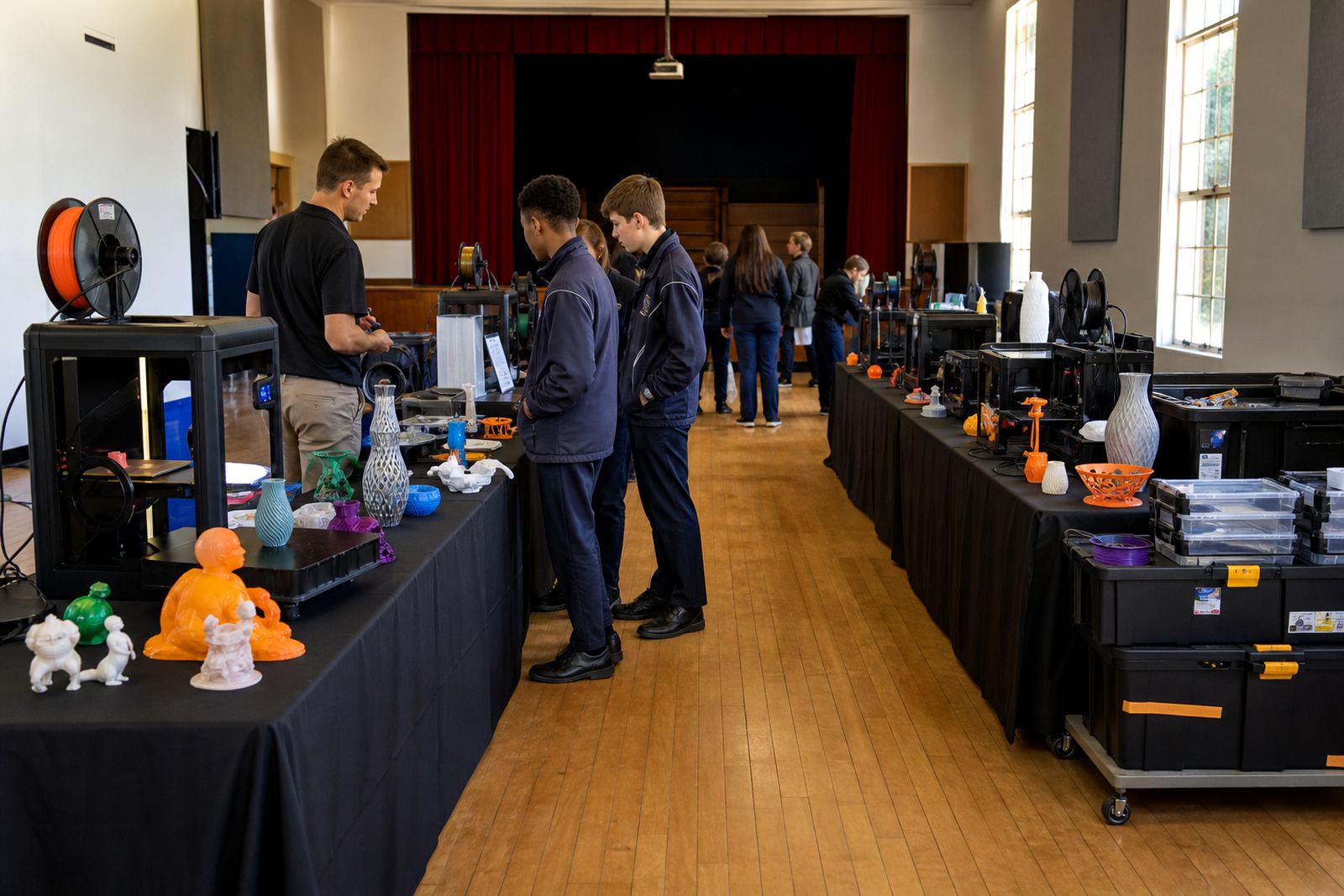
The guides also support planning for holiday programmes, custom group workshops and maker clubs. If you are introducing a lab in a primary school, high school or after-school setting, it helps to decide early who will supervise, who will manage consumables and how often the printer will be used. That kind of planning keeps the programme realistic and manageable.
How schools use these guides with our training options
The teaching guides work alongside our training options, so schools can move from planning to practical use in a steady way. Some schools start with a management briefing, others begin with teacher introduction or lab setup course. Once the space is ready, they often add learner foundations, printer operations or maintenance basics.
Choose the next step by matching the guide topics to your current setup and deciding what your staff need first. If you are supporting a small group in Paarl or a larger rollout in Pretoria or Gqeberha, the same rule applies: start with the clearest classroom need and build from there.