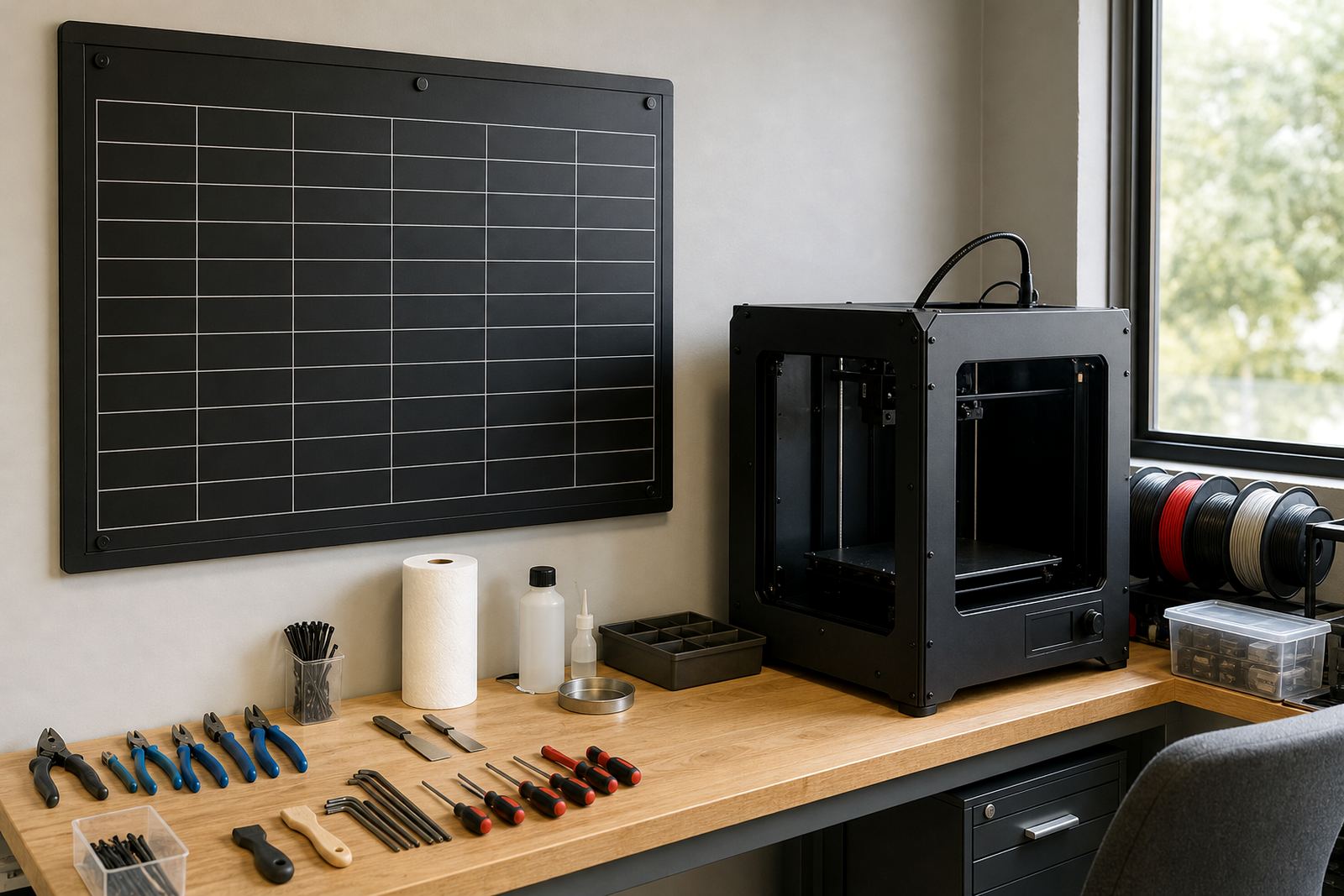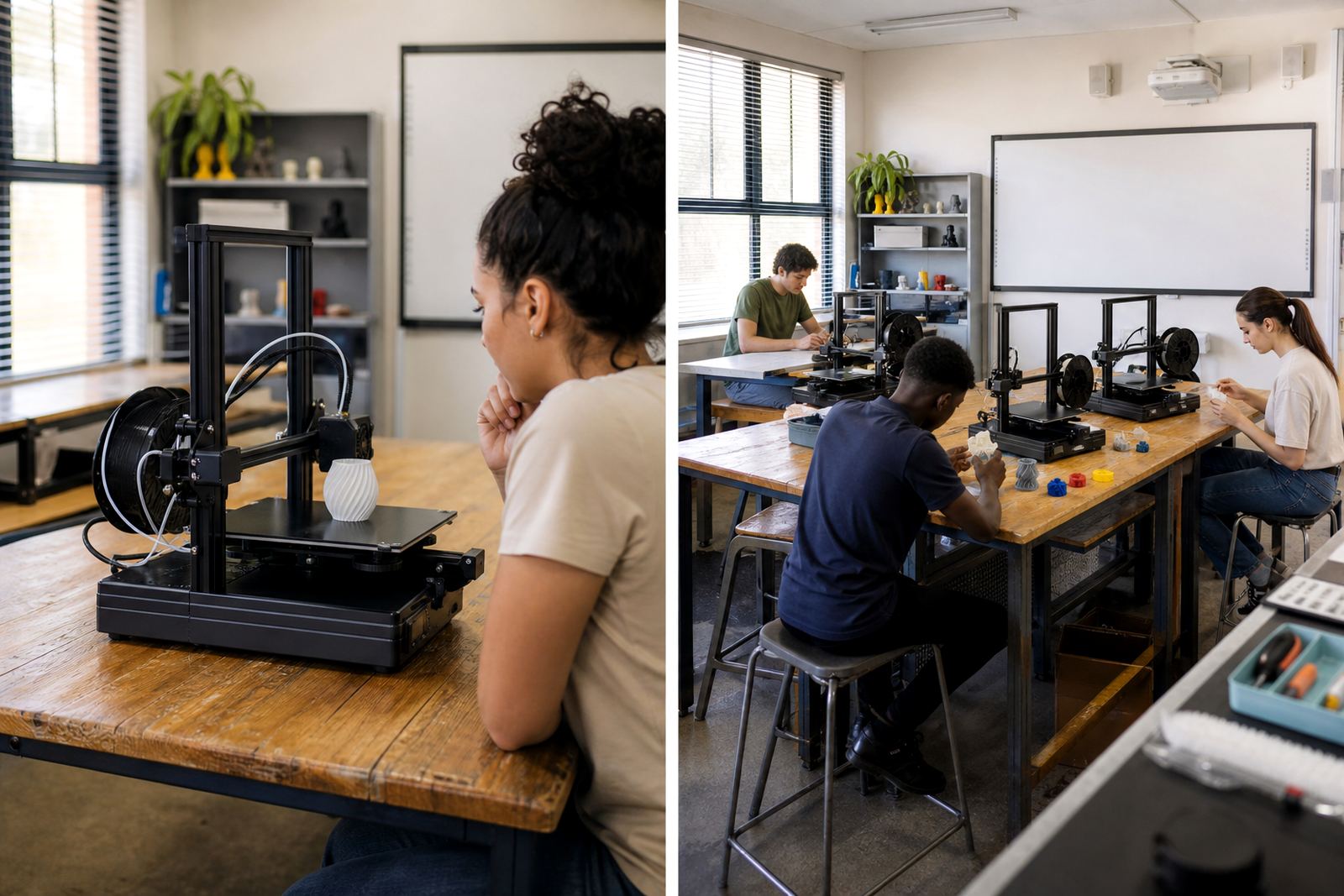
Start With the Teaching Goal, Not the Machine Count
The first question is simple: what must learners do with the printer in a normal week? If the aim is to introduce design thinking, show the full process from CAD to print, and support a few focused projects, one printer may be enough. If the plan is to run maker club sessions, class rotations, or project-based learning across several grades, then a multi-unit setup usually makes more sense.
Schools in Stellenbosch, Cape Town, Pretoria and Durban often face different realities. A small private school with one technology teacher may only need a single dependable machine in a supervised room. A larger school with multiple classes, an after-school programme and holiday workshops will need more throughput, more spare parts, and clear procedures for line management. The right choice is the one that fits the timetable, not only the wish list.
Think about the learning outcome as well. One printer can be used to demonstrate process and patience. Several printers can be used to show workflow, troubleshooting and job planning. Both are useful, but they serve different stages of learning. A school that starts with one printer can always expand later if the demand proves steady.
A Simple Decision Checklist for Schools
Before buying anything, map out the practical side of use. This avoids idle machines and staff frustration later on. It also helps when you are budgeting for a lab in Gqeberha, Paarl or Somerset West, where space and power access may differ from one campus to the next.
- How many learners will use the printer in a week?
- Will printing happen during lessons only, or also after school?
- Who will load filament, remove prints and clear faults?
- Is there a teacher or technician who can do basic maintenance?
- Do you have a secure room with stable benches and storage?
- Can the room handle ventilation, heat and a bit of noise?
- What happens during load-shedding or power cuts?
If more than one class must wait for the same printer, the bottleneck becomes obvious very quickly. If a single printer is enough for demonstrations and small projects, the school may not need to spend on a larger setup just yet. The point is to match capacity to actual use, not guesswork.
When One Printer Is the Smarter First Step
One printer is often the right starting point for schools that are testing the waters. It keeps the setup simpler and lets staff build confidence before scaling up. This is especially useful where there is only one teacher leading the programme, or where space is tight and equipment must be kept in one controlled room.
A single machine can handle teacher demonstrations, selected learner projects and basic training. It is also easier to supervise during the first term. For schools new to 3D printing, this can reduce waste from failed prints and help learners understand bed levelling, slicing, support material and print time without being overwhelmed.
One unit also means fewer cables, fewer consumables to track, and less maintenance stock to store. For a school with limited budget or no dedicated technical post, that matters. A clean start with one printer can be a good way to prove value before adding more equipment next year.
Useful signs that one printer is enough for now include:
- Only one teacher is running the programme.
- Printing will be limited to small classes or clubs.
- Projects are occasional rather than daily.
- The room is small and storage is limited.
- The school wants to train staff before expanding.
When a Multi-Unit Setup Pays Off
A multi-unit setup works better when printing is part of the teaching rhythm, not an occasional event. If several classes need access, or if learners are working on different deadlines at the same time, one printer will slow the whole room down. Multiple units allow one job to run while another is being prepared, which saves time and keeps learners active.
This is often the better choice for maker spaces, holiday programmes and schools with strong technology departments. It also helps if you want learners to compare settings, speeds and outcomes across different jobs. With two or more printers, a teacher can split the room into design, slicing and print monitoring stations, which gives a more structured workflow.
There is another practical benefit. If one machine is offline for cleaning or repair, the others can still keep working. That matters in coastal areas where humidity can affect filament and storage, and it matters in busy schools where equipment gets heavy use. A multi-unit setup must be planned properly though, because it also means more supervision and more stock control.
- Useful signs you need multiple printers:
- More than one class will use the lab each week.
- You want parallel printing for group work.
- There is a club, holiday programme or outreach plan.
- Staff can supervise several jobs at once.
- The school can store filament, tools and spare parts safely.
Power, Space and Safety Matter More Than People Expect
Many schools focus on printer count and forget the room itself. A good setup needs stable tables, access to plugs, room for cooling prints, and a layout that allows the teacher to see everything at once. If the room is cramped, even two printers can become awkward. If the room is open and well organised, one printer may already feel manageable for a small group.
Power planning matters in South Africa too. During load-shedding, a single printer may be easier to protect with backup power or planned print times. A larger setup draws more power and needs more careful scheduling. Schools should also think about safe placement away from direct sunlight, damp corners and walkways where learners may bump equipment. In a classroom, a tidy route from computer to printer to finishing area makes a big difference.
General classroom safety reminders should always apply: keep hands clear of hot ends, keep loose cables out of traffic paths, and never leave active printing unattended with younger learners. Filament should be stored dry and tools should be counted back in after each session. It sounds simple, but it saves time and trouble later.
How to Plan for Growth Without Overbuying
It is tempting to start with a full lab straight away, but many schools do better with a staged plan. Begin with the number of printers you can supervise properly, then expand once usage patterns are clear. That way the school spends money where it is actually needed and avoids equipment standing idle in a storeroom.
A staged plan can be very practical. For example, a school might begin with one printer, train the teacher, run a term of learner projects, then decide whether to add another unit for faster output. Another school may know from the start that it needs three units because of class size and timetable pressure. Both approaches are valid if they are based on use, not wishful thinking.
When you review expansion, ask what slowed the lab down: print waiting time, staff capacity, storage, or lesson structure. That answer tells you whether the next step is another printer, better training, or a more organised room. A good plan keeps the focus on learning, not just equipment.
If you are unsure, start with the smallest setup that can run safely and consistently. It is easier to add capacity later than to recover from a rushed purchase that does not fit the school day.