

Home / Journal

Maker Journal

The Maker Journal shares practical articles for schools, educators and beginners in classroom 3D printing. Topics cover planning, safety reminders, project ideas and everyday lab use.

Maker Journal
Starting A School Lab

Starting A School Lab

Key points to consider when introducing a first 3D printing area at school.

First Print Checklist

First Print Checklist

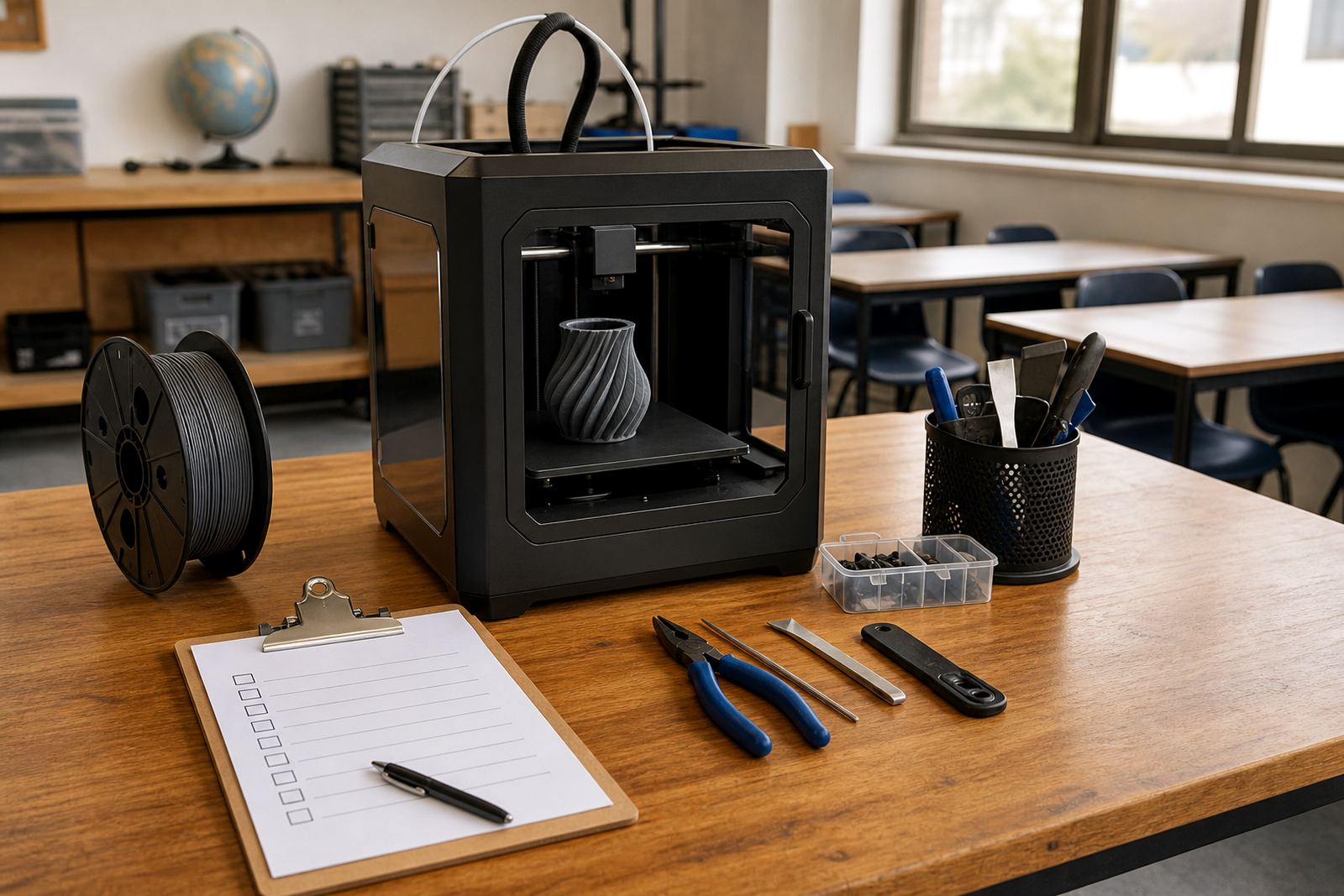
A simple checklist to help teachers prepare for a first supervised classroom print.

Teacher Role In Lab

Teacher Role In Lab

How educators can guide activities, supervision and routines in a school print space.

Learner Safety Reminders

Learner Safety Reminders

General reminders for supervised use, tidy work areas and careful handling around printers.

Choosing Project Themes

Choosing Project Themes

Ways to select age-appropriate and practical themes for school printing activities.

Simple Primary Projects

Simple Primary Projects

Introductory project ideas that suit younger learners and short guided sessions.

Secondary Prototype Ideas

Secondary Prototype Ideas

Project directions for older learners exploring problem solving and design refinement.

Filament Storage Tips

Filament Storage Tips

Basic habits for keeping print materials organised and ready for classroom use.

Organising Print Queue

Organising Print Queue

A practical look at managing many student jobs within limited lesson time.

Displaying Student Models

Displaying Student Models

Ideas for showcasing printed classroom work neatly and meaningfully around school.

Using Colour Well

Using Colour Well

How colour choices can support clarity, creativity and subject-based teaching goals.

Design Iteration Basics

Design Iteration Basics

Why learners benefit from comparing versions and improving their ideas through making.

Classroom Time Planning

Classroom Time Planning

Ways to structure design work, printing time and review activities in lessons.

Group Workflows

Group Workflows

Simple ways to divide modelling, checking and presentation tasks among learners.

Printer Area Layout

Printer Area Layout

Layout basics for clear movement, visibility and sensible classroom supervision.

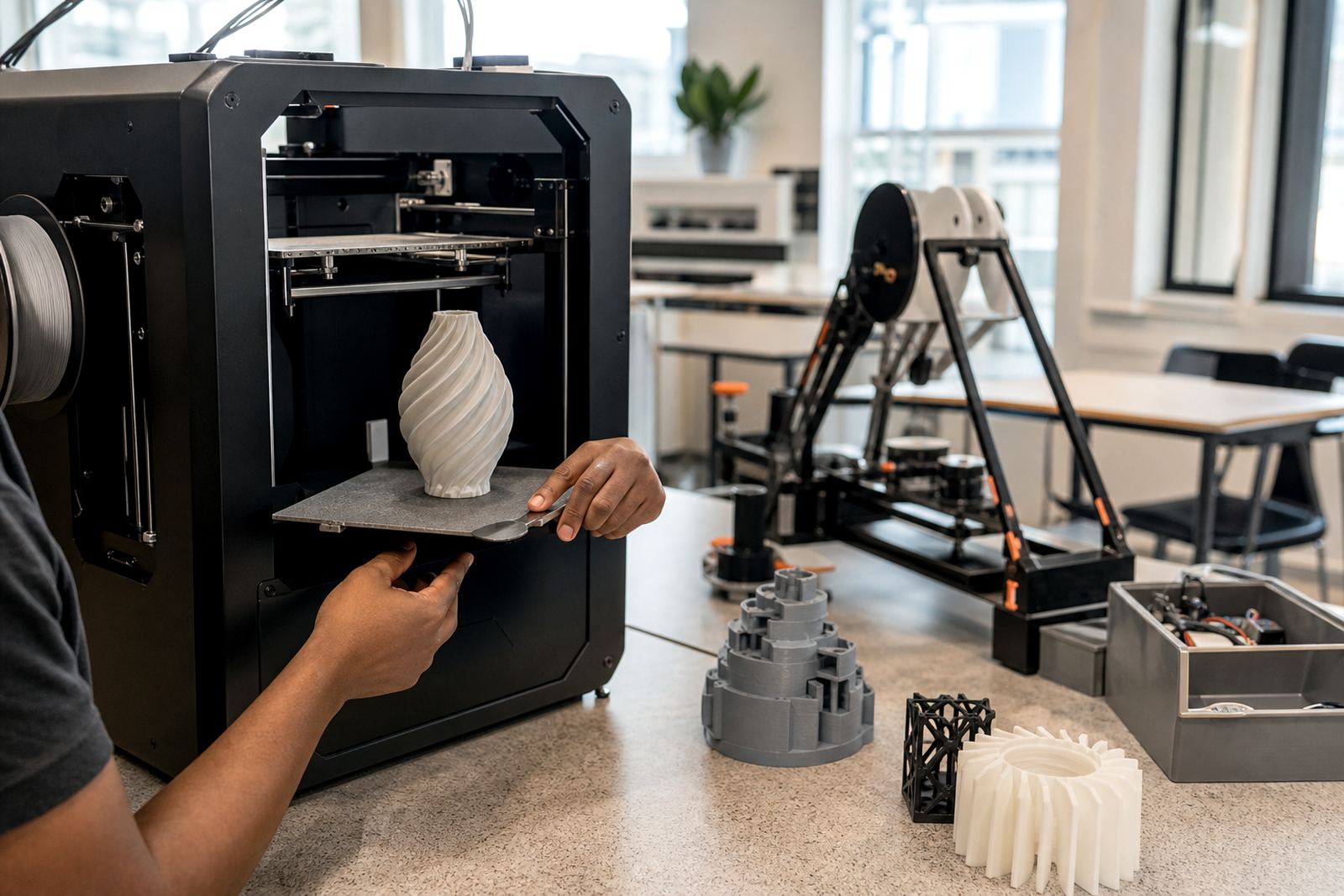
Careful Part Removal

Careful Part Removal

General guidance for removing printed objects slowly and safely after supervised builds.

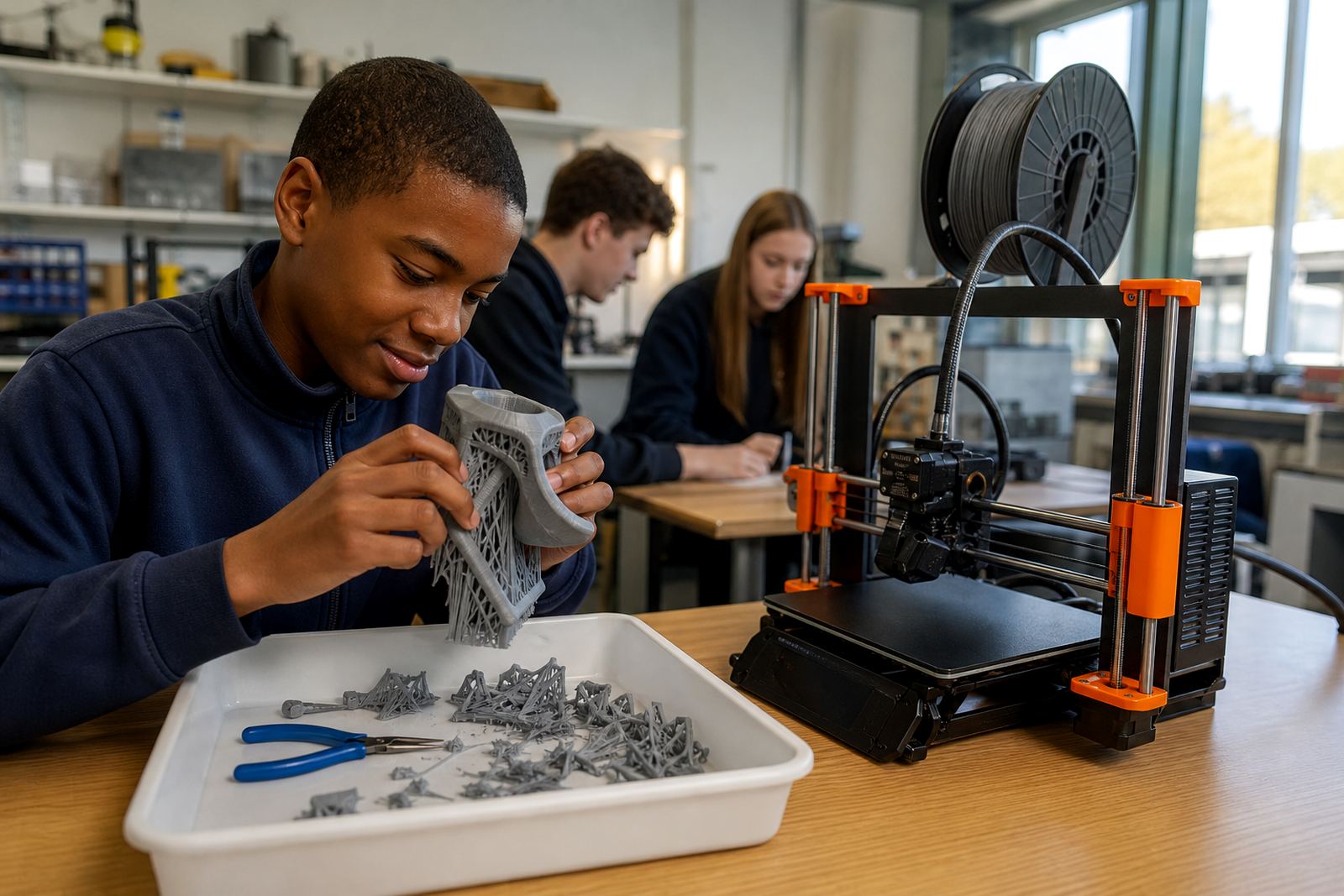
Support Removal Notes

Support Removal Notes

A basic article on planning and tidying support material during project finishing.

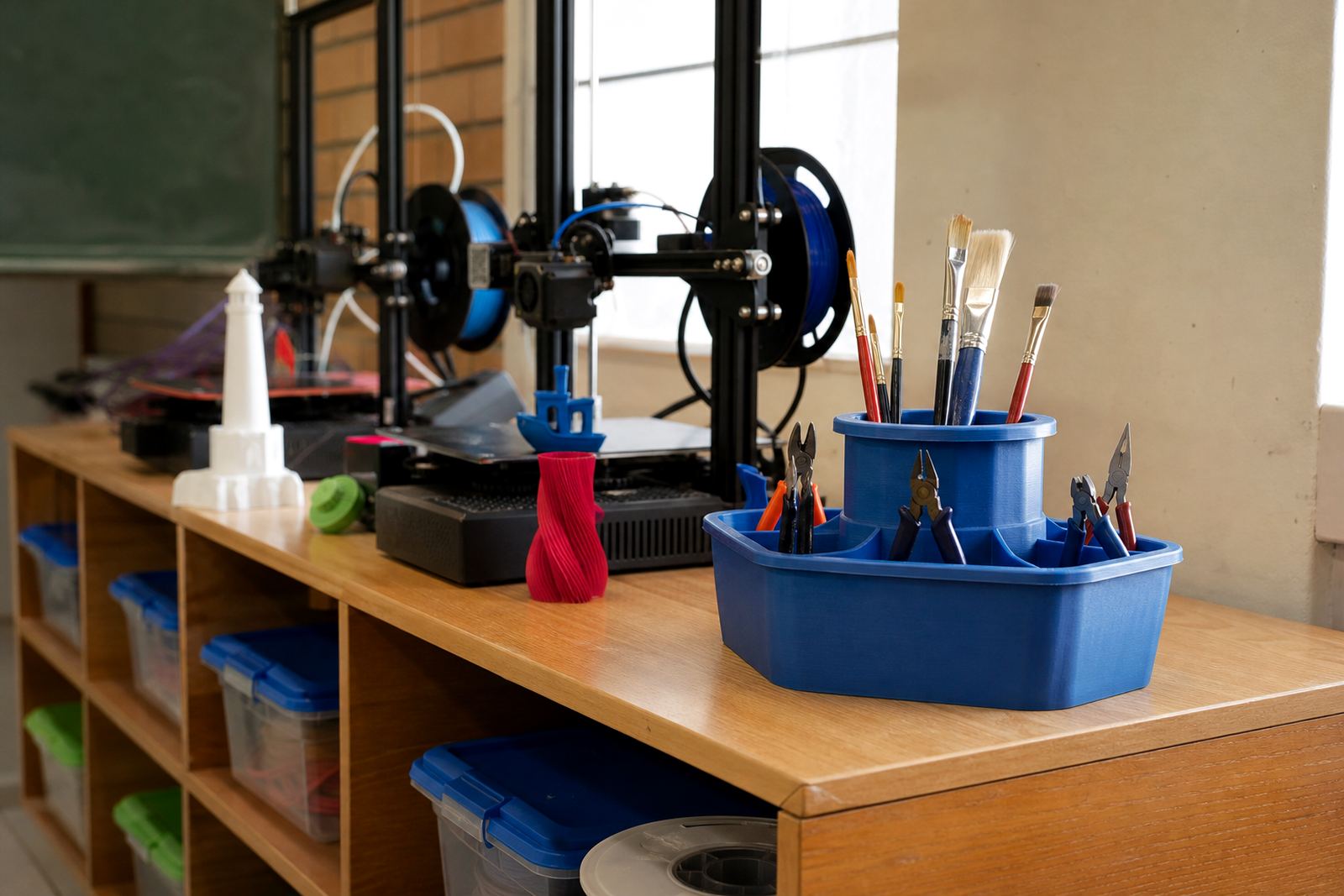
Keeping Tools Tidy

Keeping Tools Tidy

Tool organisation ideas that help maintain order in busy school labs.

Planning Assessment Tasks

Planning Assessment Tasks

How teachers can frame practical tasks around process, reflection and final outputs.

Feedback On Prototypes

Feedback On Prototypes

Constructive feedback can help learners improve both design thinking and final execution.

Starting Maker Club

Starting Maker Club

Practical ideas for setting goals and routines in a school maker club.

Small Room Solutions

Small Room Solutions

How compact schools can organise a workable 3D printing area in limited space.

Multi Printer Routines

Multi Printer Routines

Useful habits when a school operates several printers across one learning space.

Introducing CAD

Introducing CAD

Ways to make first-time 3D design less intimidating for learners and staff.

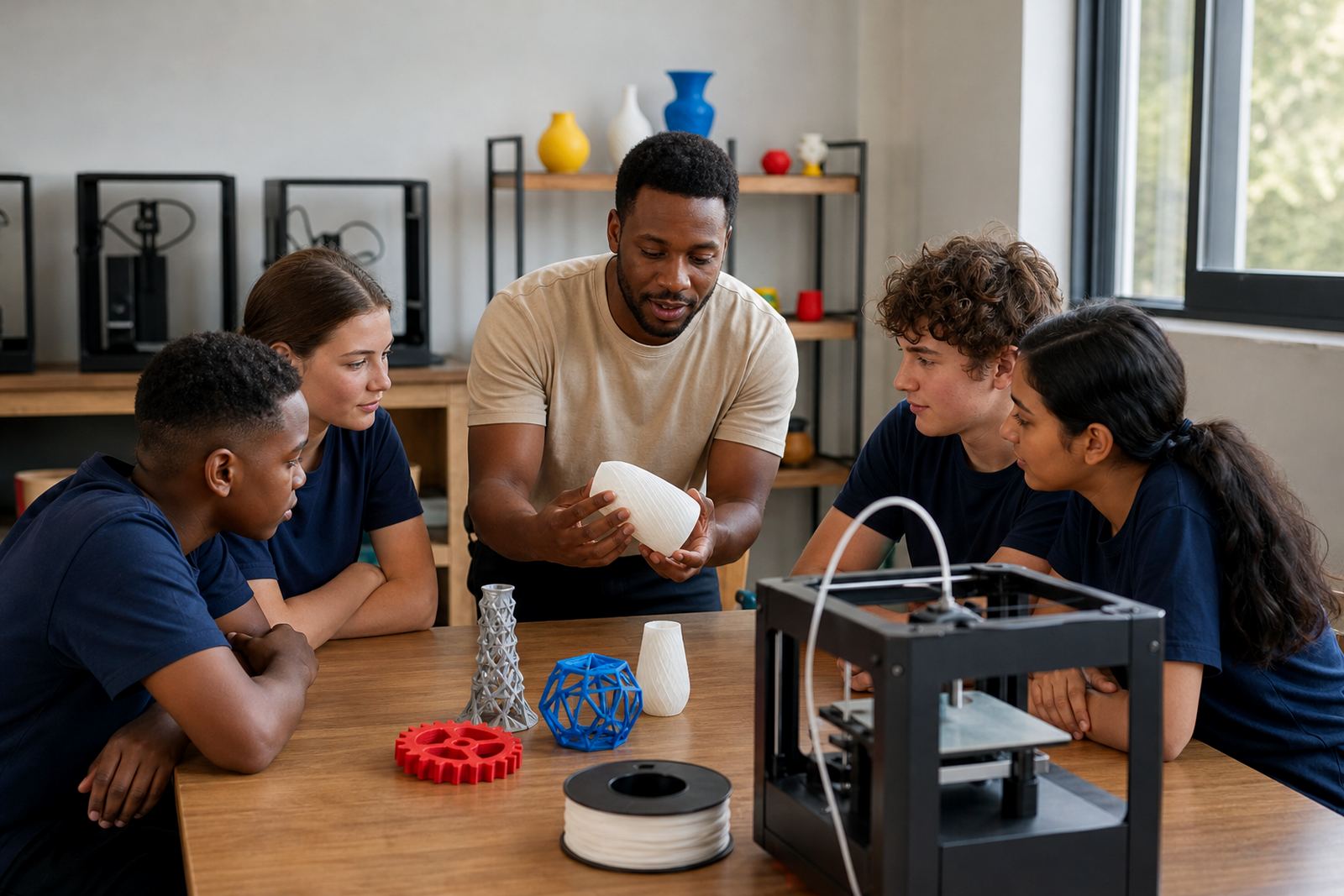
Sample Model Library

Sample Model Library

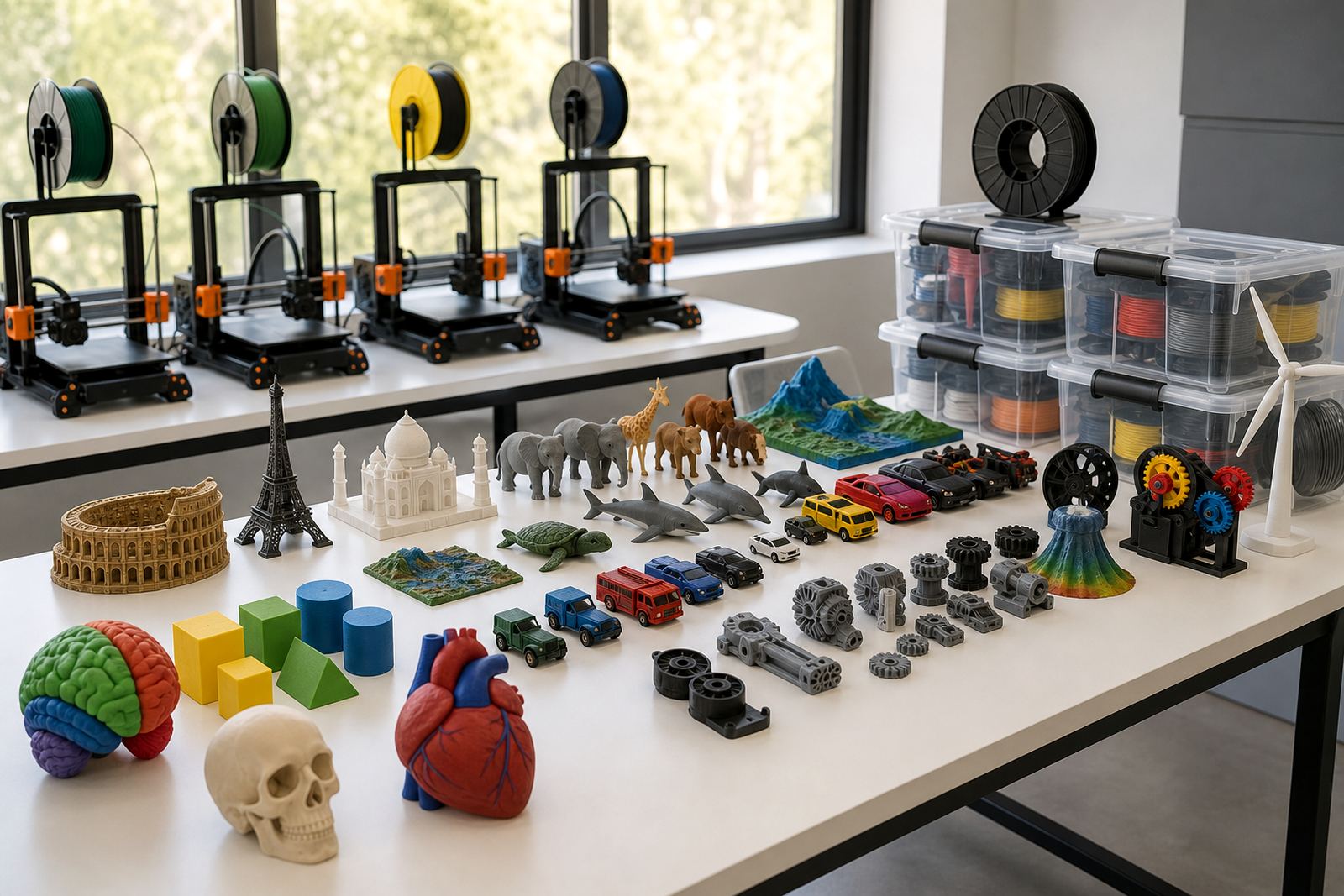
Why keeping classroom example prints helps with explanation and lesson planning.

Print Failure Lessons

Print Failure Lessons

How setbacks can become useful teaching moments about testing and improvement.

Power And Cables

Power And Cables

General reminders for keeping power leads neat and printer areas unobstructed.

Ventilation Common Sense

Ventilation Common Sense

A sensible overview of placing printers in supervised areas with suitable airflow.

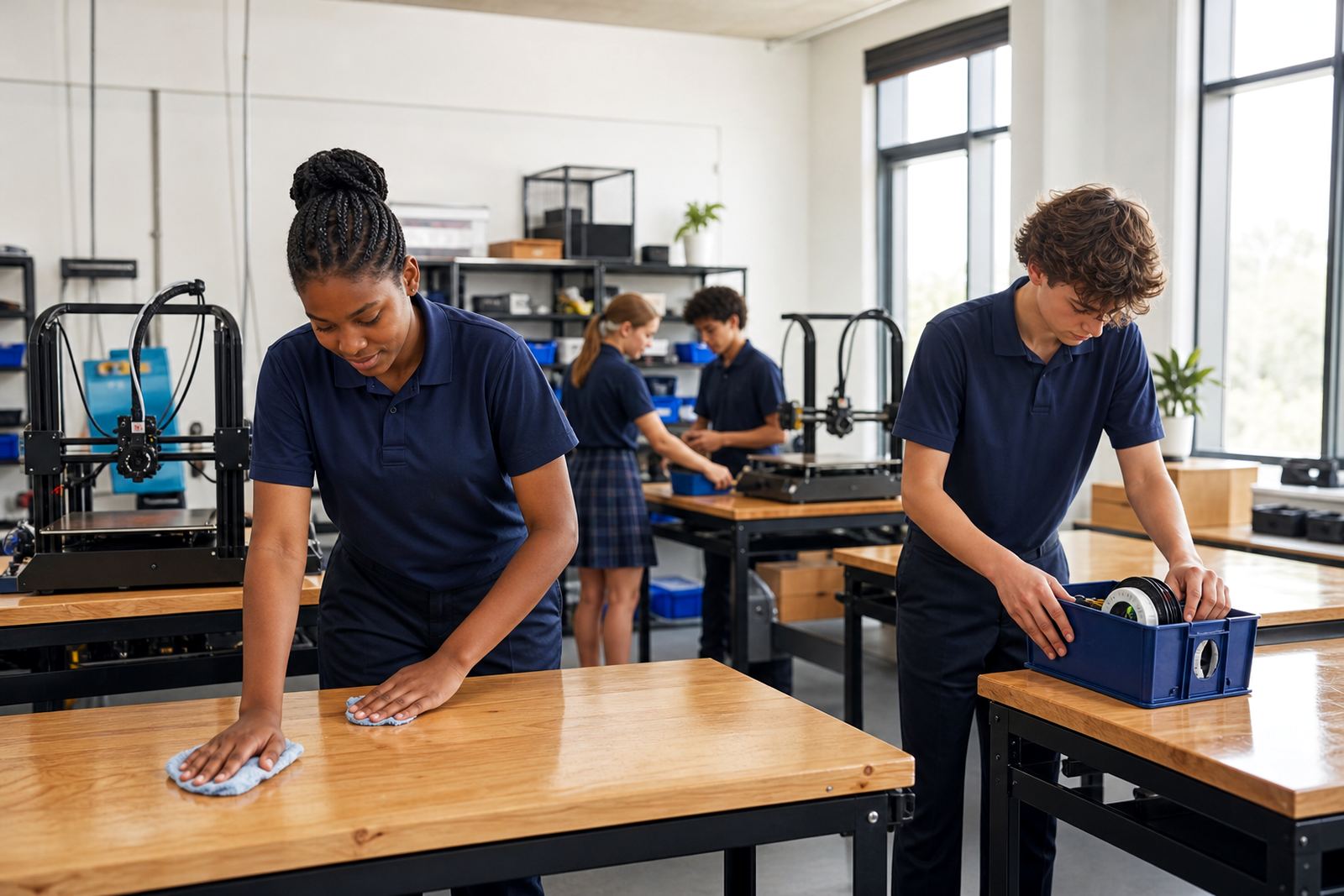
Clean Lab Habits

Clean Lab Habits

Simple routines for keeping a school print room clean, calm and ready.

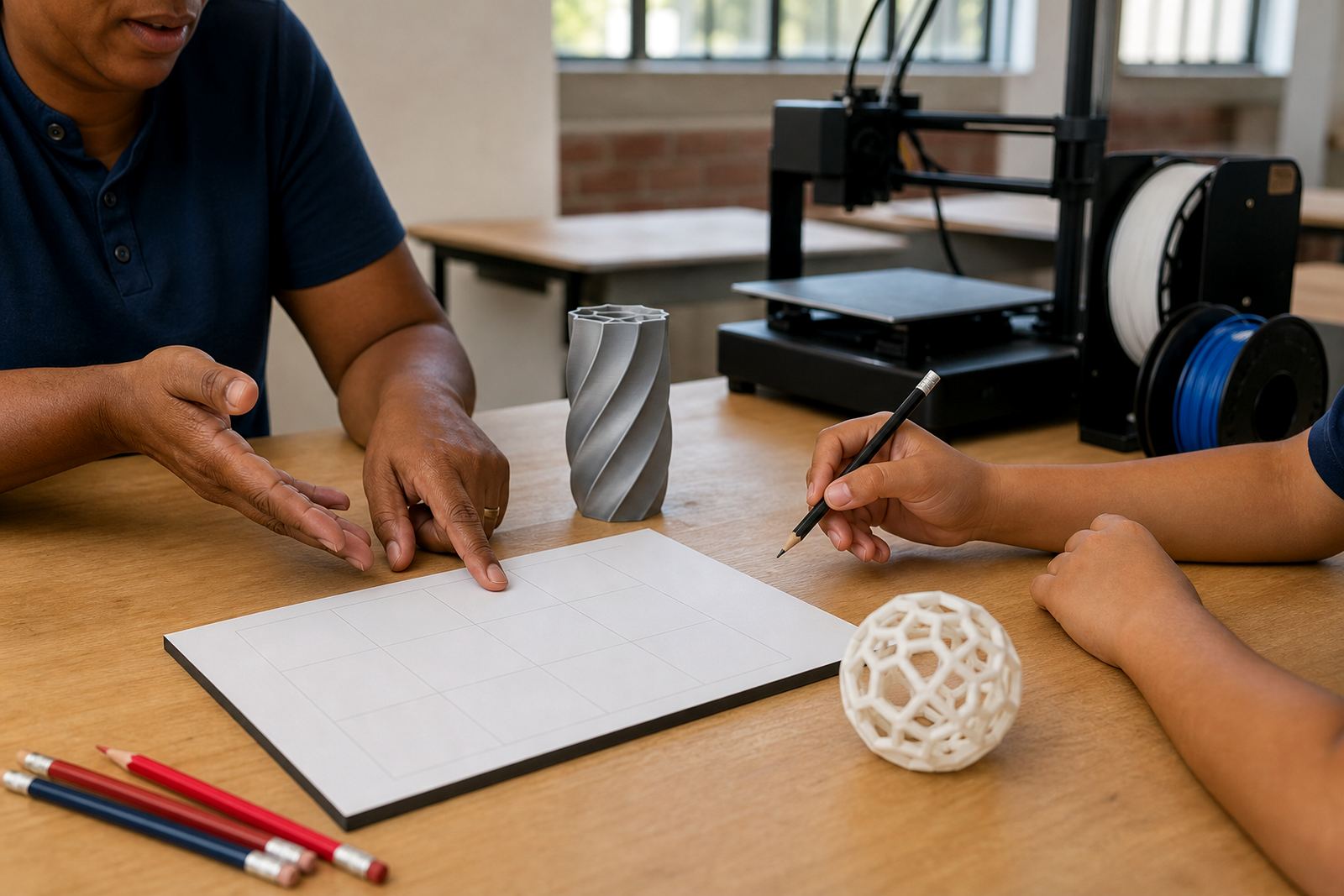
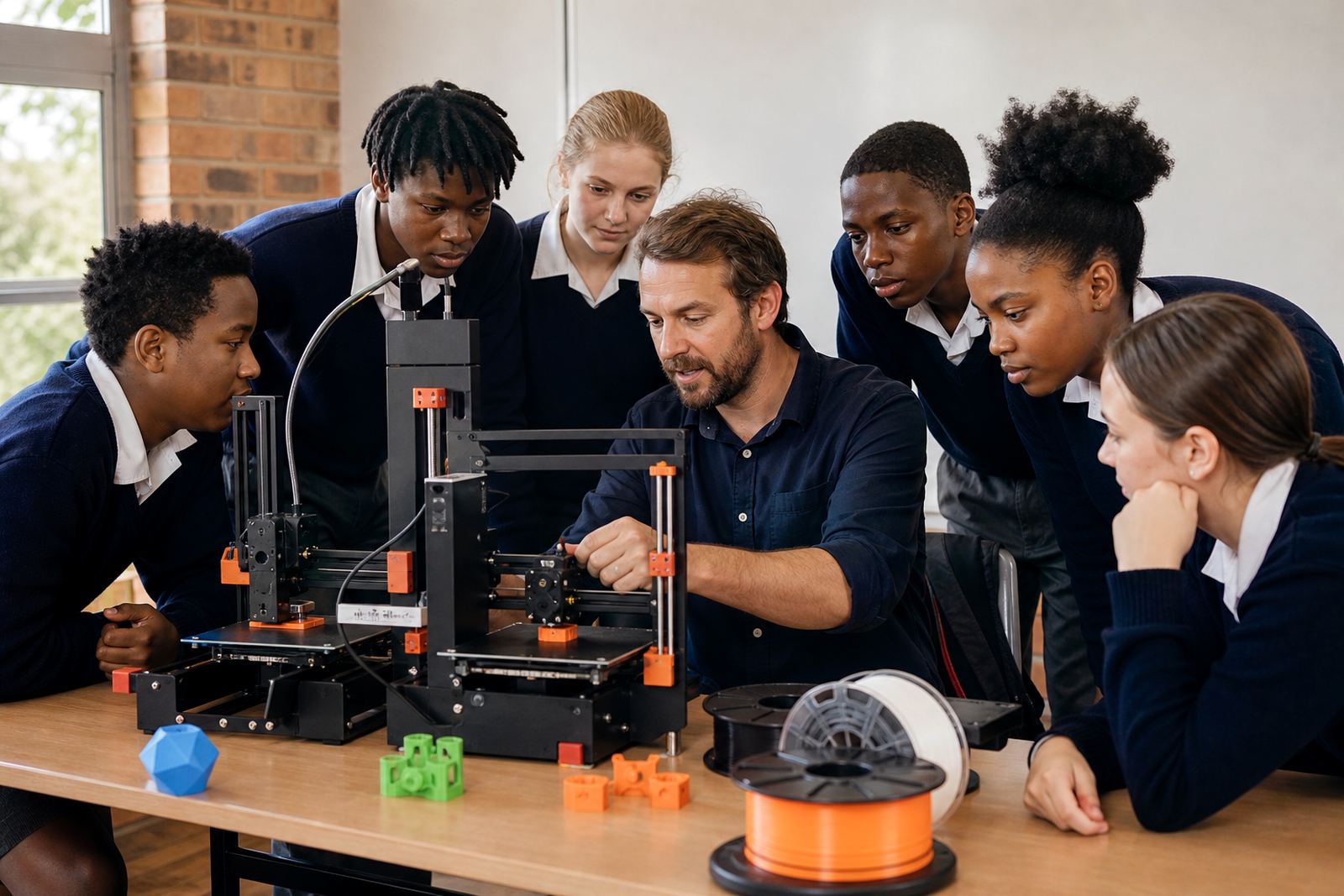
Teacher Demo Strategies

Teacher Demo Strategies

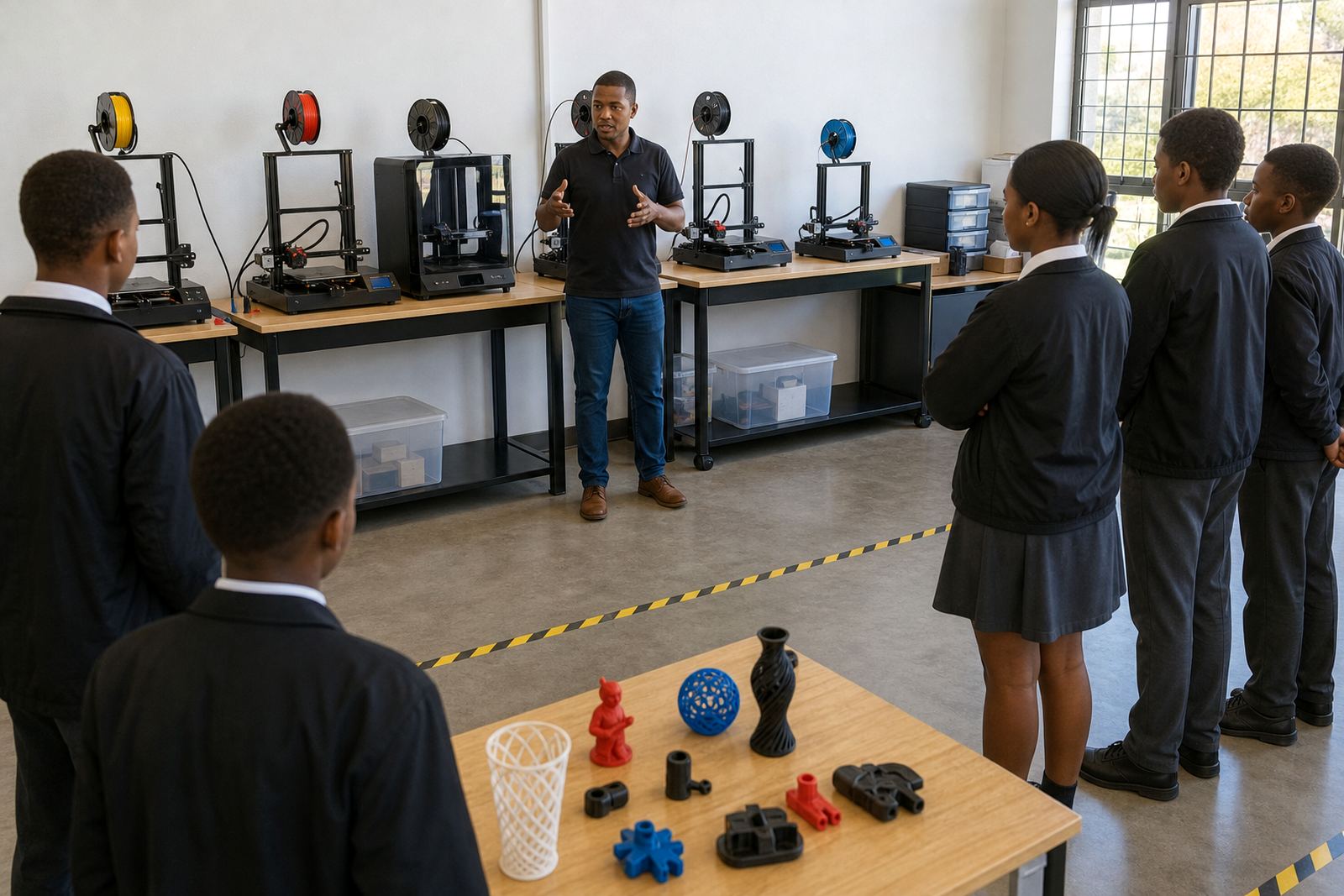
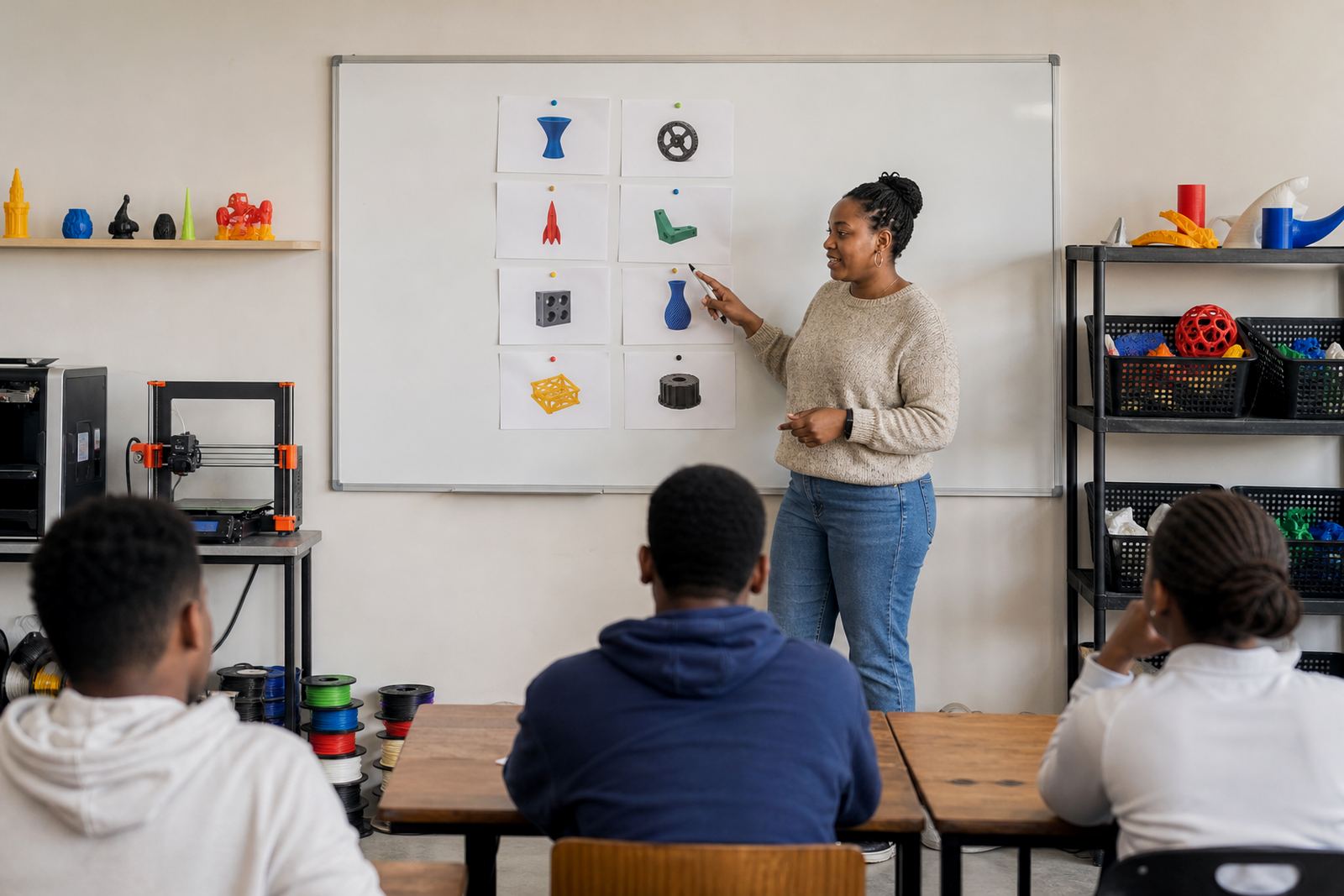
Ways to run clear demonstrations before learners begin individual project work.

Cross Subject Planning

Cross Subject Planning

Tips for connecting one printing activity to more than one subject area.

Display Event Ideas

Display Event Ideas

Thoughts on hosting school display events that celebrate learner making and reflection.

Holiday Workshop Format

Holiday Workshop Format

How short holiday sessions can balance demonstration, design time and a final print reveal.

Inclusive Project Choices

Inclusive Project Choices

Why varied project types can help more learners participate meaningfully in making tasks.

What the Maker Journal covers

The Maker Journal covers the everyday side of 3D printing in schools, from first setup to the small fixes that keep a class moving. Some posts focus on teacher planning, others on learner projects, printer care, or fitting printing into a busy timetable in Stellenbosch, Cape Town or further afield.

If you are new to classroom printing, start with planning and safety. If you already have printers running, look for content on workflow, materials, and maintenance so your lab stays organised during term time and holiday programmes.

  • Planning a classroom or maker space
  • Choosing projects for different age groups
  • Safety reminders for teachers and learners
  • Daily printer care and simple troubleshooting

How to choose the right article for your school

Not every school needs the same advice. A primary school in Somerset West may need short, supervised activities and simple print jobs, while a high school in Johannesburg may want more detail on CAD basics, printer operations and project planning. Start with the question your staff is trying to answer, then work from there.

When you are shortlisting articles, think about the people using the lab, the age of the learners, and how much time is available in each lesson. A good guide should help you act the same day, not just explain theory.

  • Teachers: lesson flow, supervision and class management
  • Lab teams: setup, maintenance and storage
  • Learners: design thinking and simple build steps
  • School leaders: budgeting, scheduling and space planning

Planning a lab that can handle school life

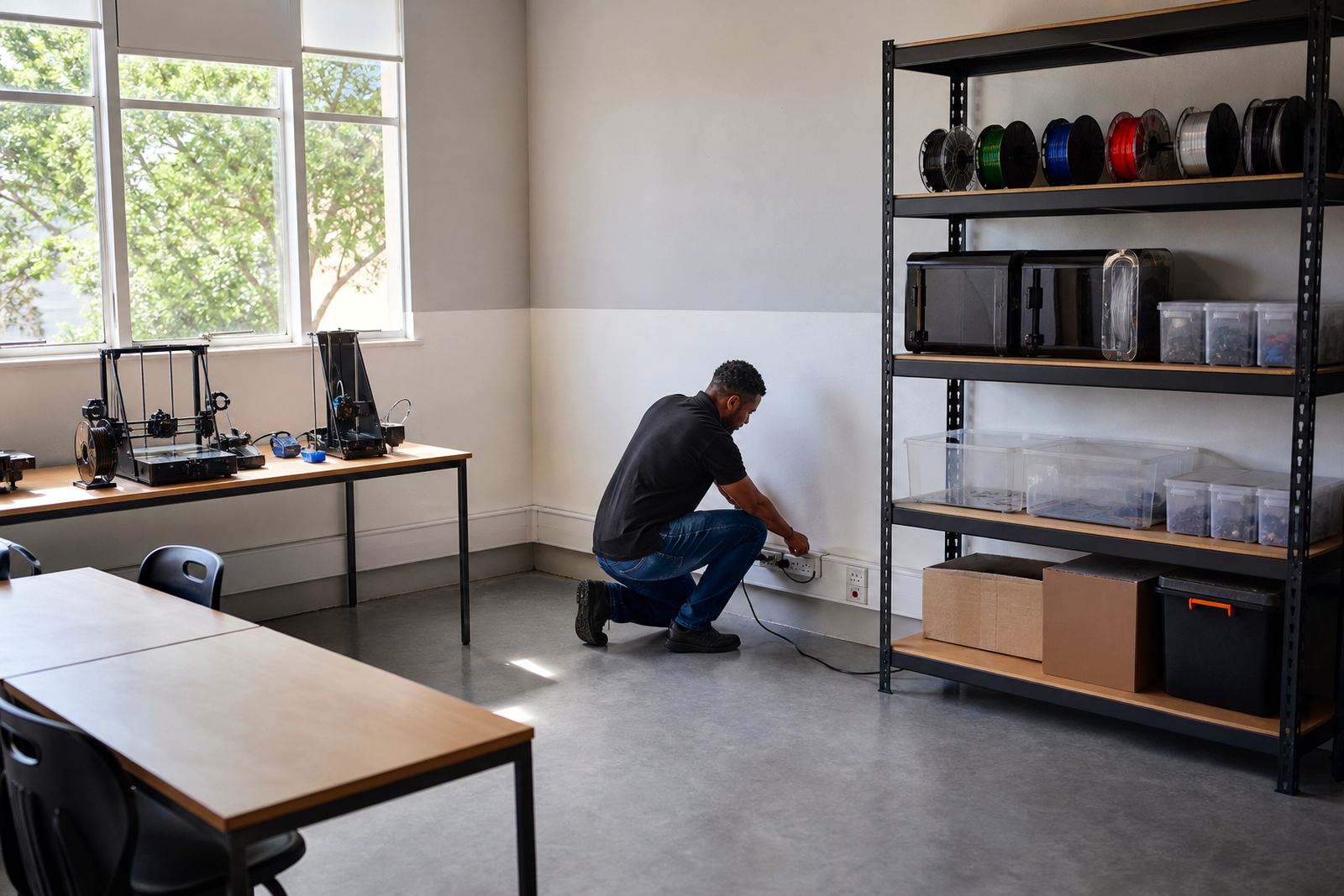
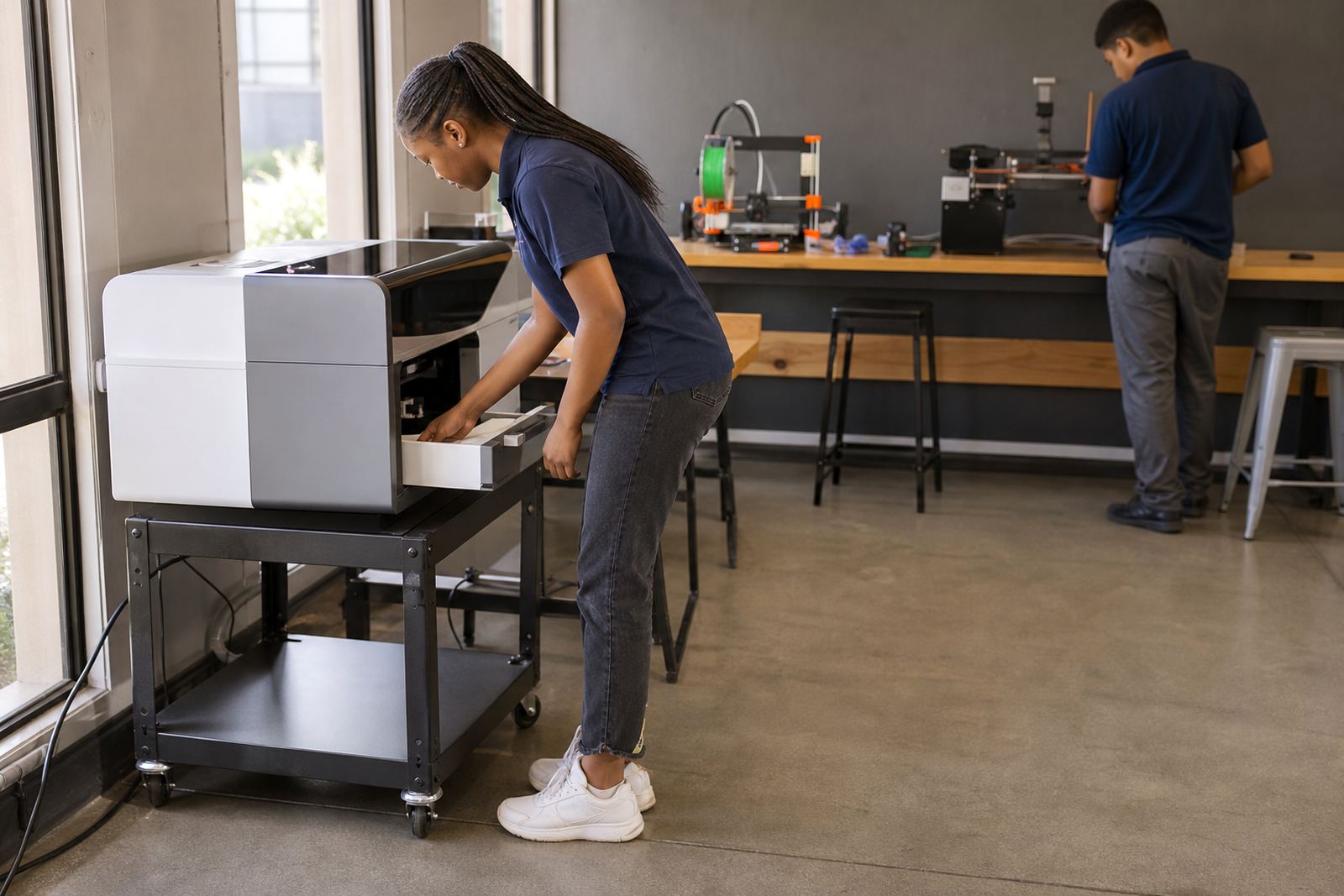
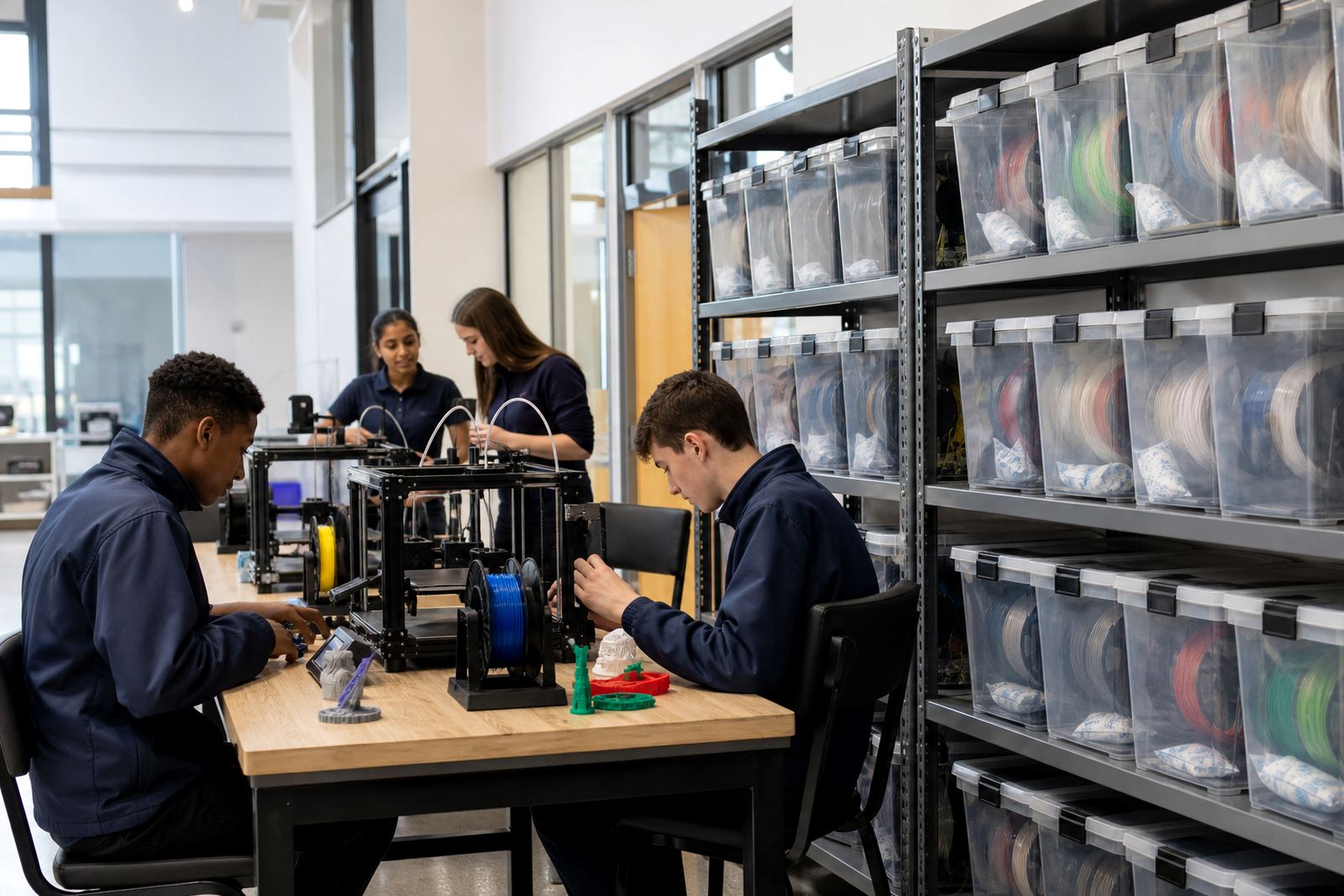
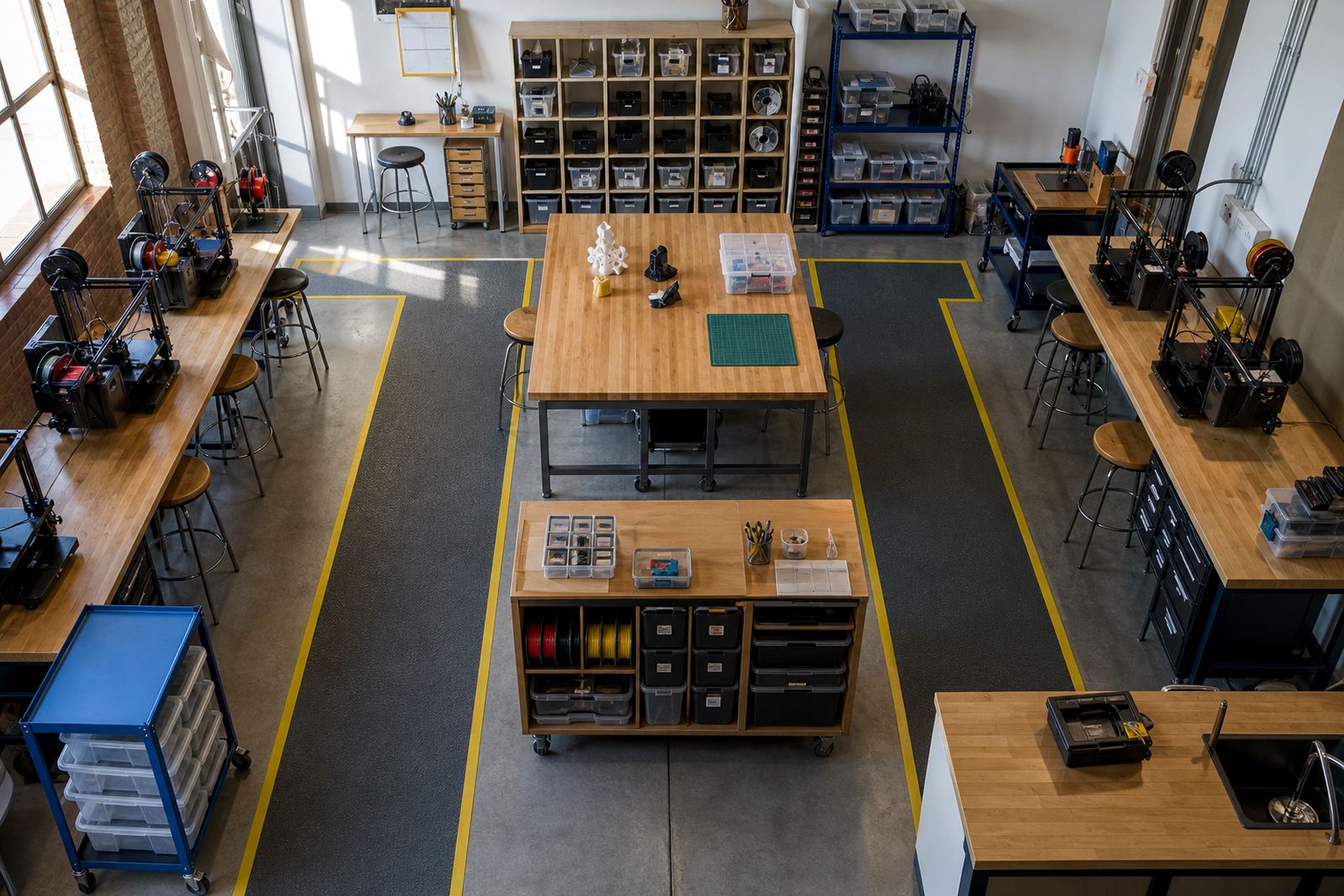
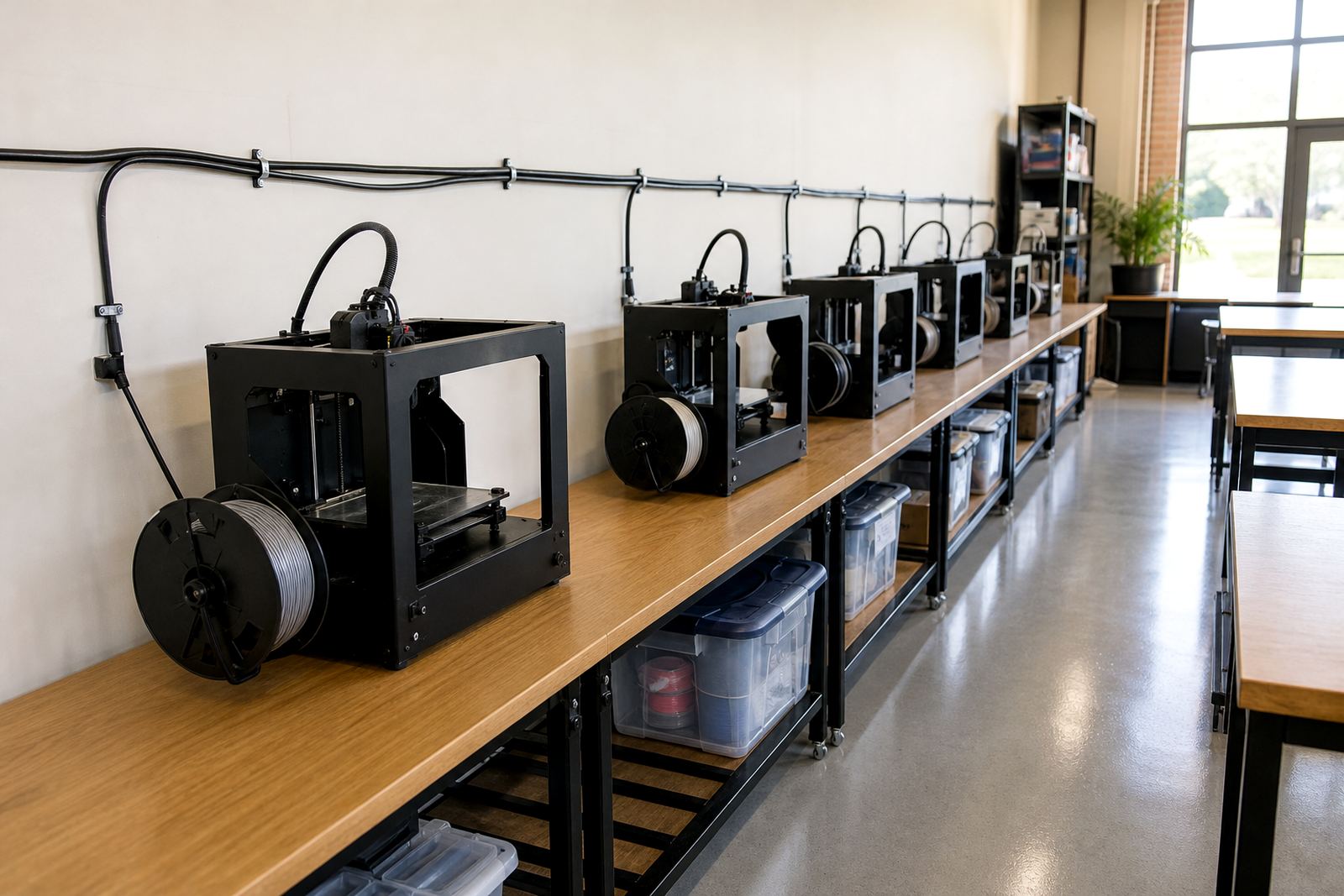
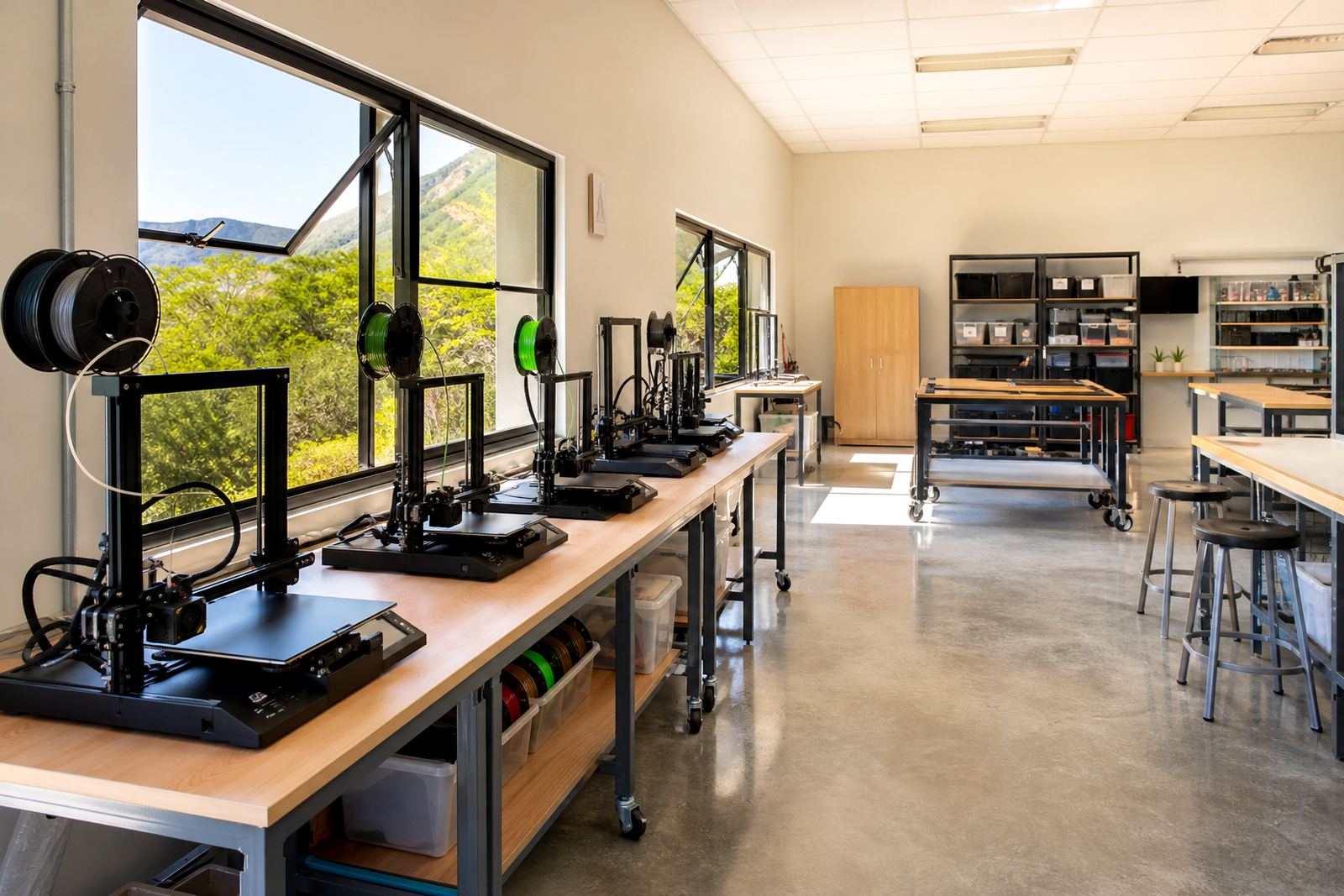
School labs work best when the setup is practical. Printers need a stable table, clear cable routes and enough space for safe loading and unloading. In coastal areas like Durban and Gqeberha, humidity can affect storage, so filament should be kept sealed and dry. In areas with load-shedding, a clear shutdown routine matters too.

Good planning also means knowing where the class will queue, where finished parts will cool, and who checks the machine before the next group starts. Clear routines help you avoid clutter and keep the room easy to supervise.

  • Keep tools and consumables in clearly marked containers
  • Store filament away from damp and dust
  • Allow space for cooling and post-processing
  • Set a routine for power cuts and safe shutdowns

Safety reminders that belong in every lab

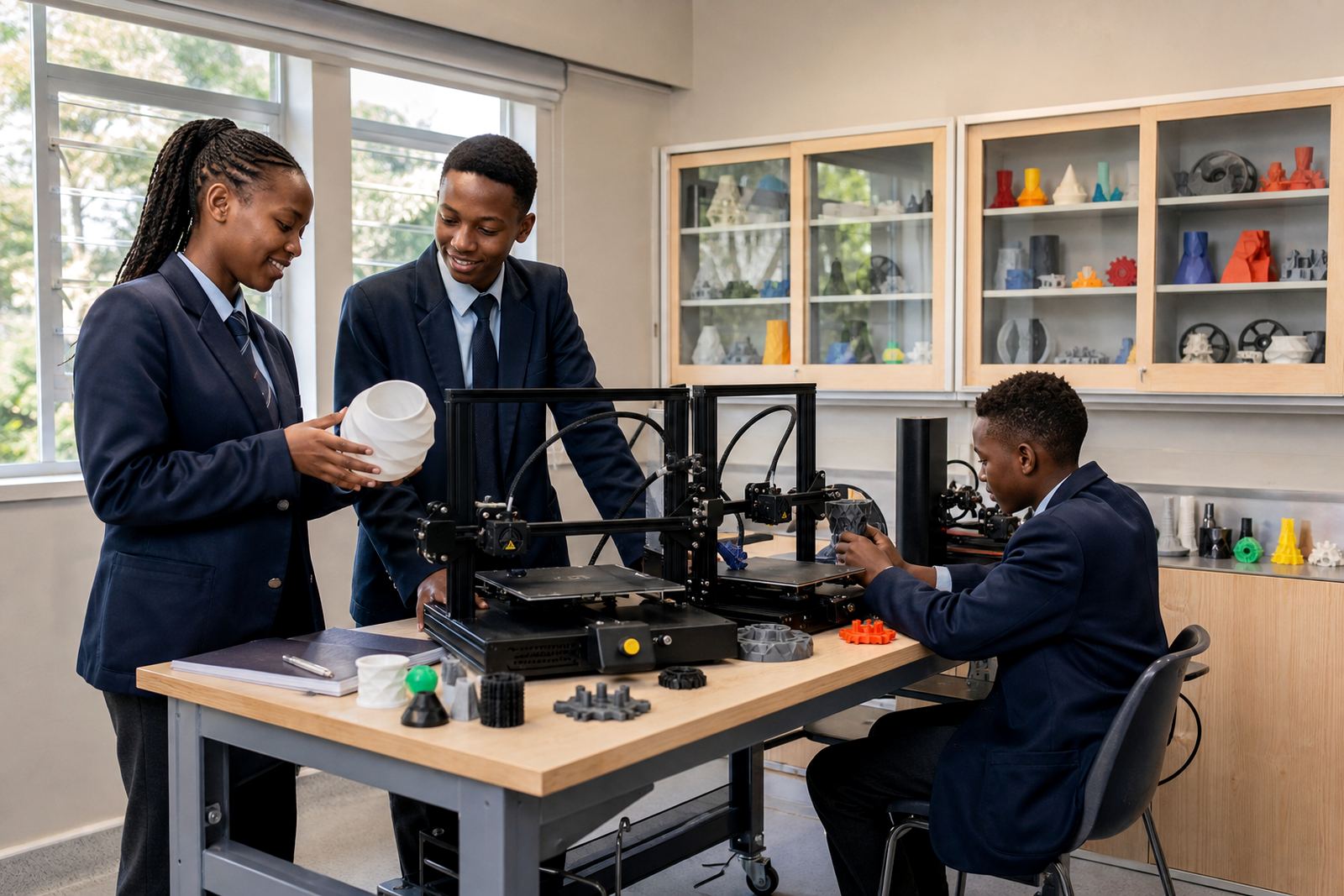
Classroom printing is hands-on, but it still needs clear safety rules. Learners should understand heat, moving parts, sharp tools and the need to wait before touching a print. Teachers should also keep hair tied back, loose sleeves out the way, and walkways clear around the machine area.

The articles stay general on purpose, because every school has its own room layout and supervision needs. Build habits that fit your learners, without replacing your own school procedures or municipal requirements.

  • No touching hot ends, beds or freshly printed parts
  • Use only supervised tool handling
  • Keep drinks and food away from the lab
  • Check that vents and work areas stay open and tidy

Project ideas for beginners and maker clubs

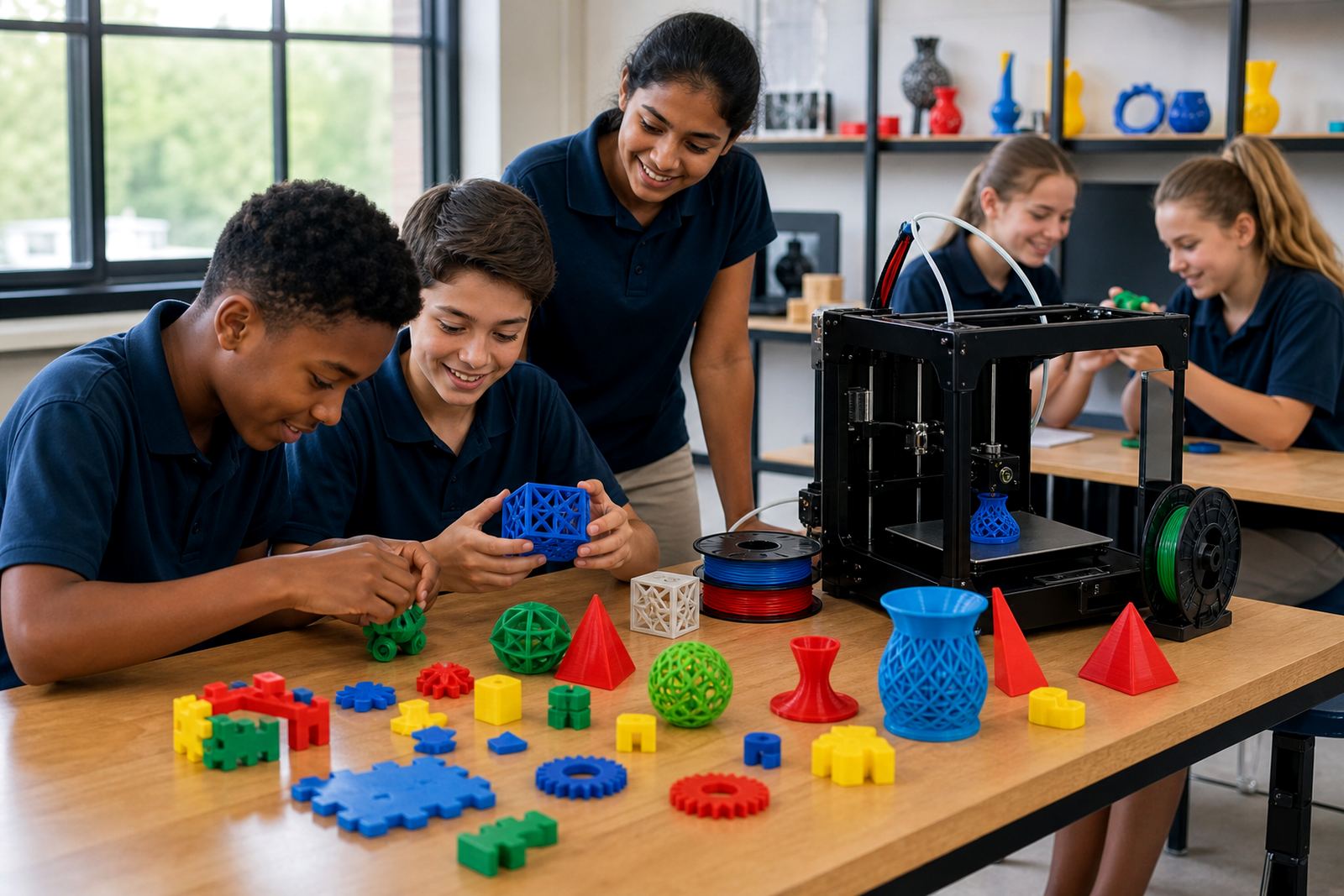
Some schools want quick wins, others want a full term plan. This journal includes project ideas that suit both. A learner who is just starting may begin with a name tag, keyring or simple geometry model, while a maker club might move on to classroom aids, prototype parts or a grouped design brief.

The aim is to keep projects realistic, printable and age-appropriate. A good article should help you decide what can be finished in one lesson, what needs multiple sessions, and what can be repeated for a whole class without wasting material.

  • Simple shapes and name-based projects
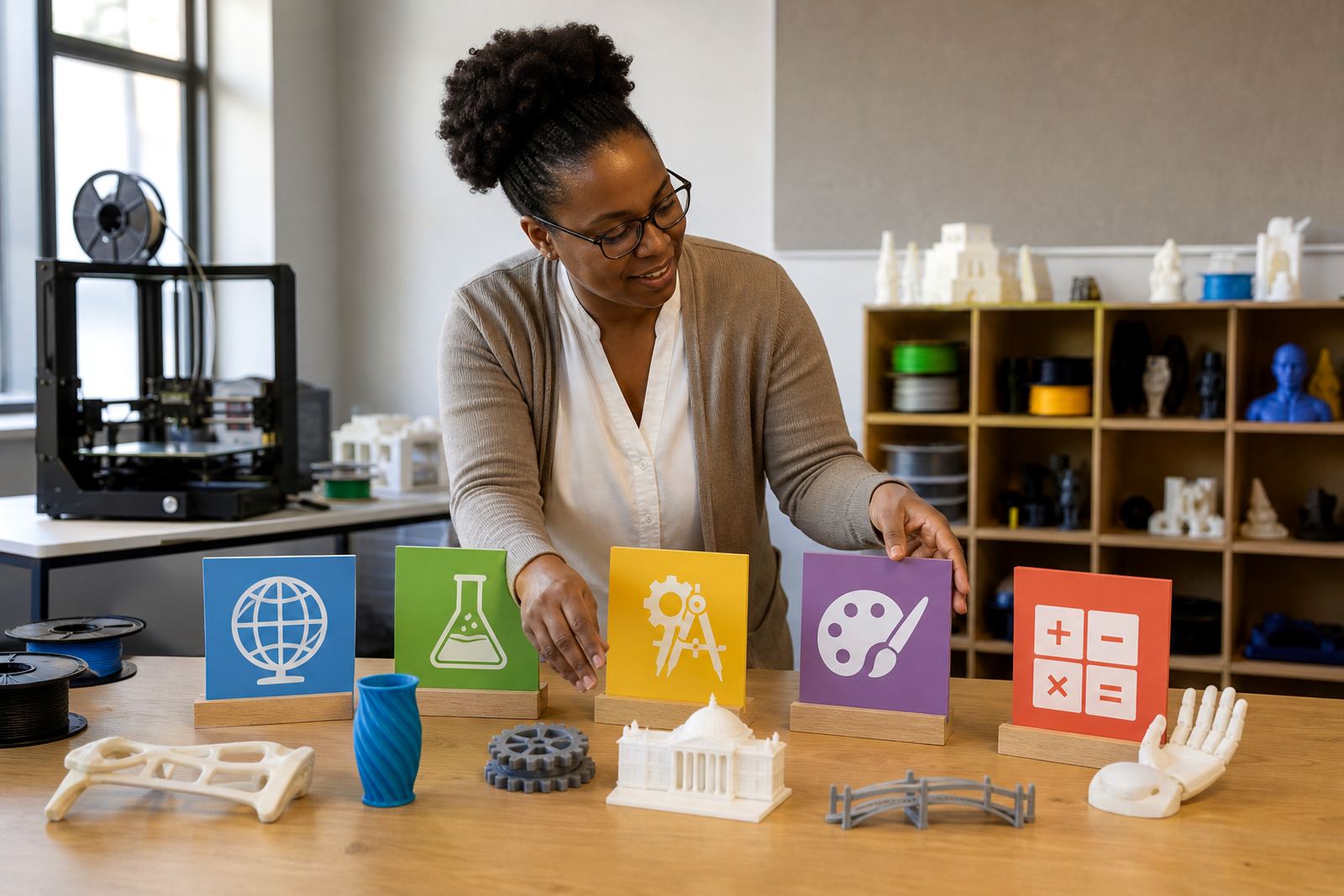
  • Curriculum-linked classroom aids
  • Group builds for holiday programmes
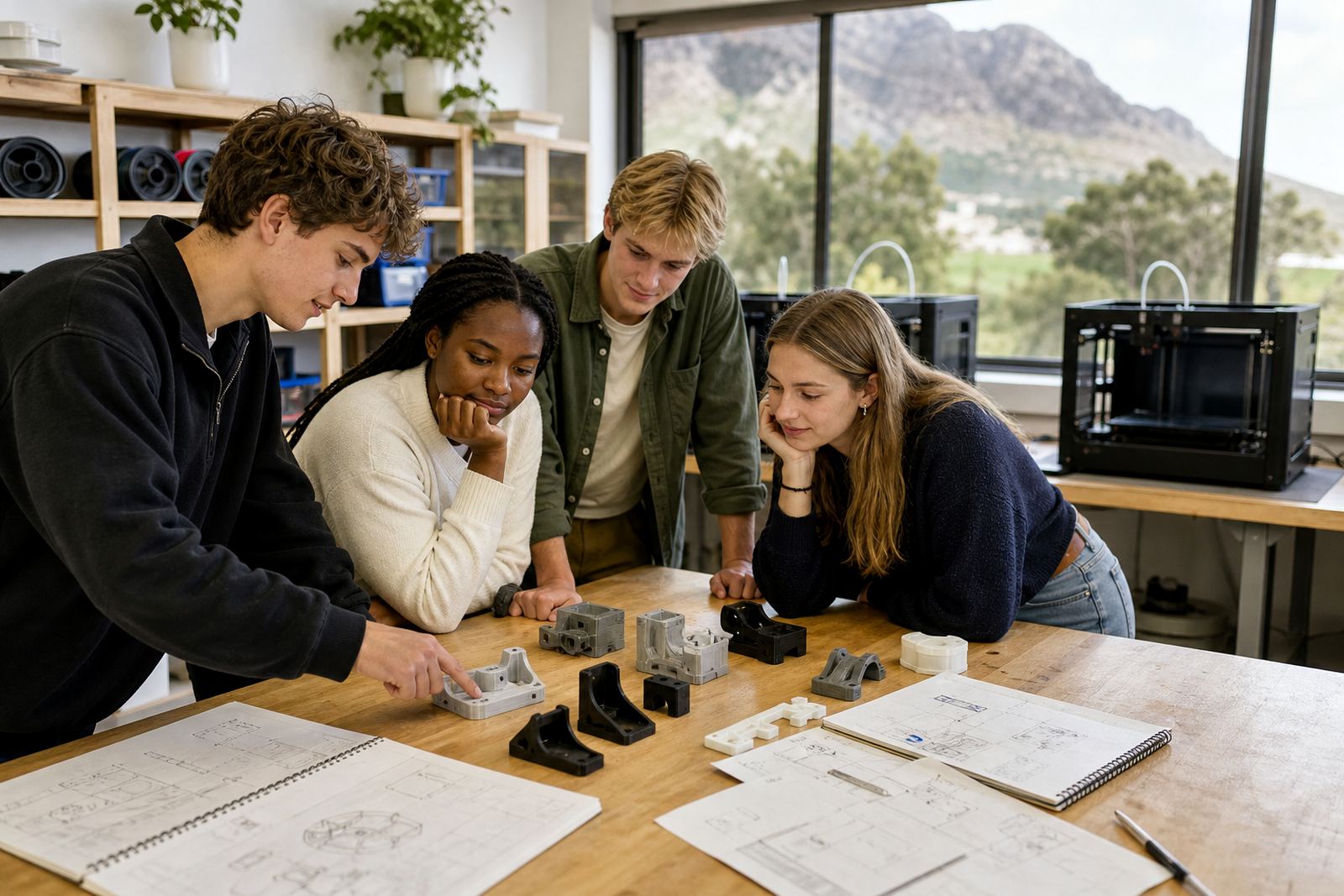
  • Term projects that combine design and printing

Daily use, maintenance and handover notes

Even a small lab works better when everyone follows the same routine. Articles here cover printer checks, nozzle care, bed cleaning, and how to hand over a machine between teachers or class groups. That matters when the lab is shared across departments or used after hours for maker club work.

If a school has several users, a simple logbook can help track prints, faults and material use. It does not need to be complicated, just clear enough that the next person knows what happened before they start.

  • Record print time, material used and any faults
  • Check levelling, adhesion and first-layer quality
  • Clean the work area after each session
  • Keep notes for the next teacher or technician

When to ask for training

The Maker Journal is useful when you need practical reading before making decisions, or when a teacher wants a quick refresher before the next lesson. It is also a steady reference for schools in Paarl, Pretoria, Cape Town, Durban and Gqeberha that want to compare approaches before they plan a lab or book a workshop.

If your team needs more hands-on guidance, use the hub to narrow down the topic, then choose the relevant course or workshop format from the training side. That way, your reading and your classroom action line up properly.

Questions we get asked

Who should read the Maker Journal?

It is written for schools, educators and beginners who want practical guidance on classroom 3D printing, from planning to everyday use.

Does the journal only suit schools that already have printers?

No. It includes planning, safety and setup topics as well as maintenance and project ideas, so it helps before and after a lab is in place.

Can the articles help with shared or busy school labs?

Yes. The focus is on clear routines, safe supervision and simple maintenance, which suits shared spaces and timetable-based lab use.

Discuss a school 3D printing project.

Contact form