Start With a Clear Opening Routine
Clean lab habits begin before the first file is sent to a printer. Open windows if the weather allows, switch on lights early, and check that worktops are free of loose paper, offcuts and tools from the previous session. In a school setting, a tidy start helps teachers spot problems fast and it also sets the tone for learners who may be using the room for the first time.
Keep one simple opening checklist near the door so the process stays the same every day. It should cover basic items only, such as room ventilation, filament stock, printer doors, power leads and the condition of each build plate. When the same steps are followed every morning, less time is wasted and fewer small faults are missed.
- Wipe surfaces before class starts, especially after a dusty afternoon.
- Check that bins are empty and lined.
- Confirm that printers are level and clear of stored books or bags.
- Make sure emergency exits and walkways stay open.
Keep Dust and Scraps Under Control
Dust is one of the most common problems in a school print room, especially in towns where wind brings fine grit through doors and windows. It settles on rails, fans and build plates, and can affect print quality if it is left too long. A quick wipe after each lesson is usually enough, provided it becomes part of the room routine.
Use soft cloths and small hand brushes rather than anything harsh. Vacuum floors around the printers and sweep up trim pieces before they are walked across the room. If the room has a lot of cardboard packaging, set up one area for waste so it does not spread across the floor. The goal is simple: fewer loose bits, fewer clogs and less time cleaning at the end of the day.
- Empty scrap containers before they overflow.
- Separate clean filament packaging from general rubbish.
- Keep a cloth only for printers and another for tables.
- Store spare nozzles, tools and cutters in labelled containers.
Teach Learners to Reset Their Own Station
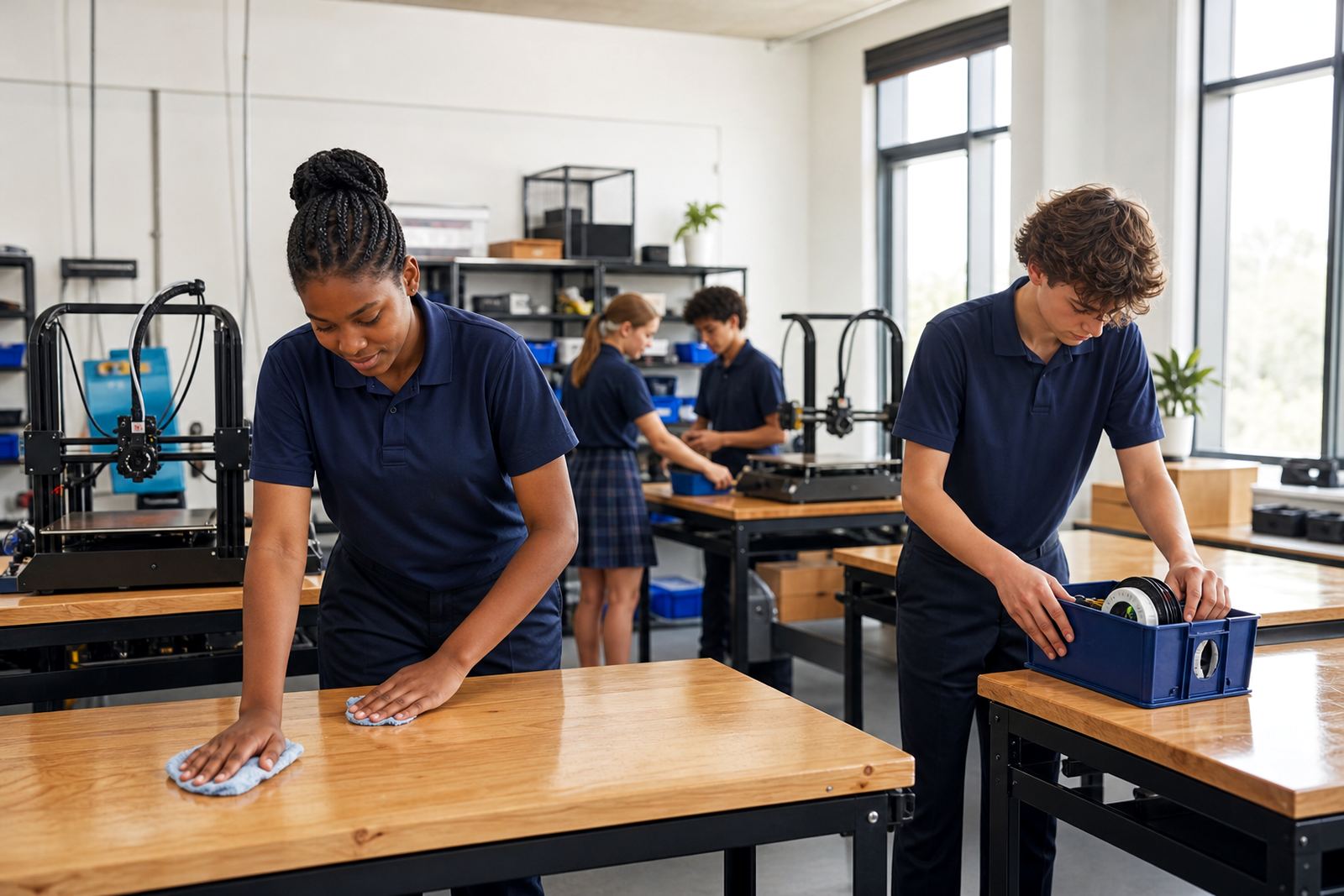
The cleanest print rooms are the ones where learners take responsibility for their own space. After a lesson, each group should clear material offcuts, remove failed prints, return tools and log any faults. That habit cuts down on confusion for the next class and helps teachers notice who needs more guidance on printer care.
A reset should take only a few minutes. If it takes longer, the room may be carrying too much clutter or the storage system is not simple enough. Keep labels large, use clear containers where possible and avoid mixing tools for different tasks. The easier the system is to follow, the more likely learners are to use it properly and not leave a trail of bits behind them.
- Return cutters, scrapers and tweezers to the same place every time.
- Remove failed prints as soon as the bed has cooled.
- Check the floor under each printer for loose strands and clips.
- Sign off the station before the next group enters.
Plan for Load-Shedding and Safe Shutdowns
In South Africa, load-shedding can interrupt a lesson without warning, so a good clean room routine must also include a safe shutdown plan. Printers should not be left running unattended during a power cut, and learners need to know what to do with tools, heated parts and half-finished work. A calm response keeps the room safer and prevents damage to equipment.
Have a short shutdown list ready for teachers and support staff. It should explain what gets switched off, what gets covered and where unfinished items are placed. Once power returns, the room should be checked before printing starts again. This is also the right time to inspect for dust, loose cables and any spills that might have happened during the interruption. A little preparation avoids a lot of hassle later.
- Switch off printers according to the room procedure.
- Allow hot parts to cool before handling them.
- Store interrupted prints in a marked tray.
- Check that no filament is pulled across walkways.
Use the Local Climate to Your Advantage
Coastal humidity and inland dust both affect a print room, but in different ways. In places closer to the coast, moisture can make filament storage more important. In drier inland areas, dust may be the bigger concern. Schools around Stellenbosch, Cape Town and Gqeberha often need stronger storage habits because the air changes quickly during the school day and windows are opened and closed often.
Keep filament in sealed containers with clear labels and, where possible, a simple note of when each reel was opened. A dry cupboard or storage box helps protect material from moisture and keeps the room looking organisedd. This is not about expensive fittings, only about sensible storage that suits the climate and the budget. When materials stay in one place, the room stays calmer too.
Teachers should also avoid stacking boxes near printers or against vents. Good airflow matters, and so does a clear path for learners to move safely between stations.
Make End-of-Day Checks Part of the Lesson
The best habit in any school print room is the end-of-day reset. When the last lesson is over, someone should walk through the room, clear the benches, check the printers and make sure nothing is left switched on. This routine should not be rushed. It is the final chance to catch a jam, a cracked spool holder or a build plate that still needs attention.
At schools with Maker Club sessions or holiday programmes, the end-of-day check is even more important because more people use the room and materials move faster. Keep the routine simple, repeat it every day and write it down where everyone can see it. A well-kept print room feels quieter, works better and gives learners a better first experience with making.
- Remove completed models and label unfinished ones.
- Close storage tubs and return them to the shelf.
- Wipe heated surfaces only once they are cool.
- Confirm the room is ready for the next class, not just nearly ready.