Start With a Fixed Printer Map and Named Roles
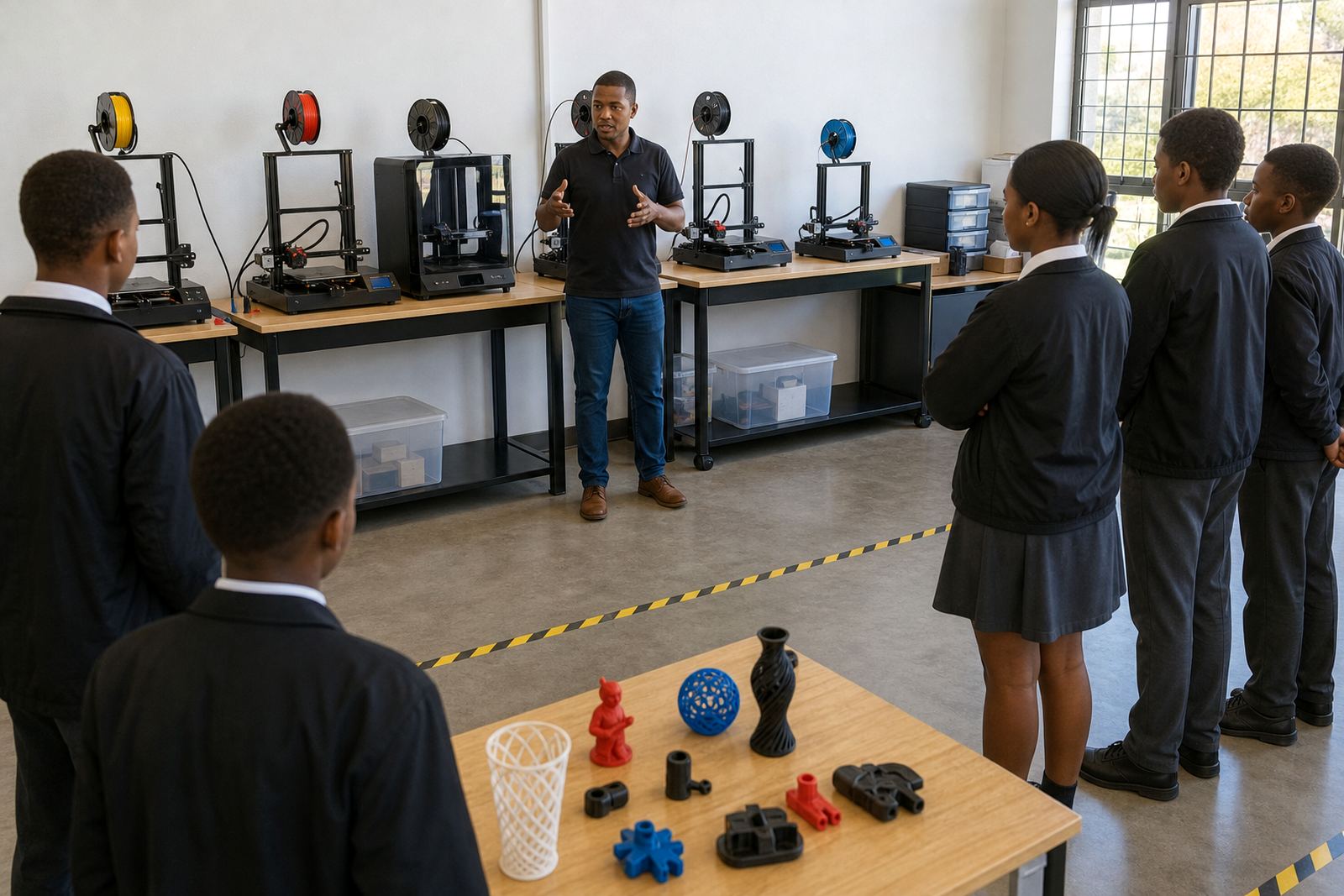
In a room with three or four printers, the first habit is to give every machine a clear place and a clear job. One printer may handle long builds, another can be used for short class demos, and a third can stay ready for reprints or test pieces. When each machine has a purpose, teachers spend less time deciding where to send a file and more time helping learners.
It also helps to assign simple roles for the day. One learner can check bed cleanliness, another can confirm filament colour and type, and a third can record the print job on a room log. These small steps teach responsibility and cut down on mix-ups. In a busy school week, that structure matters more than people expect.
- Label each printer with a number or name
- Keep one log sheet for all machines
- Assign a quick start and shut-down check
- Store spare nozzles, tools and tape in one place
Use a Shared Queue So Jobs Do Not Collide
When learners send files to several printers at once, the room can become messy fast. A shared queue keeps the work moving in order and stops two classes from fighting over the same machine. Whether the school is in Stellenbosch or running a satellite setup in Johannesburg, the same rule applies: one print request enters the queue, then it waits its turn.
A visible queue can be as simple as a whiteboard list, a printed sheet or a folder system on a computer linked to the lab. What matters is that everyone can see what is printing, what is next and which printer is free. This is especially useful when one machine is paused because of a nozzle check or a stuck spool. The whole room stays calmer when the process is easy to follow.
- Write the learner name, file name and estimated time
- Mark each printer as free, busy or offline
- Keep urgent teacher demos separate from learner work
- Review the queue at the start of each lesson
Create a Clean Start and Clean Finish Routine
3D printers work best when the room follows the same opening and closing steps every day. Before the first print, check build plates, clear loose filament and make sure the machines are level enough for reliable first layers. At the end of the day, remove failed prints, brush away debris and inspect the nozzles for residue. That habit saves time the next morning.
Schools near the coast, such as Durban or Gqeberha, also need to think about humidity. Filament stored in damp conditions can become brittle or print poorly, so airtight storage or sealed containers are worth the effort. In inland areas, dust can be the bigger issue. Either way, clean storage is part of good printer care, not an extra task.
- Wipe beds before each session
- Return filament to sealed storage after use
- Check for loose screws, clips and belts
- Log any faults before the room closes
Plan Around Power Cuts and Shortened School Days
Multi-printer rooms need realistic timing. A print that looks fine on paper may not survive a load-shedding window or a sudden timetable change. Teachers should break large projects into smaller stages, then schedule prints when there is a stable block of time. If the school has backup power for only part of the lab, the printer with the shortest job should take priority.
It helps to keep a short list of prints that can be paused safely and a second list of prints that must run without interruption. Learners learn quickly that timing is part of the project, not just the design. In a school environment, that lesson is useful because it mirrors real workshop conditions where power, time and staffing all affect output.
In Paarl, one school group may need to print during morning lessons because afternoons are reserved for sport. In Somerset West, another may split printing across two afternoons because only certain rooms have enough outlet access. The routine should match the school day, not the other way around.
- Keep short jobs ready for uncertain power windows
- Separate essential prints from optional ones
- Note estimated print time before starting
- Have a manual shutdown step if power drops
Teach Learners to Respect Shared Tools and Shared Space
Several printers in one room means several learners touching the same equipment. That is where a clear behaviour routine matters. Learners should wait for permission before changing settings, use the correct tools for removing prints and stay clear of moving parts while a machine is running. A few basic reminders at the start of each term can prevent damage and reduce accidents.
Safety does not need to be complicated. Keep hot components marked, do not let learners reach inside a printer while it is moving, and make sure filament cutters and hobby tools are returned after use. Teachers should also remind learners not to crowd the machines during the first layer, because that is when mistakes often happen. A tidy room usually leads to better prints and less stress for everyone.
- One learner at a printer at a time unless supervised
- No touching heated parts during or after a print
- Keep water, bags and food away from the lab
- Store tools where learners can reach them safely
Use Maintenance Checks Before Problems Become Delays
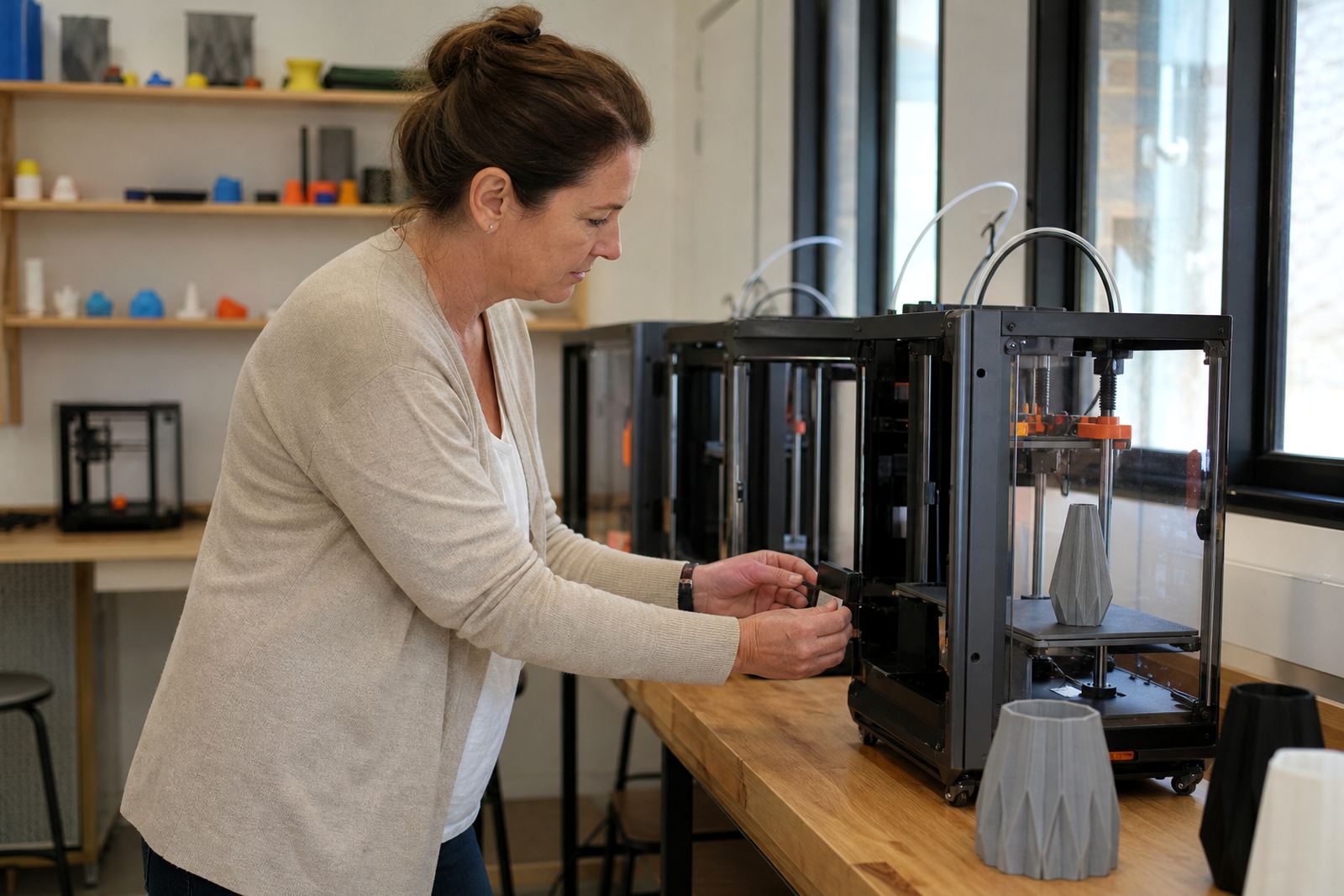
When a school operates more than one printer, it is tempting to wait until a machine fails before doing anything. That approach usually costs more time. A short weekly check on belts, fans, nozzles, build plates and cables can prevent repeated faults. If one printer starts under-extruding or another begins shifting layers, the issue should be recorded and handled before the next class arrives.
A simple maintenance routine also helps when several teachers share the same space. Everyone knows which printer has been serviced, which one needs a nozzle change and which one should be used only for light jobs until it is checked. In practical terms, this means fewer surprise breakdowns and less pressure on the technical support person.
For schools in Cape Town or Pretoria, where multiple groups may use the same room in a week, the room log is just as important as the printer itself. It tells the team what was printed, what went wrong and what needs attention next. That kind of record keeping is not glamorous but it keeps the whole setup steady.
Build a Room Culture That Learners Can Follow Independently
The best multi-printer routine is the one learners can repeat without constant correction. When the room has labels, queues, cleaning steps and safety rules, the teacher can focus on teaching rather than supervising every movement. Over time, learners begin to understand print flow, machine care and project planning as part of the learning process.
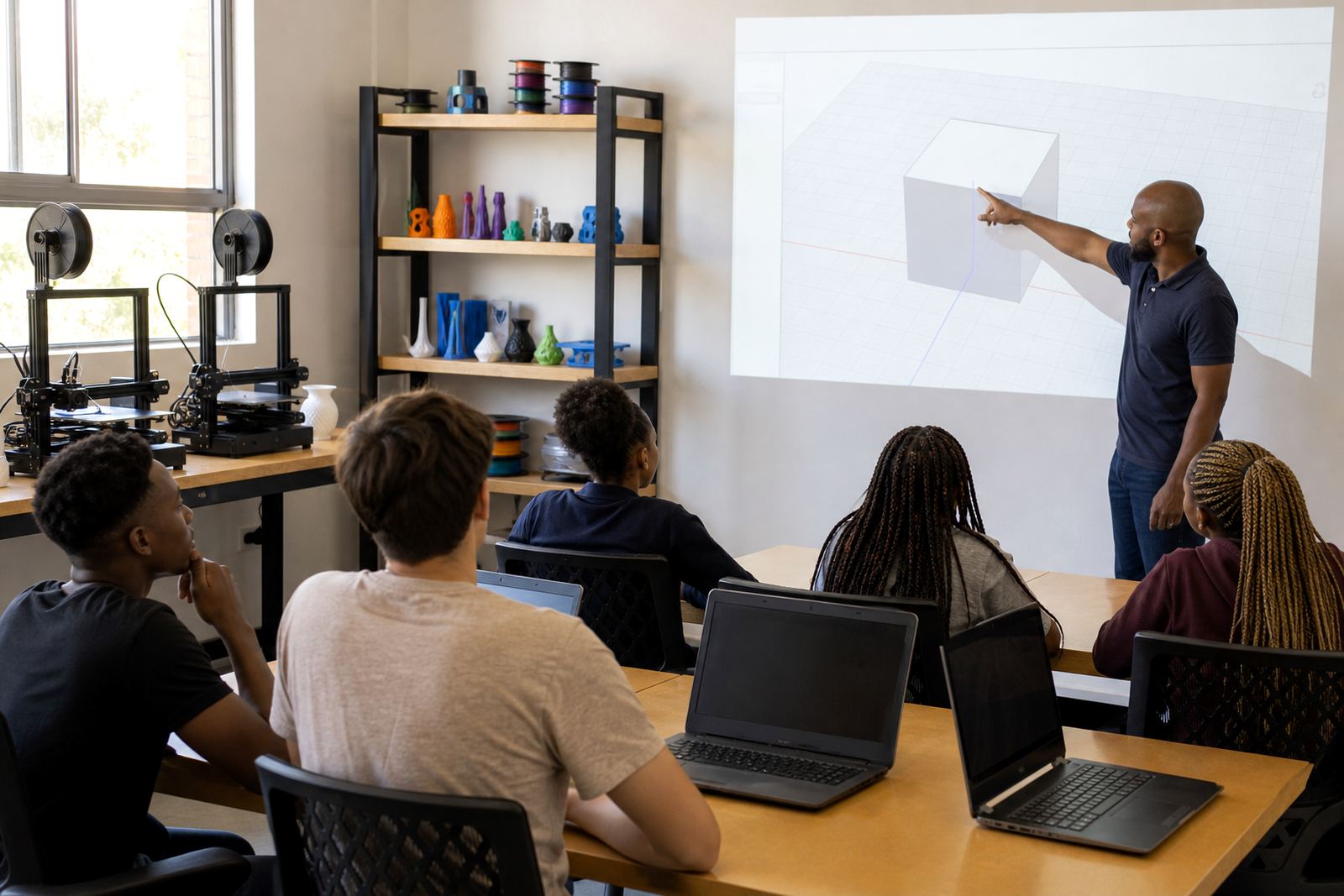
A practical example comes from a mixed-age school lab in Stellenbosch that runs several printers in one room. One class prepares CAD files while another manages finishing and cleanup. The room works because each printer has a clear role, the queue is visible and the end-of-day routine is non-negotiable. Nothing fancy, just steady habits that keep the room running and the learners engaged.
That is the real value of a multi-printer routine. It turns a busy room into a usable learning space, even when timetables shift, the weather is humid or the power schedule is tight. The more consistent the routine, the easier it becomes for teachers and learners to get useful work done.