Why the teacher matters in a print space
A school print room is not a place where learners simply press start and wait for plastic to appear. It needs structure, steady guidance and clear expectations from the teacher so that each class can use the equipment safely and practicaly. In a busy school week, that structure also helps protect lesson time, materials and the printer itself.
The teacher does not need to know every technical detail on day one. What matters is knowing the workflow, understanding where learners usually get stuck, and setting a classroom tone where planning comes before printing. In Stellenbosch, where schools may be balancing large classes, sports fixtures and limited lab time, a simple routine makes a big difference.
Set a routine before the printer switches on
Most problems in a classroom print space begin before the machine even starts. A clear routine helps learners move from idea to model without crowding the printer or wasting filament. Teachers can use the same sequence every time so learners know what to expect.
- Check the booking or class schedule before the lesson starts.
- Confirm that the work area is clear, dry and well ventilated.
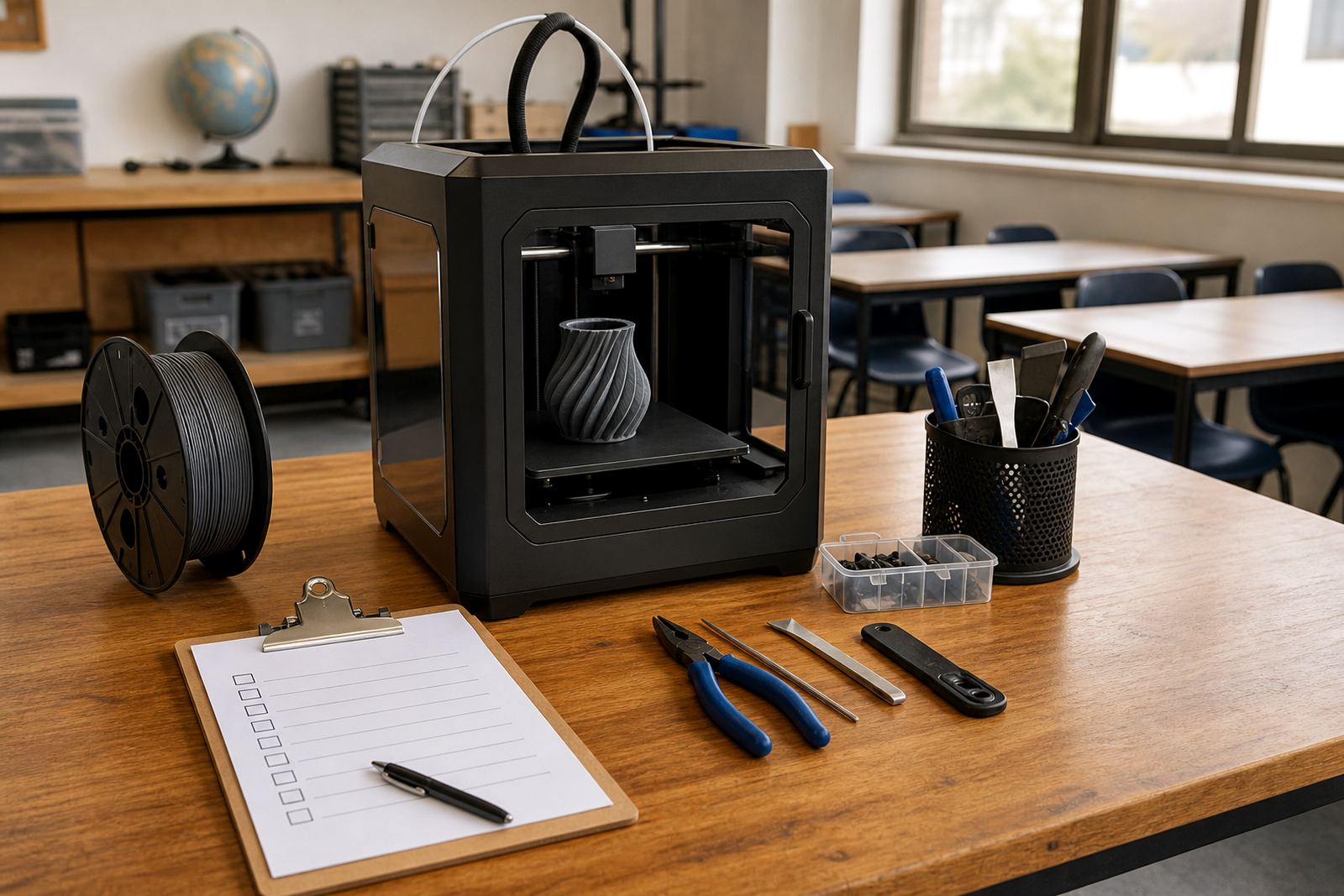
- Inspect the printer bed, filament and power supply.
- Make learners sign into a turn-taking system for prints and tasks.
- Store tools, cutters and spare parts in a locked or supervised cabinet.
For schools near the coast, moisture can affect filament and print quality, so storage matters. Keep material sealed when it is not in use, and do not leave spools open over weekends or long school holidays.
Supervision that keeps learners active, not passive
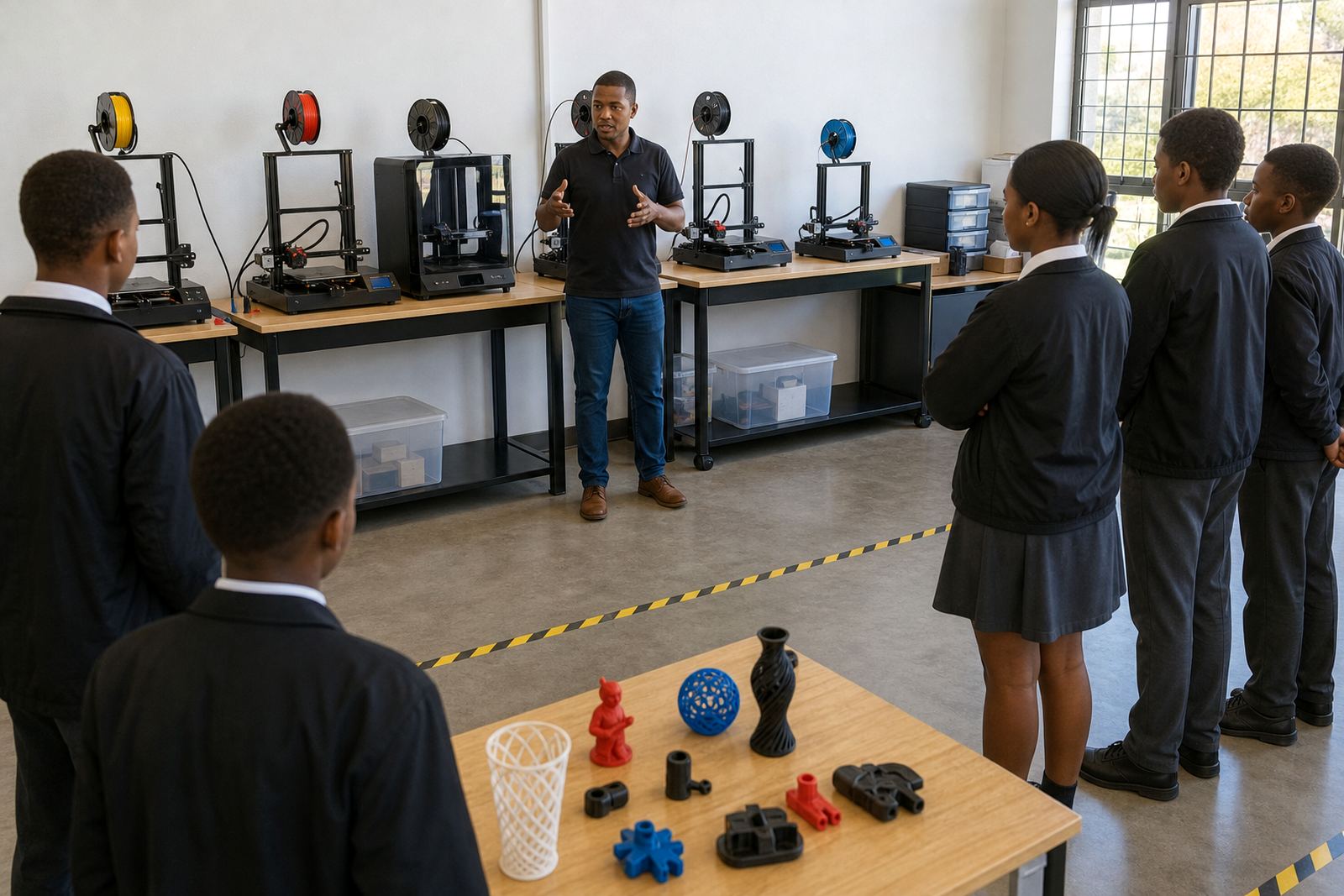
Good supervision in a 3D-print room is active supervision. The teacher moves around the room, asks questions and checks whether learners understand why a design is being adjusted. It is not enough for learners to copy steps without thinking. They should be able to explain what the model is for, how it will be printed and what could go wrong.
A practical approach is to split the lesson into short tasks. One group can work on design, another on print setup, and another on post-print cleaning or reflection. This keeps everyone involved and reduces the chance of learners gathering too closely around a hot machine.
- Keep hands away from heated nozzles and moving parts.
- Remind learners not to touch the print bed until it has cooled.
- Use protective eyewear when trimming supports or cleaning parts.
- Only the teacher or assigned helper should start a print job.
Teach planning, not just printing
One of the teacher's most useful roles is helping learners understand that a good print begins with good planning. If the design is too large, too thin or not suitable for the printer, the lesson becomes a lesson in fixing errors rather than making progress. Teachers can guide learners to think about size, strength, function and print time before anything is sent to the machine.
That planning mindset fits well with design and technology subjects, robotics clubs and maker activities. It also helps when a class is working with limited machine time, which is common in many South African schools. A learner who can revise a model before printing saves both plastic and time.
Teachers can ask simple questions: Does the object need to move? Will it be handled often? Is it strong enough for daily use? These questions keep the project focused and help learners connect digital design to real classroom use.
Manage safety, power and downtime with common sense
School print spaces need routine safety checks, especially where power cuts or voltage changes are part of daily life. During load-shedding, teachers should make sure prints are paused safely or stopped if the machine cannot continue properly. After power returns, check the printer before restarting the job so the bed, motors and software are in sync.
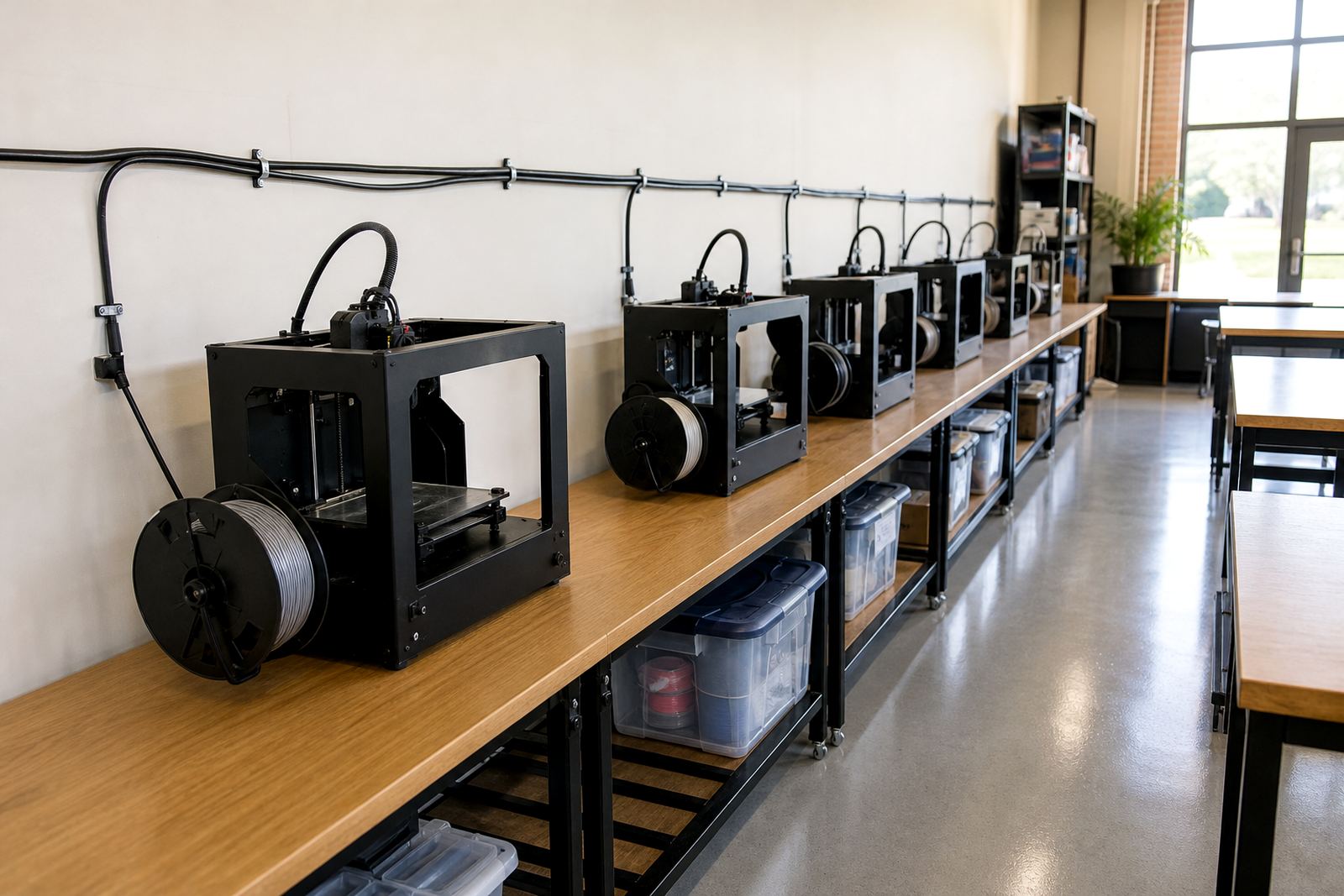
In a classroom, safety is not only about the printer itself. It also includes cable placement, airflow, clear walkways and sensible behaviour around hot components. Teachers should set ground rules from the start and repeat them often. That avoids confusion when learners rotate through the room or when a new class joins mid-term.
- Keep cables off walkways and away from water bottles.
- Do not place printers near direct sunlight or damp windows.
- Label storage boxes for filament, tools and finished parts.
- Record faults quickly so small issues do not become expensive repairs.
Use the room to build responsibility and teamwork
A well-run print room also teaches responsibility. Learners can take turns managing time, cleaning the workspace and logging finished prints. These small tasks help them understand that technology works best when people respect the process and each other.
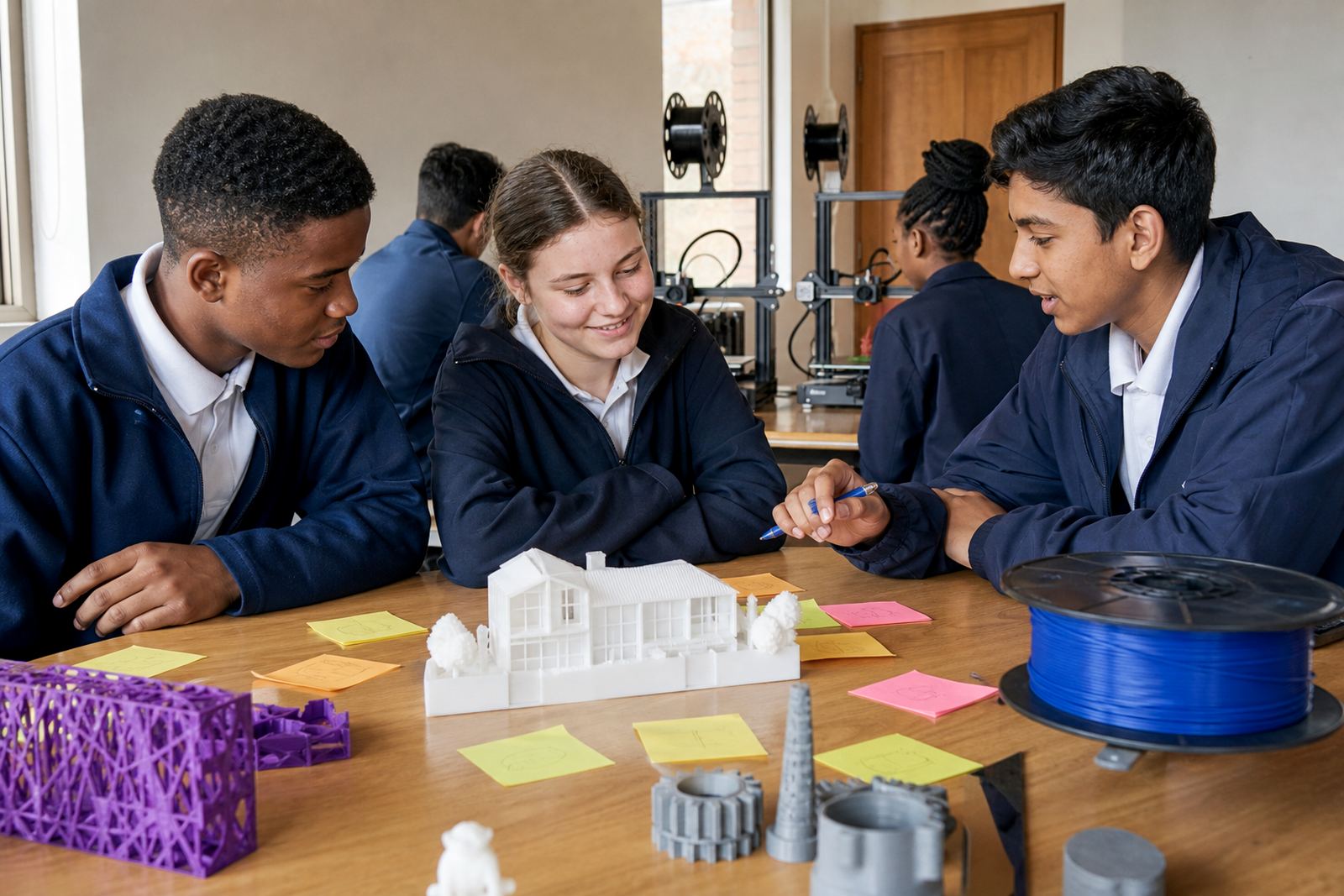
Teachers can assign roles for group work: one learner prepares the file, another checks the dimensions, another watches the printer with the teacher, and another records results. This works well for maker clubs and holiday programmes too, where learners often arrive with different skill levels. The room becomes a place where patience and problem-solving count just as much as creativity.
When learners see their ideas turn into usable objects, they start to ask better questions. That is when the print room begins to support real learning rather than just novelty.
A local example from a Cape Winelands school
At a school in the Cape Winelands, a teacher used a simple weekly routine to run a small print space alongside lessons in design and technology. The class was limited to short printing windows, so learners had to prepare their files in advance and bring their questions to the lesson. The teacher kept a clear check-in board, assigned cleanup duties and made sure every print job had a learning goal.
That structure meant the room stayed calm even on busy days. Learners learned how to plan their work, respect the equipment and solve minor problems before calling for help. The teacher was not standing back, but guiding each step. That is the kind of role that turns a school lab into a useful part of the curriculum, not just an extra room with a machine in it.
For schools across Cape Town, Johannesburg, Pretoria, Durban and Gqeberha, the same principle applies. A teacher who sets the rhythm of the room gives learners a safer, clearer and more meaningful introduction to 3D printing.