

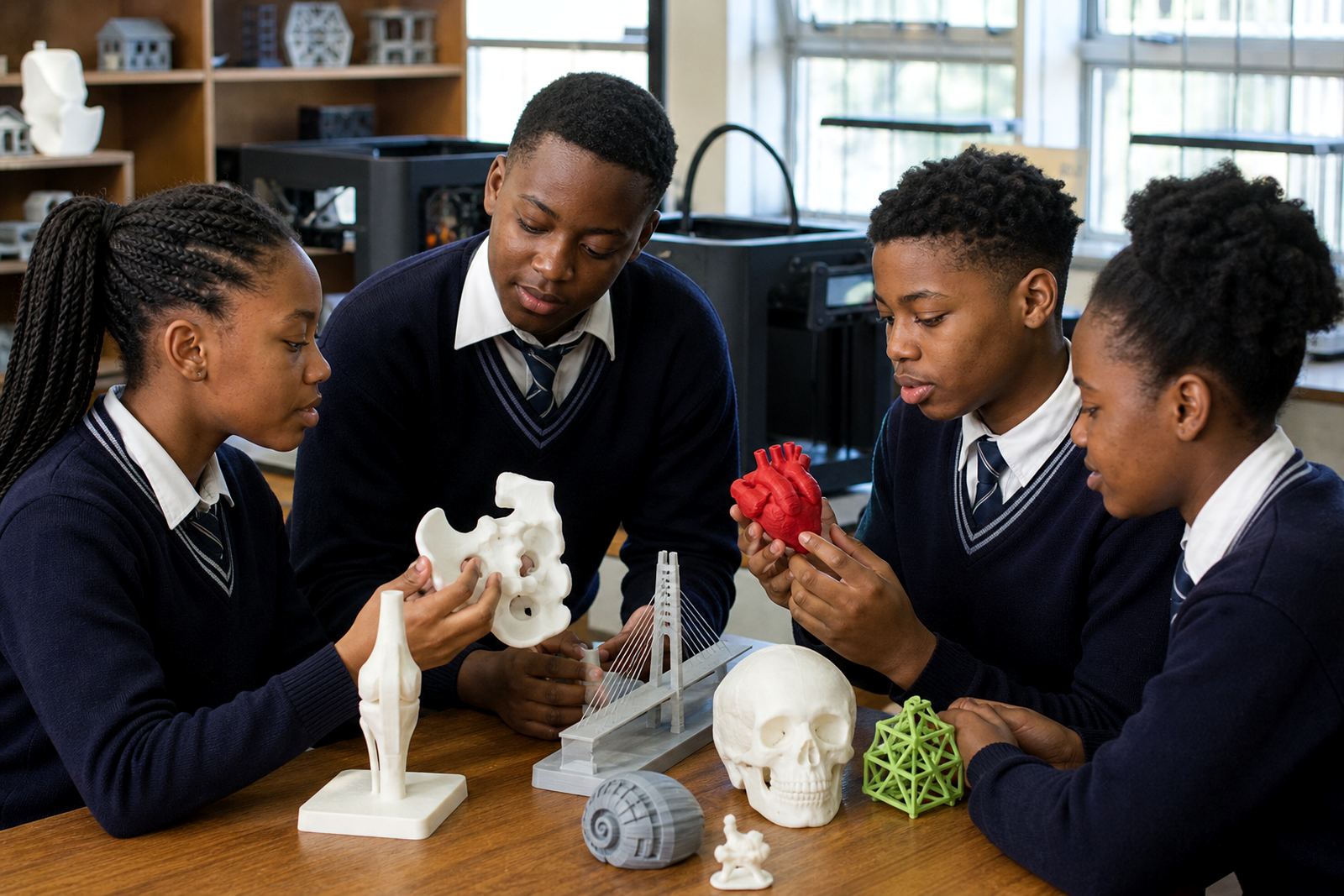
How to read these school lab stories
Each story points to a different teaching need, from a small staff room pilot to a busy technology classroom with several printers on rotation. Some schools want a simple introduction for teachers, while others need a full lab setup course, printer operations guidance and ongoing maintenance basics.
When you compare the stories, look at the age group, the number of learners in the room, and how much support the staff team needs. A good fit is not only about buying equipment, it is also about choosing the right training path so the lab stays practical to run during a normal school week.
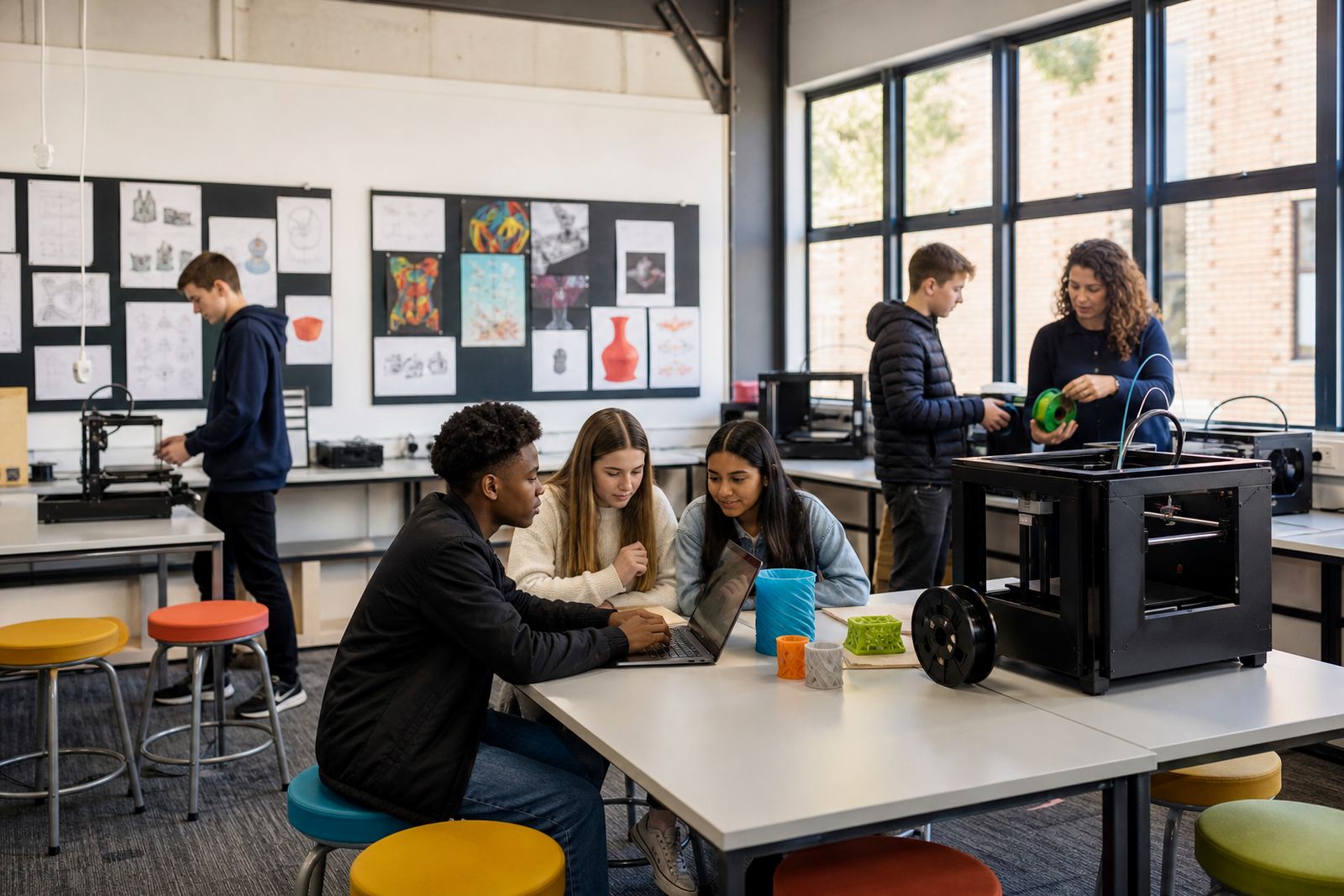
What a classroom-ready lab usually includes
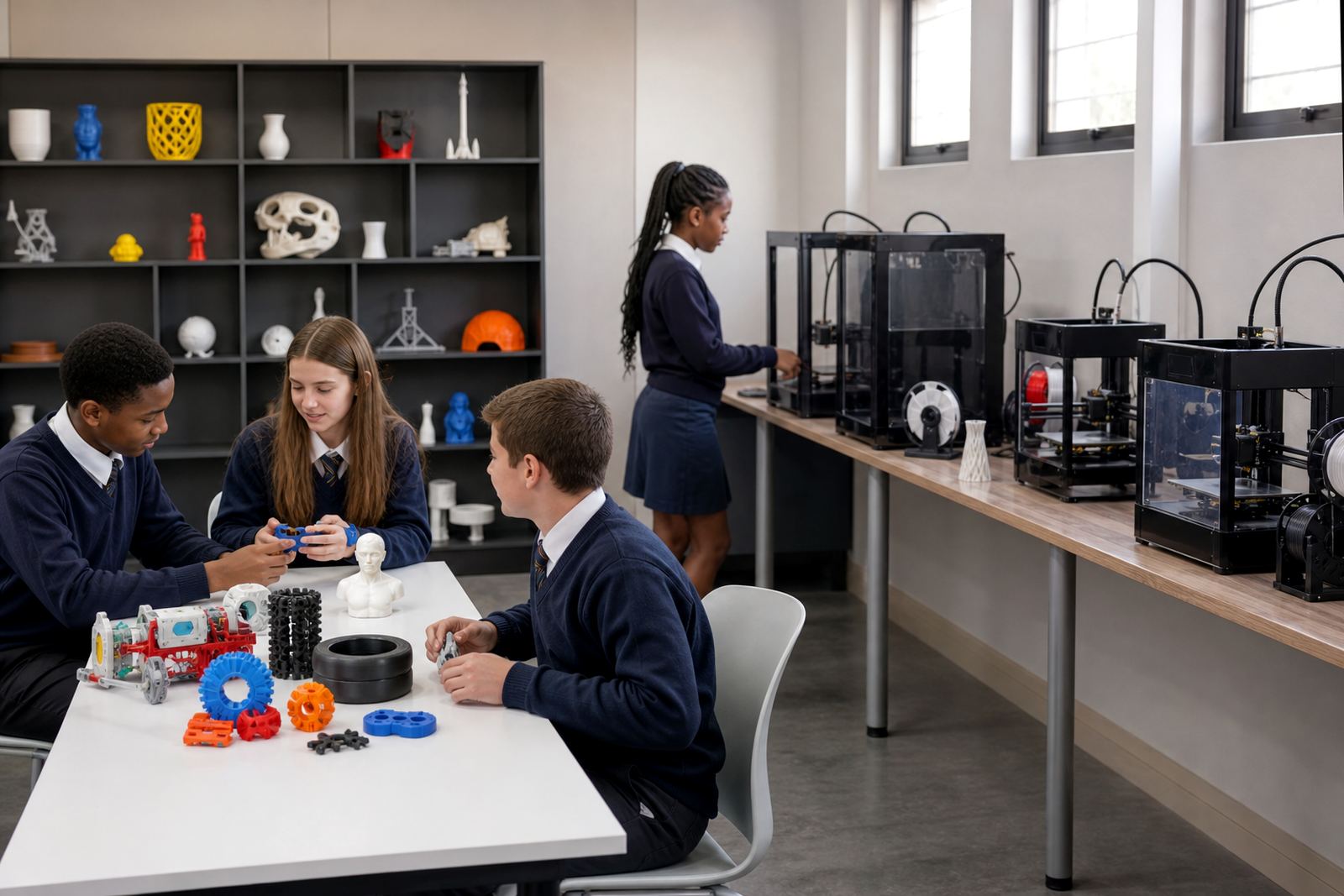
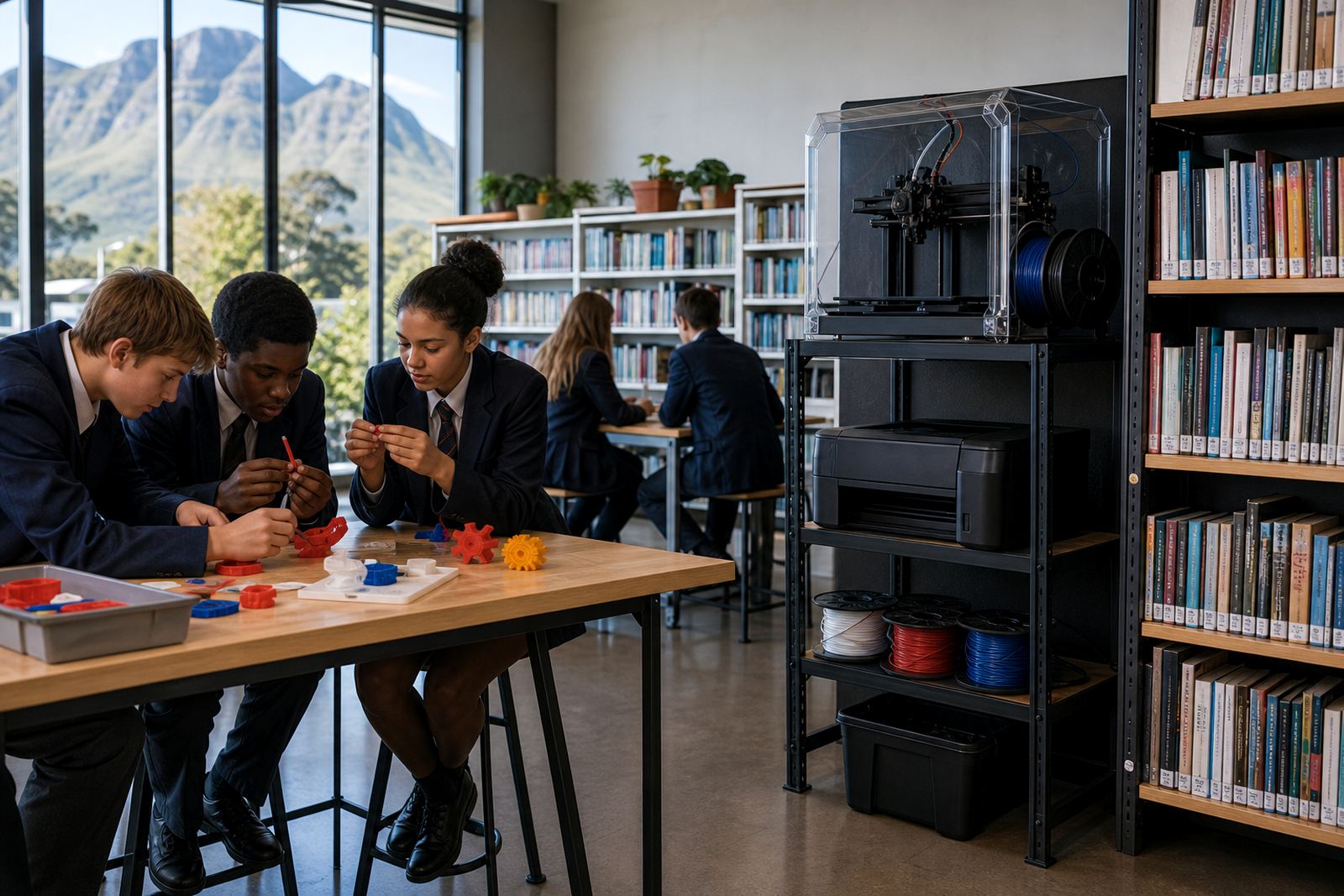
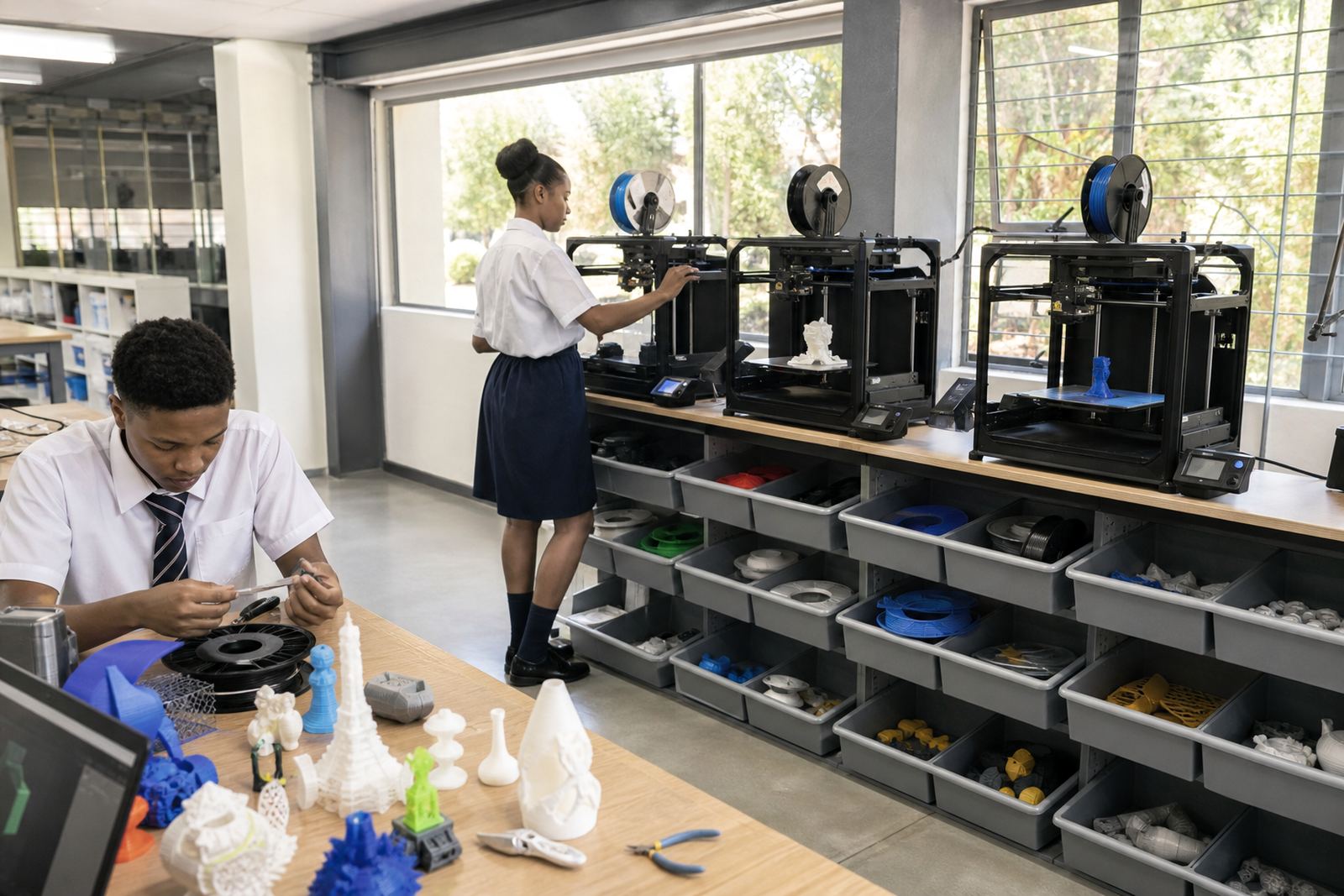
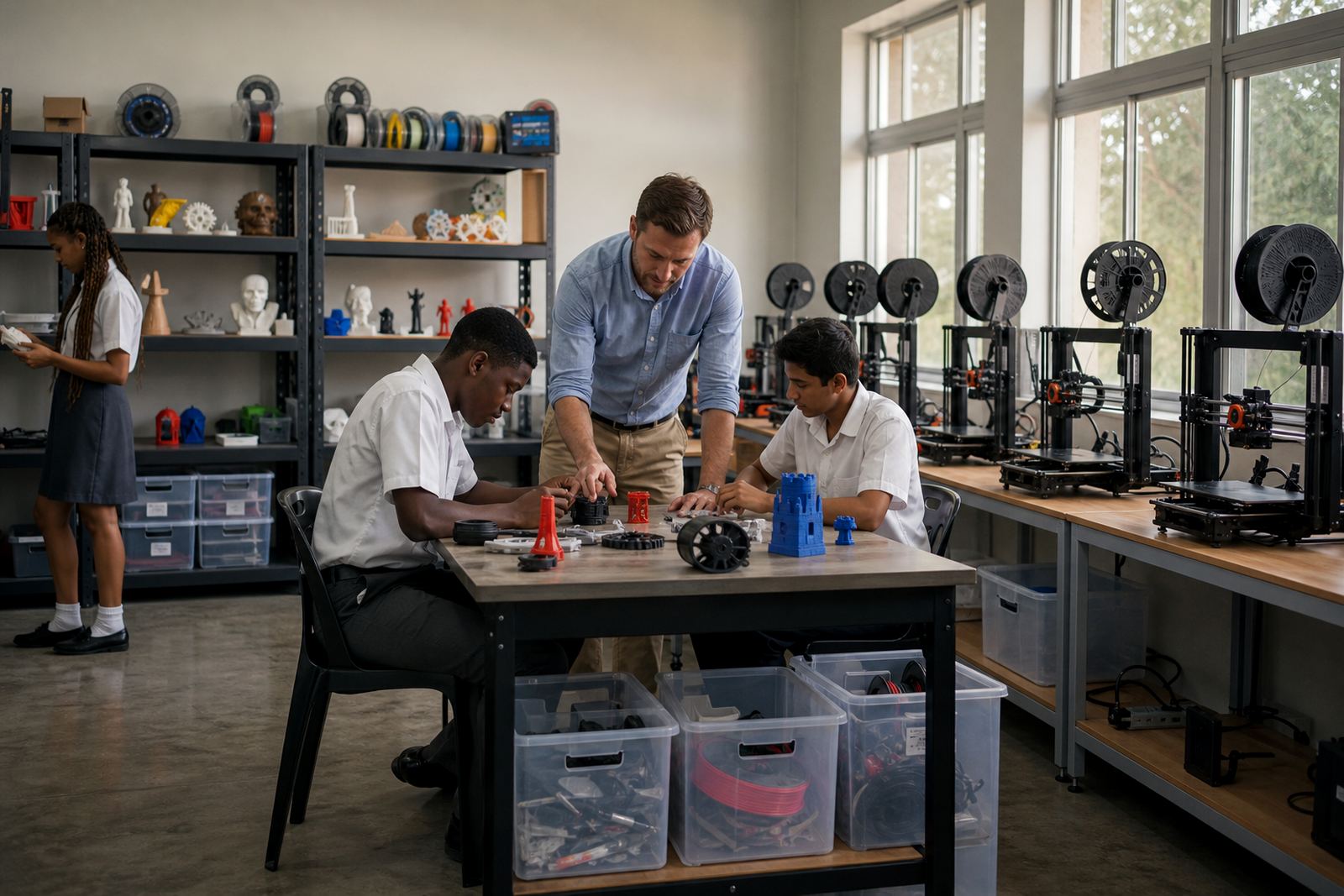
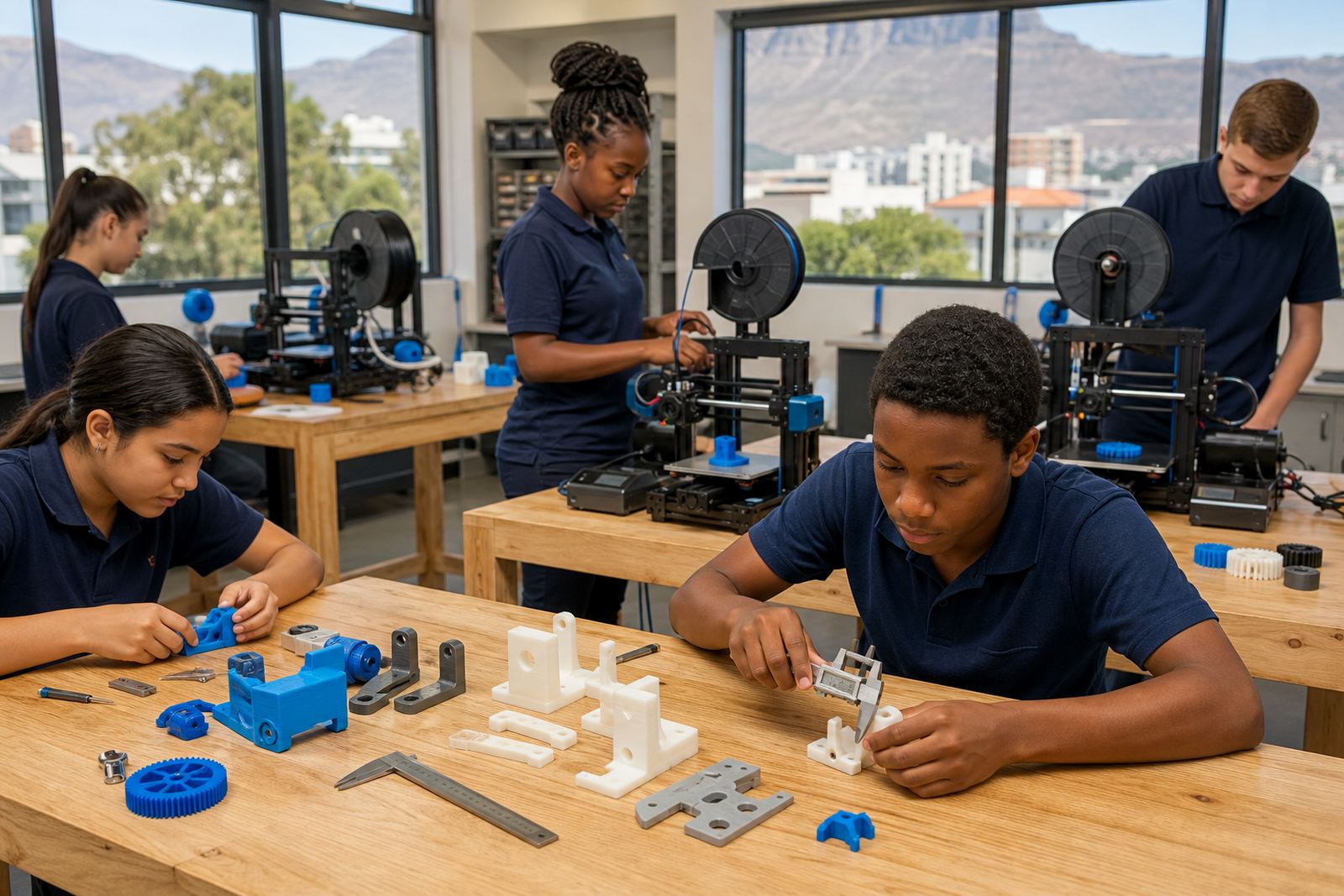
A working school lab needs more than a printer on a table. It needs a clear layout, safe storage, enough power points, basic ventilation and a plan for filament, tools and finished parts. In coastal areas like Cape Town and Gqeberha, humidity control matters as much as neat storage because damp materials can affect print quality.
- 3D printer or printers suited to the room size
- Computer access for design and slicing work
- Tools for removal, cleaning and simple finishing
- Filament storage in sealed containers or cupboards
- Teacher notes for supervision, setup and shutdown
Stories for teacher training and first-time use
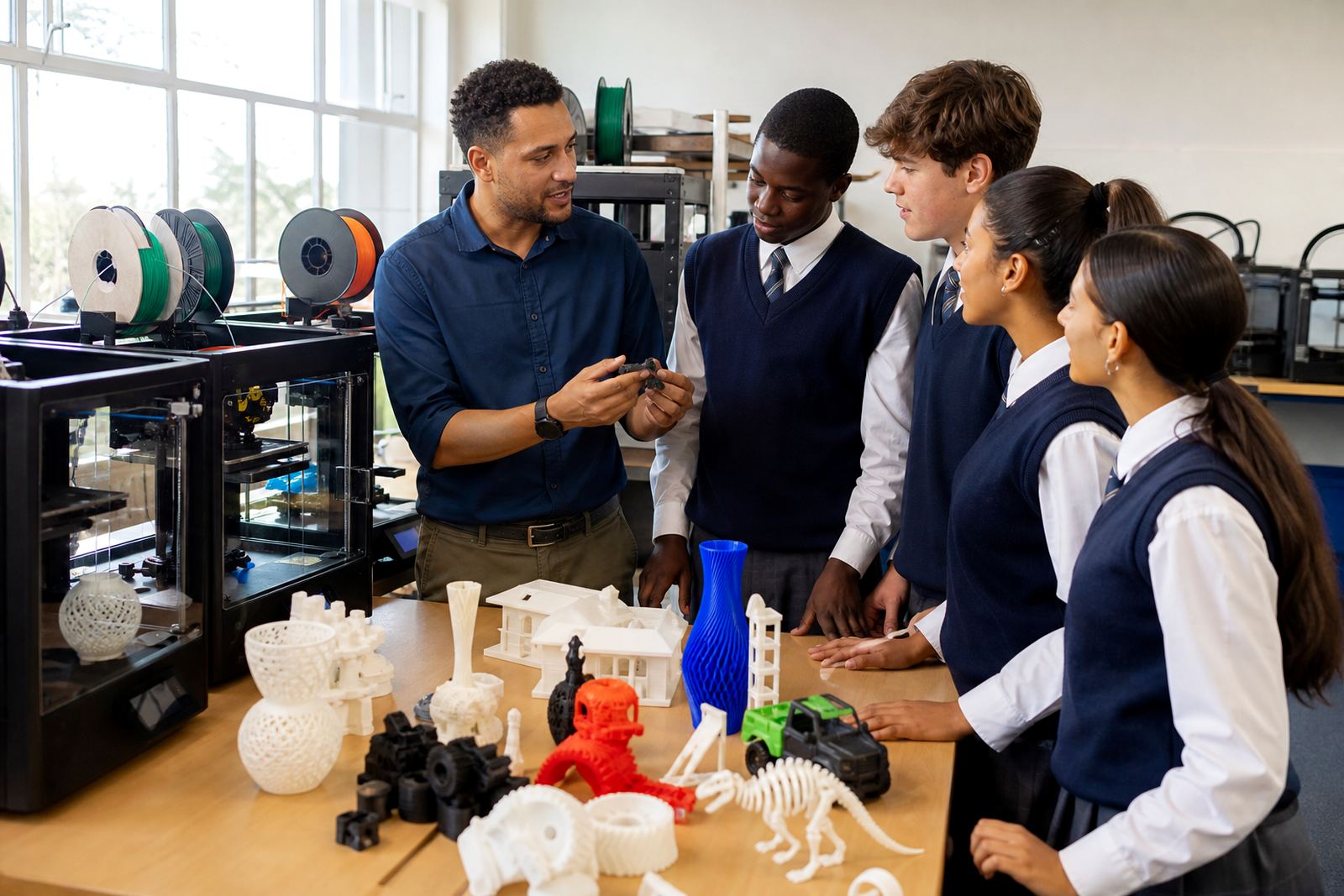
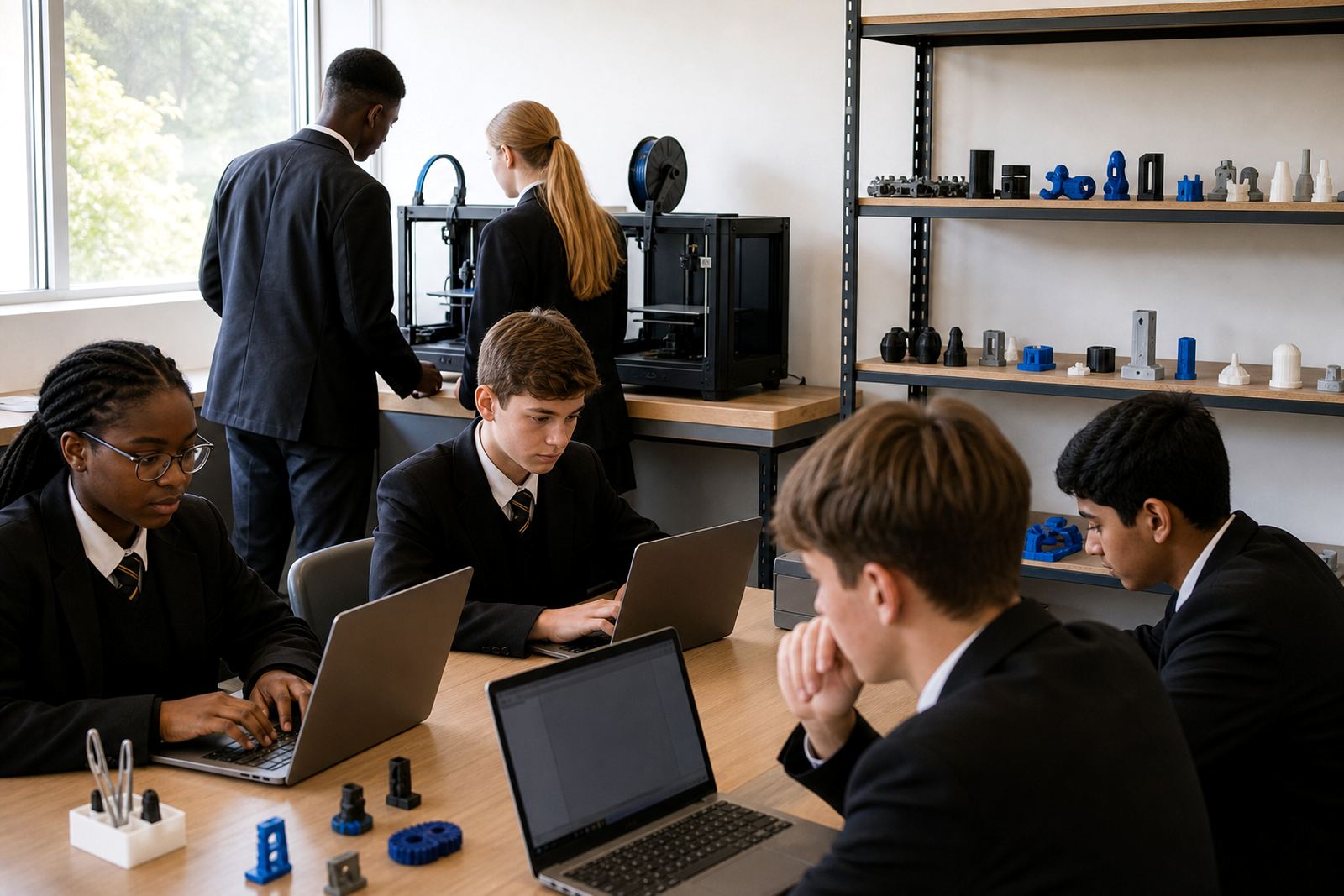
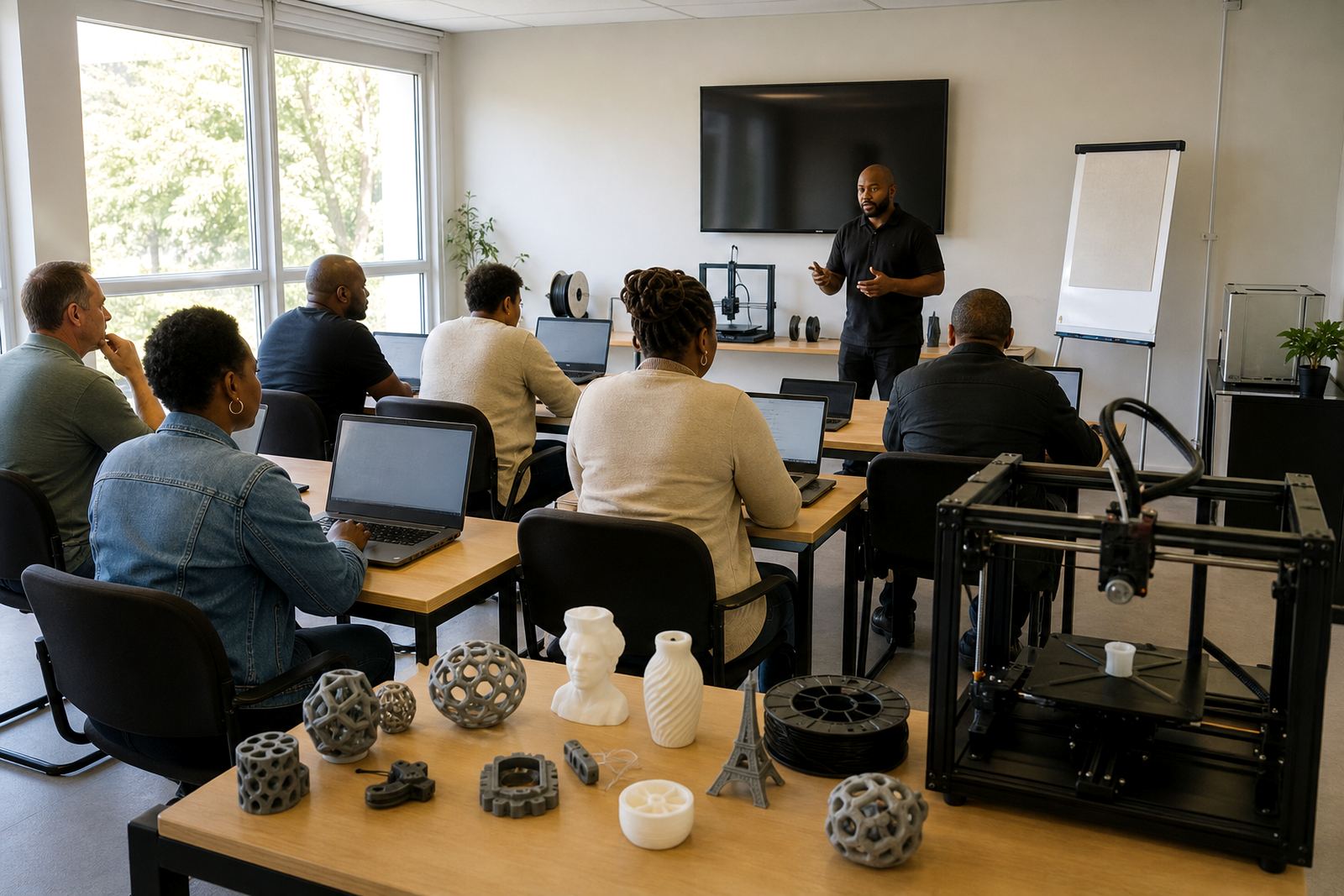
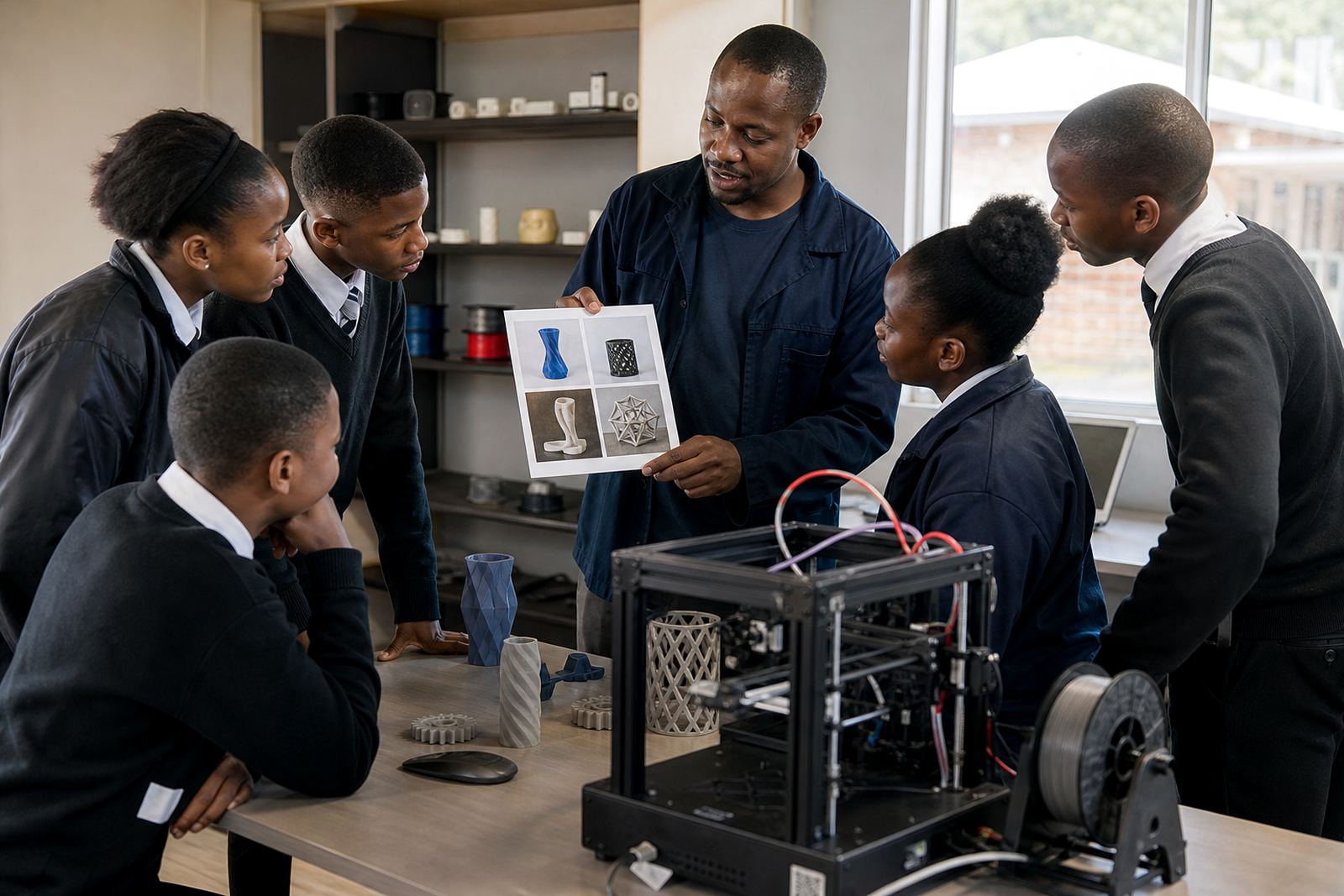
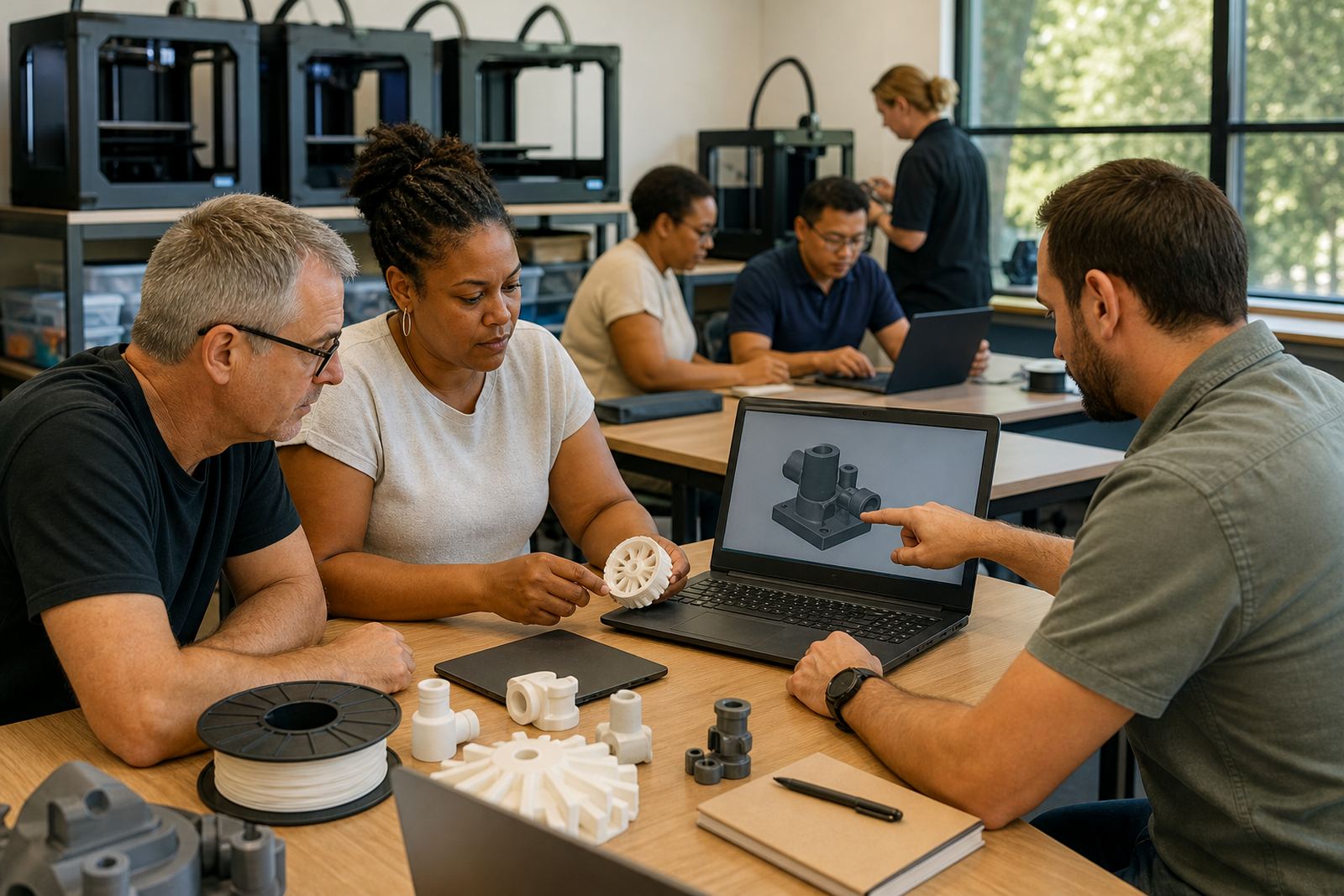
Some schools begin with a Teacher Introduction or Teacher Intermediate programme before bringing learners into the lab. That approach works well where staff need confidence with printer operations, file preparation and classroom routines. It also helps when one teacher is covering more than one subject and needs a simple system that can be repeated week after week.
These stories often suit schools in Stellenbosch, Somerset West or Paarl where a small group can start with one machine and build from there. The focus is on practical use, not theory alone, so teachers can return to class with a clear plan for project work and safe supervision.
- Great for first-time staff users
- Useful where timetable space is limited
- Helps set up a repeatable classroom routine
Stories for learner clubs and holiday programmes
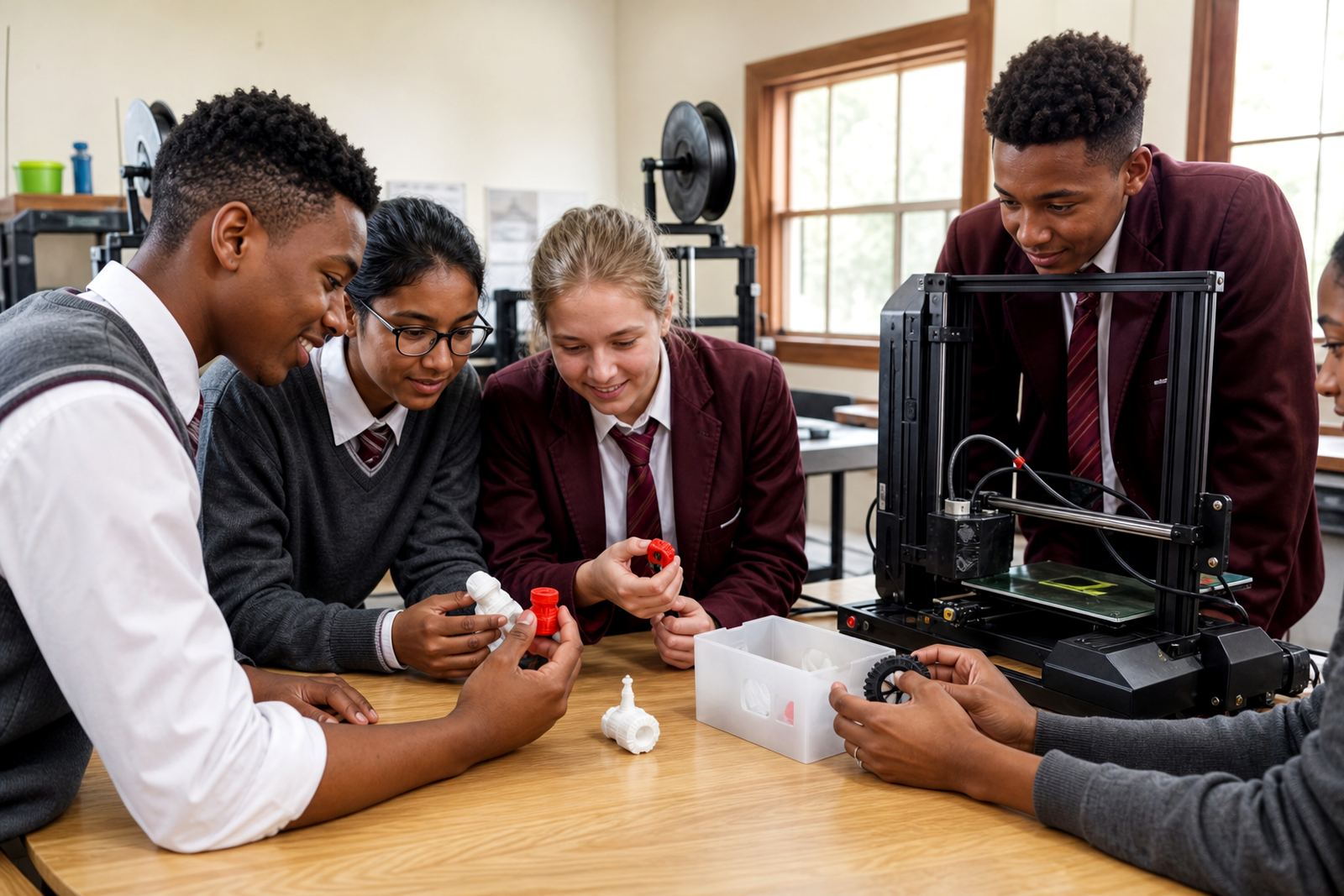
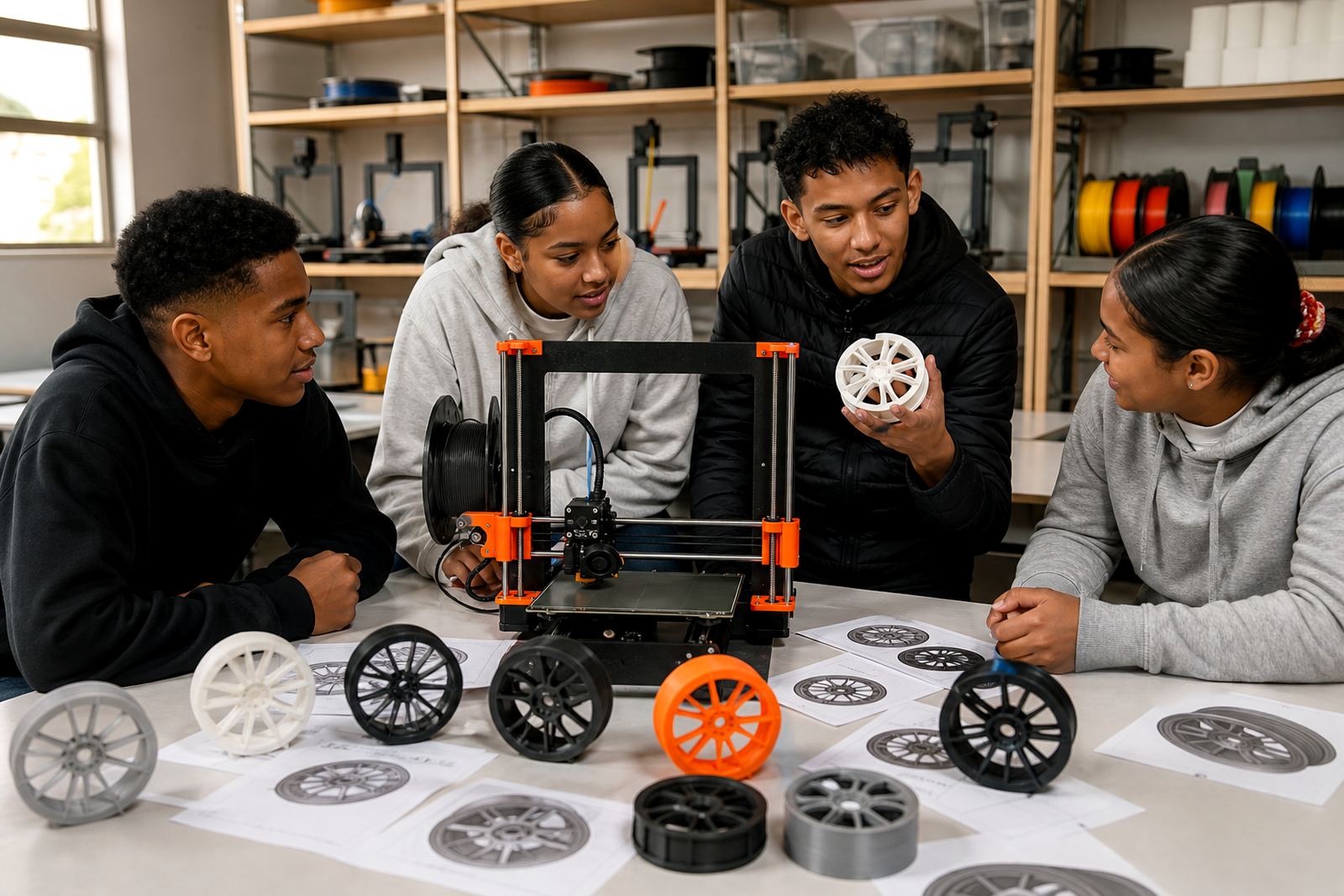
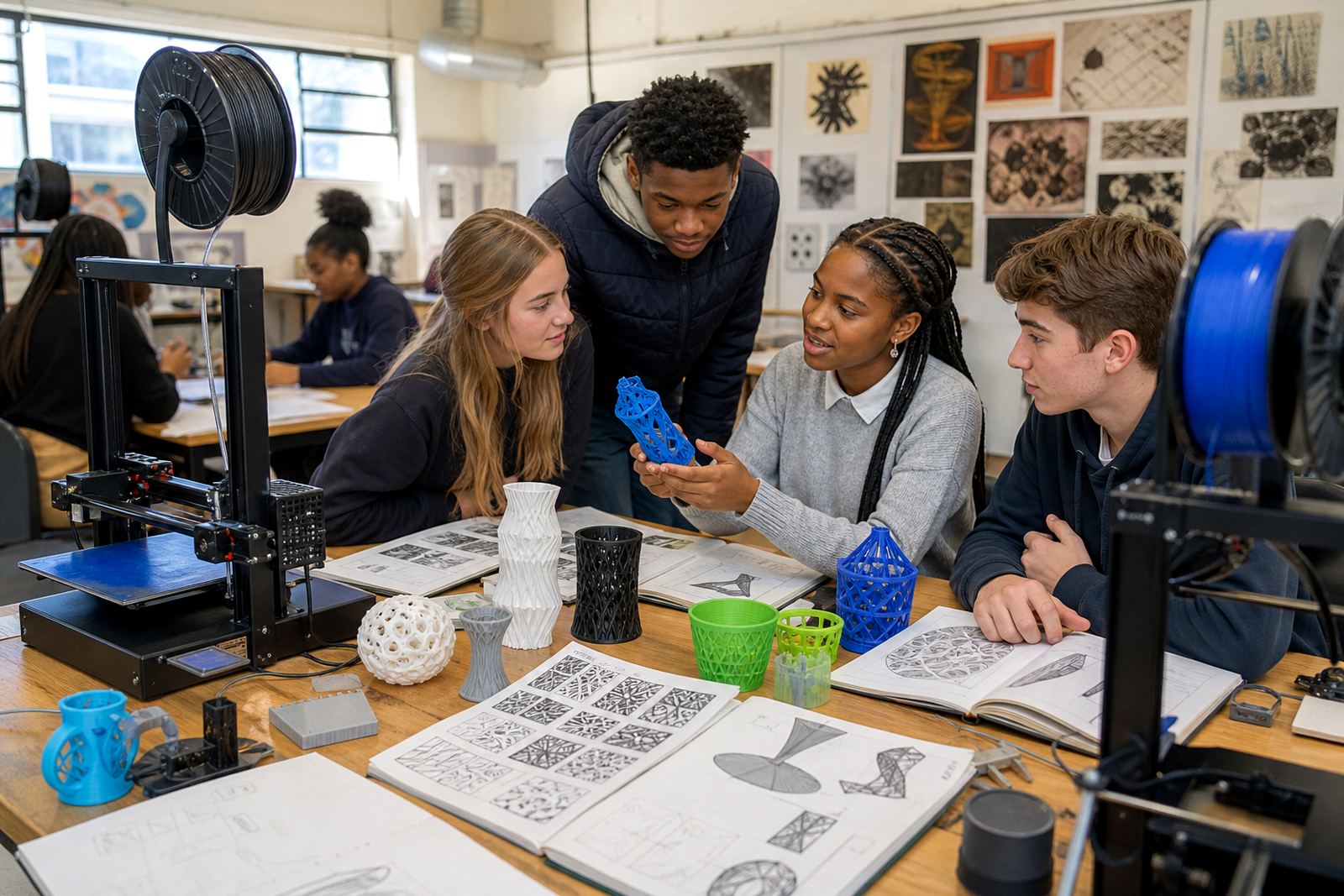
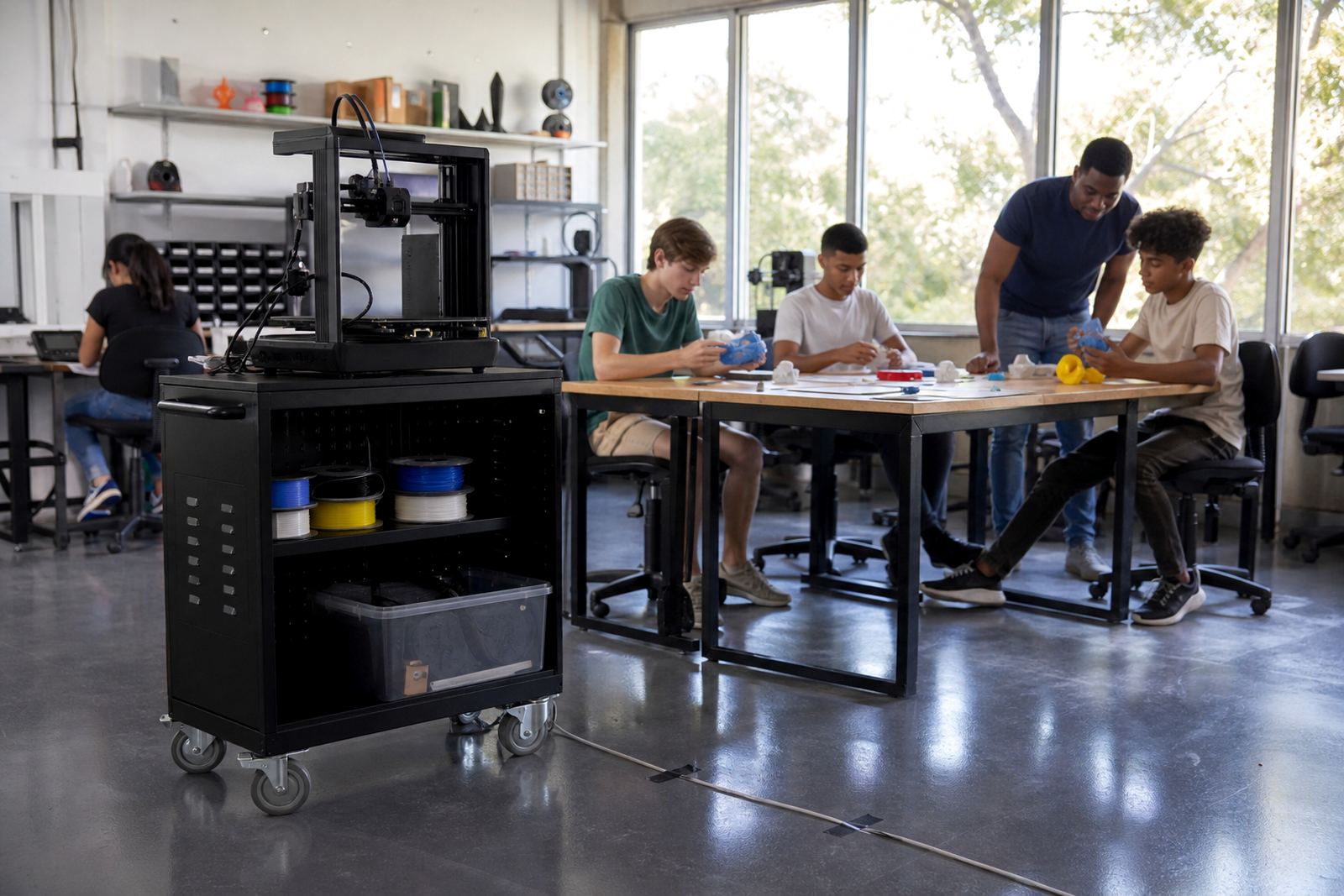
Maker clubs and holiday groups need a different pace. Learners often work in mixed ages, so the project has to be simple enough for beginners but open enough for creativity. In these settings, CAD Basics and Learner Foundations are often combined with a hands-on print session so pupils can see how a digital idea becomes a real object.
Holiday programme rooms also need clear rules for queues, tool sharing and print collection. Small mistakes can slow the whole group, so it helps to keep the workflow visible and easy to follow. A tidy room makes it easier to manage load-shedding interruptions too, because everyone knows where the work stopped and where it must resume.
Stories for school leadership and planning teams
Some schools need a Management Briefing before any equipment is ordered. These stories focus on the practical side of adding 3D printing to a school environment, including room choice, teacher time, consumables and ongoing care. This is often the right step for principals, heads of department or governing body members who want a clear picture of what the lab will need month by month.
It also helps schools compare a small pilot room with a fuller rollout. A management team can then decide whether to begin with one lab, a shared resource room or a phased rollout across multiple grades.
Common school needs across South Africa
From Cape Town to Pretoria, schools often ask for the same practical answers. Can the kit fit into an ordinary classroom? How much support will teachers need? What happens if the power cuts during a print? These stories address those questions with real classroom conditions in mind, not ideal conditions that rarely exist in a busy school.
- Room layout that works in standard classrooms
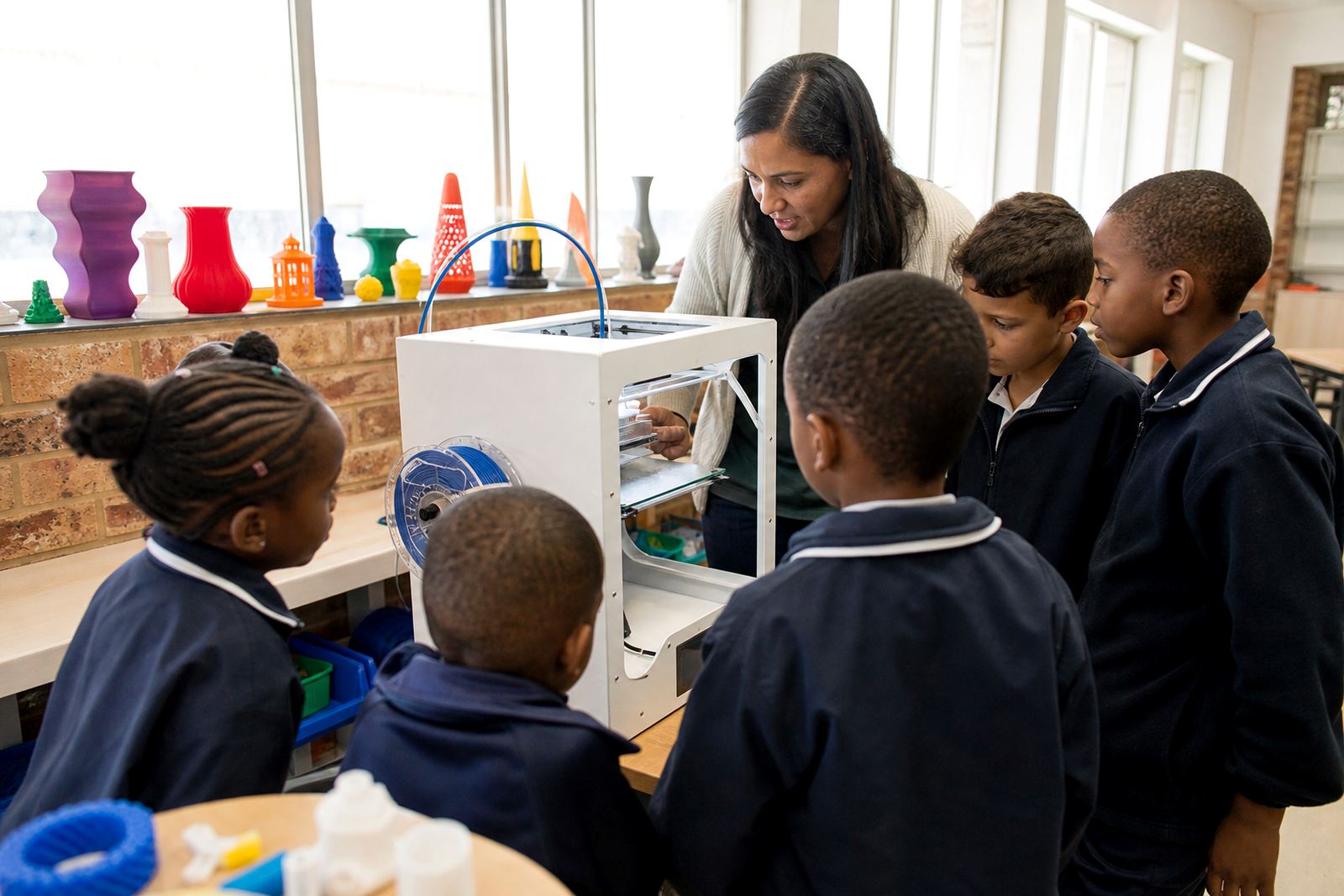
- Simple steps for safe use around younger learners
- Plans for power interruptions and restart checks
- Maintenance habits that reduce downtime
In schools near the coast, keeping materials dry matters. In inland towns, dust and heat can be the bigger issue. Either way, the best lab is one that teachers can keep going without extra stress.
Choosing the right story for your school
If you are not sure where to begin, choose the story that matches your current stage. New teachers may start with introduction training. Schools with active clubs may prefer learner-facing programmes. Schools preparing for a new room may need a lab setup course and a management briefing together. Each path has a different purpose, but the aim stays the same: a classroom lab that is easy to run and useful for real projects.