Start with one clear flow for learners and equipment
The first mistake in a small room is trying to fit everything in at once. A better plan is to create one simple flow: learners enter, watch the setup, prepare files or materials, then step back while the printer runs. In schools around Stellenbosch and Cape Town, this often means using one wall for printers and another for learner work, with the middle kept open for movement.
Keep the printer area separate from cutting tools, filament rolls and student bags. Even in a room the size of a standard classroom corner, a tidy layout reduces accidents and makes it easier for teachers to supervise. If the room is used for other subjects too, use movable trolleys or lockable storage so the 3D printing setup can be packed away when needed.
- Place printers where staff can see the front and sides easily.
- Keep a clear walking path to the door and power points.
- Use one table for preparation and one for finished parts.
- Store spares, tools and rolls in closed containers, not loose on shelves.
Choose bench sizes and storage that suit a tight room
Small rooms work best when the furniture is practical rather than oversized. A narrow but sturdy bench is often more useful than a large table that blocks circulation. In many compact school labs, a 1.2 metre to 1.8 metre work surface is enough for one or two printers, a laptop or control computer, and a small prep zone.
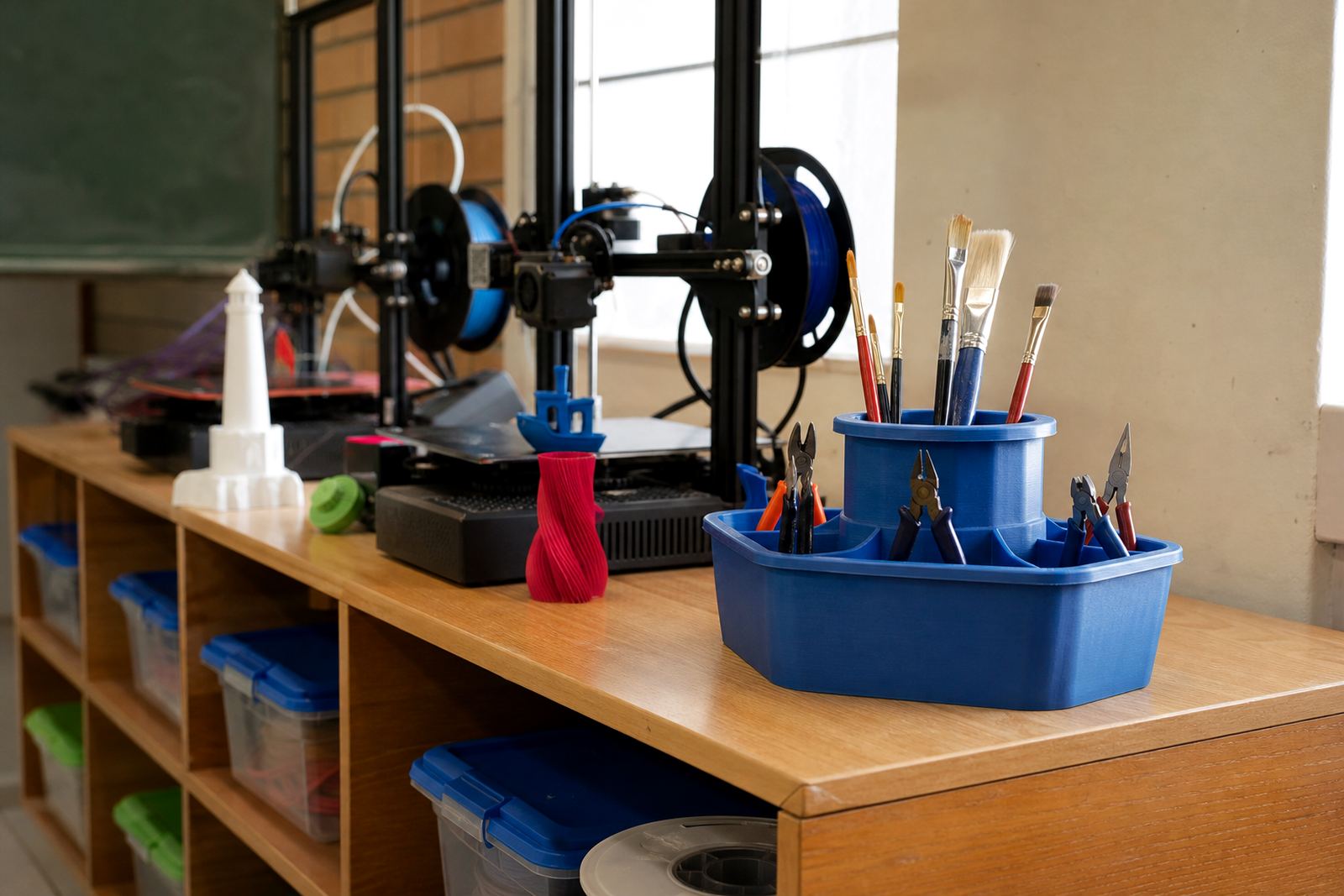
Storage should go up the wall before it spreads across the floor. Wall shelves, peg boards and labelled tubs help keep tools visible and sorted. Moisture is another issue in coastal towns like Gqeberha and Durban, so filament should be kept in sealed tubs or cabinets when not in use. That helps prevent brittle prints and wasted material.
- Use shallow shelves rather than deep cupboards where possible.
- Label bins for nozzles, spare parts, tape, tools and test pieces.
- Keep filament off the floor and away from damp walls.
- Choose furniture that can be wiped down quickly at the end of a lesson.
Plan for heat, noise and load-shedding from the beginning
A 3D printer is not a noisy machine, but in a small room every sound carries. If the room is near a library, admin office or another class, it helps to place the printer on a stable surface with rubber feet or a mat to reduce vibration. The printer should also have enough ventilation around it, especially where rooms get warm in summer.
Power planning matters in South African schools. Load-shedding can interrupt a long print and leave students frustrated, so it is worth scheduling prints for times when power is more reliable or when staff can supervise the work. For schools that have backup power, the printer setup should still be simple enough to shut down safely if needed. A short printed job is often better than one that runs too close to dismissal time.
- Check that the room has enough sockets for printer, computer and lighting without overloading one point.
- Keep extension leads tidy and off the floor where learners walk.
- Do not place printers right next to curtains, heaters or direct sunlight.
- Leave space behind each printer for cable access and airflow.
Use the room as a learning space, not just a machine corner
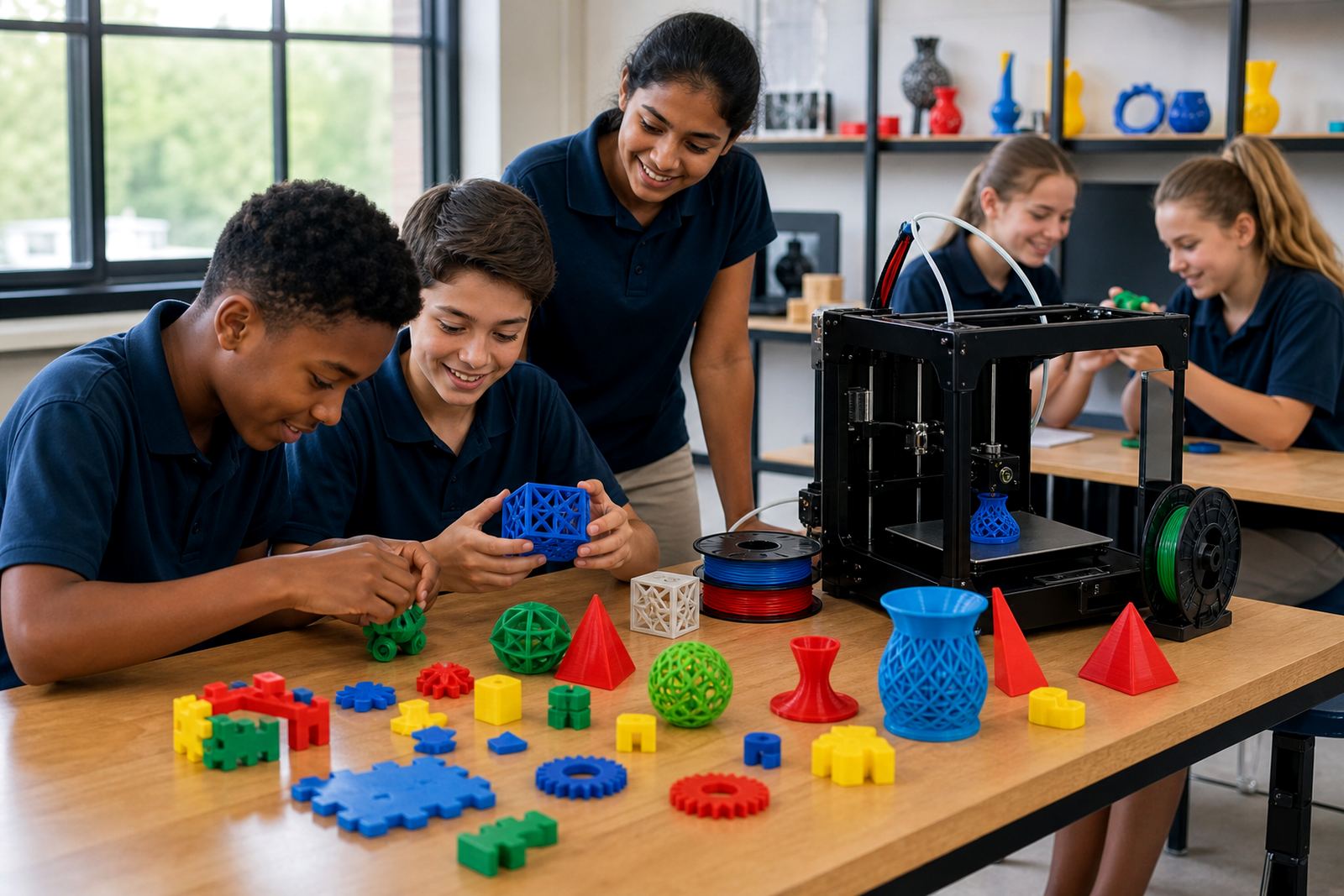
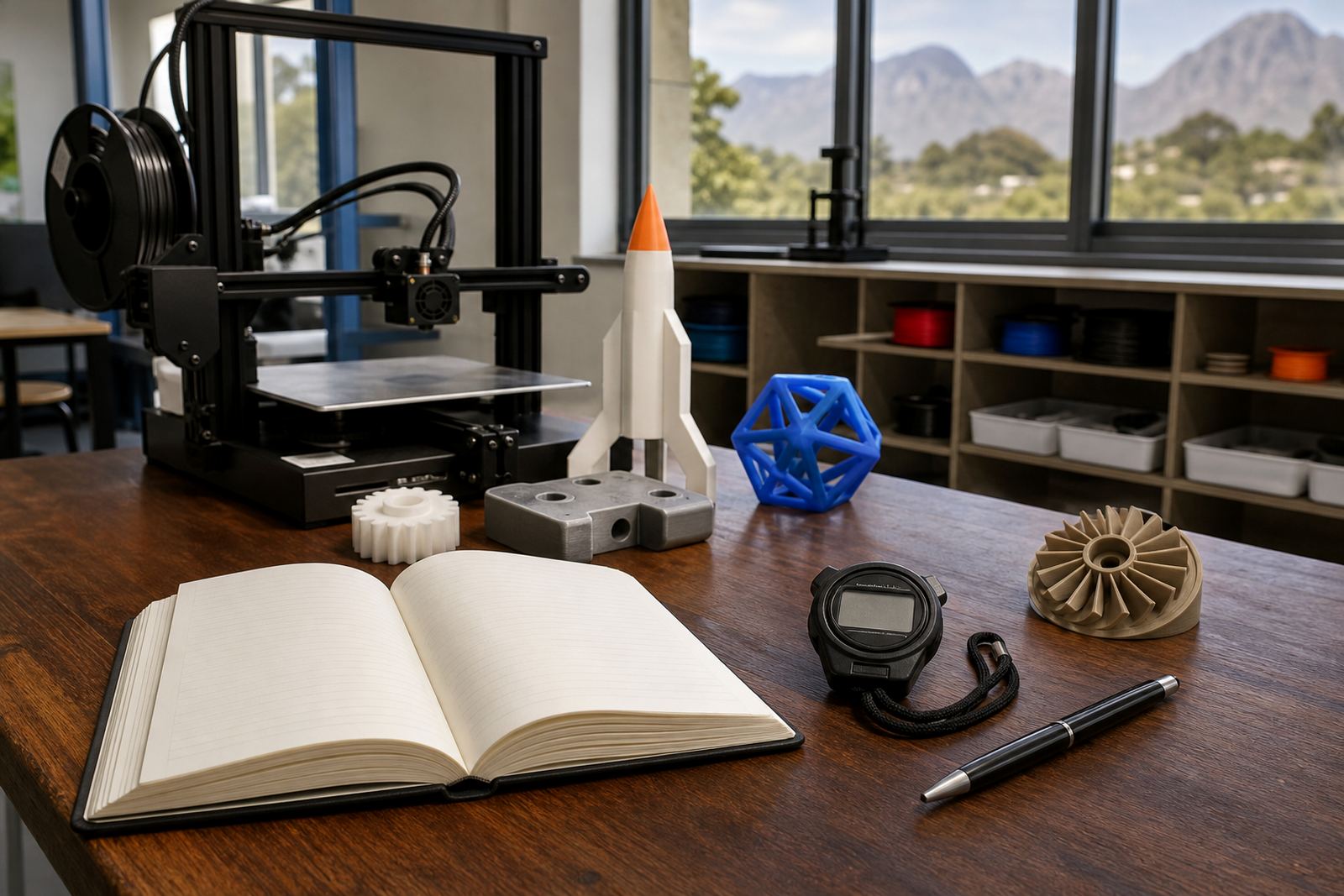
A small room can still support proper learning if the teaching method is organised. Learners do not need to crowd around the printer the whole time. They can work in stages: design, slice, print, inspect and improve. That means the same room can be used for CAD Basics, Printer Operations and Project Planning without feeling cramped.
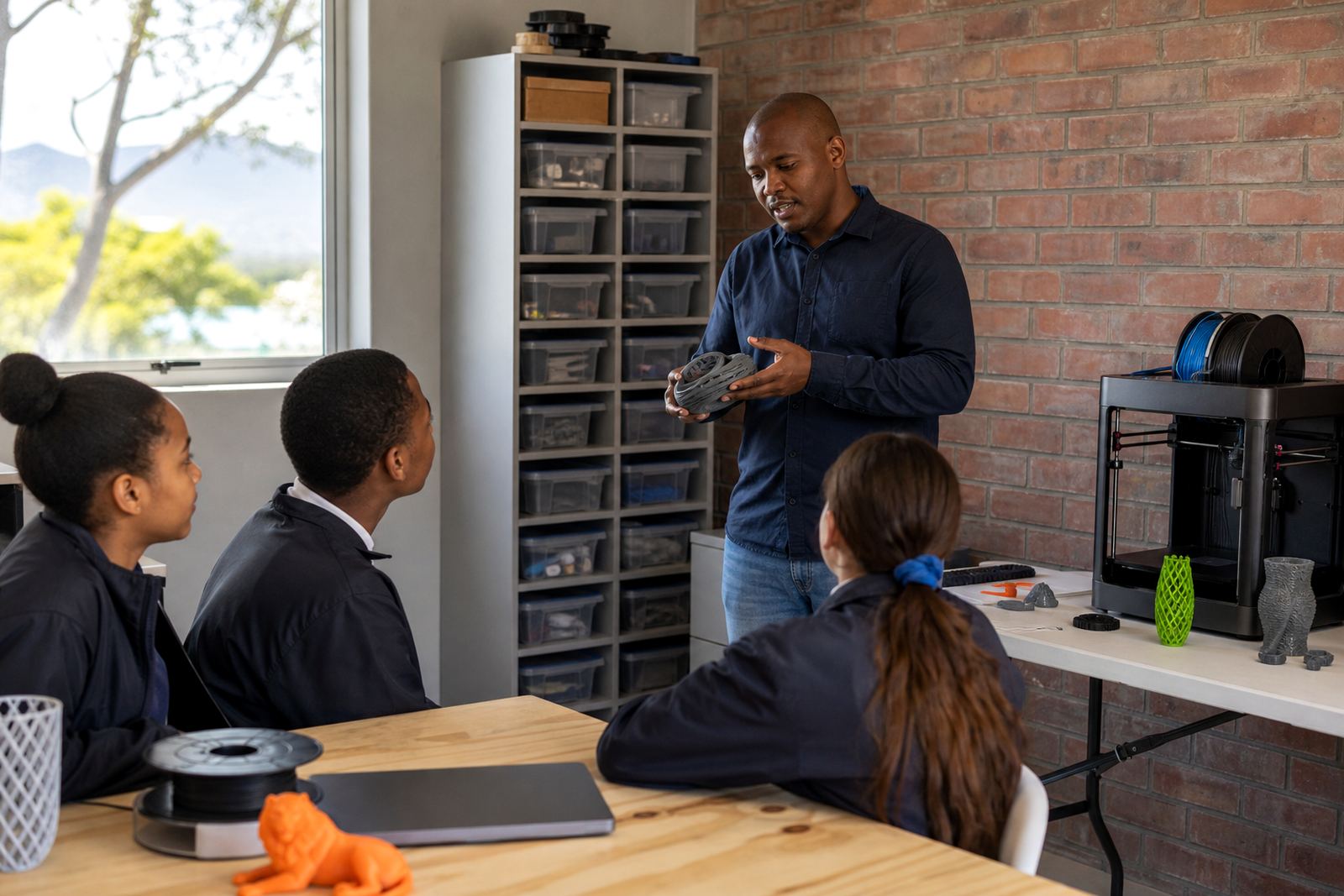
Teachers often find that a visible routine helps. For example, one group can prepare files while another group watches a print start, then they swap. This keeps the lesson moving and reduces the chance of students touching hot parts or pulling on moving components. Where the class is larger, use a rotation system so only a few learners stand near the printer at once.
- Set a simple rule: only the teacher or assigned learner touches the printer during operation.
- Keep completed prints on a separate tray so they do not get mixed with work in progress.
- Use printed checklists for start-up, shutdown and cleaning.
- Build in a short review time so learners can talk about what worked and what did not.
Make safety simple enough for busy school days
In a compact room, safety works best when it is easy to follow. Hot nozzles, moving parts and small tools need clear boundaries, especially with younger learners. A sign on the wall is useful, but the room routine matters more. Teachers should be able to see at a glance whether the space is ready for a lesson or still needs tidying.
Basic safety reminders should cover hot surfaces, supervised operation and careful handling of tools. Keep drinks, food and loose stationery away from the printing area. If the room is used by more than one class, a checklist at the door can help the next group know what must be put back. In small schools, this kind of routine saves time and keeps the room usable the whole day.
- Keep a first-aid kit nearby and make sure staff know where it is.
- Teach learners not to reach into moving or heated parts.
- Use clear labels for sharp tools and keep them locked away after the lesson.
- Check cables, plugs and surfaces regularly for wear or damage.
A Stellenbosch example: one room, two functions
A practical setup in Stellenbosch might use one shared classroom that also supports after-school maker activities. One side can hold the printers, a computer and a small materials cabinet. The other side can be kept for learner counters or folding tables used for design work, assembly and project notes. When the lesson ends, the room is reset so it can serve the next class without delay.
This approach is useful for schools that do not have a dedicated lab. It also suits campuses where room use changes during the week. The key is consistency: keep the same storage place, the same checklist and the same working order every time. That way teachers do not waste time hunting for tools, and learners learn to respect the equipment.
For schools across Cape Town, Johannesburg, Pretoria, Durban and Gqeberha, the best small-room solution is usually not more furniture. It is better planning, a shorter walk between tasks and enough space for supervision. With the right setup, even a modest room can support reliable printing, hands-on learning and a calm working environment.