Start With Supervision, Not Assumptions
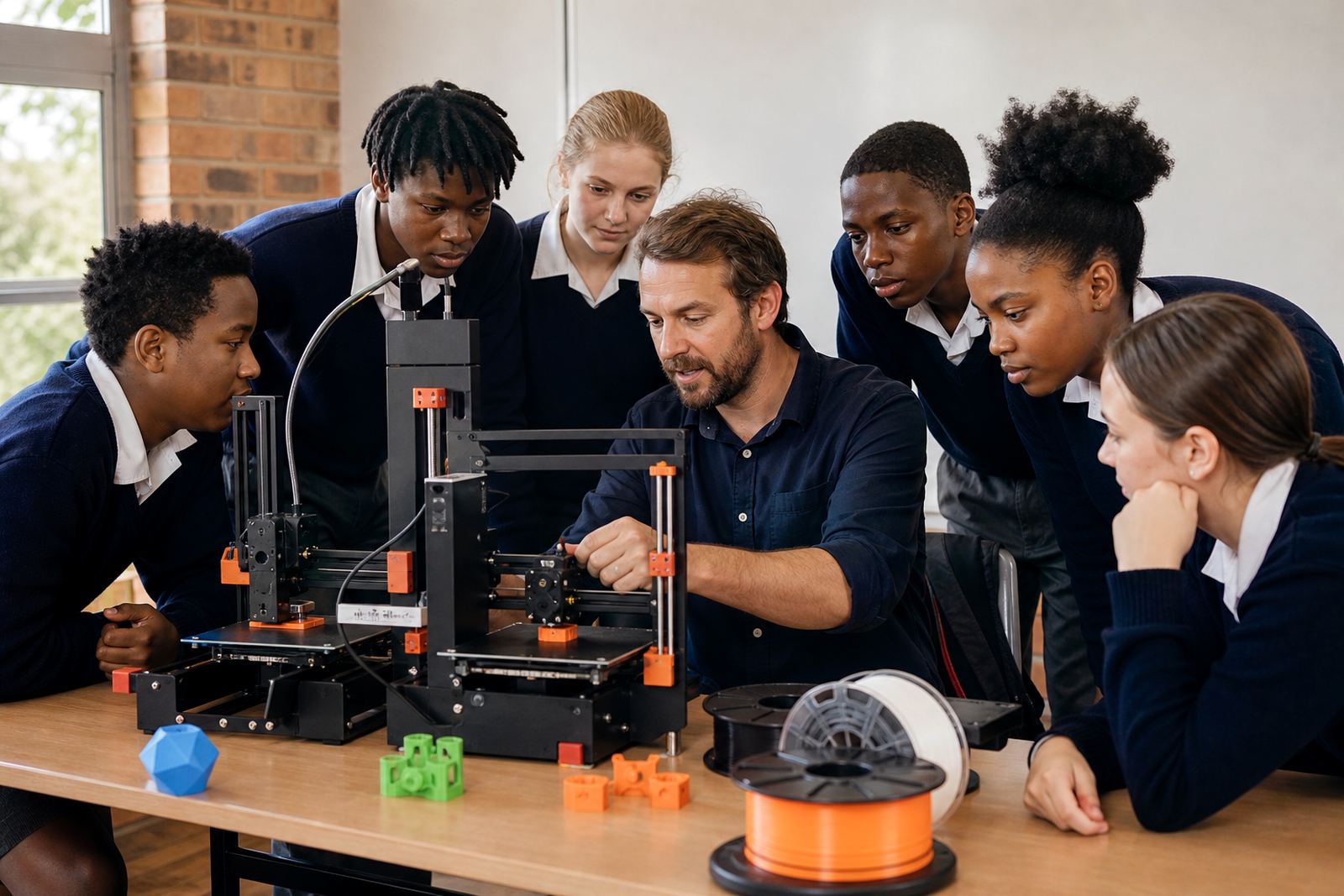
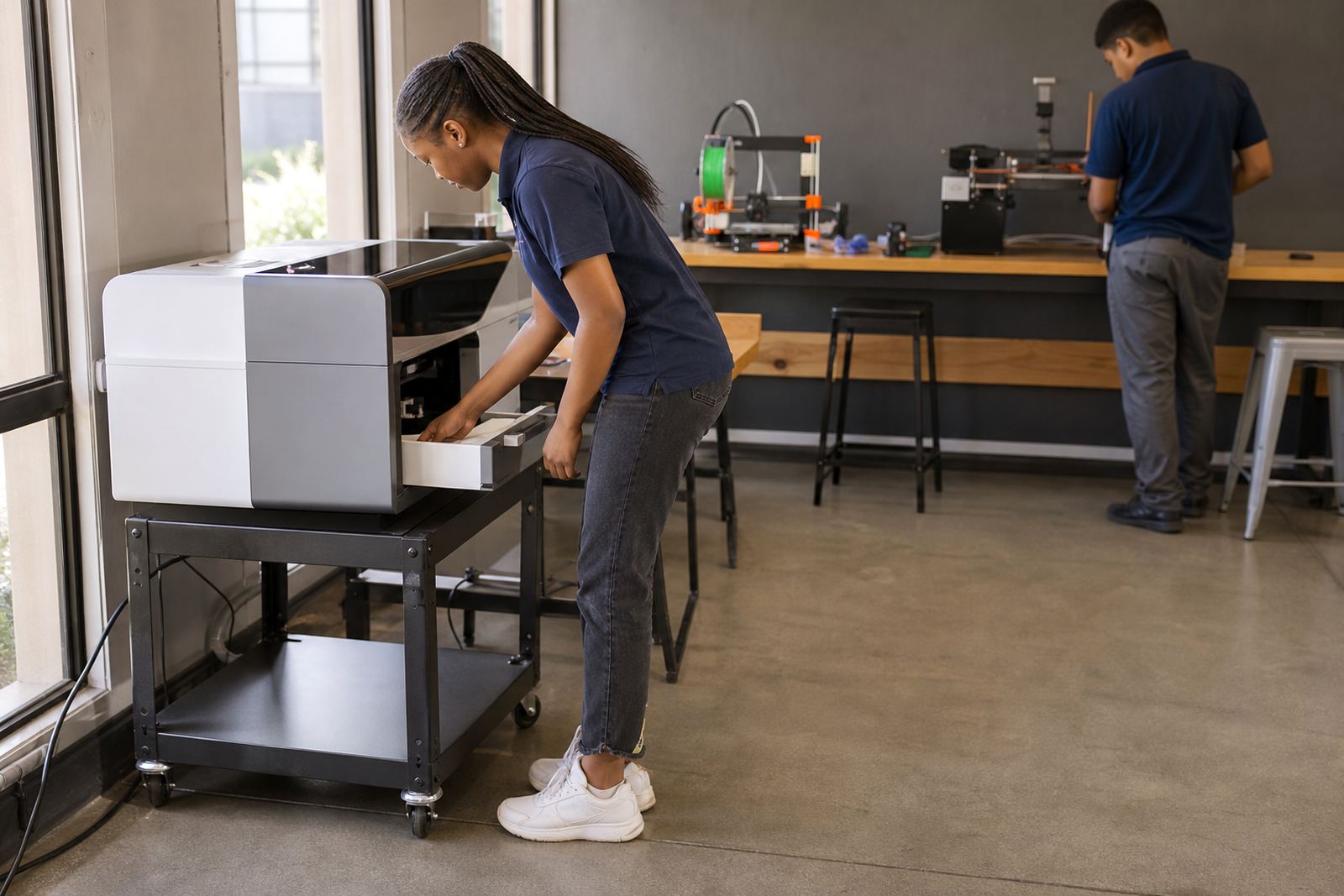
Every learner should understand that a 3D printer is not a toy and should only be used under adult supervision or within a guided lesson. Even when the machine looks calm and quiet, there are hot parts, moving components and electrical connections that need respect. A clear teacher briefing at the start of the session prevents the usual rush to press buttons before everyone knows the rules.
In a Stellenbosch classroom, one teacher might be managing a full group of excited Grade 7 learners while another class is arriving from sports. That is exactly when simple routines matter most. Learners should know where to stand, when to wait, and who is allowed to load filament, start a print or remove a finished item. A short, consistent safety talk saves time later.
- Only operate the printer when a teacher or trained supervisor is present
- Wait for instructions before touching buttons, tools or the build plate
- Keep hair tied back and loose sleeves secured
- Report spills, faults or unusual smells immediately
Keep the Print Area Clear and Tidy
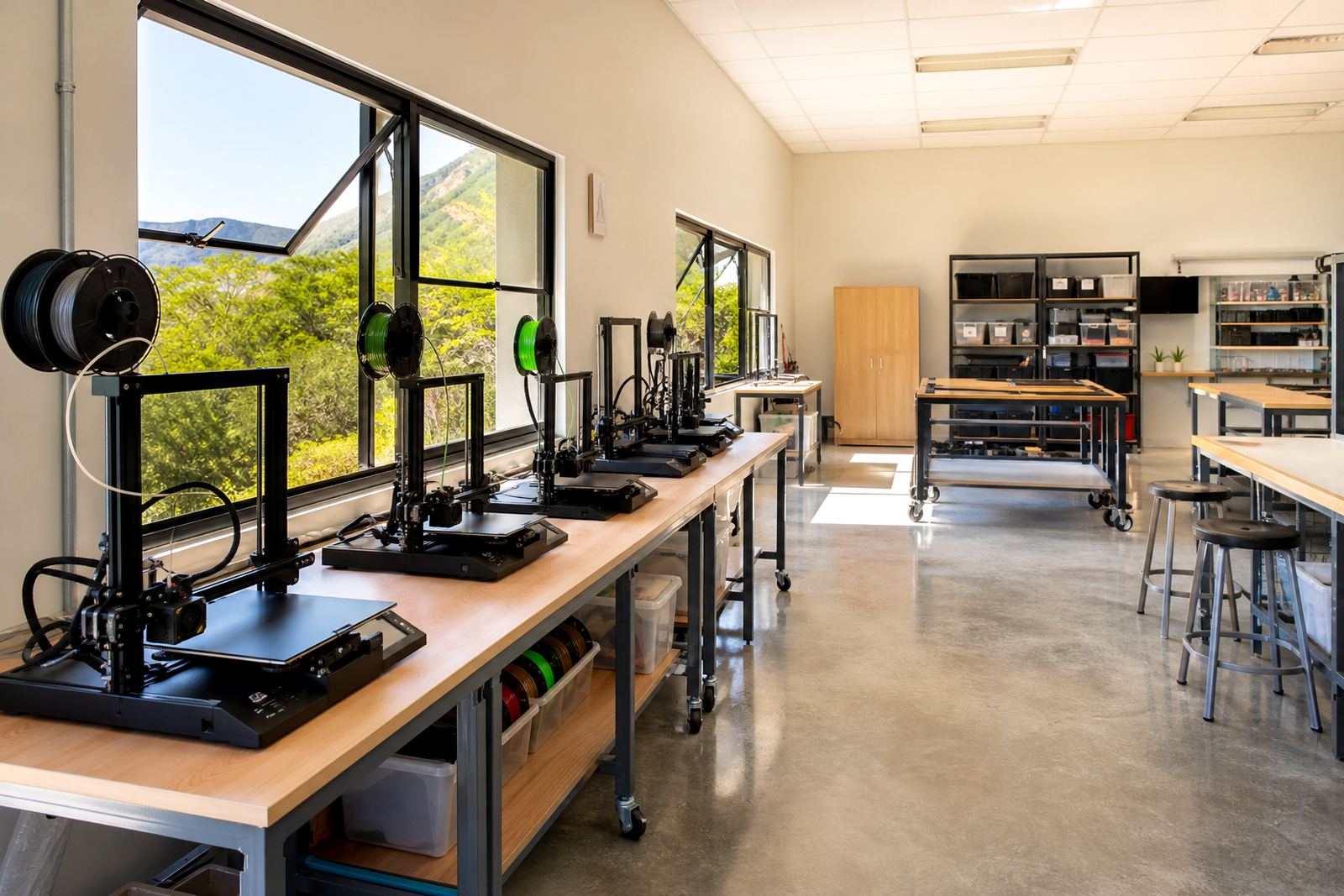
A tidy work area is one of the easiest ways to reduce accidents. Bags on the floor, chargers across the bench and loose offcuts near the printer create trip hazards and can get in the way when learners need to move back quickly. A classroom that stays organised also makes it easier to spot a small problem before it becomes a bigger one.
Schools that run clubs after hours often know how quickly a room can fill up with bits of filament, print scraps and tools. It helps to assign a fixed place for each item and to teach learners that nothing sits directly beside the printer unless it belongs there. In coastal towns like Cape Town or Gqeberha, dust and humidity can also affect the area around the machine, so a clean setup matters even more.
- Keep water bottles away from electrical equipment
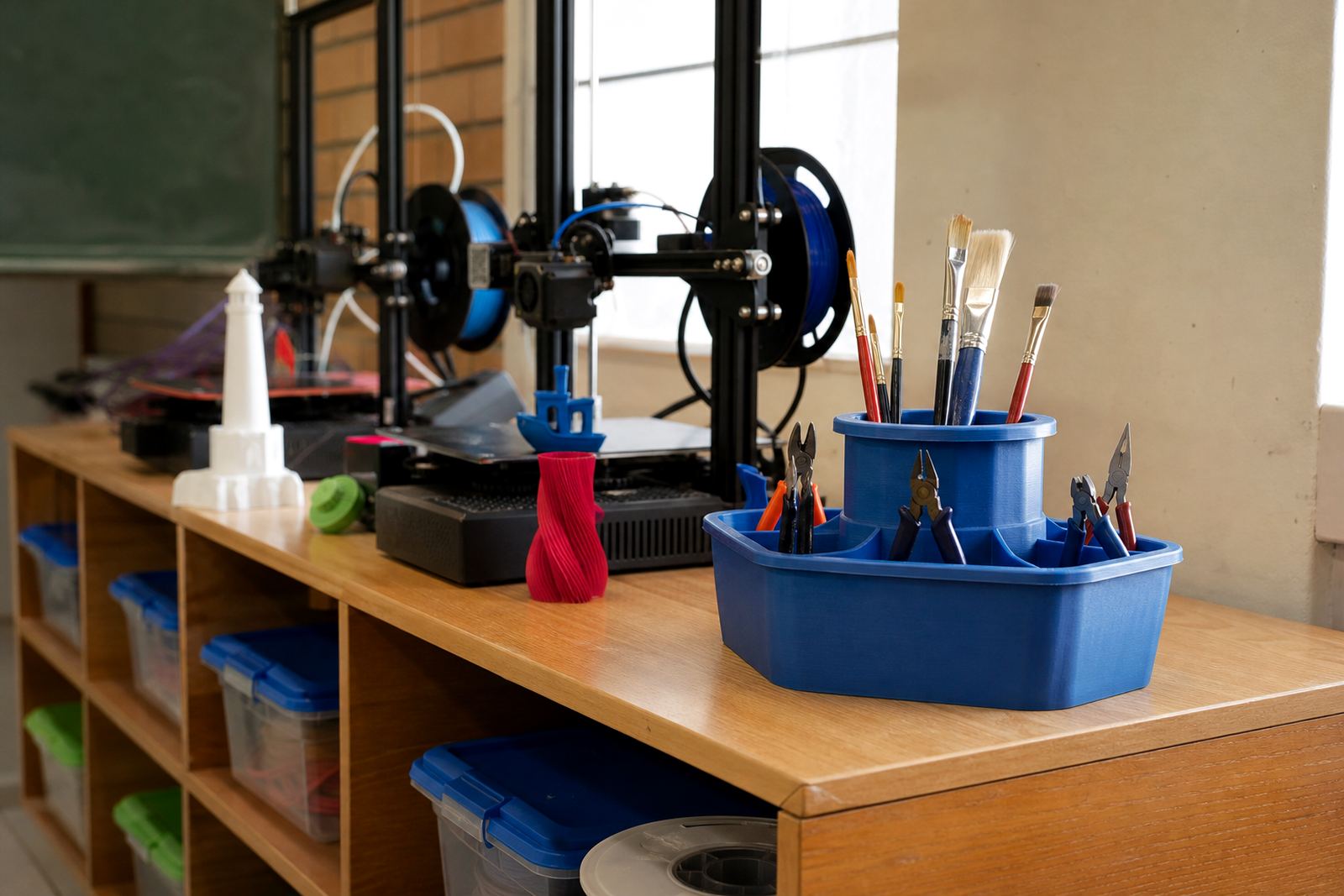
- Store tools in a marked container after use
- Remove scraps from the floor before the next class enters
- Leave enough space around the printer for safe movement
Handle Heat, Motion and Tools With Care
Most learner mistakes happen when they forget that the printer head, bed and recently printed object can be very hot. A finished part may look harmless but can still burn fingers, especially if it has just come off the build plate. The same applies to small tools such as scrapers, cutters and side snips, which must be handled carefully and put away after use.
It is also worth teaching learners to watch the printer while it is moving. They should not reach inside, lean on the frame or try to catch a part that has shifted. If a nozzle blocks or a print lifts at one corner, the safest step is to call the teacher and stop the process. Patience beats guesswork every time.
- Assume the print bed and nozzle are hot until a teacher says otherwise
- Use tools only for the task they were issued for
- Never pull a print free with bare hands if it is stuck
- Keep fingers clear of belts, moving arms and cooling fans
Plan For Power Cuts and Restart Procedures
Load-shedding is part of school life in many parts of South Africa, so learners need to know what to do if power fails during a print. The best answer is not panic. Machines should be managed according to the school’s procedure, with the teacher deciding whether to pause, save progress or restart later. Learners should not switch cables, unplug equipment or press random controls in the hope of fixing the job.
In a Johannesburg or Pretoria lab, the timetable may be tight and the next group is often waiting at the door. A clear restart routine keeps the room calm and avoids arguments about who changed what. It also protects the printer from sudden stops, which can affect the next lesson if someone tries to force the machine back into action too quickly.
- Do not touch plugs or extension leads during a power cut
- Wait for the teacher to confirm the next step
- Record where the print stopped if the class needs to resume later
- Check that the printer is safe before switching it on again
Teach Learners to Respect Materials and Ventilation
Different filament materials behave differently, and learners should learn that not every spool is handled the same way. Some materials are more sensitive to moisture, while others need extra care during printing. In a school setting, the main rule is simple: do not sniff, burn or test materials, and do not use them without guidance.
Ventilation matters too. A printer should be used in a space with reasonable airflow and a calm temperature, not squeezed into a locked cupboard or crowded corner. If the room feels too warm or the smell becomes strong, the teacher should check the setup before continuing. That is especially important in summer when a classroom in Paarl or Somerset West can heat up quickly by midday.
- Store filament in a dry, closed container when possible
- Keep the area ventilated and uncluttered
- Do not use damaged or tangled material without checking first
- Follow the teacher’s guidance on what each material can and cannot do
Build Safer Habits Through Repetition
Safety works best when it becomes part of the lesson rather than a one-time warning. The most useful classrooms are the ones where learners repeat the same habits every session: wash hands after handling prints, clean the work surface, return tools, and check that the printer is left in a safe state. Small actions, done every time, create a reliable routine.
For teachers running a maker club, holiday programme or learner workshop, a short checklist can make the process easy to manage. One pupil can confirm the workspace is clear, another can check that tools are stored, and the teacher can do the final inspection. In schools across South Africa, that kind of consistency helps learners gain confidence without cutting corners.
Good safety teaching is not about making the activity feel strict. It is about helping learners understand that careful handling allows them to focus on design, problem-solving and the practical side of making. Once those habits are in place, the classroom becomes a safer place to experiment and learn.