Why airflow matters before the first print starts
When a printer heats filament, it can give off a noticeable smell, especially in a small room with closed windows and no air movement. In a classroom, that is not something to ignore. Good airflow helps keep the space more comfortable for learners and staff, and it also reduces the stale, hot feeling that builds up when equipment runs for long periods.
The practical point is simple: if the room feels stuffy to people, it is probably not ideal for equipment either. A printer should not be pushed into a tiny store room, a cupboard corner or a packed classroom where learners are breathing close to the machine. A supervised area with opening windows, door access and enough space around the printer is a far better choice.
In Stellenbosch and other parts of the Western Cape, many schools also deal with warm afternoons, winter rain and coastal moisture moving inland. That means ventilation has to work with the building, not against it. You want fresh air circulation without dust, damp or strong winds blowing directly onto the machine.
Choose a supervised room, not a hidden corner
3D printers are best placed where an adult can see them and where learners do not wander up unsupervised. A teacher prep area, technology room or dedicated maker space is usually a better fit than a general classroom. The main reason is not only airflow, but control. Filament spools, heated parts and moving components need observation.
A good room layout makes daily use much easier:
- Keep the printer on a stable surface with clear space around it
- Leave room for opening doors, removing prints and checking the build plate
- Keep power cables tidy and out of walkways
- Store filament in a dry cupboard or sealed container
- Make sure learners can watch the process without leaning over the machine
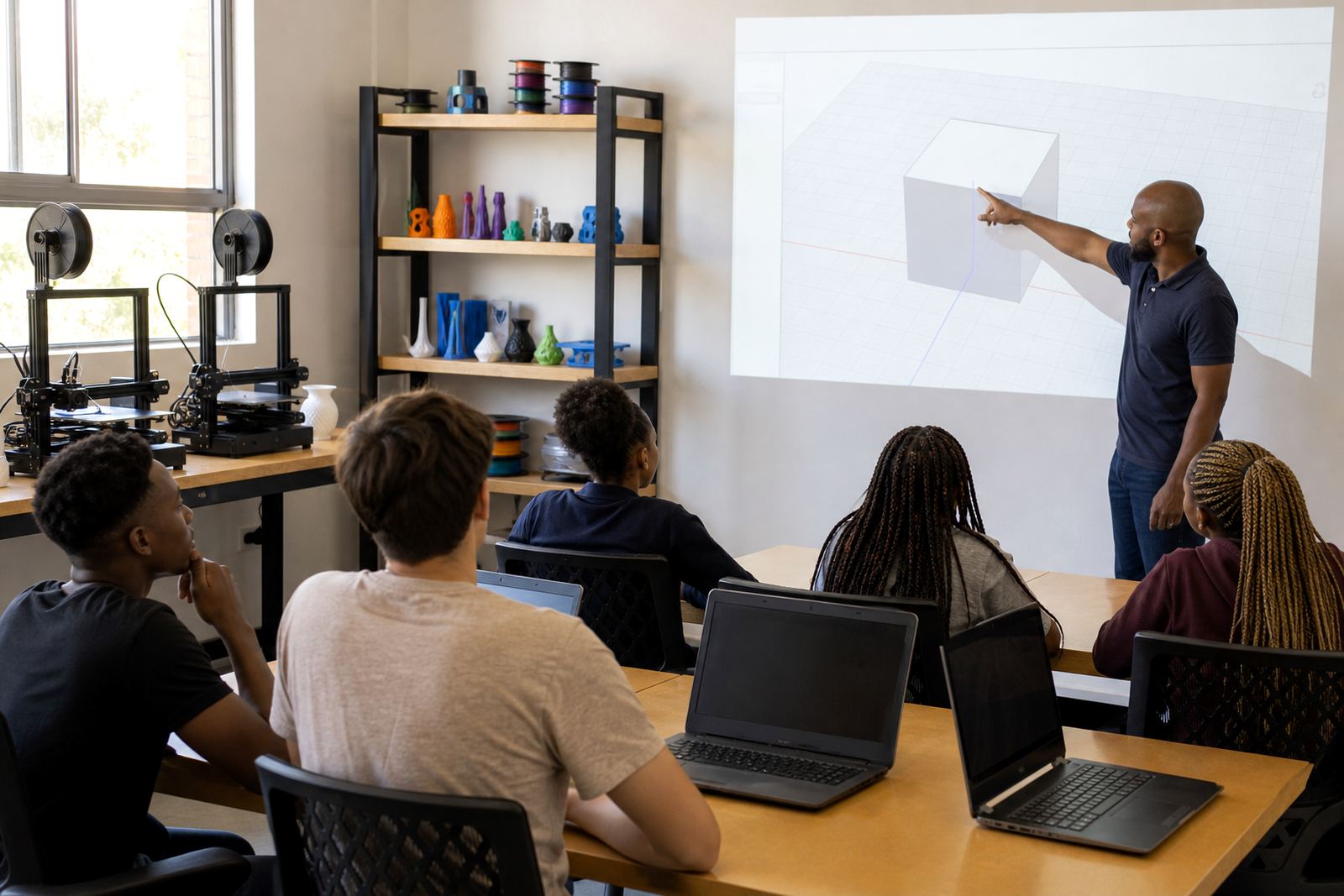
This kind of setup works well in schools that rotate classes through a lab. One group can learn CAD basics while another observes printer operations, without crowding the machine itself.
What to look for in a school room
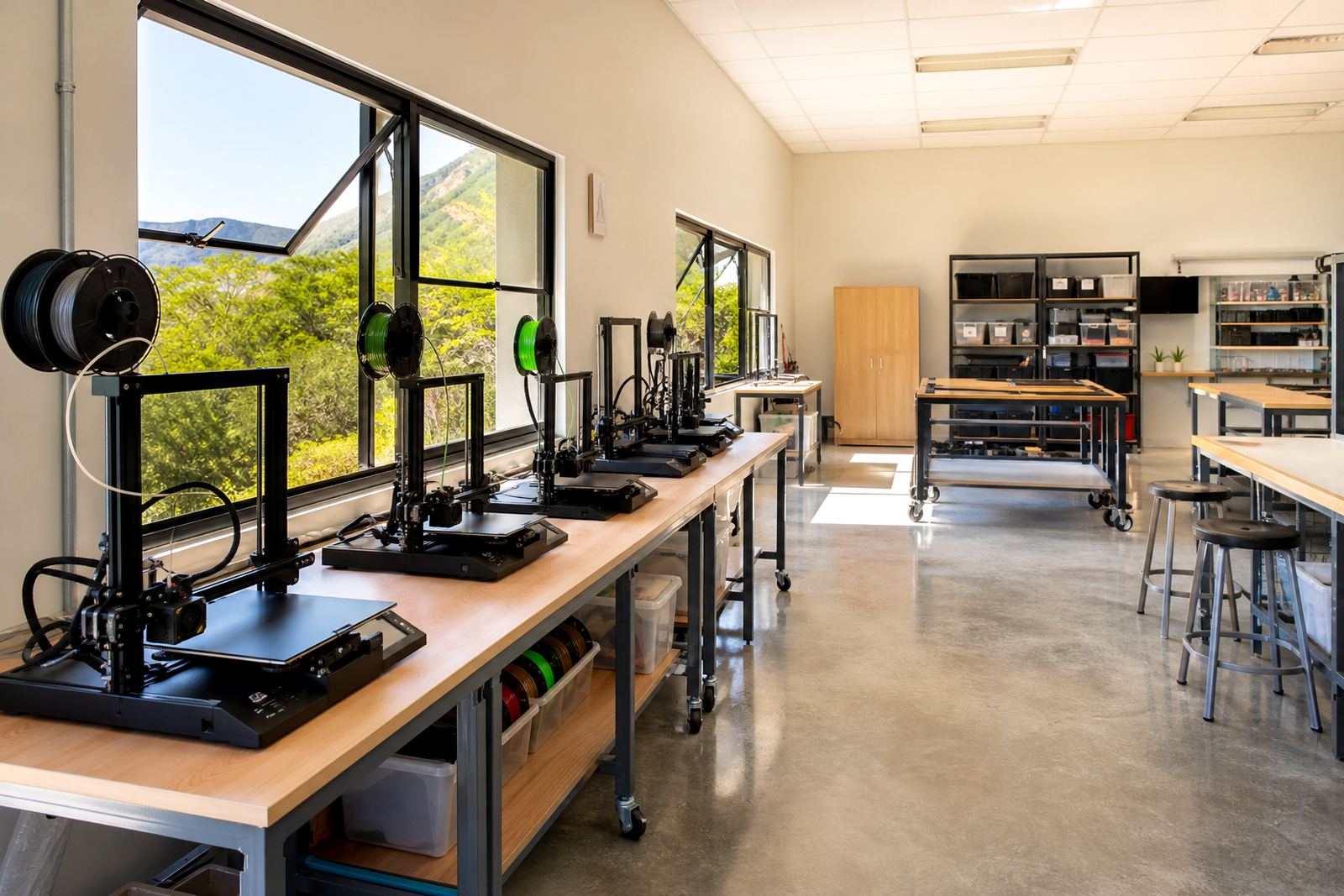
The best room is not always the biggest room. It is the one that can be managed properly. Start with the basics: windows that open, a door that closes, good lighting and enough floor space for safe movement. If the room has air-conditioning, that can help with temperature control, but it should not replace fresh air.
Do not place printers beside direct sunlight, next to a heater or under a window where wind and dust can pass across the print bed. Coastal schools may also need to think about humidity. Moisture in the air can affect filament storage and print quality, so the room should be dry and not prone to leaks.
Useful room checks include:
- Can learners reach the printer without squeezing past furniture?
- Is there a clear view from the teacher's position?
- Can windows be opened safely without blocking other equipment?
- Is there a nearby spot for tools, spare nozzles and cleaning materials?
- Does the room stay reasonably cool during load-shedding or hot afternoons?
These details matter because a tidy room is easier to supervise, and supervision is what keeps the technology useful rather than troublesome.
Safety habits that should be part of every lesson
Ventilation is only one part of safe use. Schools also need simple habits that learners can remember. The printer should be treated as a working machine, not a toy. That means hands off while it is moving, no rushing to remove a part before it has cooled and no leaving the room without an adult nearby.
Teachers do not need a complicated safety manual to start with. A few clear reminders go a long way, and they should be repeated often. Learners tend to remember what they practise every week.
- Only trained staff should start, pause or stop a print
- Never touch the nozzle or bed while the printer is hot
- Keep hair, loose clothing and bags away from the machine
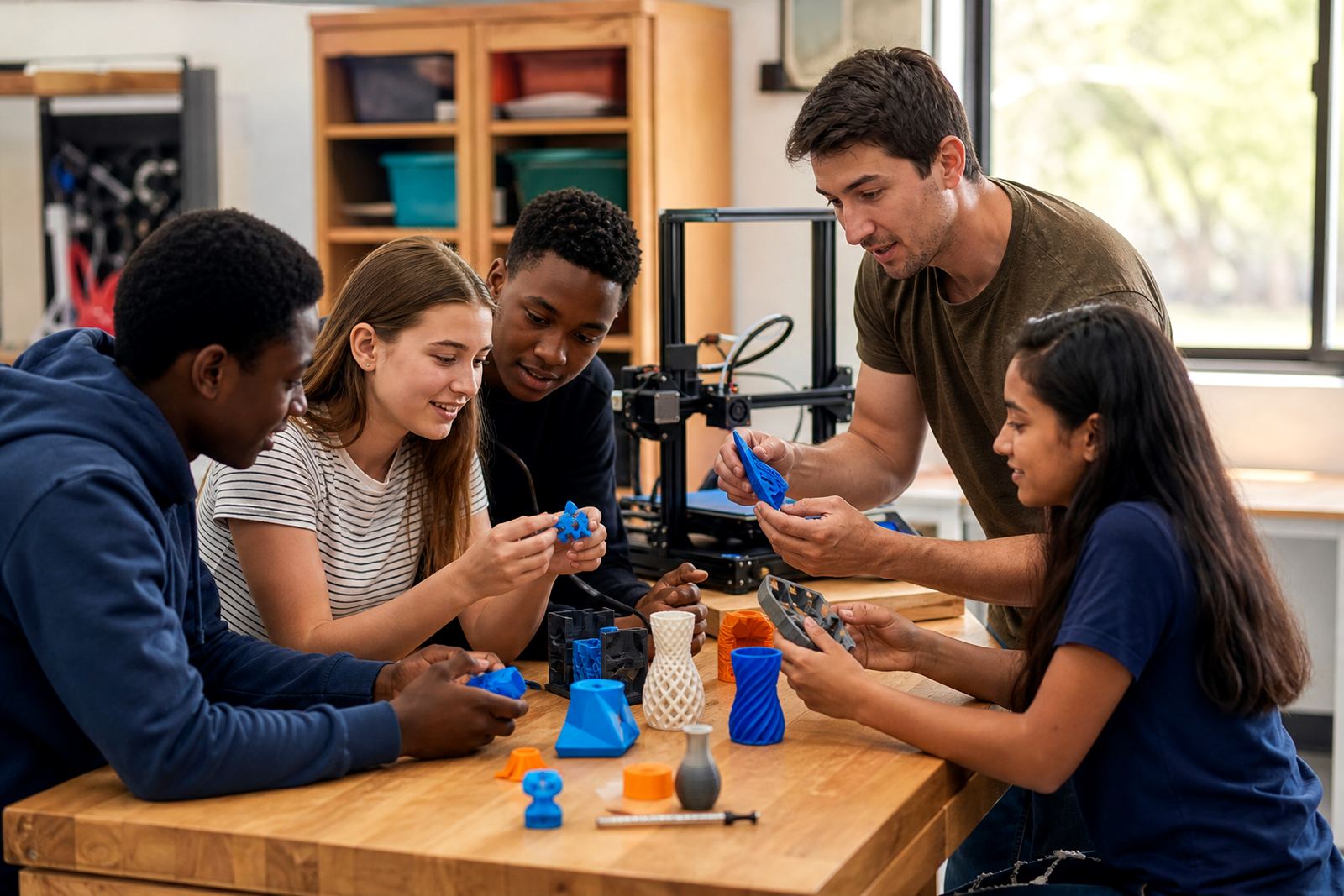
- Use the room in small groups so everyone can hear instructions
- Switch off and tidy up after each session
These rules are common sense, but common sense needs to be taught. A class that understands the reasons behind the rules usually behaves better around equipment.
A Stellenbosch school example with practical lessons
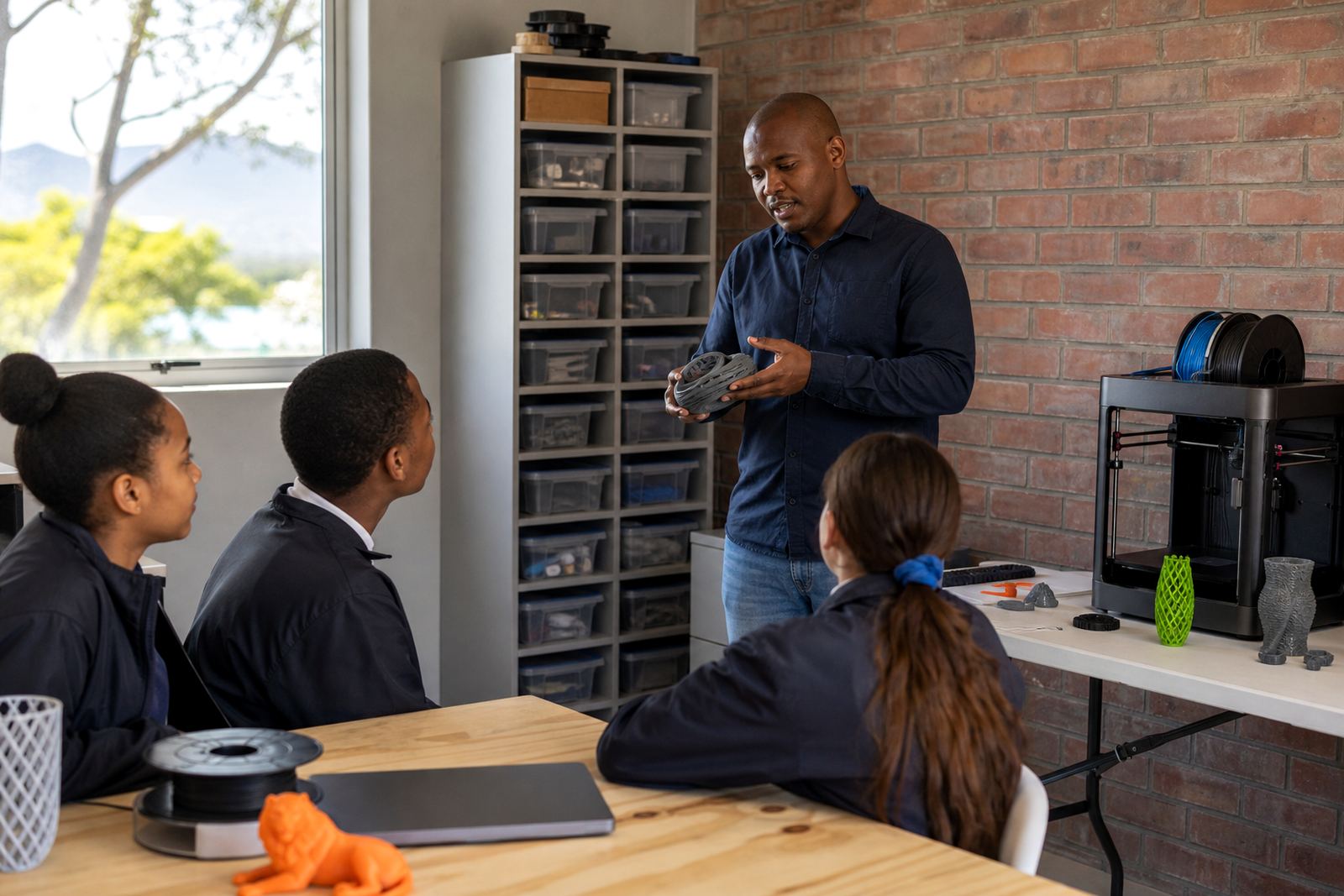
A school in Stellenbosch running a small maker club may have only one room available after lessons. In that case, the best answer is often a ventilated classroom with windows that open on opposite sides, plus a locked cupboard for materials. The printer can run while a teacher supervises a small group, and the room can be aired out between sessions.
On windy days, the windows may need adjusting so there is airflow without a strong draught across the machine. During wet weather, the room may need extra drying time before a print session starts, especially if filament has been exposed to damp air. This is the sort of practical detail that schools notice quickly once they begin working with printers.
For schools across Cape Town, Pretoria, Johannesburg, Durban and Gqeberha, the principle is the same: fit the room to the machine, not the other way round. A sensible setup gives teachers control and learners a better chance to focus on design, testing and revision rather than on avoiding problems.
Keeping the room working after the first term
It is easy to get the room ready for the first few lessons. The harder part is keeping it that way. Printers need regular checks, and the room itself should stay organised so that airflow is not blocked by stacked boxes or abandoned projects. If the room starts to fill up, the ventilation plan stops being effective.
Good maintenance also supports safer use. Clean the machine area often, check that vents are not blocked and store filament properly so it does not absorb moisture. If a school is running holiday programmes, maker club sessions or teacher introduction classes, the room may see heavy use and needs extra attention.
Simple habits help a lot:
- Open the room before and after sessions where weather allows
- Keep the printer area clear of paper, fabric and loose scraps
- Inspect plugs, leads and moving parts on a regular basis
- Use labels so learners know where tools belong
- Reset the room at the end of the day, not the next morning
That routine saves time in the long run and helps the equipment last longer.
What schools should remember before placing a printer
Printer placement is not about showing off the machine. It is about making sure the school can use it safely and consistently. A well-ventilated, supervised room gives learners a better experience and helps teachers keep lessons calm and controlled. If the room is too cramped, too hot or too closed in, the whole setup becomes harder to manage.
The safest path is usually the simplest one: choose a supervised room with airflow, keep the workspace clear and build good habits from the start. That is the kind of foundation schools can work with term after term, and it is far easier than trying to fix a bad room later.
When the room is right, the printer becomes what it should be: a useful teaching tool that supports hands-on learning without creating unnecessary trouble.