Start with a simple job intake system
When a class brings 20 or 30 models to print, the first mistake is accepting them all at once and hoping to sort it out later. A better method is to collect jobs in one place, then log each file with the learner name, class, estimated print time and any special note such as support material or a change in scale. This keeps the teacher in control and helps the lab move from a pile of files to a clear print order.
In a school setting, the intake sheet does not need to be fancy. A printed register, a spreadsheet or a shared class folder can work well. What matters is consistency. If learners know their work must be named correctly and submitted before a cut off time, the queue becomes easier to manage and there is less confusion when two students submit similar file names.
- Use one naming rule for every class, such as surname_class_project_version.
- Check file size and print time before adding the job to the queue.
- Keep one column for priority jobs and another for normal jobs.
- Mark failed files immediately so they do not sit unnoticed all week.
Sort the queue by lesson length, not by who asks first
It is tempting to print in the order requests arrive, but that often wastes valuable lesson time. A better approach is to sort jobs by how long they will take, how much material they use and whether they can be started and finished within the same lesson. Smaller test pieces, calibration prints and simple learner models are often the best jobs to fit into a 45 to 60 minute slot.
Long prints should be grouped for after school, over lunch or into a dedicated production block. If a class is making a set of objects for a group project, run those jobs back to back rather than switching between many different files. This reduces setup time and makes it easier to spot problems before the whole queue is affected. It also helps when load-shedding interrupts the timetable, because you already know which jobs can be paused and which ones must wait.
- Put short jobs at the front of the day when the lab opens.
- Reserve longer prints for quieter periods.
- Batch similar nozzle sizes, layer heights and materials together.
- Leave space in the queue for one urgent reprint if a job fails.
Use preview checks before the printer ever starts
Many classroom delays happen before the machine even begins printing. A file that looks fine on screen may be too large for the build plate, too thin to survive or rotated in a way that increases print time. A quick preview check saves a great deal of frustration later. This is especially useful when learners are still learning CAD basics and may not yet understand wall thickness, bridging or overhangs.
Every queue should include a short preflight check. That means confirming scale, orientation, supports and estimated print time before sending the file. If a teacher or technician spots a problem early, the learner can fix it while the rest of the class continues with the lesson. In a busy school lab in Stellenbosch or Paarl, that one check can save an entire afternoon of reprints and unhappy learners.
- Check the model for thin walls and floating parts.
- Look at the first layer preview before starting the job.
- Confirm the model fits the available build volume.
- Ask whether the print needs strength, detail or just a visual sample.
Match print jobs to the school timetable
The best queue is one that works with the school day instead of against it. If practical classes are split across periods, plan jobs so the printer finishes useful work before the next bell. In many schools around Cape Town and Gqeberha, the available time changes with exams, sports fixtures and transport schedules, so the queue needs to stay flexible.
For example, a Grade 8 class may need only a quick introduction piece and a small functional part, while older learners may be preparing more detailed models for a design brief. Group the jobs by class level and lesson goal. That way the printer is not tied up for a single large item while another class waits for a simple demonstration piece. A good queue is really a teaching tool, not just a list of files.
- Plan for lesson start, break time and pack-up time.
- Keep a short list of backup prints for interrupted periods.
- Record which jobs can run unattended and which need watching.
- Adjust the queue when transport, assemblies or network issues affect the day.
Keep materials and maintenance aligned with the queue
A queue is only useful if the printer stays ready to work. Schools should keep enough filament or other suitable material on hand for the jobs already approved, and the lab team should watch for simple maintenance tasks before they become stoppages. Clean beds, clear nozzles and dry storage all help keep the flow steady, especially in coastal areas where humidity can affect storage and print quality.
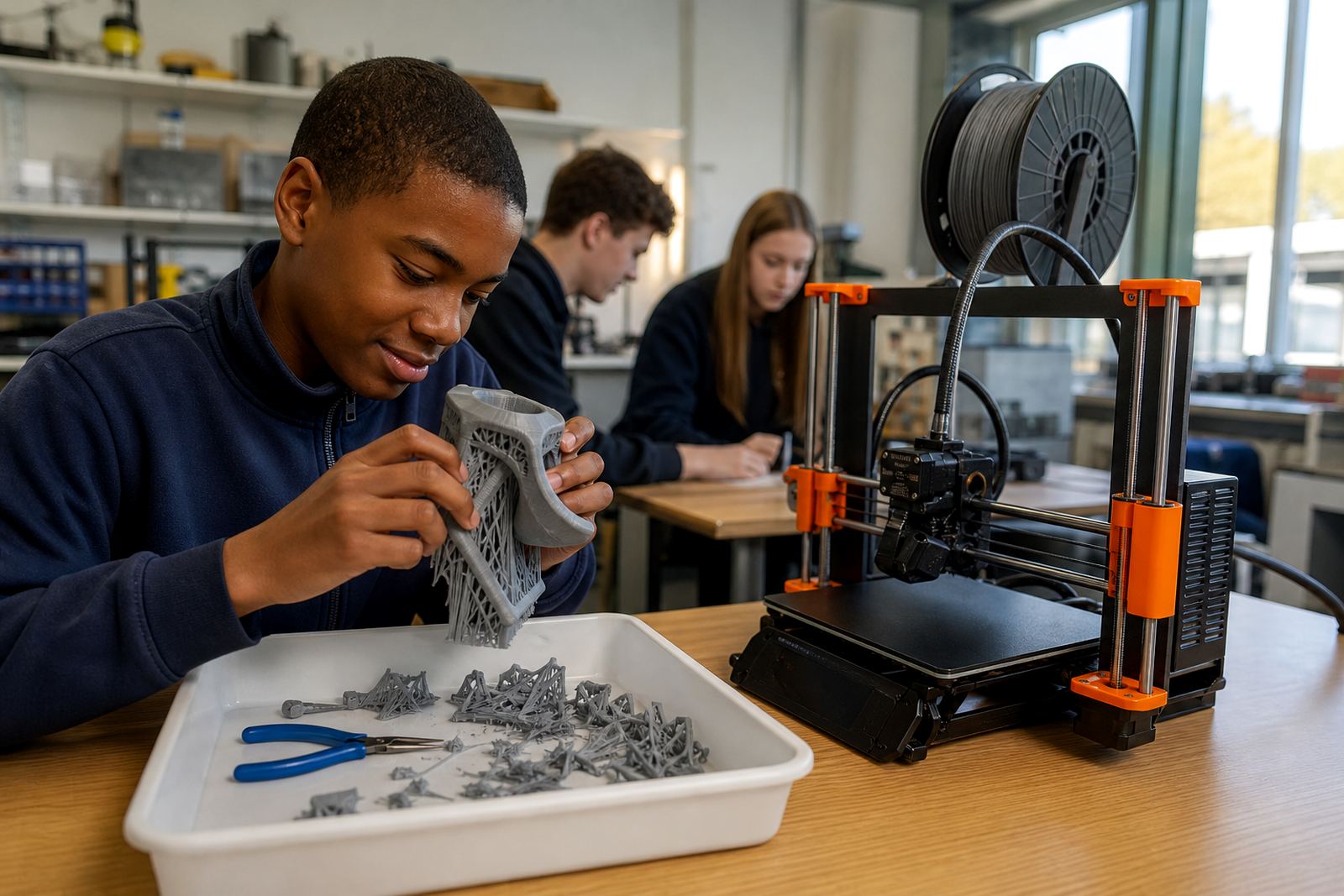
It helps to assign one person to monitor the queue while another handles learner questions. In a larger school this might be a teacher, a lab assistant or a trained learner team. The main point is that someone must notice when a spool is nearly finished, when a job needs support removal or when the machine is due for routine care. A queue runs smoother when the supply side is checked as carefully as the files themselves.
- Store materials in sealed containers where possible.
- Note which printer is assigned to which type of job.
- Track failed prints so the same issue does not repeat.
- Set aside time for cleaning and basic maintenance each week.
A Stellenbosch example: one printer, two classes, very little time
Consider a secondary school in Stellenbosch with one printer, two classes and only a few free periods in the week. The teacher collects files on Monday morning, reviews them during the break and sorts them into short, medium and long jobs. The shortest items run first so learners see progress quickly. Medium jobs are queued for the afternoon when the lab is quieter, while the longer prints are saved for a dedicated slot after school.
Because the class knows the system, learners submit files early and make corrections before printing day. The teacher keeps a written queue sheet near the machine and updates it after each print. When a job fails, the learner is shown what happened and the file goes back into the queue with a new note. The process is calm, fair and much easier to manage than a free for all. It also gives learners a practical lesson in planning, patience and real production work.
That is the real value of organising a print queue. It is not just about speed. It is about giving every learner a chance to print, learn and improve without turning the lab into a bottleneck.