Why the first print is only the first step
In 3D printing, the first model almost never comes out exactly as planned. A part may be too thin, a wall may warp, or a corner may need more support. That is not failure. It is useful information. When learners understand that a first print is a test, they start to think like designers instead of spectators.
Iteration means making a version, checking what happened, then changing one thing at a time. This simple habit helps learners see how shape, size, strength and print settings affect the final result. It also reduces frustration because the class can talk about what changed and why. In a school setting, that turns a single print into a proper learning exercise.
What learners notice when they compare versions
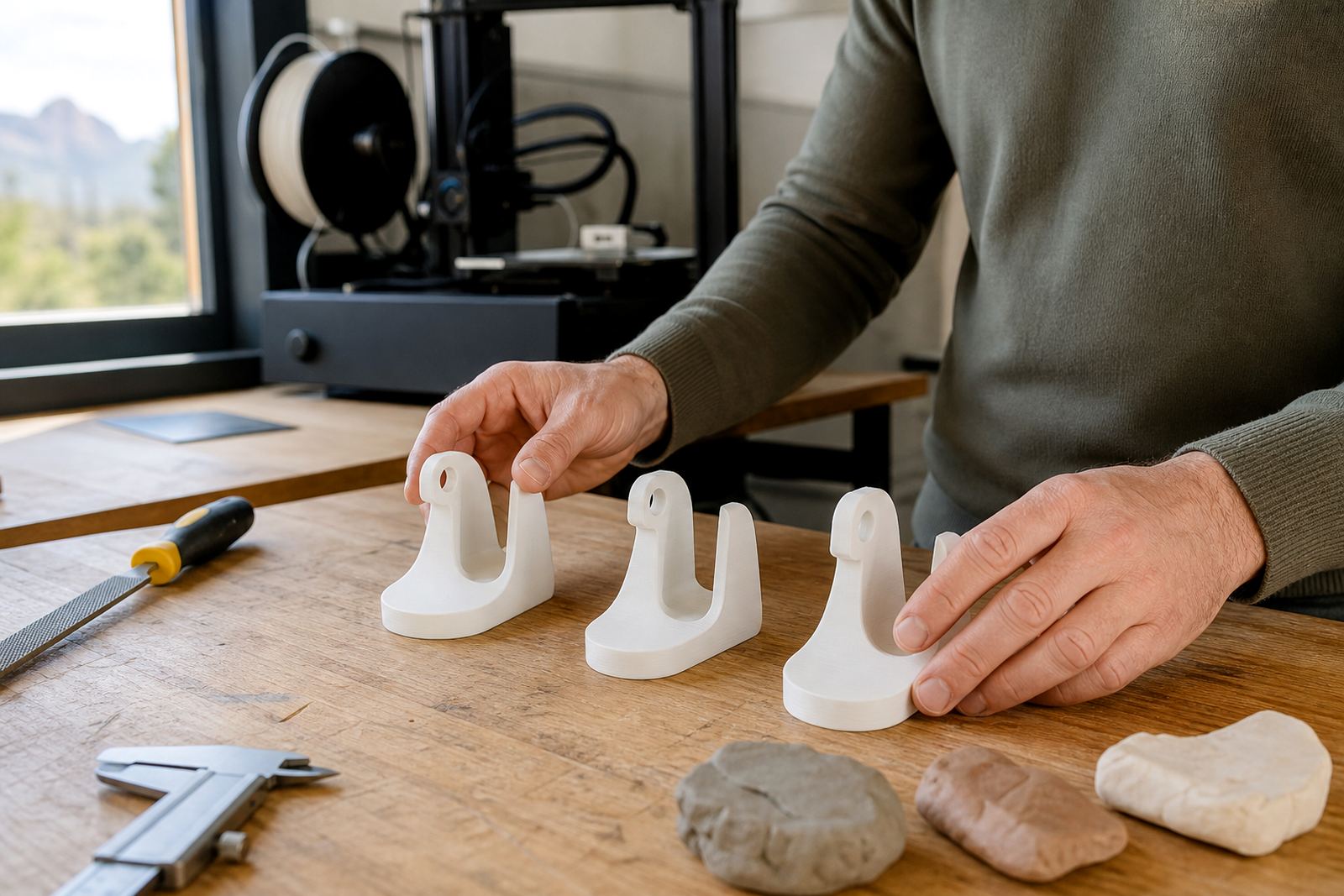
Comparing versions trains the eye. Learners begin to spot small differences in thickness, surface finish and fit. They also learn that a design can look fine on screen but behave differently once printed in layers. A bridge may sag. A clip may be too tight. A logo plate may curl at the corners. Each print teaches something practical.
- Dimensional accuracy: does the piece fit where it should
- Strength: are thin sections bending or snapping too easily
- Surface finish: are the layers clean or rough
- Print time: can the same result be achieved more efficiently
- Material use: can the design be lighter without losing function
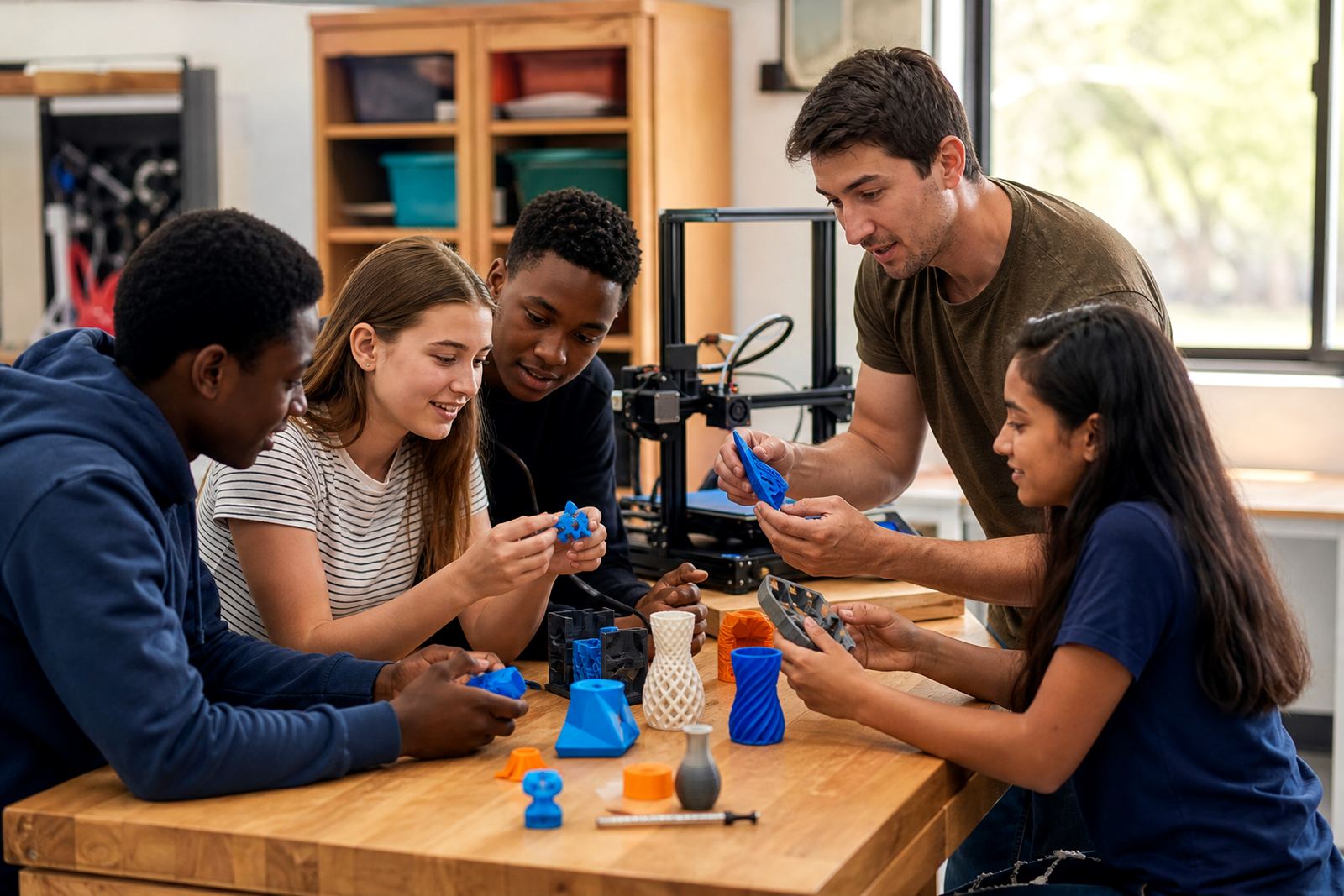
When learners compare versions side by side, they start explaining their choices in plain language. That is important in classrooms because the discussion matters as much as the object.
How to structure an iteration lesson in class
A good lesson does not need a complicated process. Keep it simple and repeatable. Start with one problem to solve, such as a pen holder, cable clip or label stand. Ask learners to make a first design, print it, test it and note what needs changing. Then have them adjust one feature only, not the whole model at once. That makes the learning clearer.
Teachers can guide the class with a short checklist:
- What is the job of the object
- Which part failed or underperformed
- What single change might improve it
- What should stay the same
- How will we test the next version
This method works well in the classroom because it gives structure without taking away creativity. Learners still make their own choices, but they do so with a reason. In a busy school week, that matters because practical lessons need clear steps and manageable setups.
A Stellenbosch example with a school project
At a school in Stellenbosch, a group of learners worked on a simple organiser for stationery. The first print looked neat, but the divider walls were too thin and the pieces warped slightly after cooling. Instead of starting over from scratch, the group measured the weak points, thickened the walls and changed the base shape for better support. The next version held its shape and the compartments were easier to use.
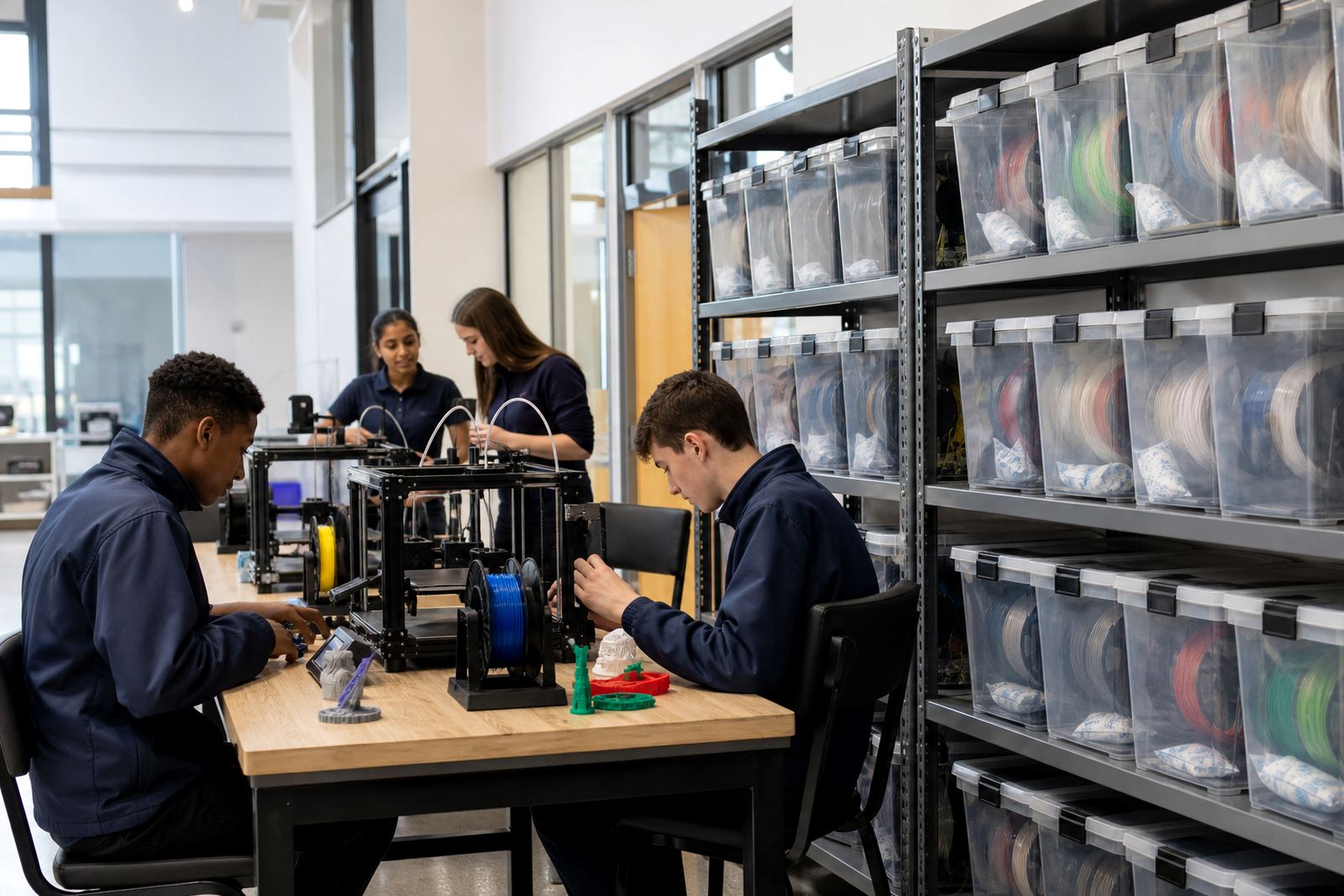
That kind of exercise does more than improve the model. It shows learners that careful observation saves time. They also begin to see why a printer room needs order, clean surfaces and consistent handling. In many schools across South Africa, especially where time in the lab is limited, this approach helps teachers get more value from every session.
It also teaches a practical lesson about resources. Filament is not something to waste. If a design can be improved with a small edit rather than a full reprint, learners start working more responsibly. That is useful in coastal towns with humidity, inland schools dealing with dry conditions and any classroom where materials need to last.
What teachers should emphasise during the process
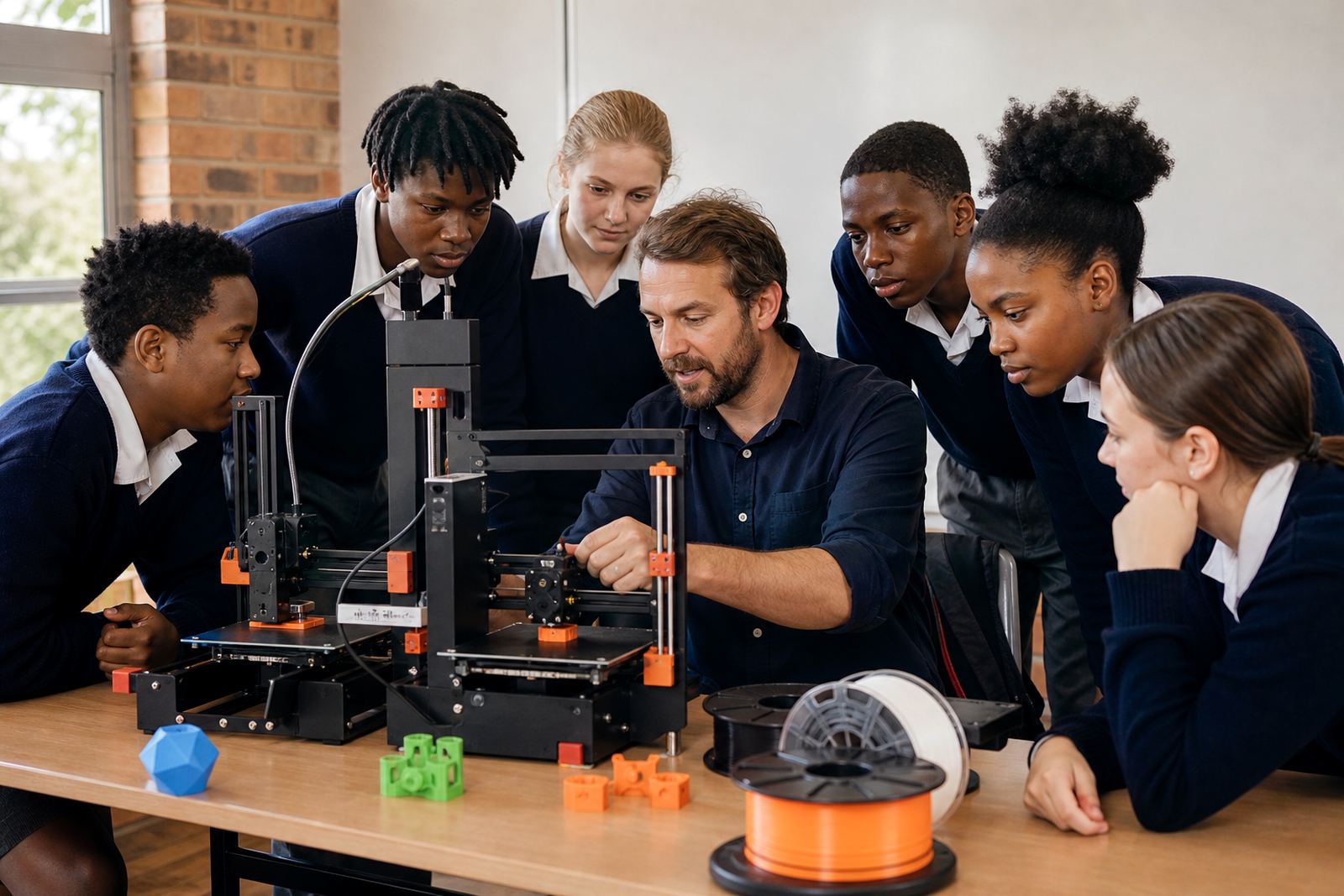
Teachers do not need to be the ones solving every design problem. Their role is to help learners think through the problem clearly and stay safe around the equipment. A few simple reminders keep the lesson on track. Avoid touching hot parts, keep fingers clear of moving axes, and wait for the print bed to cool before removing a model. Good housekeeping is part of the lesson too.
- Label each version so learners can track changes
- Keep notes on what was altered and why
- Use short test cycles where possible
- Encourage learners to explain the trade offs they made
- Store tools and materials properly after each session
Once learners know that every change must be explained, the class becomes more disciplined. They stop guessing and start checking. That shift is one of the main benefits of design iteration.
Why iteration builds confidence and better habits
Many learners are nervous the first time they design something for print. They worry about making mistakes or getting a poor result. Iteration helps because it removes the pressure to get everything right immediately. The lesson becomes about progress, not perfection. Learners see that a weak point can be fixed and a good idea can be strengthened.
Over time, they also develop habits that carry into other subjects. They compare, measure, test and improve. They learn to listen to feedback and use it properly. Those skills matter in engineering, design, entrepreneurship and technical work. A learner who can analyse a version, improve it and try again is already thinking in a practical way.
That is why design iteration belongs in school labs. It gives 3D printing a real purpose. The machine is not just making objects, it is helping learners build judgement. And once they understand that every version can teach something, they begin to see making as a process they can control.