Start With A Daily Printer Check
A quick check before the first lesson can prevent failed prints and wasted filament. In a school setting, printers are often switched on and off by different people, so it helps to keep the same routine every day.
Look at the machine before printing. Make sure the build plate is clean, the filament path is clear and no loose offcuts are sitting near moving parts. Check that the printer is level on its table and that cables are not under strain. If the room is damp, especially near the coast, inspect the filament spool for moisture before loading it.
- Confirm the nozzle is not blocked
- Check the build plate is secure and clean
- Look for loose screws, clips or cable ties
- Make sure the filament feeds smoothly
- Verify the printer is in a safe, stable position
Keep The Nozzle And Build Plate Clean
Most school printing problems start with dirt, residue or worn material around the nozzle and bed. After a few prints, small bits of plastic can stick to the nozzle and affect the first layer. The build plate can also gather glue, dust and fingerprints, which makes adhesion less predictable.
Use a soft cloth and the correct cleaning method for the surface on your machine. Warm parts can burn, so let the printer cool before touching the nozzle or bed. If a print leaves a thin line of plastic behind, remove it carefully instead of pulling at hot parts. A plastic scraper is usually safer than a metal tool for classroom use.
- Wipe the bed after each printing session
- Remove small plastic strands before the next lesson
- Check for burnt residue around the nozzle tip
- Keep cleaning tools in a labelled container
Manage Filament In School Conditions
Filament storage matters in South Africa, especially where schools deal with humidity, dusty classrooms or long periods without aircon. Moist filament can snap, feed unevenly or give rough print surfaces. That leads to frustration for learners and more time spent troubleshooting.
Store spools in sealed containers when they are not in use. If possible, keep them off the floor and away from windows, heaters and direct sun. Label each spool with the material type and the date it was opened. This makes it easier to track what is still in good condition. A small offcut box also helps keep the print area tidy and reduces clutter.
- Use sealed storage for open filament spools
- Keep filament away from dust and moisture
- Label each spool clearly for classroom use
- Check for brittle or tangled filament before loading
Handle Power Cuts And Restart Printing Safely
Load-shedding can interrupt a print halfway through and leave students with a half-made part on the bed. Before restarting, let the printer cool, then inspect the bed and nozzle for any stuck material. If the machine has lost its position or the model has shifted, it is usually better to start again than force a poor print to continue.
Schools should keep a simple power routine in place. Unplug or switch off equipment properly when power is unstable, and do not leave printers running unattended in an empty room. It also helps to teach learners that a print after a power cut may need a fresh setup, not just a button press. That saves time and avoids damage to the machine.
Weekly Maintenance Teachers Can Assign
Weekly care does not need to be complicated. A short maintenance slot is enough to catch wear and stop small problems from becoming bigger ones. In a busy school, one person can do the check while another records what was done, so everyone knows the printer’s condition.
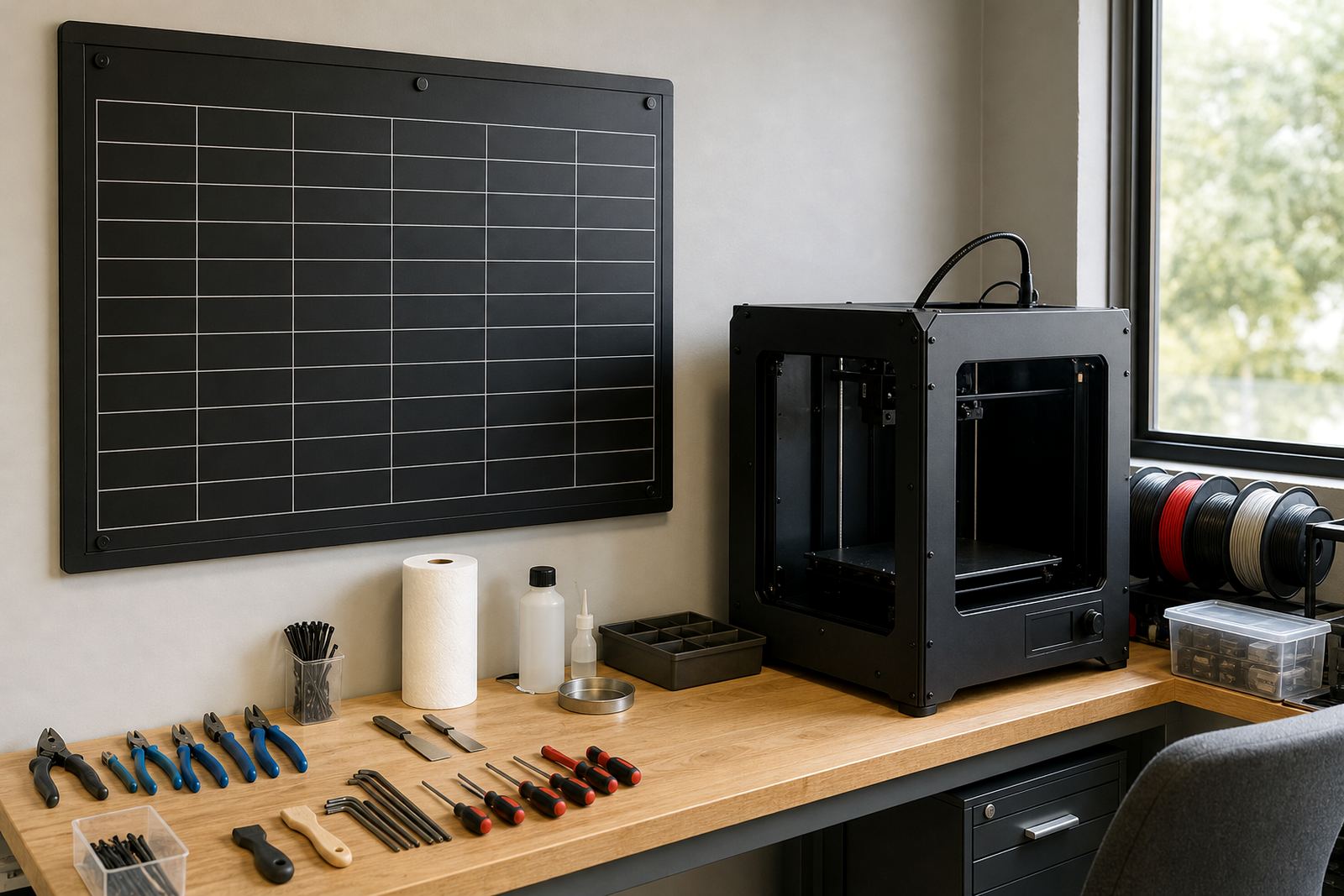
Use a simple logbook or checklist. Note the date, who checked the printer and any issues found. If a fan sounds louder than usual, a belt is loose or prints are drifting out of shape, write it down straight away. That makes it easier to spot patterns and plan repairs before a class project is affected.
- Dust the frame and accessible parts
- Check belts, rollers and moving rails
- Review print quality from the previous week
- Record unusual noises or temperature changes
- Test the feed path with a short print if needed
Set Clear Classroom Safety Rules
Good maintenance includes safe use. School printers have hot parts, moving axes and small tools that should be handled with care. Learners should know what they may touch, what stays off limits and who may clear a jam or change filament. Keep the machine in a supervised area and away from crowded walkways.
Use a basic rule list near the printer. Hair tied back, no loose sleeves and no hands inside the machine while it is moving are simple reminders that help in class. It also helps to keep a small first aid kit nearby and to store tools, blades and spares in a locked container when not in use.
- Only trained staff should clear jams or adjust hot parts
- Keep learners a safe distance from moving mechanisms
- Use supervised access for filament changes and maintenance
- Store tools and sharp items separately from learner work areas