Start with the right level of teacher support
Schools usually come to 3D printing from one of two points. Some are just starting and need a simple introduction for a few teachers. Others already have a printer or two and want staff to feel confident with classroom routines, file preparation and basic troubleshooting. The best training option depends on how many teachers will use the equipment, how much time they have, and whether the goal is one subject area or wider school use.
For schools in Stellenbosch, Cape Town, Johannesburg, Pretoria, Durban and Gqeberha, we recommend choosing training in line with the actual space available. A busy prep room, a shared IT lab or a small maker corner all need different ways of working. Heat, dust, coastal humidity and load-shedding can all affect daily use, so the training should cover practical conditions not just theory.
Teacher Introduction for first-time users
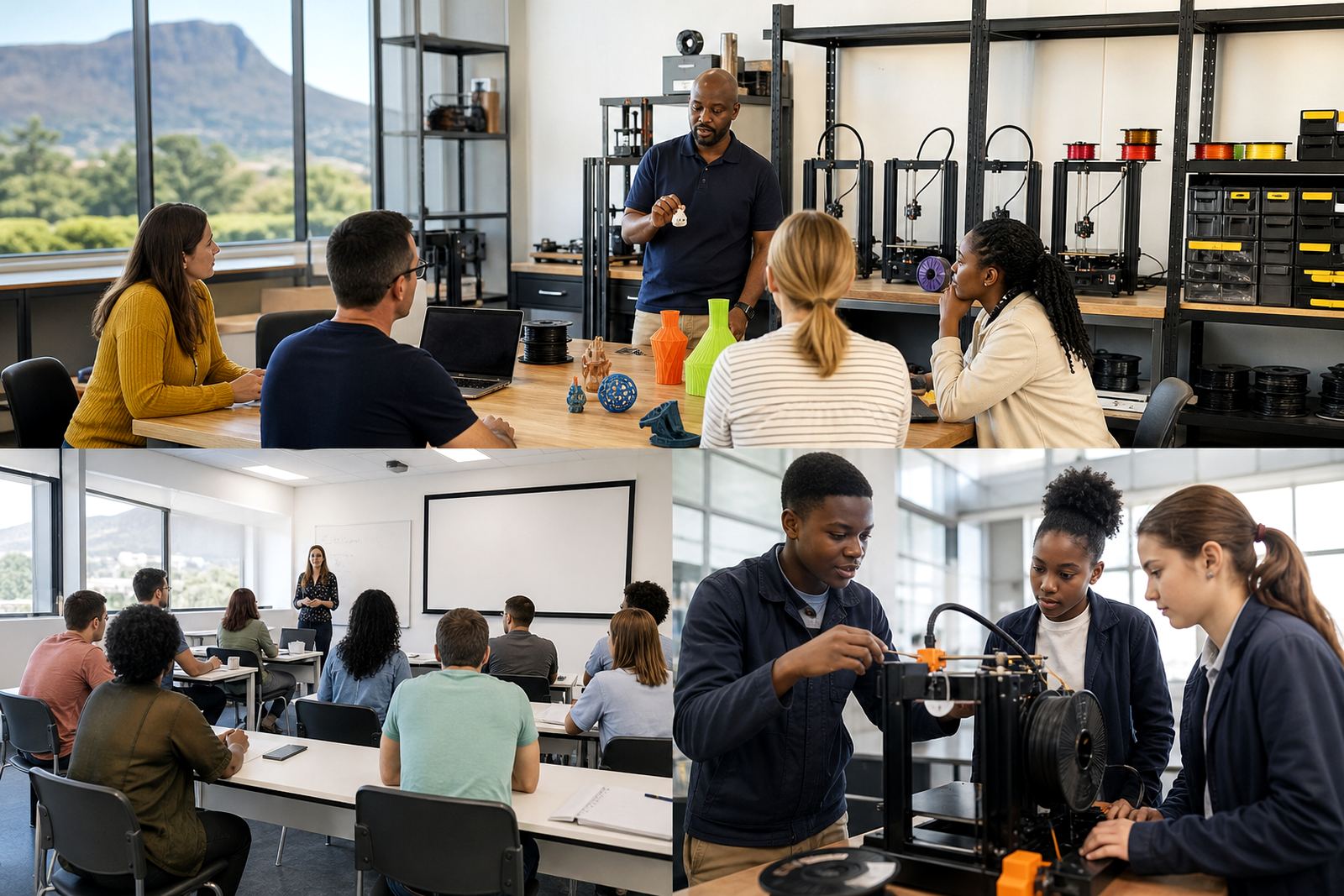
This option suits educators who are new to 3D printing and want a calm, step-by-step introduction. It covers the basic workflow from a digital design file to a finished printed object, plus the everyday classroom habits that keep the process orderly. Teachers learn what the printer does, what the filament is used for, and how to prepare learners for safe, hands-on participation.
The focus is on confidence. By the end of the session, teachers should know how to set up a print, recognise common errors and supervise learners around moving parts and hot surfaces. We also cover simple classroom rules such as keeping long hair tied back, waiting for parts to cool before handling them, and storing tools where learners can reach them safely only when supervised.
- Ideal for one to three teachers beginning with 3D printing
- Best when the school wants a gentle introduction before buying more equipment
- Useful for both primary and high school settings
- Includes basic print-start, print-finish and cleaning routines
Intermediate training for active classroom use
When teachers have already tried a few prints and want better results, intermediate training is a good fit. This option goes beyond the basics and helps staff understand print settings, classroom planning and how to improve reliability. It is especially useful when learners will be producing class projects regularly, or when several teachers need a common method.
The session usually covers CAD basics, slicer preparation, print orientation, supports and simple quality checks. Teachers also learn how to plan lessons around print times so that one class is not waiting while another checks a machine. This is where a school starts turning occasional use into a proper classroom routine. We also discuss how to deal with power cuts, filament storage and what to do if the room is hot and the prints start lifting at the corners.
- Suitable for schools already printing but wanting better consistency
- Helpful for teachers running design, technology or STEM projects
- Includes print planning, file checks and basic model correction
- Supports shared use across several classes or grades
Learner Foundations with teacher guidance
Some schools want teachers trained first so they can then guide learners through entry-level work. Learner Foundations is useful when the classroom will introduce 3D printing gradually, with simple activities that build confidence before more detailed design work begins. Teachers learn how to explain the process in plain language and how to match the lesson to the age group.
This approach works well for maker clubs, holiday programmes and introductory project work. Teachers get practical ideas for keeping learners engaged while still managing turn-taking, tool use and print queue discipline. It also helps educators choose projects that are achievable in a normal lesson cycle, rather than designs that are too complex for the time available.
Lab Setup Course for schools building a print space
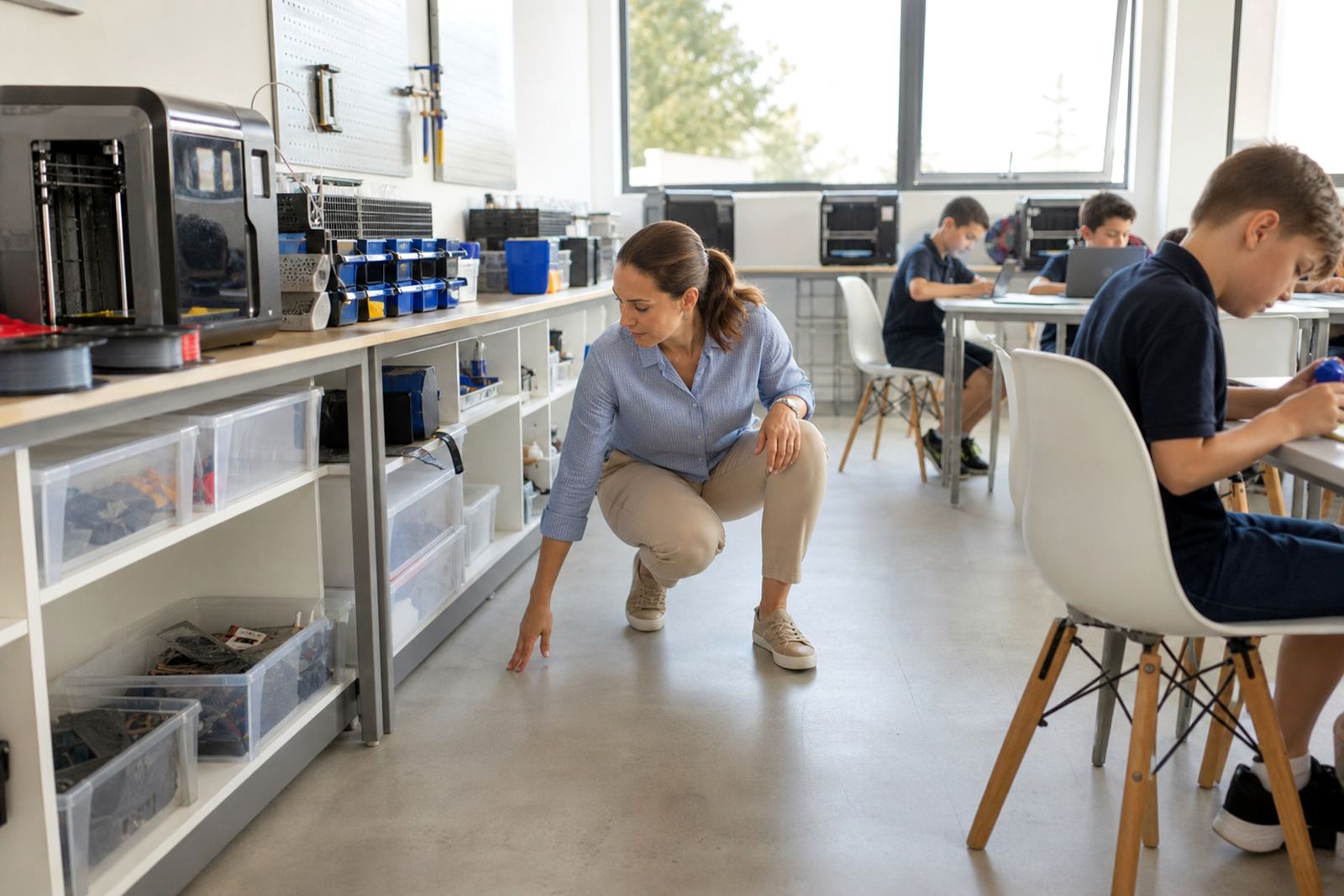
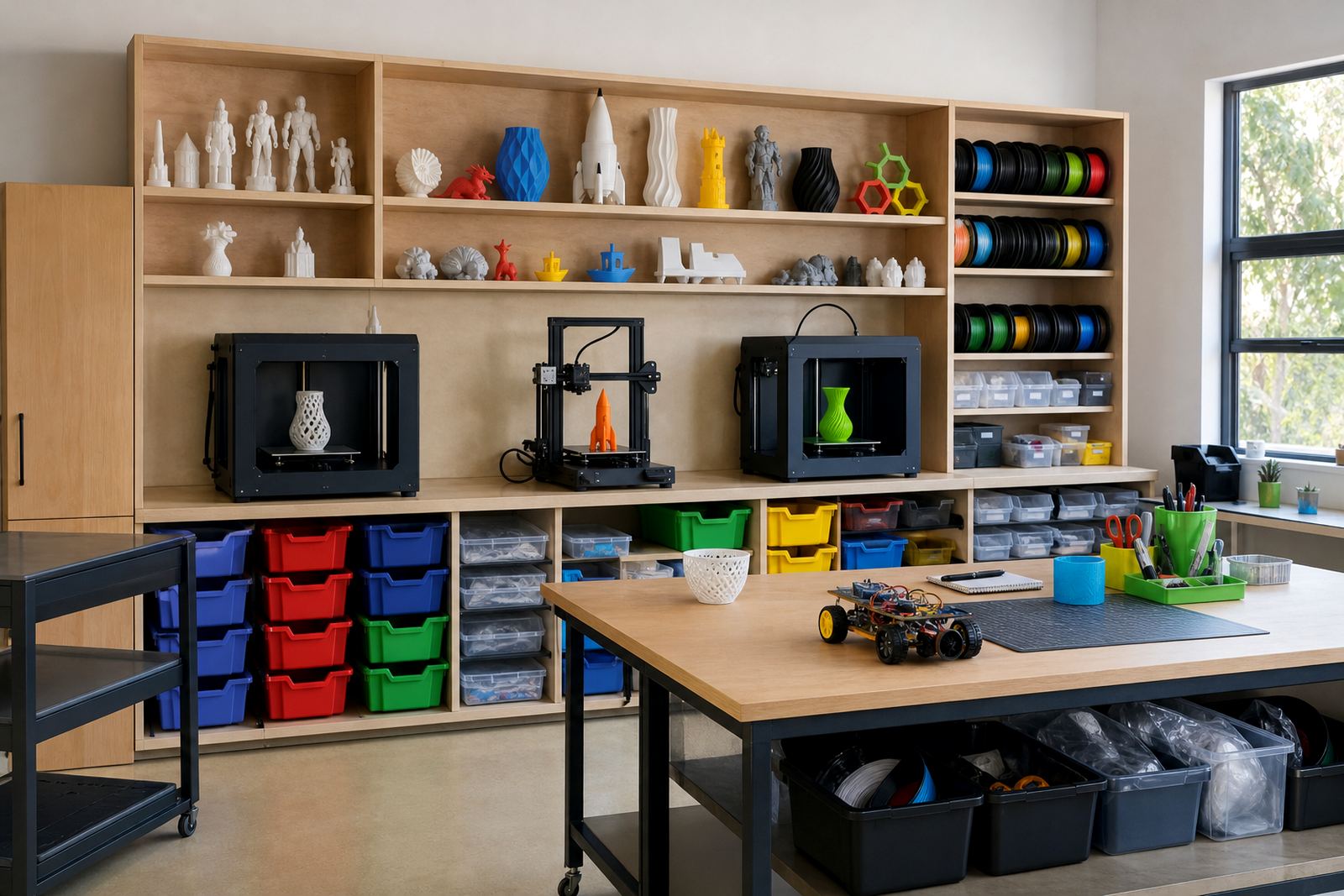
When a school is setting up a dedicated printing area, the Lab Setup Course helps staff think through the practical details. This is not only about placing the machine on a table. It includes room layout, ventilation, storage, access control, cable routing, basic cleaning and what should be kept near the printer and what should not.
Teachers and school managers can use this course to plan the room in a way that suits daily use. We look at how to place equipment away from damp walls, how to manage dust, and how to keep supplies organised for class turnover. For schools with older buildings or smaller rooms, this step can save a lot of frustration later. It also helps with simple municipal and school safety expectations around walkways, fire access and supervised use.
- Useful before installing a new printer room or maker area
- Helps with furniture placement, storage and power points
- Includes safety reminders for heat, tools and supervision
- Practical for both urban schools and campus settings with limited space
Maintenance Basics for everyday reliability
A 3D printer works better when teachers know the routine checks. Maintenance Basics gives staff the skills to keep the machine clean, identify wear and notice problems before they interrupt lessons. This is especially important in coastal areas like Gqeberha and Durban where humidity can affect materials, and in busy schools where a printer may be used several times a week.
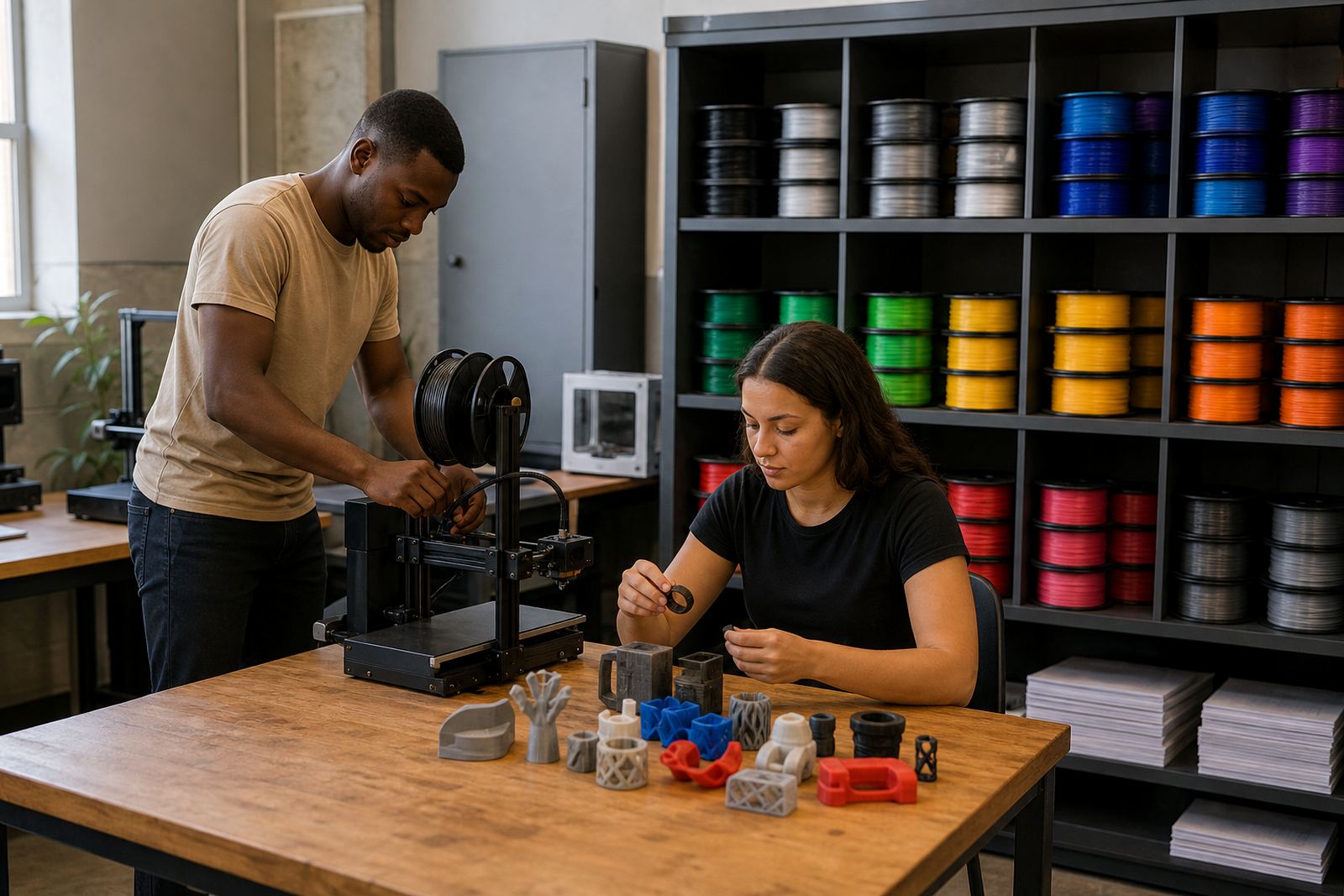
The course includes nozzle care, bed cleaning, belt checks, basic leveling and how to respond when a print fails. Teachers also learn how to store filament properly and how to record issues so that support can be handled quickly. The aim is not to turn every teacher into a technician. It is to make the classroom practical and to reduce downtime when the printer is needed for a lesson. Small habits make a big difference, especially during exam periods when schedules are tight and there is little room for delay.
Choosing a format and planning the next step
The right training path depends on what your school wants to achieve in the next term, not only what it wants eventually. If the goal is awareness, start with Teacher Introduction. If the aim is regular class use, choose intermediate support and maintenance training. If the school is building a space from scratch, add the Lab Setup Course early. A good plan is to begin with one small group of teachers, then expand once routines are stable.
Before booking, it helps to have a short checklist ready:
- How many teachers need to be trained now
- Which grades or subjects will use the printer first
- Whether the school already has equipment or still needs a setup plan
- How often the printer will be used each week
- What room will be used, and whether it has suitable power and storage
- Who will handle day-to-day supervision, cleaning and basic checks
Schools across South Africa often find that a phased approach works best. One session gets teachers started, a follow-up session helps with print settings and classroom routines, and a maintenance visit later keeps the system running well. That practical sequence is usually easier to manage than trying to cover everything at once.