1. Start with a supervised room layout
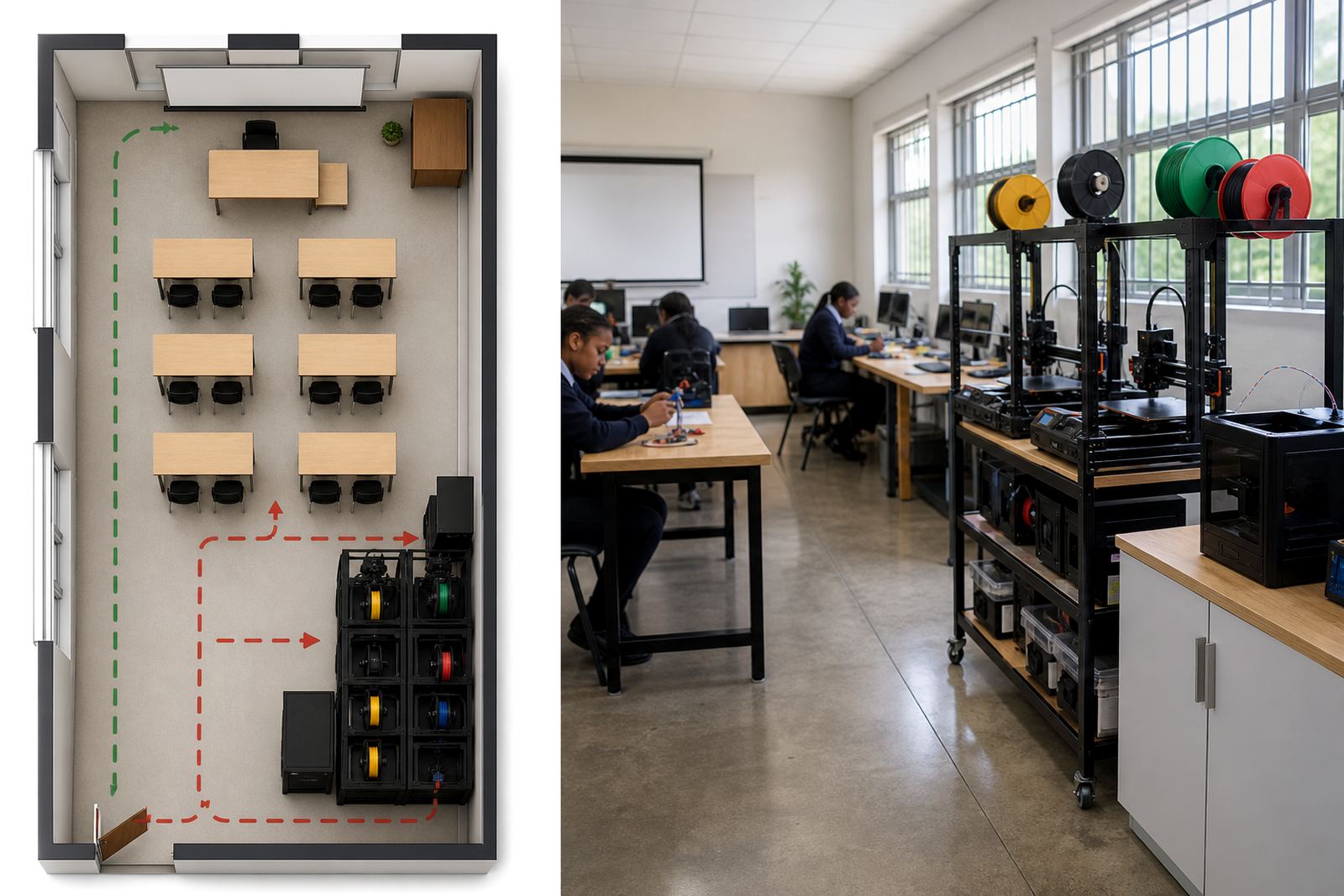
Before any lesson begins, make sure the room has a clear layout and one person is responsible for supervision. Printers should be placed on stable tables with enough space around them for movement, cables and cooling. Keep the back and side vents open, and do not push machines hard up against a wall or window sill.
For South African schools, it helps to plan for load-shedding and power interruptions too. If a print is running, staff should know how to pause the machine safely, and where the main power switch is located. In coastal areas such as Cape Town or Gqeberha, damp air can affect storage and filament quality, so keep materials dry and sealed when they are not in use.
- Assign one adult or trained facilitator to oversee the room.
- Keep walkways clear of bags, stools and loose cords.
- Place printers on a firm, level surface.
- Make sure windows, doors and exits remain easy to access.
2. Set clear learner rules before printing starts
Learners handle equipment more safely when the rules are simple and repeated often. Explain what they may touch, what they must leave alone, and when to ask for help. A short reminder at the start of each session works better than a long lecture, especially with younger groups or mixed-age clubs.
Keep the rules visible near the printer area. Use plain language and, where needed, pictures. It also helps to remind learners that a printer is not a toy and that hot parts can stay warm after a job has ended.
- No running near printers or cables.
- No touching moving parts during a print.
- Always ask before opening covers or removing a model.
- Keep food and drinks away from the work area.
- Do not lean over a hot nozzle or bed.
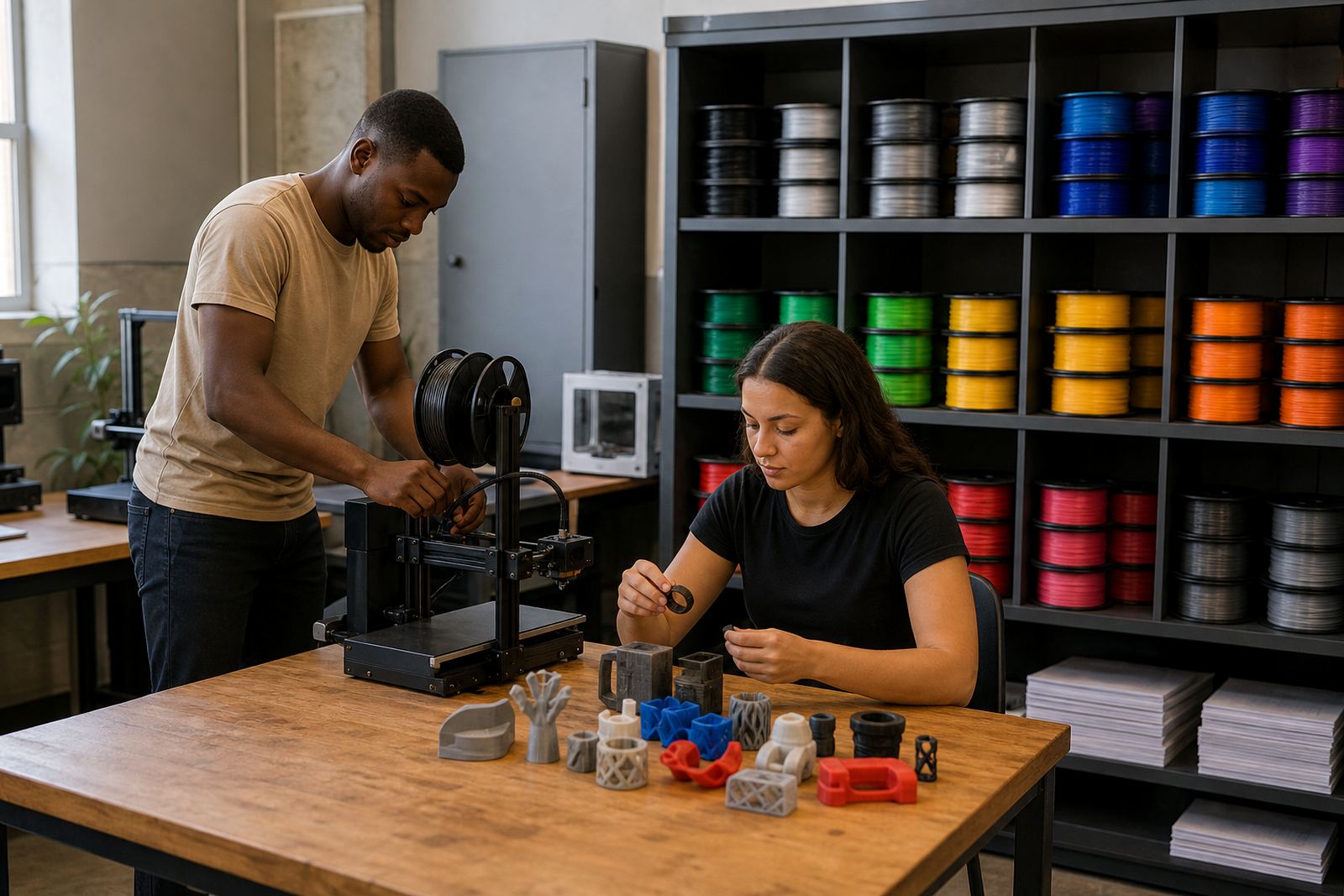
3. Handle tools, filaments and models with care
Many classroom incidents happen during small tasks, not during the print itself. Cutting tools, snippers, spatulas and tweezers should be handed out only when needed and collected again at the end of the lesson. Store them in a labelled container so that nothing goes missing between sessions.
Use age-appropriate handling steps for finished prints. Fresh parts may still be warm and can have sharp edges or thin strands. Show learners how to lift models from the bed carefully, then inspect the surface before passing them along. If a model is stuck, a staff member should do the removal rather than letting a learner force it free.
- Keep small tools in one controlled storage box.
- Use heat-safe gloves if you need to handle warm parts.
- Trim stringy plastic only at a work station with adult supervision.
- Return filament spools to a dry cabinet or sealed bag after use.
4. Keep the classroom tidy and dust-free
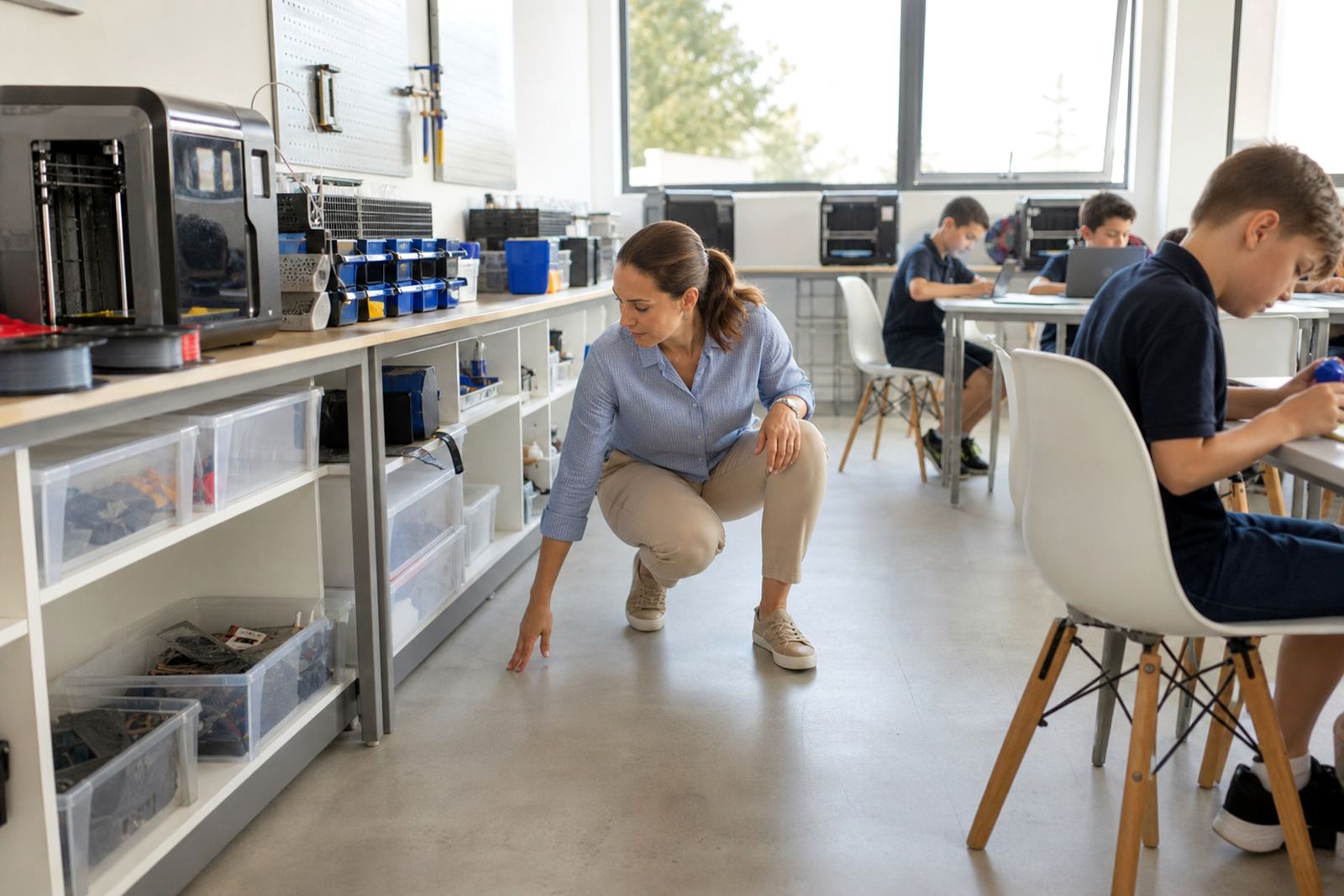
A neat room is easier to supervise and far safer to work in. Cable clutter, offcuts and loose packaging can trip learners or get pulled into a machine. Build a quick clean-up routine into every lesson so that the room is reset before the next class comes in. It saves time and also helps protect printers from dust build-up.
Teachers in busy school labs often find that a five minute tidy at the end of the period prevents bigger problems later. Wipe down tables, clear debris from around the printer base and check that no one has left a ruler, USB device or tool behind. Small habits make a big differnce over a term.
- Check the floor around each machine before and after lessons.
- Bundle cables so they do not trail across walkways.
- Keep paper scraps, plastic offcuts and boxes out of the print area.
- Use labelled shelves for completed prints and work in progress.
5. Build safety checks into every lesson plan
Safety works best when it is part of the lesson structure and not something added at the end. A short checklist before printing, a quick check during the lesson and a final shutdown routine will reduce mistakes. This also makes it easier for different teachers to run the same space consistently.
In schools across Stellenbosch, Cape Town, Johannesburg and beyond, a repeatable process helps when several classes share the same kit. Keep the steps simple enough for a learner assistant or teacher aide to follow, but detailed enough to prevent confusion.
- Confirm the room is supervised before powering on.
- Check that the printer bed is clear and the filament is loaded properly.
- Watch the first layers before leaving the machine unattended.
- Pause work immediately if you hear unusual noises or smell burning plastic.
- Switch off equipment and tidy the area after the lesson.
6. Plan for emergencies and end-of-day shutdown
Every school should know what to do if there is a power cut, a jammed printer or a minor burn. Keep first-aid supplies nearby and make sure staff know who takes charge in an emergency. If a printer behaves strangely, stop the job rather than trying to push through and finish it quickly. That is where problems start.
At the end of the day, close down the room properly. Remove unfinished jobs from the machine only if it is safe to do so, switch off power points and store materials in their correct places. A good shutdown protects the equipment and keeps the next group from starting with a mess.
- Know the school’s first-aid and incident reporting process.
- Keep access to an extinguisher, if the school has one, clear and visible.
- Do not leave printers running without an adult in the room.
- Store hot tools, sharp tools and filament separately.