1. Start with a simple booking system
Before the first print starts, decide how jobs will be booked and who approves them. In a busy classroom, a clear booking sheet saves time and stops five learners sending the same model to the printer at once.
Use one register for the whole class and record the learner name, group, file name, estimated print time and material type. Keep the sheet near the printer or on a clipboard at the teaching point so everyone can see what is next. If you are running a lab in Stellenbosch, Cape Town or further afield in Gauteng, the same method works well because it is easy to repeat from one lesson to the next.
- Allocate one print slot per learner or per group
- Check file names before a job is added to the queue
- Mark cancelled jobs immediately so the list stays current
- Keep a backup copy of the booking sheet for the term
2. Set turn-taking rules before the class begins
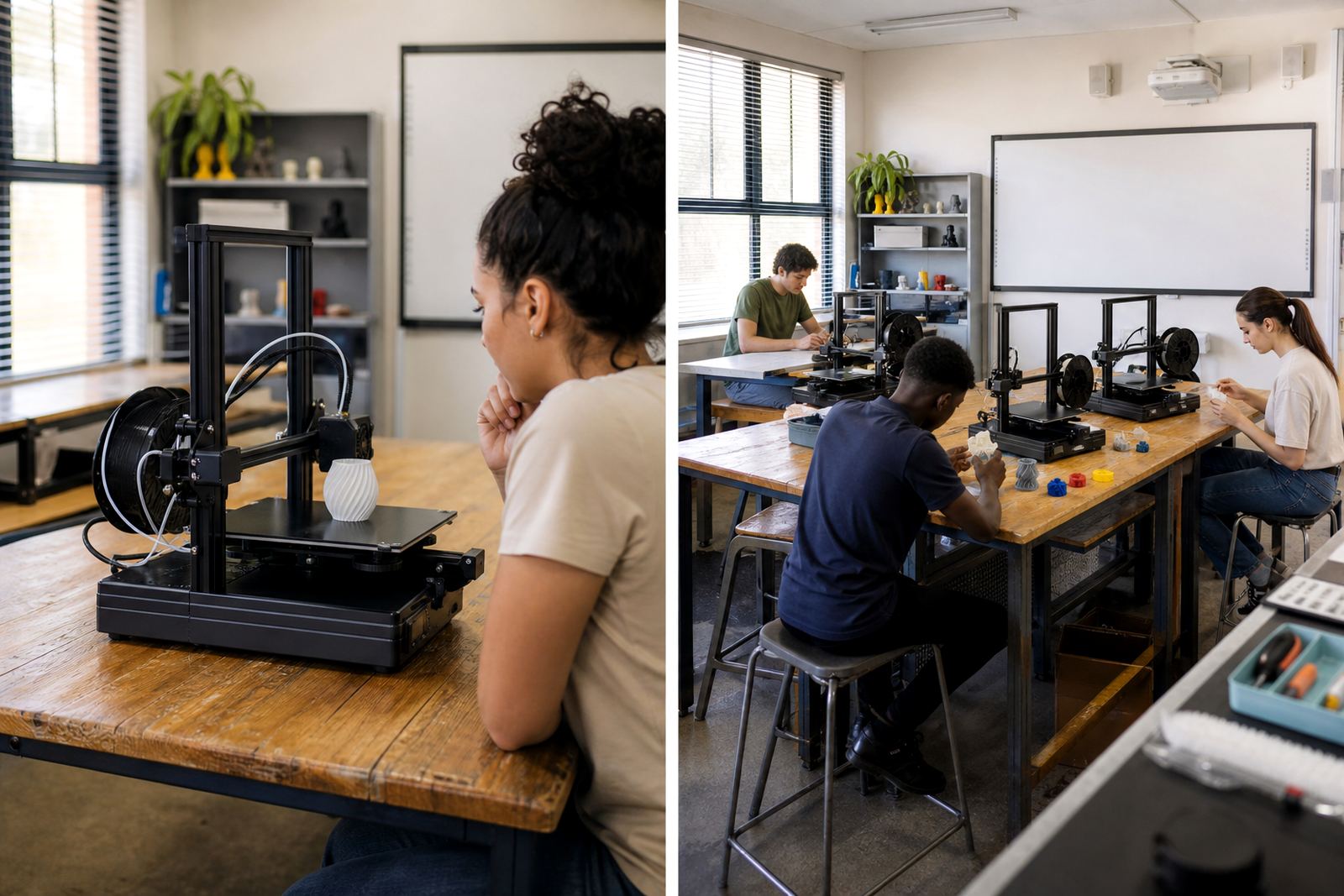
Learners need to know when they may approach the printer and when they must wait. Explain the order clearly at the start of the session, then repeat it every time a new group joins the room. This avoids crowding around the machine and helps younger learners stay calm while they wait their turn.
A good rule is to let only the current operator, the assigned helper and the teacher near the printer. Everyone else stays at their work tables until called. If a print finishes early, the next learner still waits for an adult to clear the build plate and check the job. That small pause keeps the process safe and tidy.
- Use coloured cards or a board to show whose turn is next
- Keep one learner on observation duty while another works on the model
- Swap roles on a fixed timer if the class is large
- Do not let learners touch hot parts or moving parts without supervision
3. Build classroom expectations around the full print cycle
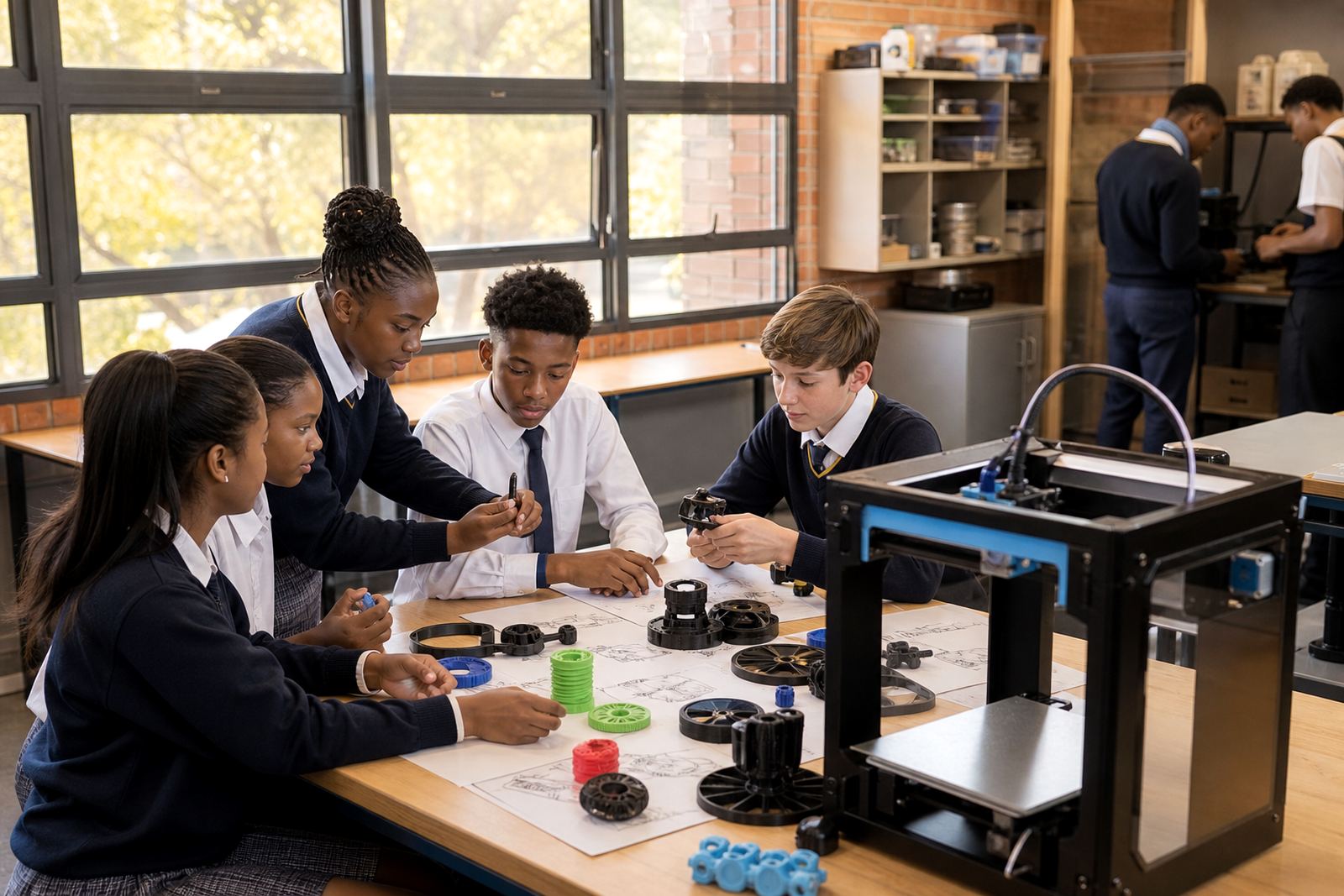
Many learners focus only on the moment the printer starts, but a classroom routine must cover the full cycle from design to clean-up. Make it clear that printing is one stage in the work, not the whole task. Learners should prepare files properly, wait for the machine to finish and then collect, label and review the final print.
When expectations are written down and discussed often, behaviour improves. If a model fails, treat it as part of the learning process. Ask the learner what may have gone wrong, then move on to the next step instead of stopping the whole class. That keeps the room productive even during load-shedding interruptions or a power dip that affects timing.
- Ask learners to save files with a standard naming format
- Check that the model fits the build area before printing
- Return tools, tweezers and clips to their marked places
- Record print success, failure and reprint decisions
4. Plan learner rotation so nobody stands idle
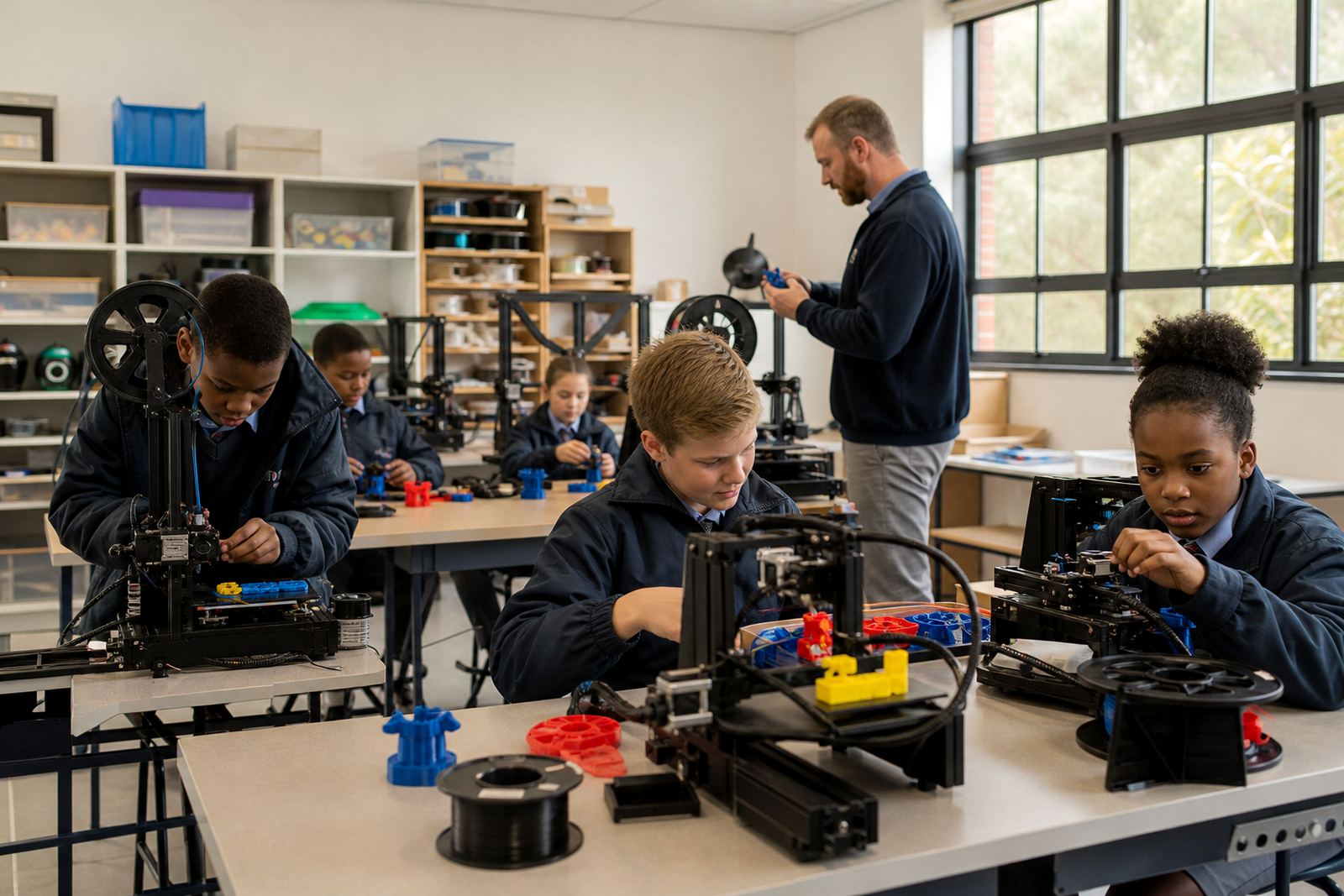
Good rotation means each group has something useful to do while waiting. One group can prepare a design, another can monitor a print and a third can inspect a completed model. This keeps the lesson active and reduces the chance of learners drifting off task. In larger schools, especially where several classes share one lab, the rotation plan matters just as much as the equipment itself.
Keep each activity short and practical. Learners who are waiting for a turn can check measurements, revise supports or complete a quick review sheet. If your class has mixed ability, pair a confident learner with someone who is still learning the software. The stronger learner gets to explain the steps, and the newer learner gets support without slowing the whole group.
- Rotate between design, print watch and post-print review
- Assign one learner to alert the teacher if the printer pauses or jams
- Use short time blocks instead of long waiting periods
- Keep spare tasks ready for learners who finish early
5. Keep the printer area safe, clean and easy to supervise
A tidy print area makes routines easier to manage. Cables should be kept clear of walkways, filament stored away from heat and prints left to cool before handling. In coastal areas such as Gqeberha or Durban, it also helps to keep materials sealed so humidity does not affect storage. Small habits like these prevent waste and make the room easier to supervise.
Teachers should also set clear rules for noise, movement and handling. No running near the printer, no leaning across the machine and no unapproved changes to settings. If students know the boundaries, they are less likely to interfere. A good routine is not only about discipline, it is about protecting the equipment and giving everyone a fair chance to use it.
- Keep a fire extinguisher and first aid kit accessible
- Allow the printer to cool before cleaning or removing parts
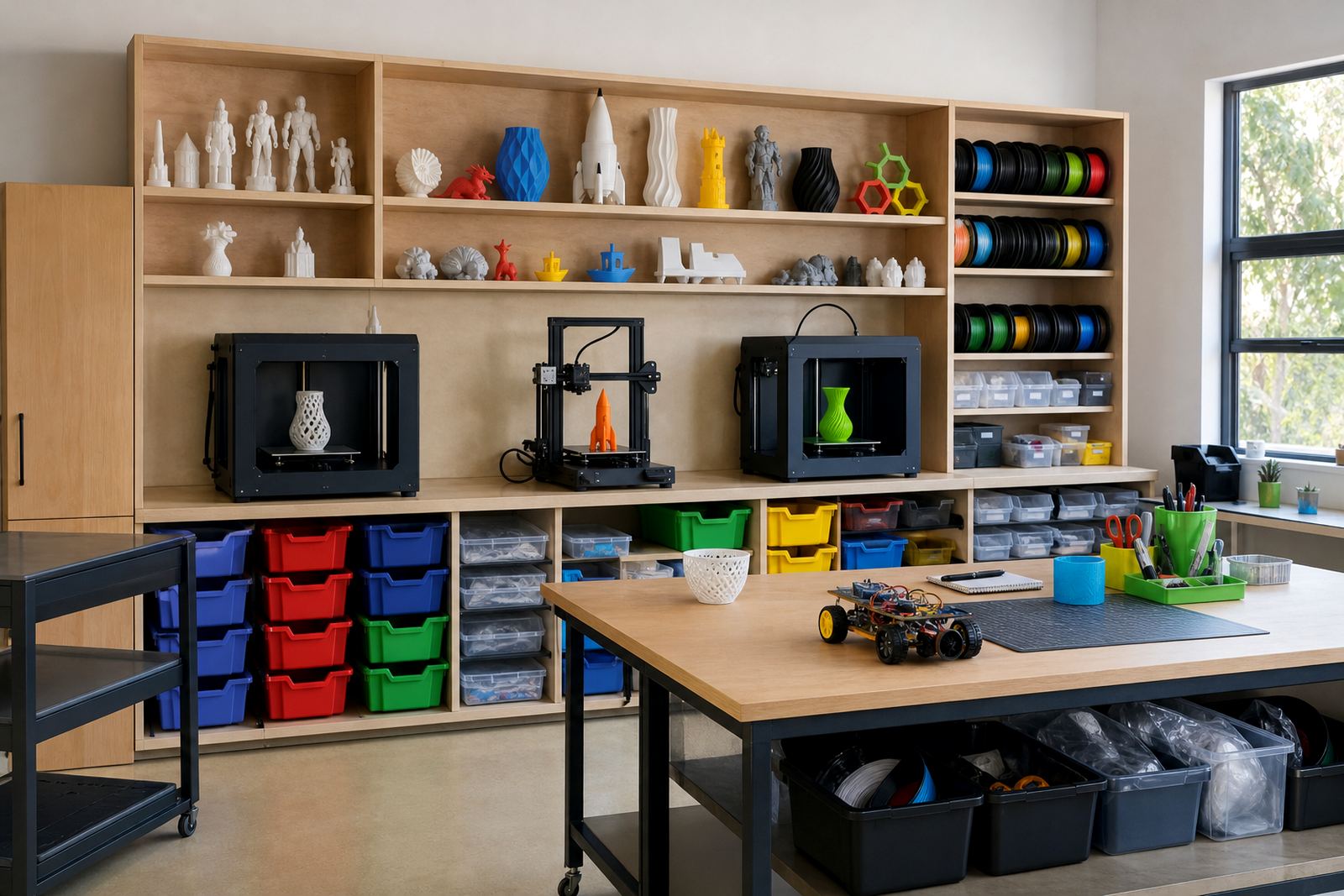
- Store filament in a dry container with labels
- Check the room before and after class for loose offcuts or tools
6. Review the routine after each session
At the end of the lesson, spend a few minutes reviewing what worked and what slowed the class down. Ask whether the booking sheet was clear, whether the queue moved at a good pace and whether the learners understood their roles. If the same problem comes up more than once, change the routine rather than forcing the class to work around it.
This review also helps with longer term planning. A teacher may notice that one group needs more design time, or that another group is ready for more printer responsibility. Over a term, those notes become useful when planning the next lesson or handing the class over to another educator.
- Note common errors and repeat them at the next lesson start
- Update turn-taking rules if the class size changes
- Keep a short log of print jobs, failures and fixes
- Adjust supervision for younger learners or new groups