A school-ready multi-printer setup
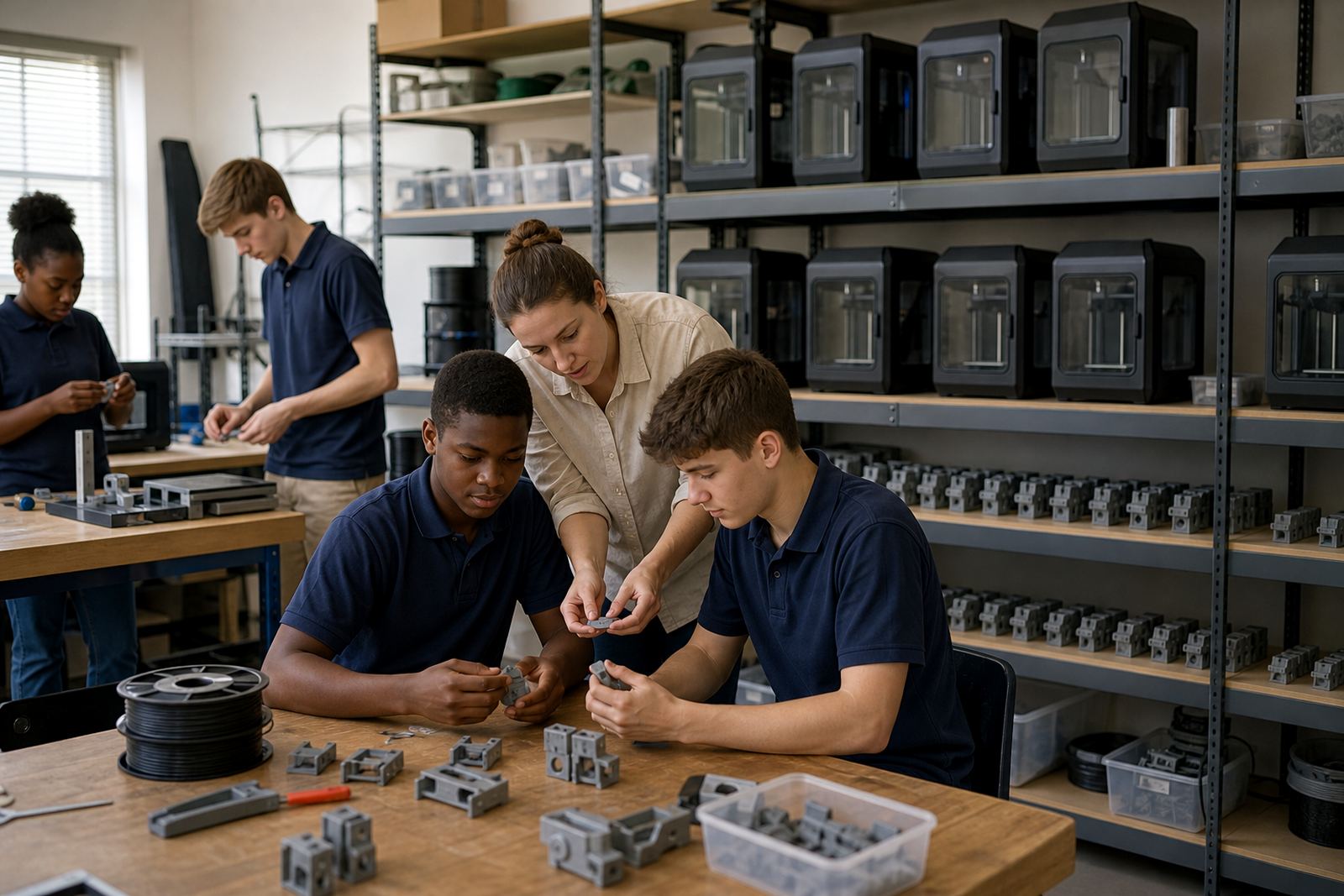
The Print Farm School Kit is built for schools that need more than a single printer on a classroom table. It groups several benchtop 3D printers into one planned setup so learners can print in batches, compare results and keep projects moving when one unit is busy. That makes it a practical option for maker clubs, practical technology rooms, open days and classes where more than one group must print at the same time.
The kit is supplied as a coordinated school solution rather than a loose collection of machines. That means the printers, starter tools, filament handling and basic workflow guidance are chosen to work together in a learning space. For schools in Stellenbosch, Cape Town, Johannesburg, Pretoria, Durban and Gqeberha, it helps create a proper print area without having to piece together each item seperately.
- Multi-unit school setup for parallel printing
- Suited to exhibitions, clubs and class rotations
- Supports repeated learner use during the week
- Can be matched to room size and user level
Where the kit suits best
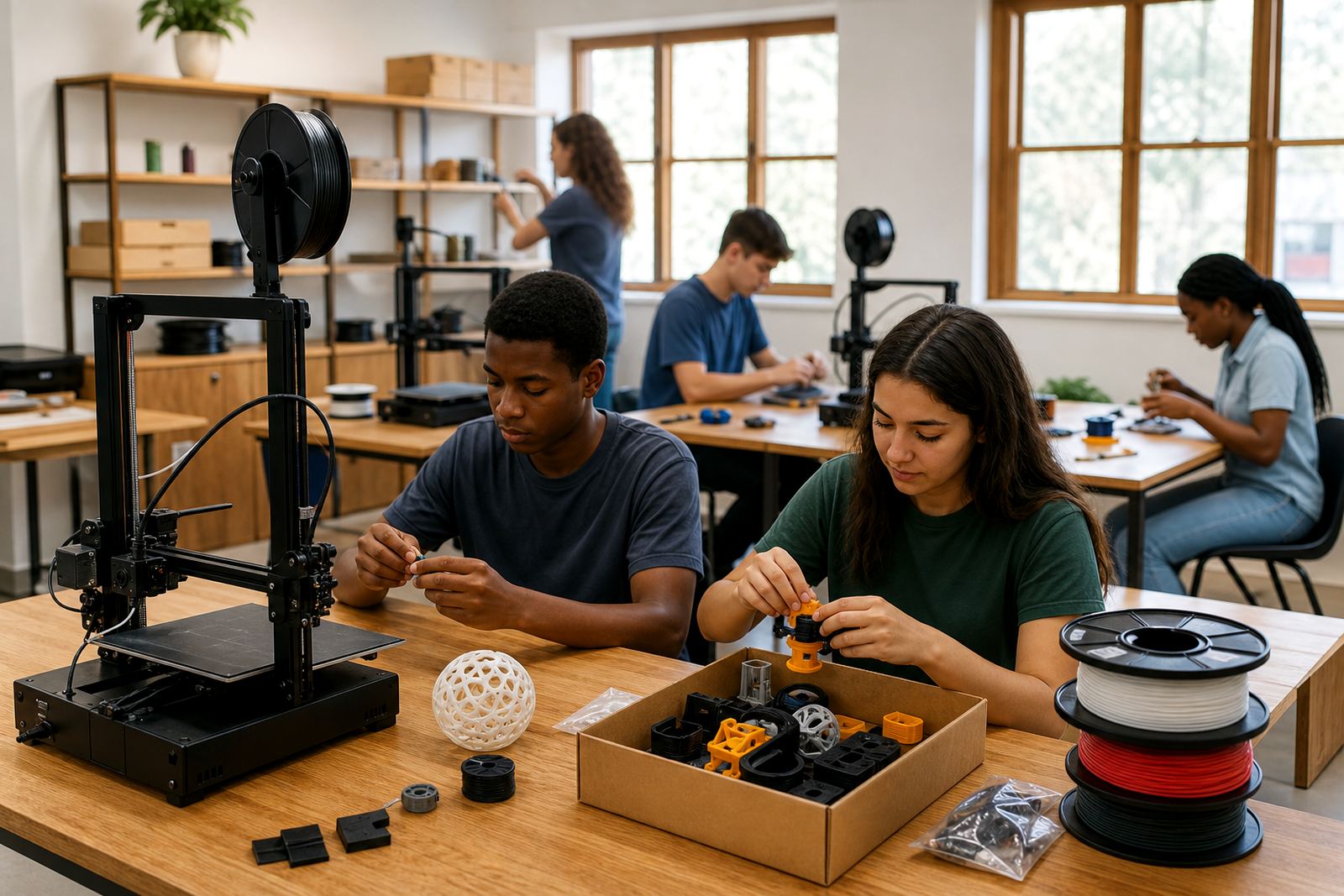
This kit works well in schools that already have a STEM room, lab, library makerspace or dedicated technology classroom. It is also useful where several classes share one room, or where teachers need to run a learner club after hours. Schools that host exhibitions or open days often need a print farm because a single printer cannot keep up with the number of models being produced.
It suits beginner and intermediate learner groups where the focus is on design thinking, print management and simple production workflow. If your school wants to show how digital design becomes a real object, the kit gives learners a clear view of the full process from file preparation to finished model.
- Maker clubs and holiday programmes
- Classroom projects with multiple groups
- Exhibition prep and display models
- Teacher-led demonstration and learner practice
Sizes and layout options for different schools
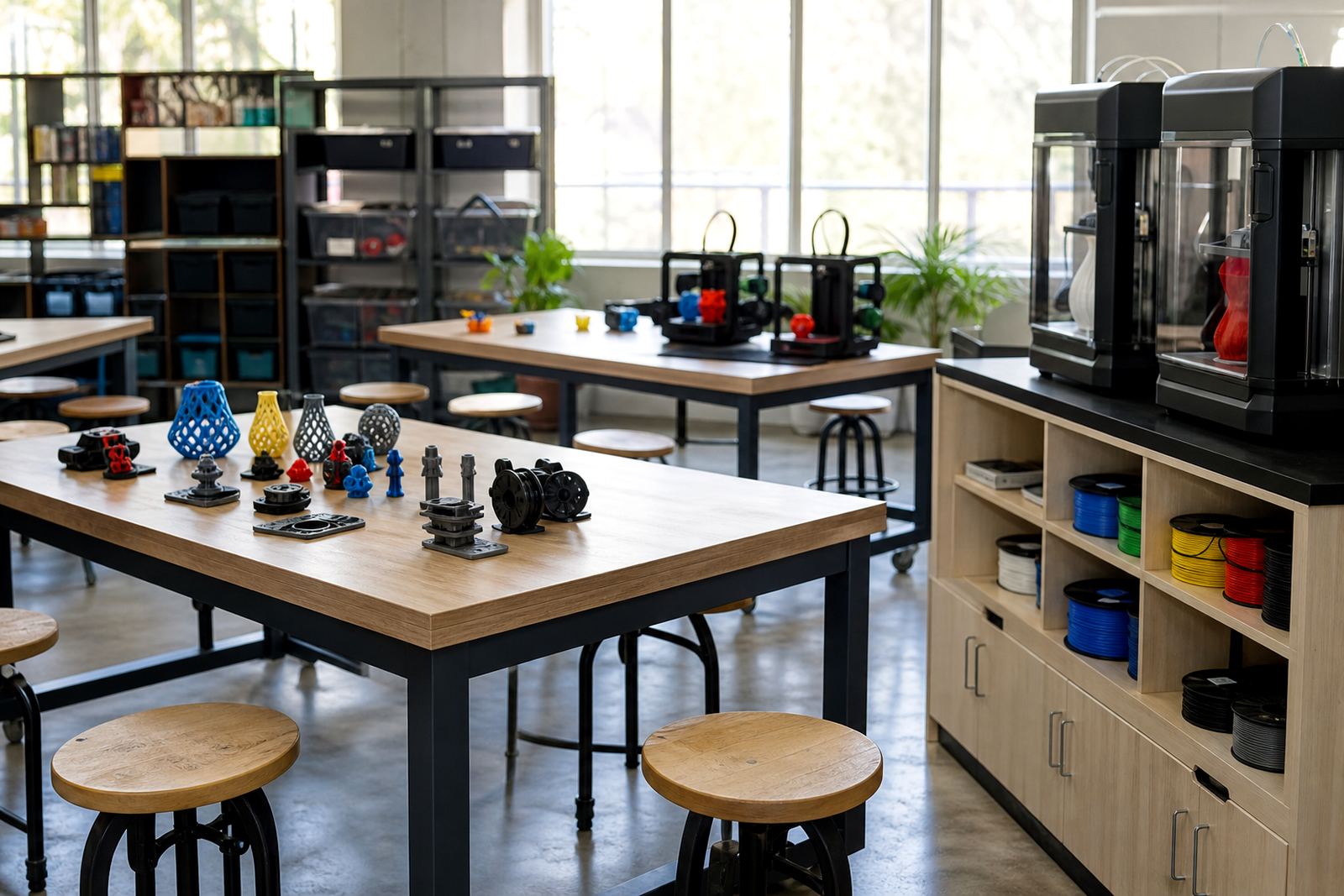
Schools can choose a smaller farm for one classroom or a larger layout for busier departments. The number of printers depends on the room size, the number of learners using the space and how many prints need to run at once. A compact setup may suit a single teacher and a few learner groups, while a larger layout is better for high-volume use across several classes.
There is no one-size-fits-all layout. A proper install should leave space for loading filament, checking prints and moving safely around the machines. Benches should be level and sturdy, with enough room for power points and easy access for supervision. In coastal areas with more humidity, sealed storage for filament is a practical add-on, especially in Durban, Gqeberha and other damp regions.
- Compact layout for smaller labs and clubs
- Mid-size layout for shared classrooms
- Larger layout for higher output and multiple groups
- Optional dry storage for filament and accessories
Installation, power and room planning
The kit needs a clean indoor space with stable benches, proper ventilation and enough electrical capacity for several printers running together. A school should plan for individual plug points, safe cable routing and access that lets a teacher supervise without crowding the machines. If the room is in a load shedding area, backup power planning is worth sorting before the first print starts.
Most schools use standard indoor power, but the final setup should always be checked against the number of machines in the order. It is also sensible to allow for a small prep area for slicing files, sorting tools and storing parts. No gas supply is required for the printers themselves, but the room should stay dry, dust-free and away from direct sun or heavy heat that can affect prints and storage. Where municipal building rules apply to room changes or new electrical points, those should be checked by the school before installation.
- Indoor room with stable benches and clear walkways
- Suitable electrical supply for multiple units
- Backup power planning recommended in load shedding areas
- No gas required for normal operation
Care, servicing and daily classroom use
A school print farm needs routine care so the printers stay ready for lessons. Basic servicing includes keeping the build area clean, checking bed levelling, clearing dust from moving parts and watching filament quality. Teachers and support staff should also keep an eye on nozzle wear, spool tension and print adhesion, especially when the printers are used daily by different groups.
For classrooms, a simple sign-in and sign-out routine helps reduce losses and keeps prints on track. Schools should also store filament in a dry place and keep spare tools in one labelled container. The aim is not complicated maintenance, just steady habits that keep the machines working and prevent avoidable downtime.
- Daily visual checks before class use
- Regular cleaning and bed surface care
- Dry storage for filament and spare parts
- Simple supervision rules for learner safety
What to check before ordering
Before placing an order, schools should confirm how many printers are needed, who will supervise the room and what kind of printing tasks the learners will do. A club that prints small models twice a week may need a different setup from a school that wants to run several classes through the room each day. It helps to know the room size, bench length, available plugs and whether there is secure storage nearby.
You should also check whether the school needs a teacher briefing, learner orientation or maintenance support as part of the handover. If the room has shared access, think about lockable storage, who loads filament and how finished models will be collected. For schools on the coast or in busy urban areas, dust, humidity and power interruptions are worth including in the planning from the start.
- Number of printers required
- Room size and bench space
- Power points and backup power plans
- Supervision, storage and user workflow
Training support for staff and learners
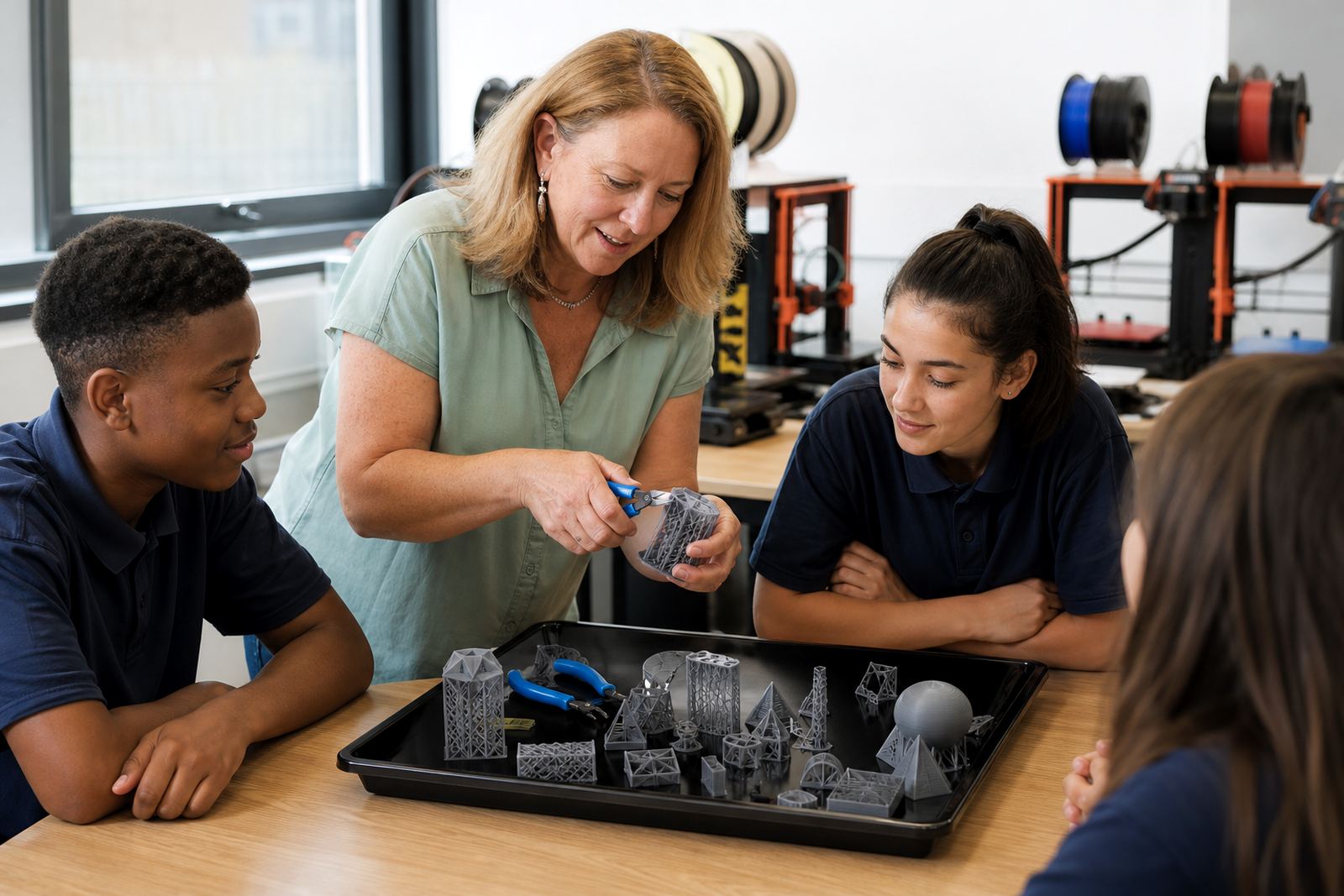
PrintAcademy 3D supports schools from our Stellenbosch base and works with schools across South Africa, including Cape Town, Johannesburg, Pretoria, Durban and Gqeberha. The Print Farm School Kit can be paired with teacher introduction, printer operations, lab setup guidance and maintenance basics, depending on what the school needs. That makes it easier for staff to start using the equipment with confidence and keep the print room organised.
Our team, including Ettienne Truter, Lwazi Molapo, Lizanne Rossouw, Lwandle Msiza, Hlengiwe Mabunda, Rivaaz Nair and Amahle Mkhwanazi, helps schools choose the right layout and support plan for their space. Clients reach us through the enquiry form on our contact page when they are ready to discuss options for their school.
- Teacher and learner orientation available
- Support for room layout and lab planning
- Useful for first-time and growing school labs
- Can be matched to workshop or class needs
Key facts
| Product type | Multi-unit school 3D printing setup |
|---|---|
| Typical use | Clubs, exhibitions, parallel class activities |
| Printer count | Configured to suit room size and output needs |
| Power needs | Standard indoor electrical supply, with backup power planning recommended |
| Installation space | Stable benches, clear walkways, indoor ventilation |
| Best suited to | Schools needing higher print volume and shared learner access |