What the Workstation Furniture Pack is for
The Workstation Furniture Pack is a support package for arranging a school 3D-printing space so the equipment has proper room around it. It is suited to classrooms, STEM rooms, maker spaces and library innovation corners where learners need a clear place for design, printer operation and part sorting. The focus is on practical furniture and storage that makes daily use easier, not fancy finishes that take a beating after a term or two.
In a school setting, the main goal is to keep printers on stable surfaces, give filament a dry place to stay, and leave enough room for movement during setup and cleaning. That matters in coastal areas like Cape Town and Gqeberha where humidity can affect filament, and in busy inland schools where one room may serve several classes each day.
- Suitable for primary school maker spaces, high schools and shared lab rooms
- Helps separate printers, tools, filament and finished prints
- Works well for supervised learner activity and teacher-led demonstrations
Typical layout and size options
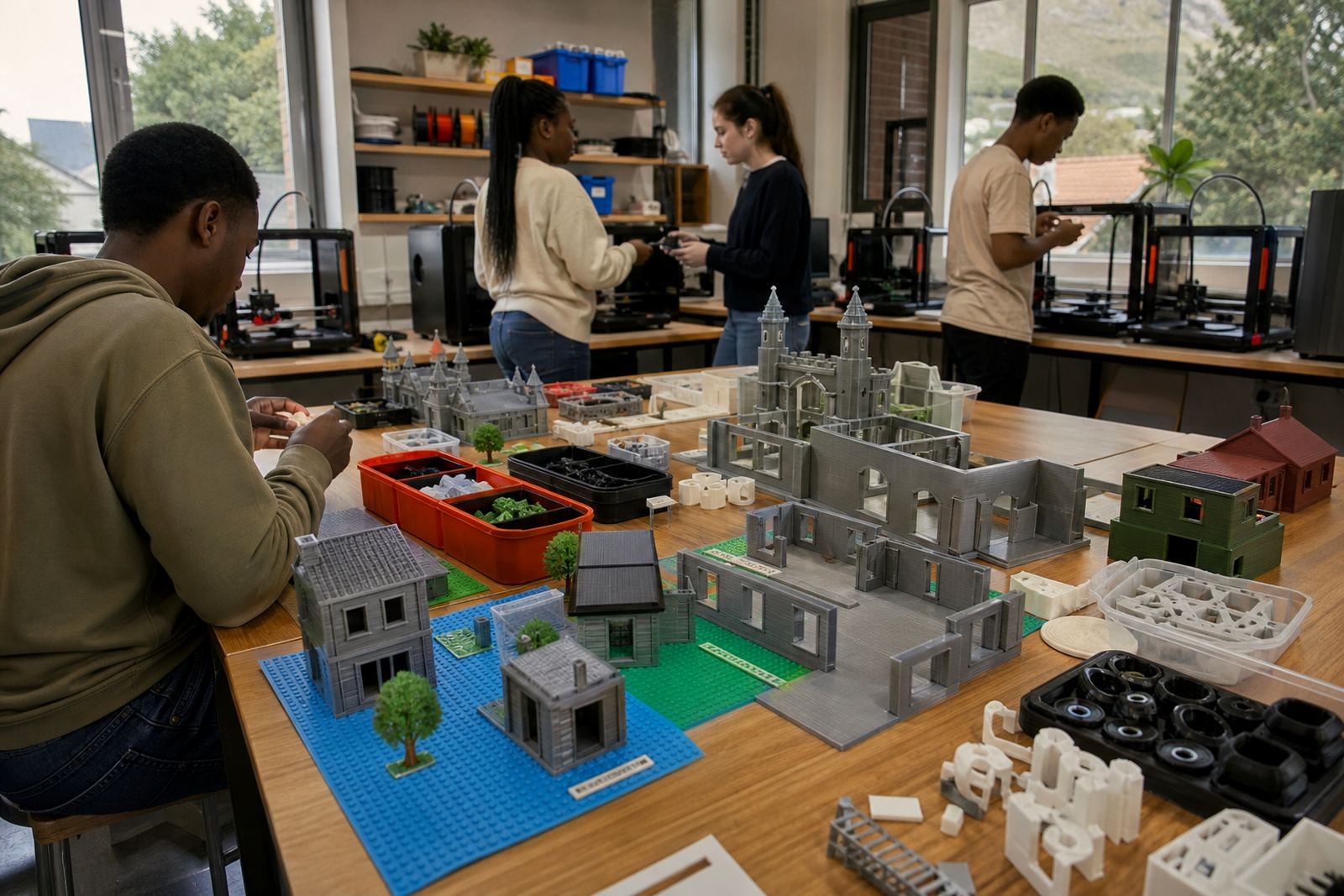
Every school has a different footprint, so the pack is usually planned around the available room size and the number of printers being used. A small setup may only need one main work surface and a storage unit. A larger room might need multiple stations so learners can move between design, printing and post-processing without crowding the same counter.
Common layout choices include straight runs against a wall, corner arrangements, or two facing stations with a clear walkway between them. Where possible, leave space for printer lids to open fully, cable access at the back and safe movement around hot surfaces. A neat layout also makes it easier for staff to supervise, which is especially useful during holiday programmes and maker club sessions.
- Single-station layout for one printer and basic tools
- Two-station layout for paired printer use and learner groups
- Multi-station layout for labs with several printers and shared storage
- Wall-side or island-style placement depending on room flow
Materials, storage and working surfaces
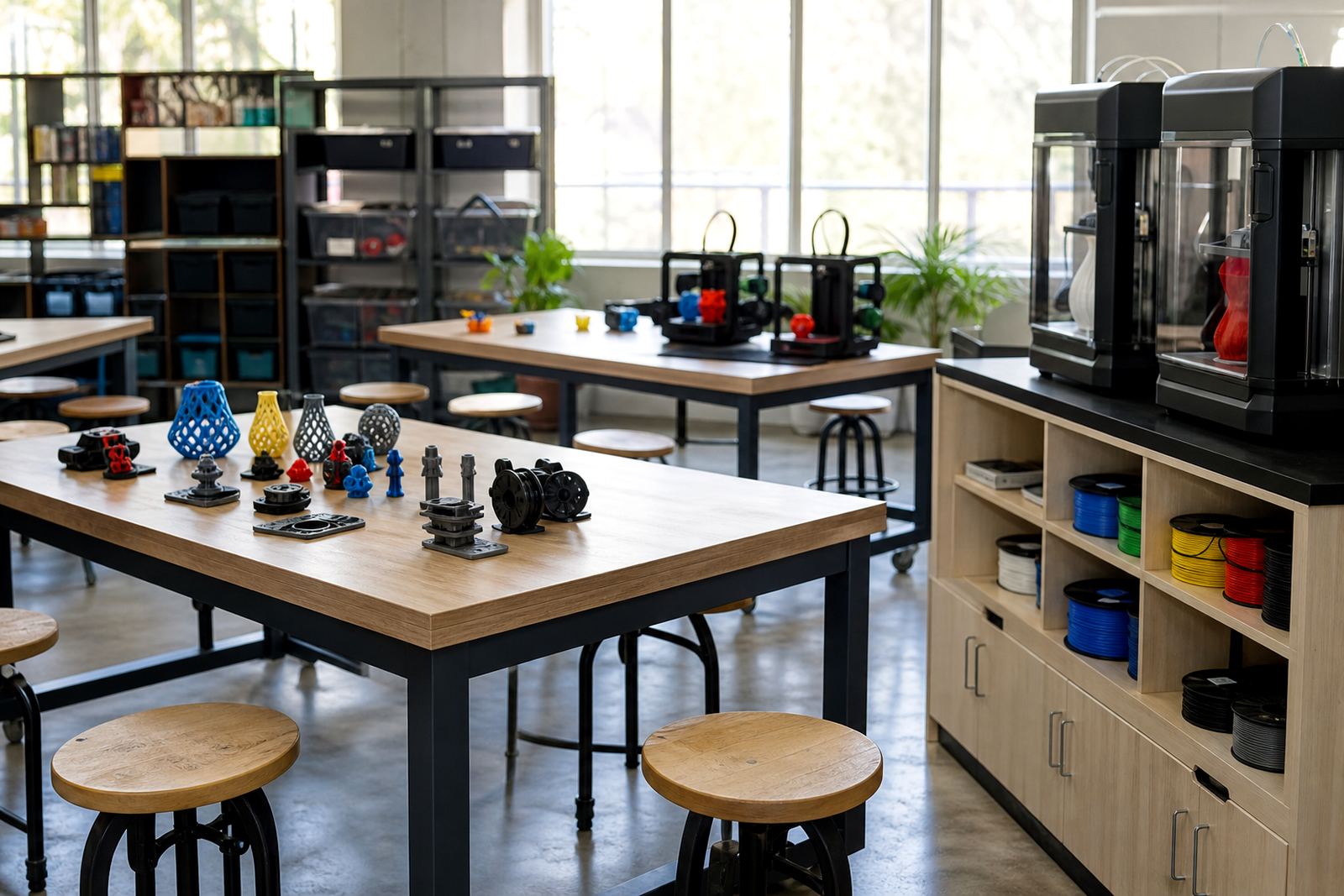
The pack is intended to give schools solid practical surfaces and organised storage for 3D-printing work. Working tops should be stable, easy to clean and suitable for light tool use. Storage should keep filament, spare nozzles, scrapers, gloves and sample parts in one place so items do not go missing between lessons. In schools with high traffic, lockable storage is often the better choice for consumables and small parts.
For classrooms that use PLA, PETG or similar filaments, storage planning matters. Filament should be kept away from damp areas and direct sun. In humid coastal towns, sealed storage or dry boxes are a sensible addition. If the school is using the room for other subjects too, a labelled storage system helps avoid confusion and reduces the chance of damaged stock.
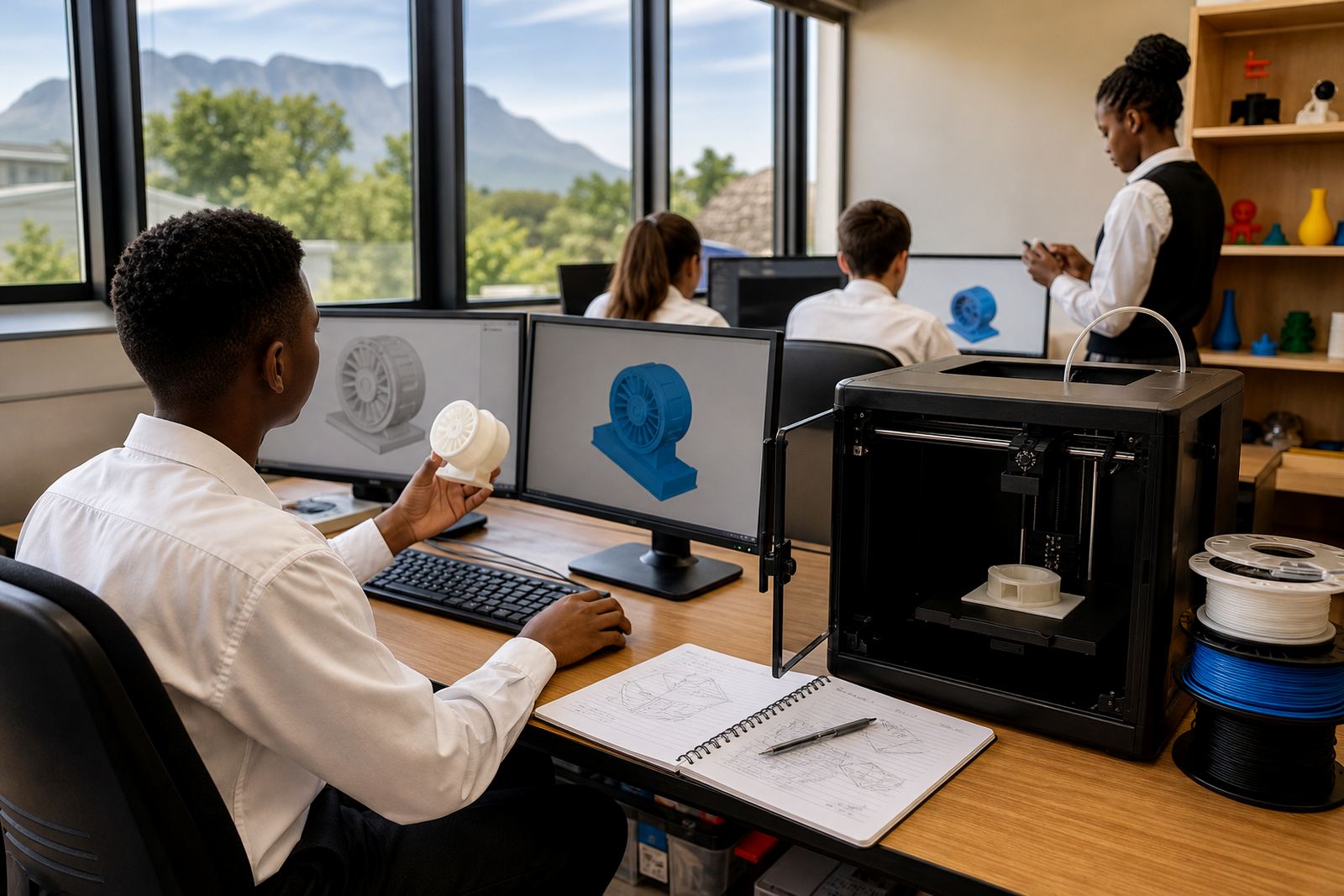
- Stable work surfaces for printers, laptops and handling tools
- Open or lockable storage depending on supervision needs
- Space for filament tubs, labels, sample prints and maintenance items
- Easy-clean finish for daily classroom use
Where it suits best in a school
This support package suits a wide range of educational spaces, from a dedicated technology lab to a shared classroom that is only used for printing part of the week. It is also a good fit for schools that want to start small and build up over time. The furniture should support a calm workflow, with enough distance between printers and learner seats to reduce bumping and accidental contact with hot areas.
In the Western Cape, Gauteng and KZN, schools often need to work around load-shedding and limited room choices. A practical workstation layout can help by keeping the power side tidy and the movement paths clear. If the room is used for after-school activities, the same setup should allow quick pack-down without having to shift heavy equipment every day.
- Technology labs and design rooms
- Library innovation corners and maker clubs
- Teacher training rooms and holiday programme spaces
- Schools with limited floor space or shared-use classrooms
Installation, power points and room planning
Before ordering, schools should check where the power points are, how cables will run, and whether the room has enough ventilation for the printer models being used. Printers should not be placed where learners can easily brush against moving parts or hot surfaces. A dedicated surface near the power supply is best, with cable management kept simple and clearly marked.
If the school plans to use extra equipment such as laptop charging, post-processing tools or an air purifier, the electrical plan should be checked first. The workstation furniture itself does not need gas, but any room used for printing should still have sensible safety planning, including clear walkways, safe plug access and an adult in charge during operation. In some schools, a wall socket is not where the furniture is most useful, so room layout should be sorted before final fitting.
- Check the position of electrical outlets before final placement
- Allow space for cable routing and printer access at the back
- Keep the workstation away from door swings and busy passage routes
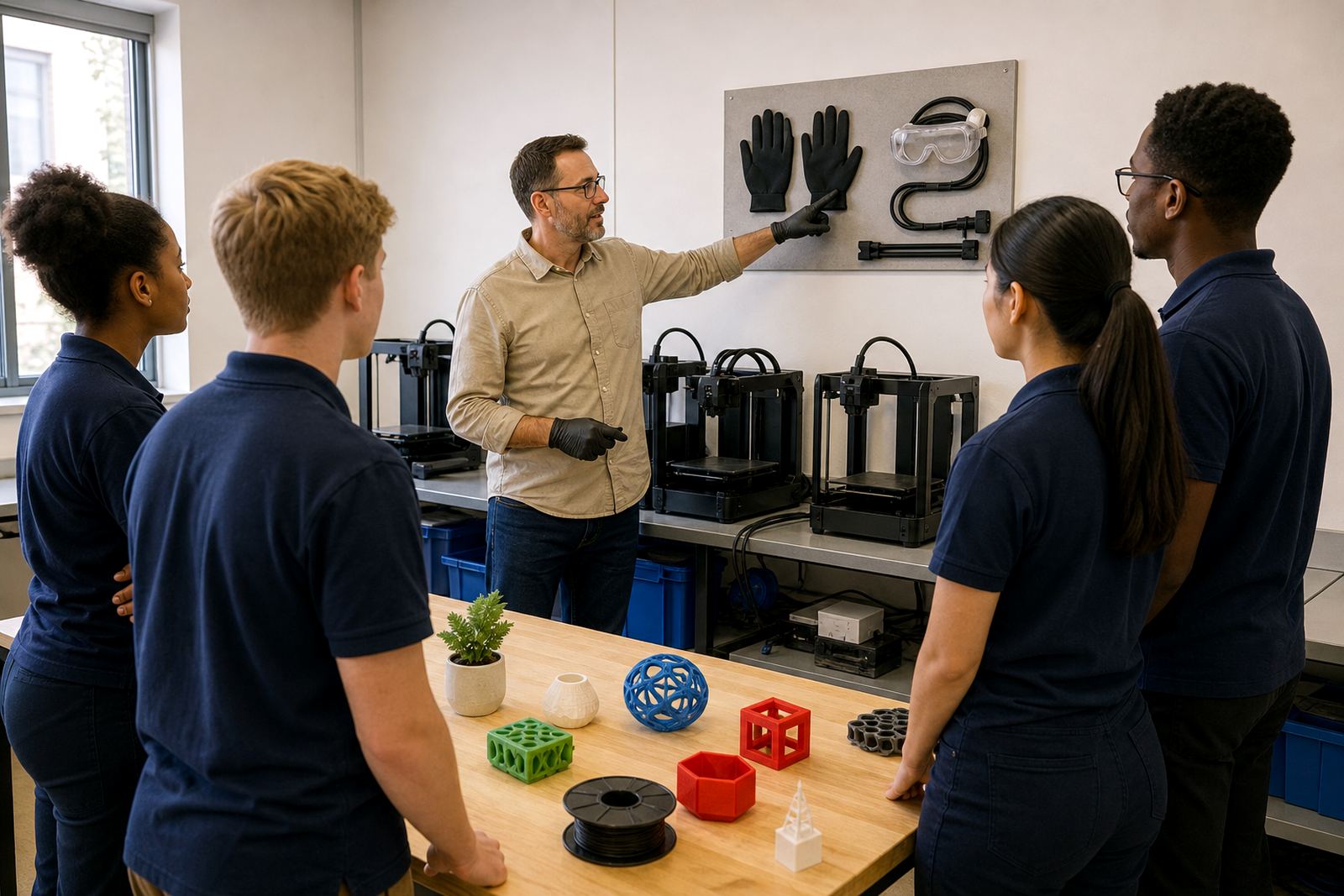
- Plan for supervised use only, especially with learner groups
Care, servicing and what to confirm for the Workstation Furniture Pack
Good care keeps the workstation useful for longer. Wipe surfaces regularly, check that storage doors and hinges remain aligned, and avoid overloading shelves with heavy boxes. In busy schools, it is worth setting a weekly routine for checking loose fittings, damaged edges and dust build-up around printers. That helps the space stay safe and usable, even when several classes share it. A little routine care saves a lot of hassle later on.
When ordering, schools should confirm the room size, number of printers, whether lockable storage is needed, and which items must be kept close at hand. It also helps to know whether the space must be moved between rooms, because that affects the furniture style and weight. If the plan includes teacher training, holiday programmes or learner foundations sessions, the workstation should be organised with that in mind from the start.
- Room measurements, including door widths and walkway space
- Number of printers, laptops and storage containers to be used
- Need for lockable storage, dry storage or mobile units
- Whether the area will be used for teacher-only work or learner access too
Key facts
| Product type | Support package for school 3D-printing work surfaces and storage |
|---|---|
| Best suited to | Classrooms, maker spaces, STEM rooms and shared school labs |
| Layout options | Single station, two-station or multi-station arrangement |
| Surface use | Printer placement, tool handling, laptop use and part sorting |
| Storage | Open shelving, labelled compartments or lockable units depending on need |
| Planning notes | Check room size, power point positions, ventilation and supervision needs before ordering |