What the Design Computer Pack is used for
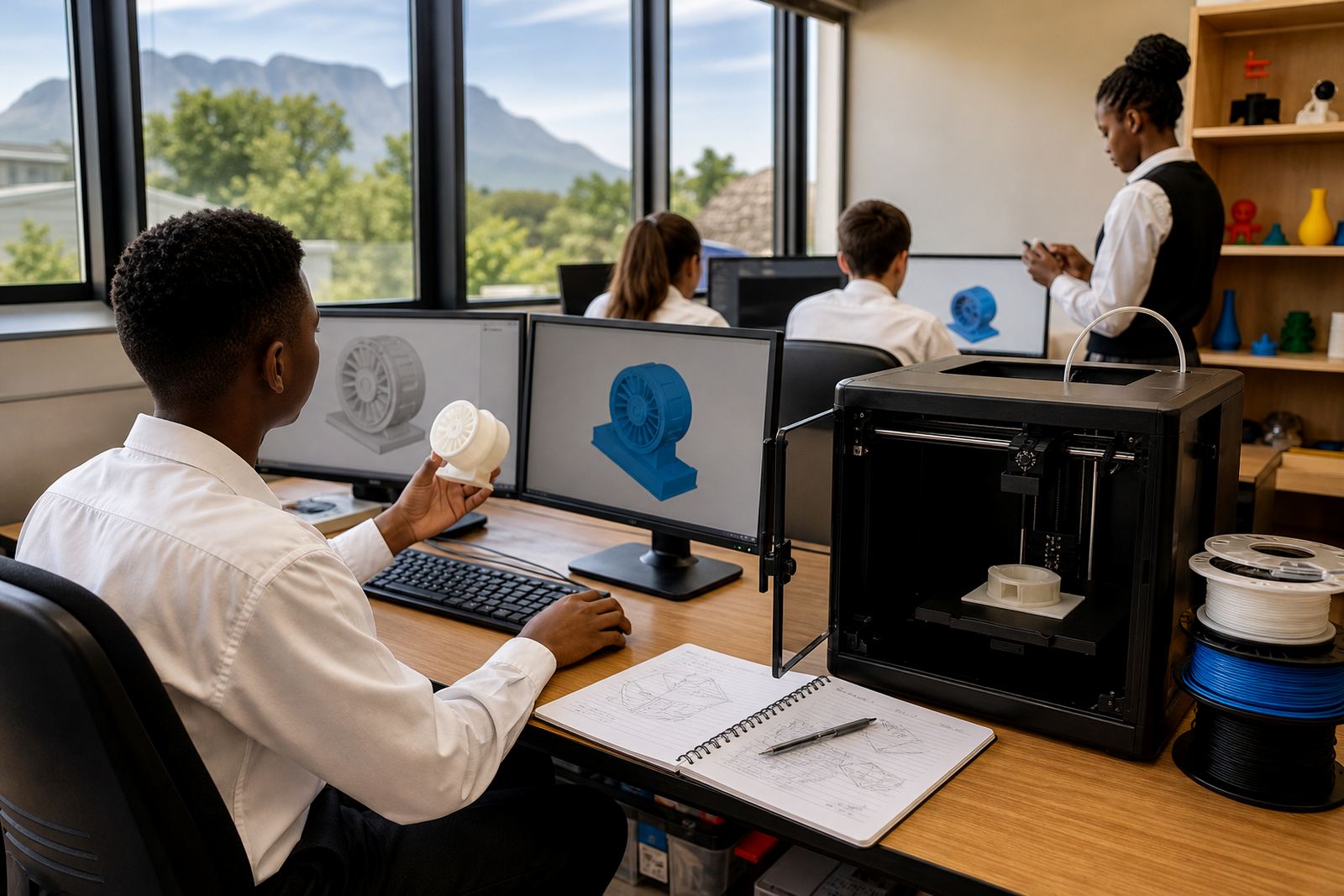
The Design Computer Pack is for classrooms, computer labs and makerspaces that need a clear setup for digital design before printing starts. It is aimed at learner workstations and teacher control points where pupils create simple models, prepare files, save work correctly and move projects through a structured print workflow.
This pack suits schools that want a practical entry point into 3D design without overcomplicating the room. It keeps the focus on the computer side of the process, so learners can work through drawing, measuring, file naming and export steps in a steady order. For many schools in Stellenbosch, Cape Town, Johannesburg and other centres, that kind of structure makes the difference between a busy room and one that actually works day to day.
- Supports beginner and intermediate CAD lessons
- Helps teachers manage file storage and print queues
- Fits into computer labs, library spaces and makerspaces
- Useful for learner projects, holiday programmes and maker club sessions
Pack sizes and layout options
Schools can choose a compact pack for a smaller class or a fuller layout for a dedicated design room. The main difference is the number of learner stations, the amount of storage guidance included, and whether the pack is planned for one teacher console or a more controlled multi station setup. A compact option works well for smaller groups or part time programmes. A larger option suits schools running regular lessons across several grades.
Typical planning choices include 1 to 6 learner stations, a teacher oversight point, and shared file storage through a local network or school server. The pack can be matched to existing computers if they are already in place, or used as part of a new room plan. If the school is in a coastal area like Gqeberha or Durban, ventilation and dust control are worth noting during setup because humidity and salt air can affect electronics over time.
- Compact option for a small group learning space
- Mid size option for regular class rotations
- Extended option for a full school lab or maker centre
- Can be adapted to existing classroom furniture and cabling
Where it suits in a school timetable
This pack suits lessons where learners spend time on the computer before any printing takes place. That includes first contact activities, project planning, CAD Basics, learner foundations, and teacher guided practical work. It also fits holiday programmes and maker club training where learners need a repeatable process and enough screen time to learn by doing.
In a South African school, the best use is often a shared timetable with clear sign in and save habits. A teacher can use the pack for one period with Grade 7 learners and then switch to a different group in the afternoon with very little reset time. It also works for schools that are phasing in 3D printing in stages because the computer side can be prepared before the printer side is fully in place.
- Classroom lessons with teacher supervision
- After school maker club sessions
- Holiday workshops and short courses
- Project planning for cross subject practical work
Installation, power and room requirements
The Design Computer Pack needs a dry, clean indoor room with stable power and basic ventilation. It does not require gas, compressed air or specialist plumbing. Standard mains power is sufficient for computers, screens and basic networking equipment. If the school has load-shedding, an inverter or backup supply is worth planning for so learners do not lose work mid session. At the very least, each station should have surge protection and a proper save routine.
For setup, allow enough space for one learner per station, with room for a teacher to move between tables or benches. Cable management matters because loose leads become a trip hazard in a busy class. If the pack is being installed in a coastal school, keep equipment off damp walls and away from open windows. For inland schools, dust is usually the bigger issue, so a closed cupboard or lockable storage area helps.
- No gas requirement
- Stable mains power required for computers and accessories
- Backup power recommended for load-shedding areas
- Indoor use only, away from moisture and direct sun
Care, servicing and classroom safety
This pack is low maintenance, but it still needs regular attention. Screens, keyboards and mice should be cleaned with a dry cloth or light approved cleaner, and software folders should be checked so work is saved in the right place. A weekly check helps the teacher catch missing cables, worn connectors or full storage before they interrupt a lesson. If the room is shared, it helps to keep a simple log for faults and resets.
For safety, remind learners not to eat or drink near equipment and to keep hands dry before touching plugs or ports. Cables should not cross walkways and bags should be kept out of the way. If a printer is used nearby, hot parts and moving parts must stay in their own supervised area. The computer pack itself is about the preparation side, but a classroom works best when the safety rules are clear from the start. Small habits save a lot of trouble later on, and they are easy to keep up.
- Dust screens and keyboards regularly
- Check power leads and surge protection
- Keep files backed up in more than one place
- Use a clear sign in and shut down routine
What to check before you order
Before ordering, schools should confirm how many learners will use the pack at one time, what computers are already available, and whether the room has network access. It is also wise to check the age of existing hardware because very old machines can slow the learning process. A mixed room can still work, but the teacher should know what needs replacing and what can stay in service. That keeps the budget focused on the parts that matter.
Also think about the room itself. Measure the available space, check plug points, and decide who will control files and print jobs. If the school wants the pack to support multiple grades, say so early so the setup can allow for different lesson levels. A practical order starts with the learning group, then the room size, then the power and storage details. That way the pack can be matched to the real classroom and not just the idea of one.
- Number of learner stations needed
- Existing computer age and condition
- Network, storage and file sharing needs
- Room size, power points and backup power plan
Key facts
| Product type | Planning pack for computer based design and print preparation workflows |
|---|---|
| Use | Learner CAD, file prep, teacher oversight and project planning |
| Station options | Compact, mid size or extended layouts |
| Power needs | Standard mains power, surge protection recommended |
| Gas requirement | None |
| Suitable spaces | Classrooms, computer labs, makerspaces and library learning areas |