What the Advanced Lab Kit includes for a busy lab
This kit is built as an expanded school package for frequent classroom use. It combines a practical set of 3D printers, design hardware, software guidance and essential support items so a teacher can run demonstrations, small group work and longer projects without having to piece the setup together one item at a time.
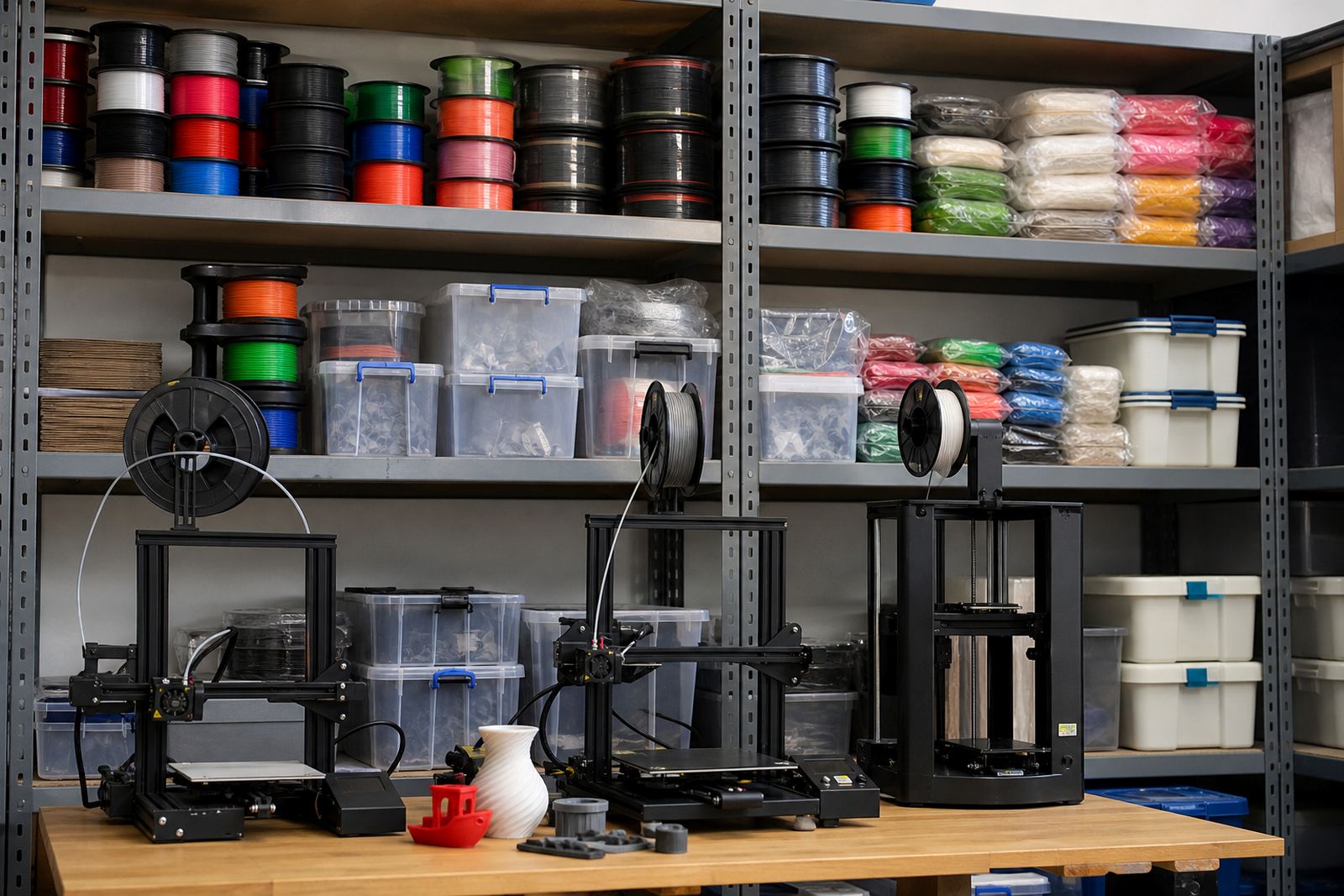
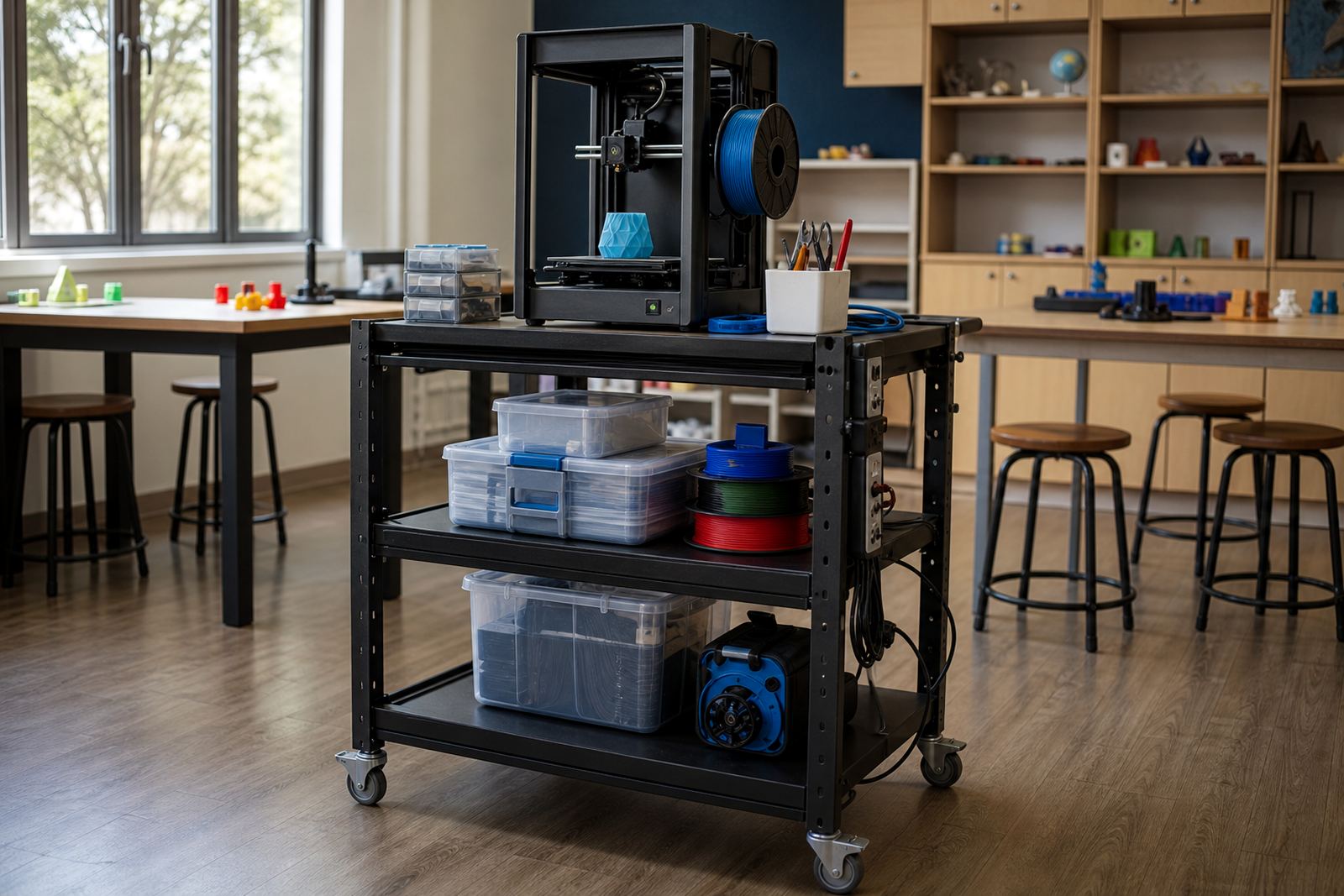
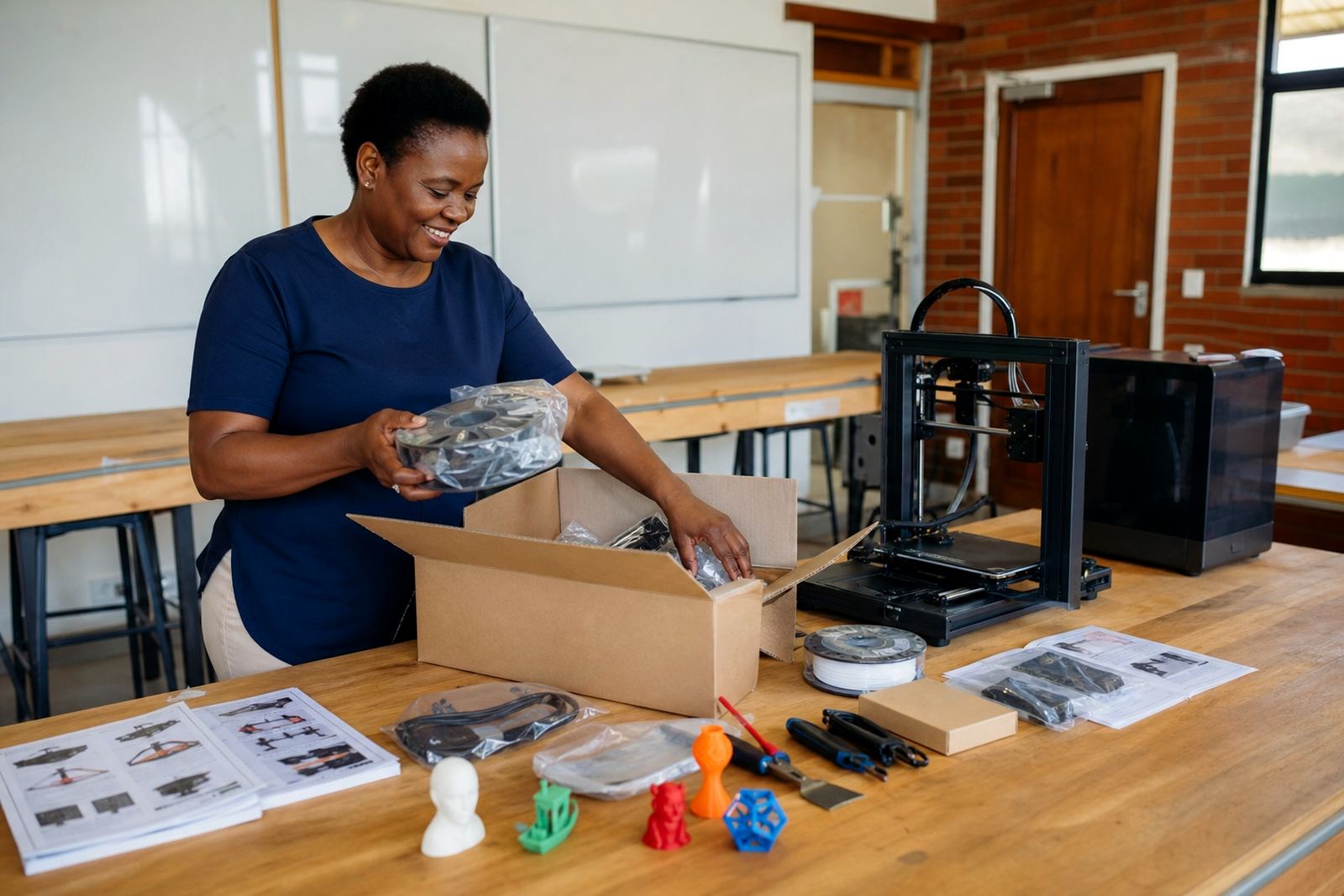
Typical package components include classroom printers, filament storage, tools for model removal and finishing, sample learner projects, safety items and setup guidance. The exact mix can be matched to your room size and learner numbers, whether you are working with a single technology classroom in Stellenbosch or several rooms across a larger school in Cape Town, Pretoria or Durban.
- Multiple benchtop 3D printers for shared use
- Filament starter stock for classroom projects
- Basic tools for cleaning, removal and finishing
- Teacher setup notes and classroom use guidance
- Storage and handling items for daily use
Where this kit fits best in a school setting
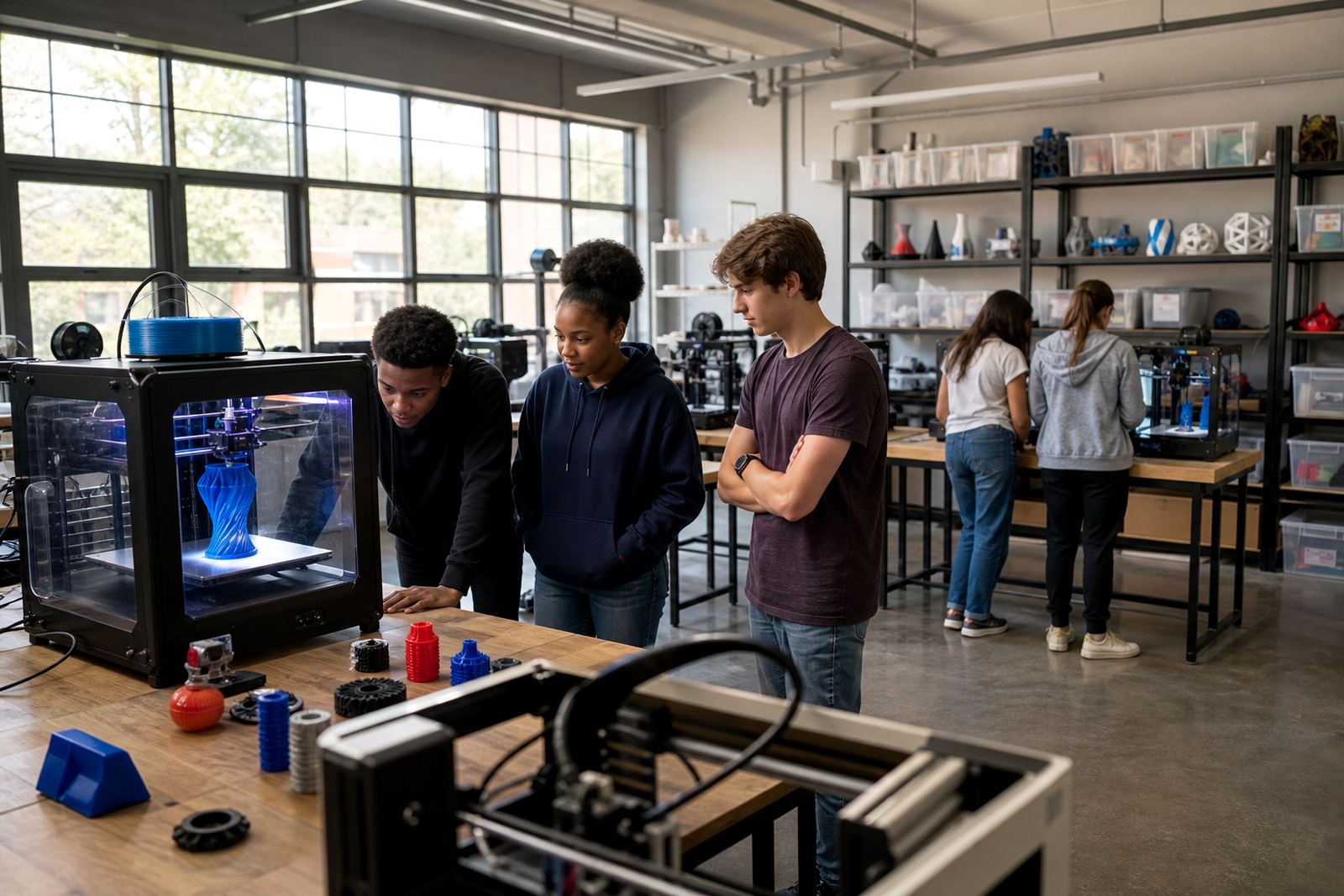
The Advanced Lab Kit suits schools that already know they will print often. It works well for technology classes, STEM clubs, design lessons, maker spaces and holiday programmes where learners need repeated access to equipment. It is also a good match for schools that want to run short activities with one class in the morning and a different group later in the day.
Because the kit is larger than a starter setup, it is best for spaces with a proper table layout, monitored access and enough room for power points, teaching movement and safe printer spacing. In coastal areas such as Gqeberha and Durban, schools often prefer a dry, well ventilated room with covered storage for filament and prints. In inland schools around Johannesburg and Pretoria, dust control and stable power planning are often the first things to sort out.
- Technology rooms with multiple learner groups
- Maker clubs and enrichment programmes
- Schools introducing regular CAD and print tasks
- Sites needing a clearer long term lab layout
Size options and layout choices
Schools can choose a smaller advanced layout for a focused group or a wider lab option for several workstations. The right choice depends on how many learners will use the room at one time, how often printing will happen and whether the school wants one central printer area or several shared points in the room.
A compact advanced layout may suit a smaller team room or a pilot project, while a larger layout gives more room for supervised queues, drying or storage, and project staging. If your school plans to use the kit across different grades, it helps to keep the layout simple and repeatable. That makes it easier for different teachers to work with the same system without confusion.
When ordering, think about the number of printers, the space for each one, the storage needs for filament and the bench area needed for learners to work on their models. It also helps to decide whether the room will be used for one class at a time or shared between subjects.
Installation, power and room preparation
The kit needs a clean, level room with stable tables, nearby plug points and enough ventilation for normal classroom use. Most schools will want a dedicated power line for the lab area so that printers, computers and other equipment do not overload a shared circuit. Where load-shedding is a regular issue, it is worth planning for backup power or using the kit during timetabled windows that work around interruptions.
No gas supply is needed for the kit. What matters is a safe electrical setup, controlled access to the room and enough surface space for both printing and learner activity. Schools should also allow for a lockable cupboard or secure storage area for filament, tools and spare parts. For municipal safety compliance, the room should follow normal school rules for electrical equipment, fire safety and supervised learner access.
- Level work surfaces and stable seating
- Standard electrical supply with safe cable management
- Ventilation for normal classroom conditions
- Lockable storage for consumables and tools
- Clear walking space around all printers
Care, cleaning and everyday servicing
Daily care is simple but important. Printers should be kept free of dust, filament offcuts and loose tools. Build plates need regular cleaning, moving parts should be checked for wear, and filament should be stored away from damp air and direct sun. In coastal towns, humidity can affect print quality if materials are left open, so sealed storage helps. In drier areas, dust can build up on fans and rails if the room is not kept tidy.
Schools should set one person or small team to handle routine checks, especially before long print sessions. This includes checking bed adhesion, nozzle condition and cable condition, then making sure the room is left safe after use. Simple servicing habits can prevent a lot of downtime later. If the lab is used by several teachers, keep a written log so everyone knows what was printed, what still needs attention and when the last check was done.
- Wipe down surfaces and remove dust weekly
- Store filament in closed containers
- Check nozzles, belts and cables regularly
- Keep a simple maintenance log
- Do not leave printers unattended with learners unsupervised
What to confirm before ordering this lab kit
Before ordering, confirm the number of learners expected in each session, the room size, the power points available and who will supervise daily use. It also helps to decide whether you need one shared printer area or several workstations, and whether the school wants a setup focused on beginner projects or on longer design and prototype work.
You should also confirm who will manage consumables, where spare filament will be stored and how often prints are likely to run. If the kit will be used for multiple classes, ask for a layout that allows easy access for teachers and safe circulation for learners. A quick check at the start saves time when the room is in full use and there are several groups waiting on prints.
Schools across South Africa use different room sizes and timetables, so the best kit is the one matched to your daily routine rather than a one size fits all idea.
Support from planning through to classroom use
Our team works with schools on the practical side of the setup, from room planning and equipment selection to teacher handover and maintenance basics. If your school is in Stellenbosch, Paarl or Somerset West, or further afield in Cape Town, Johannesburg, Pretoria, Durban or Gqeberha, the aim is to leave you with a lab that is straightforward to run and easy to keep in order.
We can also help schools choose which training path fits the lab, whether that is teacher introduction, printer operations, CAD basics or a custom group workshop. The point is to make the room usable in real school conditions, with clear routines and equipment that fits the work you want learners to do.
Key facts
| Product type | Expanded school 3D-printing lab kit |
|---|---|
| Typical use | Frequent printing, design lessons and multiple learner workstations |
| Printer format | Benchtop classroom printers, quantity to suit the room |
| Power needs | Standard electrical supply with safe cable management |
| Ventilation | Recommended for normal classroom air flow and comfort |
| Storage needs | Lockable, dry storage for filament, tools and spares |