Built for steady classroom throughput
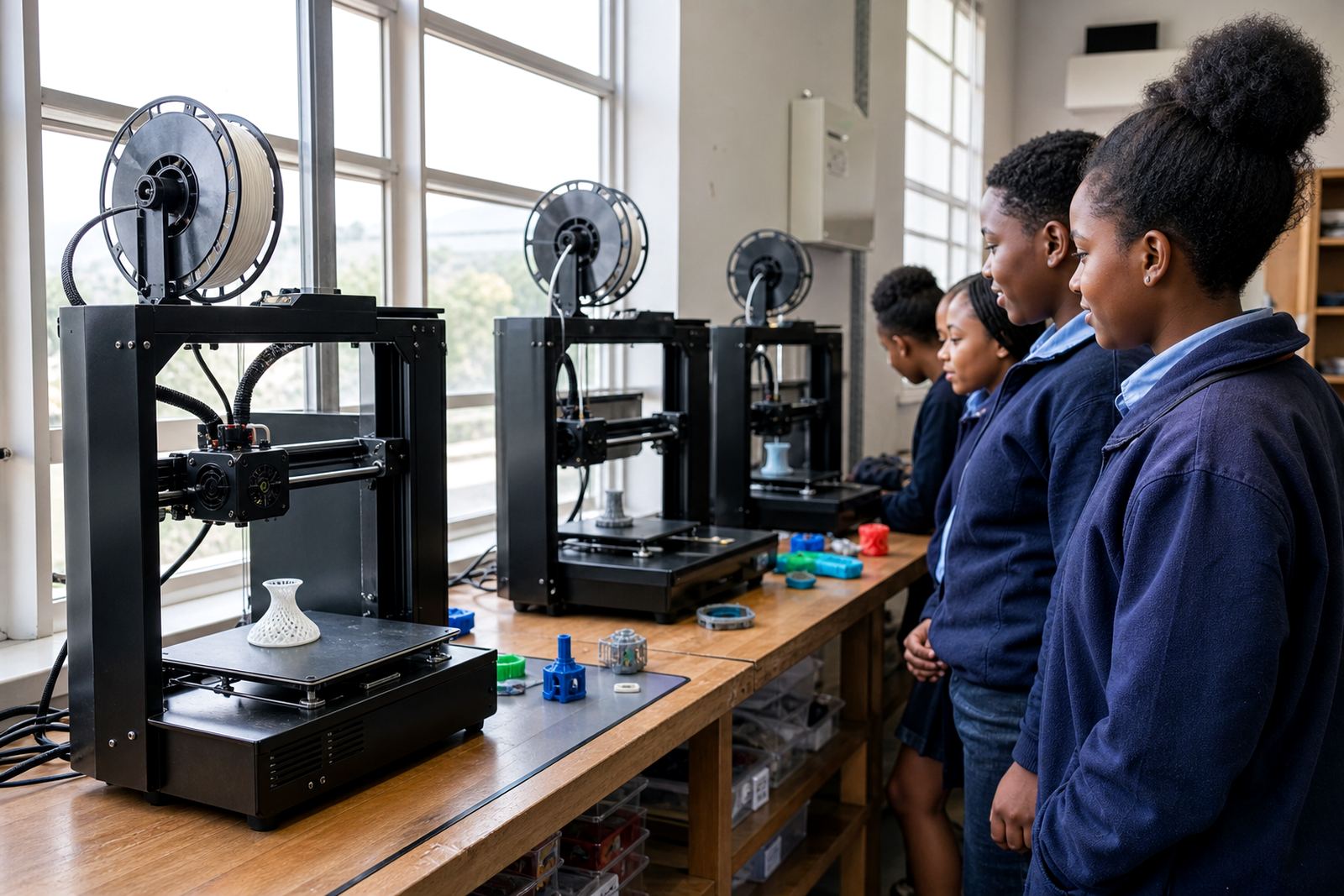
The Multi Printer Kit is a practical school package for classrooms, maker spaces and computer labs where several learners need to print within the same session. Instead of one machine handling every job, the kit gives you a small fleet of printers that can run side by side, so design, slicing and print collection can happen in a more organised way. That matters when a class is split into groups, or when a teacher needs to keep a queue moving between lessons.
It suits schools running 3D-printing lessons in Stellenbosch, Cape Town, Johannesburg, Pretoria, Durban, Gqeberha and surrounding areas, especially where timetables are tight. The kit is also useful for maker clubs, holiday programmes and teachers who want to move from demonstration work to hands-on use without long delays. In a lab with limited time, even a few extra printers can make a big difference.
- Designed for multiple users and staggered print jobs
- Helps reduce queueing during class time
- Useful for group work, project periods and clubs
- Works well where learners need repeated practice
What comes in the multi-printer package
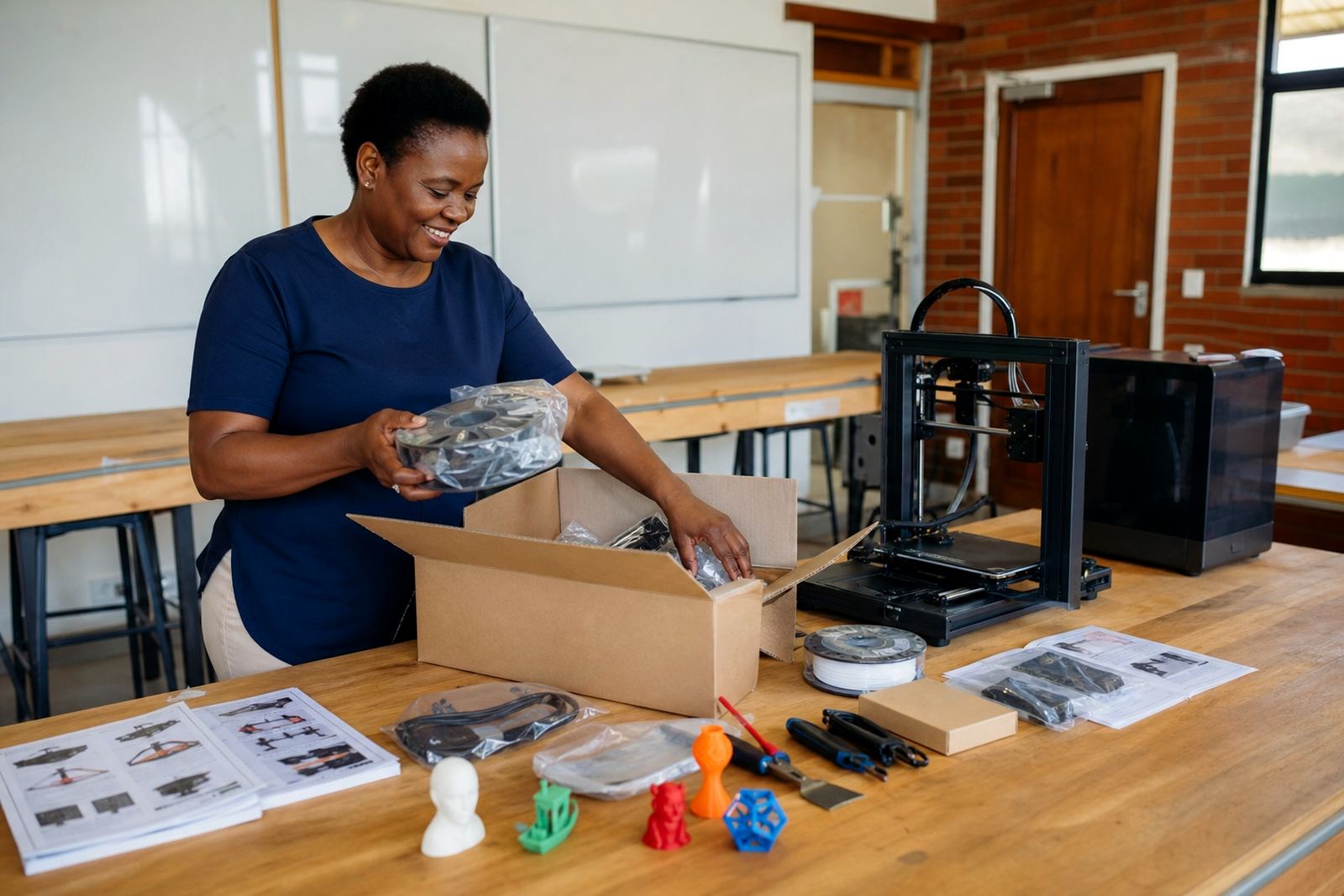
The exact mix can be tailored to the size of your classroom and the age group using it, but a typical package includes several benchtop 3D printers, shared filament storage, setup guides, basic tools and classroom management items. Some schools want a compact 2-printer arrangement for a small lab, while others need 4, 6 or more units for a larger intake. The kit can also be matched to the pace of your teaching, whether that is introductory learner work or more advanced CAD and printer operations.
Common options include different build volumes, enclosed or open-frame units, and starter accessories for cleaning, levelling and part removal. If the lab will be used by younger learners, a simpler setup with clearer supervision flow is usually better. For older learners or staff-led projects, larger build areas and quicker swap-out routines can be more useful.
- 2, 4 or multi-unit printer configurations
- Starter tools for basic maintenance and print handling
- Shared filament storage and lab organisation items
- Options for smaller or larger build areas
Where the kit suits best
This package is suited to schools that want an efficient way to run regular 3D-printing sessions without overcrowding one machine. It works well in a technology room, computer lab, innovation space or dedicated maker corner. Because the kit is built around practical classroom use, it supports both scheduled lessons and short activity blocks where learners need to complete a design, send it to print and return later to collect the part.
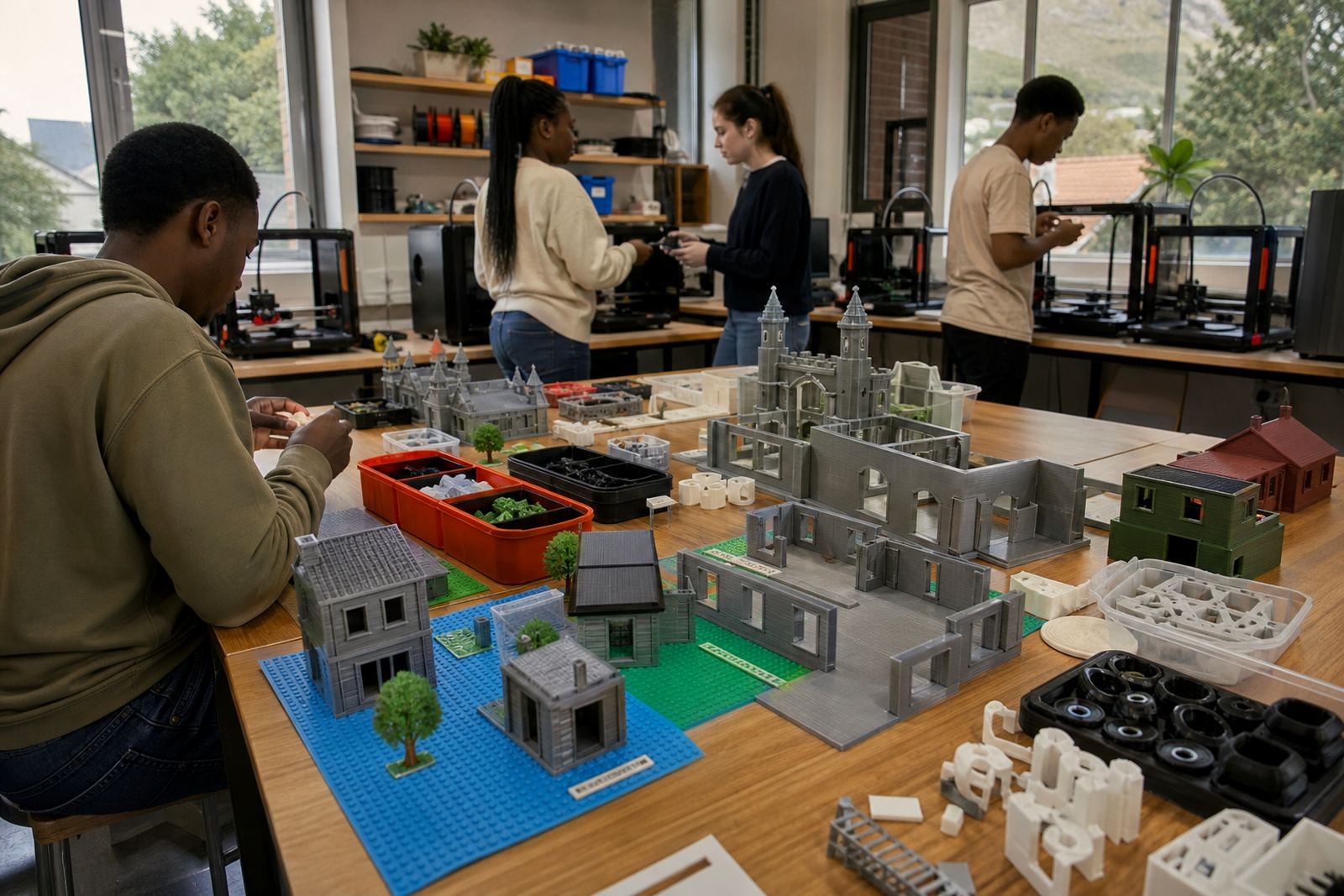
It is especially handy where one printer would become a bottleneck. For example, a school doing design challenges, model prototypes or repeated learner assessments may need more than one print station so the group can keep moving. The kit also helps where after-school clubs and curriculum lessons share the same equipment, or where holiday programmes need a set-up that can cope with higher demand.
- Technology rooms and computer labs
- Maker clubs and holiday programmes
- Schools running project-based learning
- Shared spaces where more than one group uses the equipment
Installation, power and room planning
Before ordering, it is worth checking the room layout, plug points and how the printers will be monitored. A multi-printer set-up needs enough bench space, ventilation and access for teachers to move around each machine. In coastal areas like Cape Town, Durban and Gqeberha, it is sensible to plan for humidity and keep filament stored in sealed containers when possible. In inland areas, dust control and reliable airflow still matter, especially where printers will run daily.
The kit normally runs from standard mains power, with each printer needing its own safe, stable supply point. For schools affected by load-shedding, backup power planning should be discussed early, because sudden outages can interrupt prints and waste material. We also recommend checking that the room can handle the heat output, cable routing and supervision needs of multiple running units. If the lab is being fitted for the first time, leave space for learner movement and a clear area for finished parts and tools.
- Check plug points, load capacity and cable routing
- Allow bench space for each machine and operator access
- Plan for ventilation and stored filament protection
- Discuss backup power options if your school has outages
Care, servicing and classroom safety
With regular use, 3D printers need routine care to keep them accurate and dependable. That includes nozzle checks, bed cleaning, belt inspection, dust removal and safe storage of consumables. A multi-printer room is easier to manage when teachers follow a simple weekly routine, rather than waiting for one machine to fail before checking all of them. This is also the best way to avoid small issues becoming bigger repair jobs.
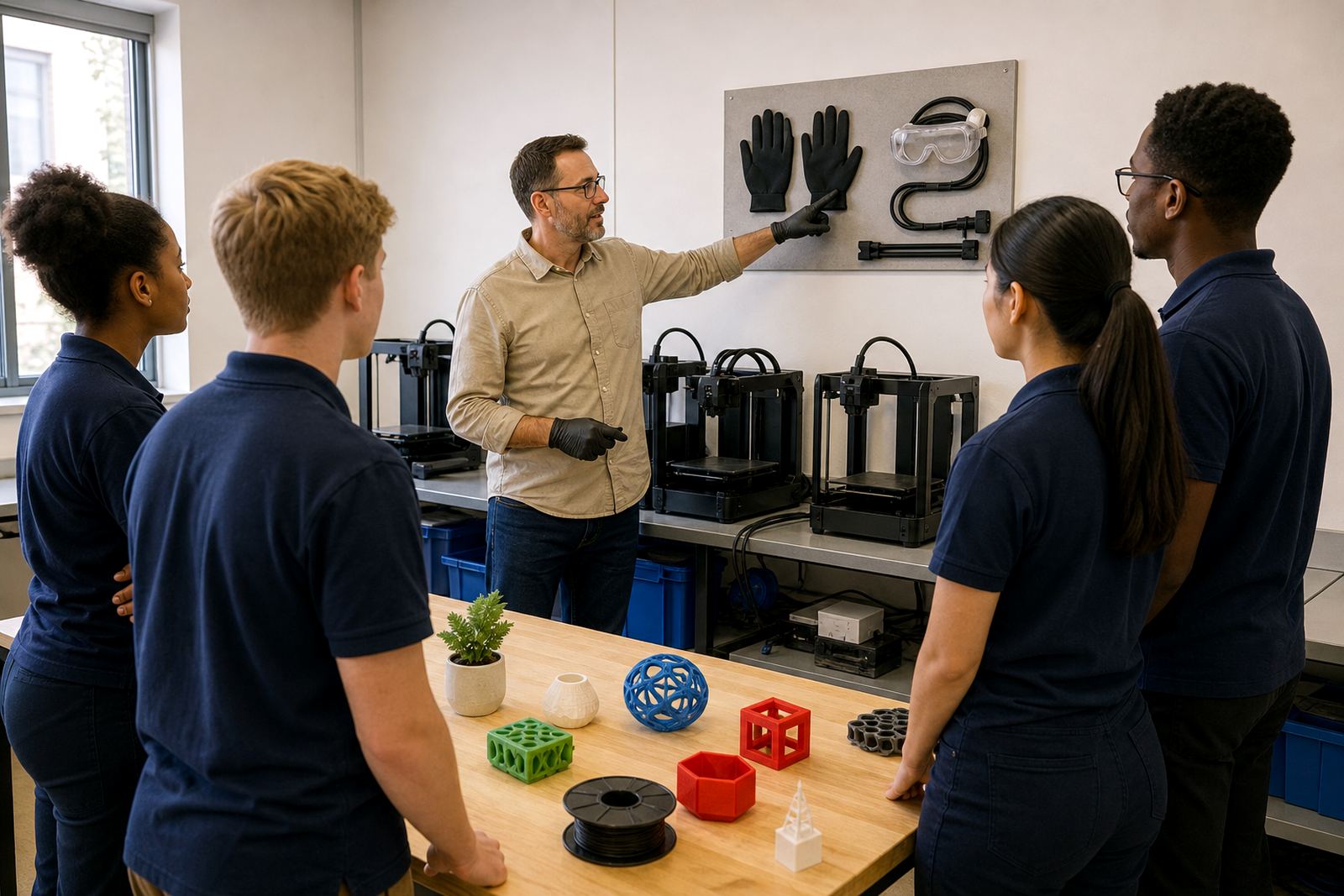
General safety reminders should always apply in a classroom setting. Keep learners away from moving parts while a printer is operating, supervise any handling of hot surfaces and make sure tools are stored after use. Filament and small parts should be kept tidy so the room stays organised. If the school is working with younger learners, a clear sign-in and print-collection routine helps prevent confusion and keeps the session calm.
- Weekly cleaning and basic alignment checks
- Safe handling of hot components and moving parts
- Neat storage for tools, filament and spare parts
- Simple sign-in, queue and collection process for learners
What to check before placing an order
Every school’s needs are a bit different, so it helps to confirm a few points before choosing a package. Start with the number of learners using the lab, the type of projects they will print and how often the machines will be in use. A school that prints small classroom samples has different needs from one running weekly project work for several classes. It also helps to think about who will manage the lab day to day, and whether the focus is on teacher-led lessons, learner projects or both.
Ask for the printer count, build volume, power requirements, filament type, included tools and what support is available after delivery. If the room is shared with other subjects, compact storage and easy reset routines may matter more than a larger footprint. When you are comparing options, check that the package fits your timetable, your room size and the level of supervision available.
- Number of learners and expected print volume
- Printer count and build size
- Power supply and room layout
- Included tools, consumables and support scope
Support for school rollout and staff training
Once the kit is in place, many schools choose to add training for teachers or support staff so the equipment is used properly from the start. That can include printer operations, basic maintenance, lesson planning and ways to manage print queues across multiple groups. For schools that want help with implementation, the same team can also discuss room layout, lab setup and how to introduce the equipment into regular teaching. That support is especially useful when several staff members will share the lab and need a common process.
PrintAcademy 3D is based in Stellenbosch, Western Cape, and works with schools across South Africa, including Cape Town, Johannesburg, Pretoria, Durban and Gqeberha. If you want a multi-printer lab that suits your timetable and classroom setup, send an enquiry through the contact page and the team will help you match the right package to your space and routine.
Key facts
| Product type | School multi-printer 3D printing kit |
|---|---|
| Typical configuration | 2, 4 or multi-unit printer set-ups |
| Build volume | Varies by printer choice and classroom need |
| Power requirement | Standard mains power, one safe supply point per printer |
| Recommended use | Teacher lessons, learner projects, clubs and holiday programmes |
| Support items | Setup guides, basic tools, storage and classroom management items |