Creative classroom support for shape and object studies
The Art Design Pack is designed for schools that want a structured way to introduce 3D printing into art, design and maker activities. It suits lessons where learners need to explore form, repetition, scale, texture and simple functional objects. The pack is practical for teacher-led sessions, small group work and after-school maker clubs.
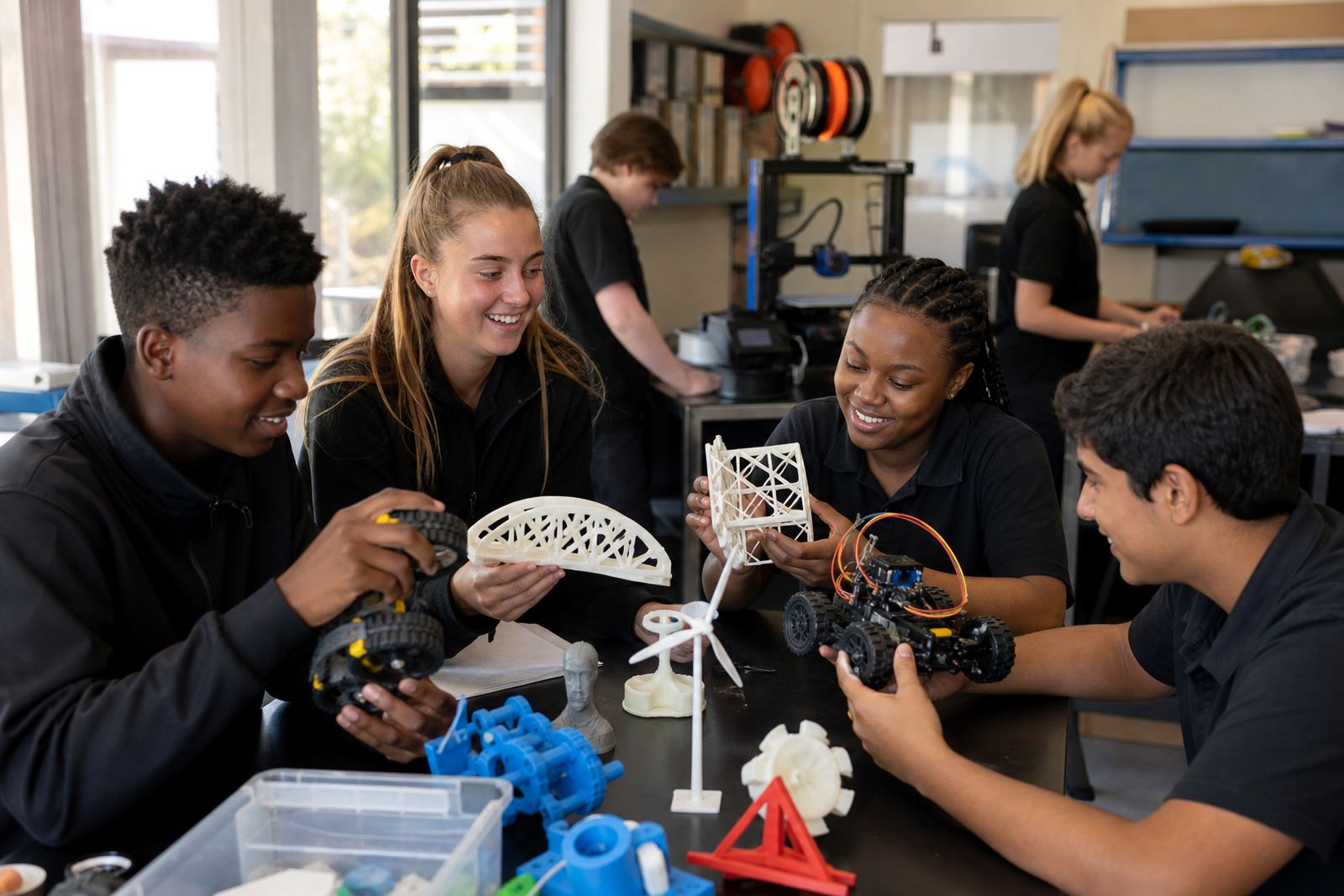
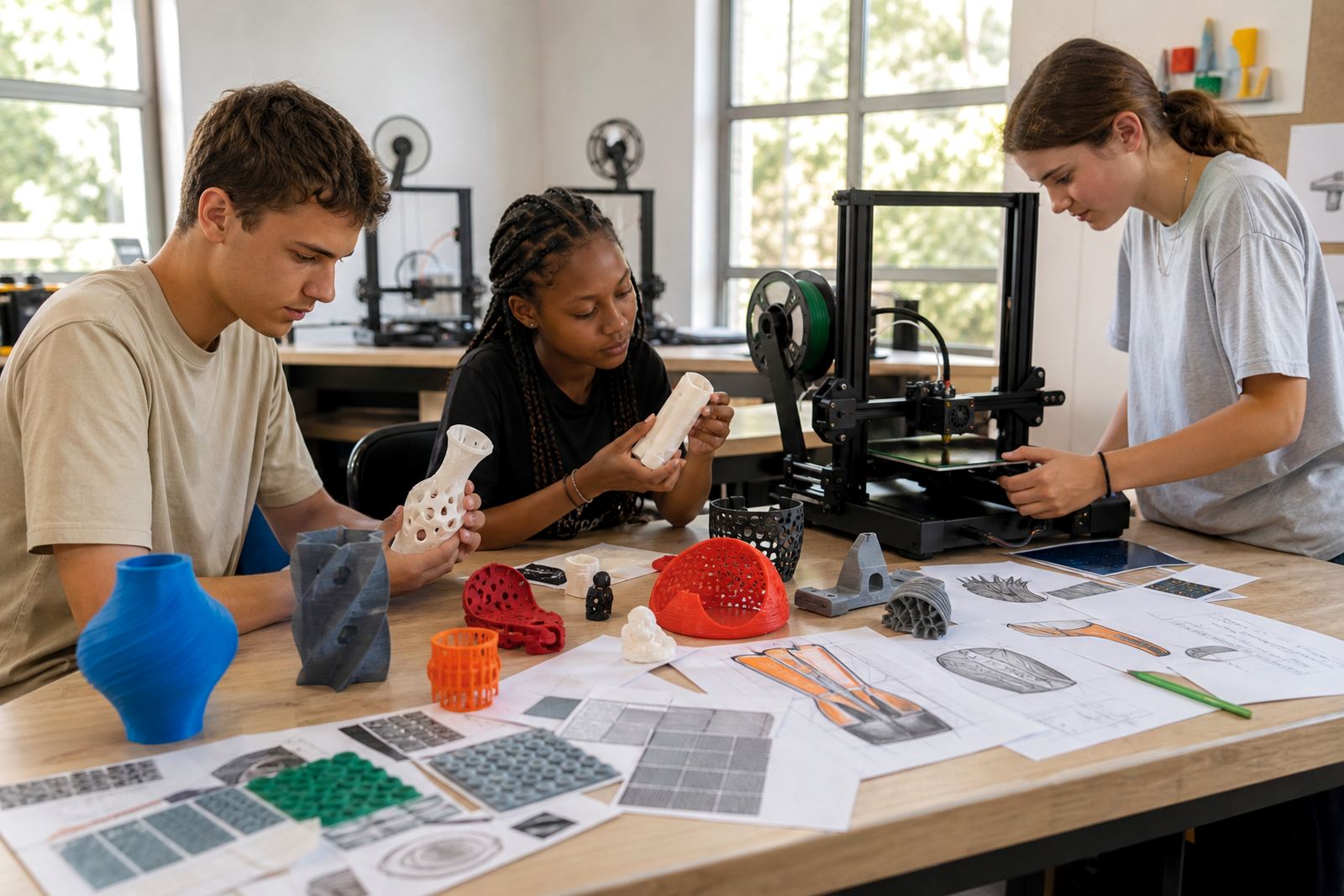
It works well in primary and secondary settings where learners are asked to develop a concept, model it digitally and produce a physical print. Teachers can use it for sculpture studies, geometric forms, pattern experiments, packaging mock-ups and small prototype objects. It keeps the focus on hands-on making, not just screen work.
- Supports creative tasks using simple geometry, repeated pattern and surface detail
- Helps learners move from 2D sketches to 3D objects
- Suitable for classroom, library lab and maker space use
What comes with the pack and how it is used
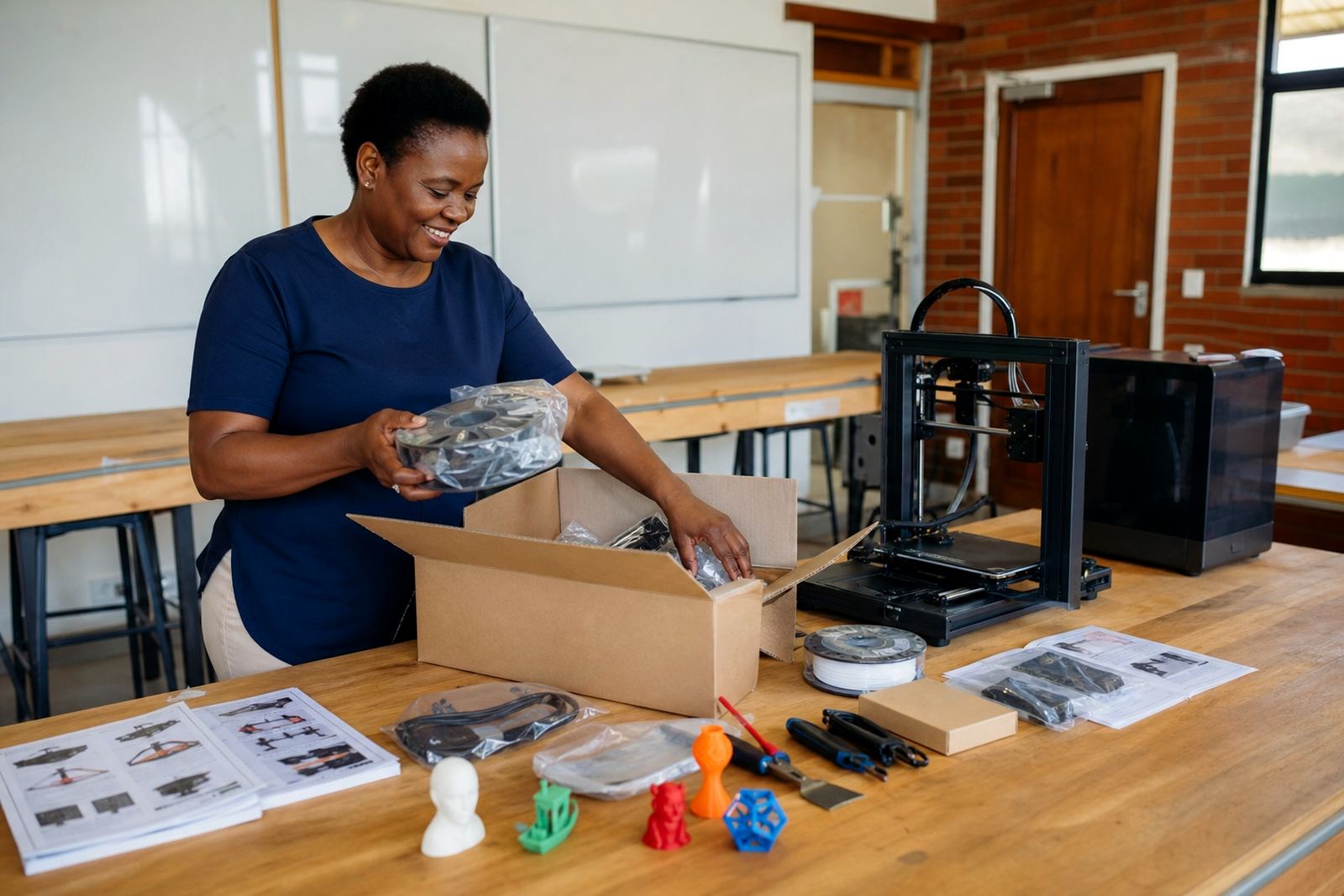
The pack can be supplied as a classroom support bundle or as part of a broader school lab setup. In most cases it includes a benchtop 3D printer, starter filament, basic tools, slicing software guidance, safety notes and curriculum-aligned activity prompts for classroom use. Schools can also add extra build plates, storage boxes and spare nozzles where needed.
For teachers, the value lies in having a clear starting point. Learners do not need advanced experience to begin, and the activities can be adapted for different ages. The pack can support one class at a time or several groups on rotation, depending on the number of printers and the room layout. It is a practical option for schools that want to introduce making without overcomplicating the setup.
- Printer unit for classroom use
- Starter filament in common colours
- Basic removal and cleaning tools
- Activity guide for form, pattern and object tasks
Sizes, layout options and suitable room types
The Art Design Pack is available in different classroom sizes so schools can match the setup to their learner numbers and space. A single-printer option suits a compact art room or small lab, while multi-printer layouts are better for larger groups, holiday programmes or shared technology spaces. In Stellenbosch and surrounding areas, many schools prefer a flexible arrangement that can be moved between rooms when timetables change.
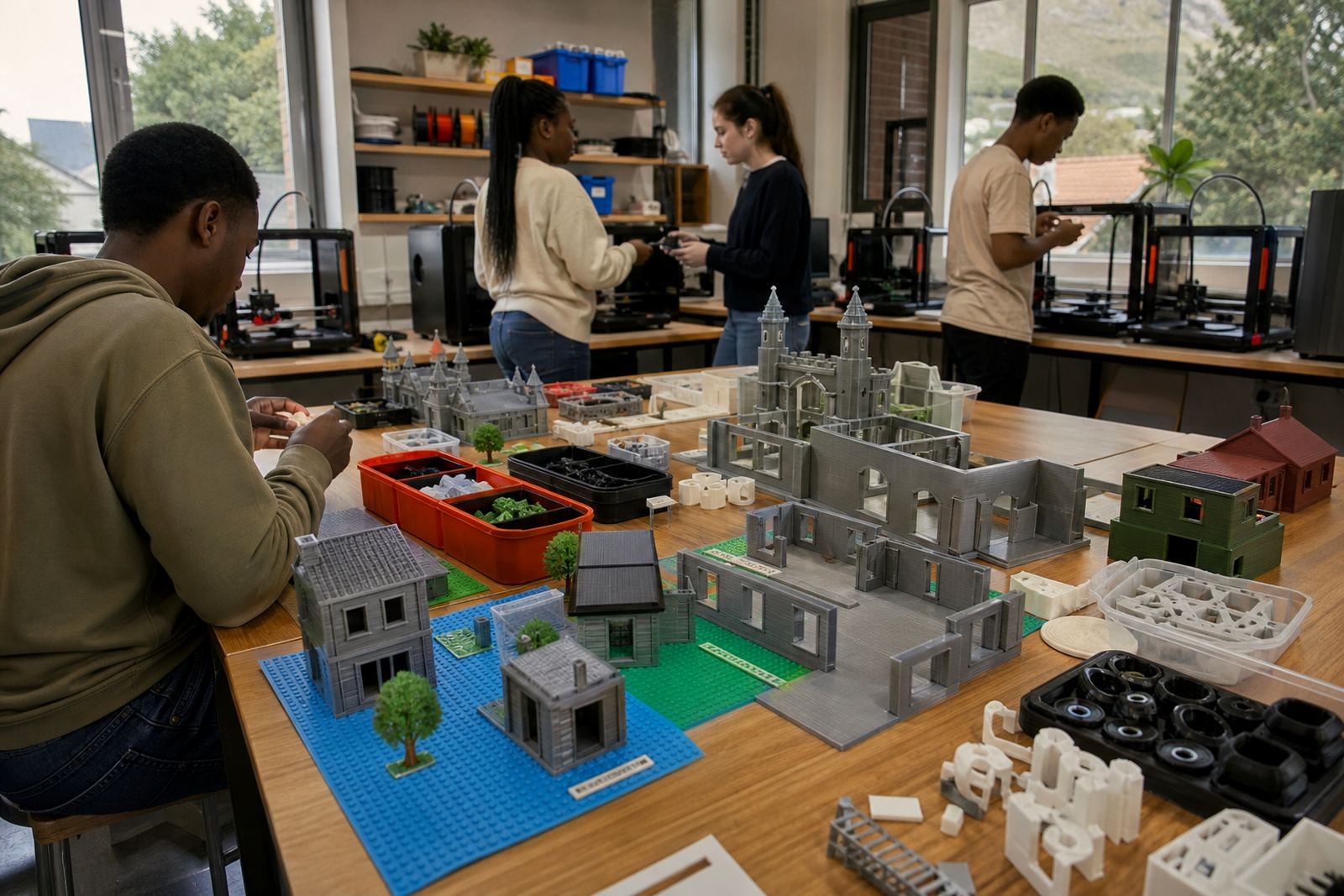
For larger campuses in Cape Town, Johannesburg, Pretoria, Durban and Gqeberha, a two or four printer layout may suit a dedicated lab better. The work area should allow safe movement around the printers and a clean table for post-print finishing. If the room is used by younger learners, extra supervision and clear storage for tools is recommended.
- Single-printer classroom pack for small groups
- Two-printer and four-printer options for larger classes
- Shared lab format for art, technology or maker club use
Power, ventilation and classroom setup notes
The pack is intended for standard classroom use and does not need gas. A normal mains electricity supply is required, with a stable plug point and enough capacity for the printer and any support devices used in the room. In areas where load-shedding is a regular issue, schools should plan printing jobs around available power time and keep work aligned to shorter build cycles where possible.
Good airflow is important, especially in enclosed rooms and coastal schools where humidity can affect storage of filament. Keep printers on a level surface away from direct sun, open windows with dust ingress, and busy walkways. A simple lockable cabinet or storage shelf is useful for consumables and tools. Teachers should also keep clear rules for hot parts, moving gantries and supervised use only.
- Standard mains electricity needed
- No gas connection required
- Level table, storage space and safe access around the unit
- Basic ventilation and dust control recommended
Care, servicing and everyday classroom upkeep
Regular care helps the equipment stay reliable through term time use. The print bed should be kept clean, the nozzle checked for blockages and filament stored dry when not in use. In wetter coastal areas, sealed storage is especially helpful because moisture can affect print quality and lead to brittle material. A weekly visual check is usually enough for most school settings, with deeper cleaning scheduled during quieter periods.
Teachers and support staff should follow simple maintenance routines and keep a record of issues such as poor adhesion, stringing or unusual noise. If learners are handling the equipment, it helps to assign one adult as the main operator during printing sessions. That keeps the work consistent and reduces wear from rushed adjustments. Lwandle Msiza and the technical support team can advise on practical upkeep and replacement parts where needed.
- Clean build plate regularly
- Store filament in a dry container
- Check belts, fans and nozzle condition
- Keep a simple maintenance log for the school
What to confirm before placing an order
Before ordering, it helps to confirm the number of learners, the age group, the room size and whether the pack will be used for art, technology or a combined maker programme. Schools should also check who will supervise the printer, where the unit will be stored and whether there is a secure place for consumables. If the pack is being bought for a shared campus, it is worth deciding who manages booking and upkeep.
It is also useful to note whether the school wants a starter pack or a fuller lab setup. Some institutions only need one printer for project work while others need a more complete arrangement with more tools, spare parts and training support. The team can advise on the best match for teacher capacity, timetable pressure and room conditions.
- Confirm learner count and age range
- Check room size and available power points
- Decide on single or multi-printer setup
- Choose whether extra training or maintenance support is needed
Key facts
| Product type | Classroom support pack for creative 3D-printing tasks |
|---|---|
| Primary use | Form, pattern, prototype and object development |
| Setup style | Single printer or multi-printer school lab option |
| Power requirement | Standard mains electricity, no gas needed |
| Suitable spaces | Art rooms, technology rooms, maker spaces and shared labs |
| Support materials | Starter filament, tools, activity guidance and care notes |