Built for short demos and busy school events
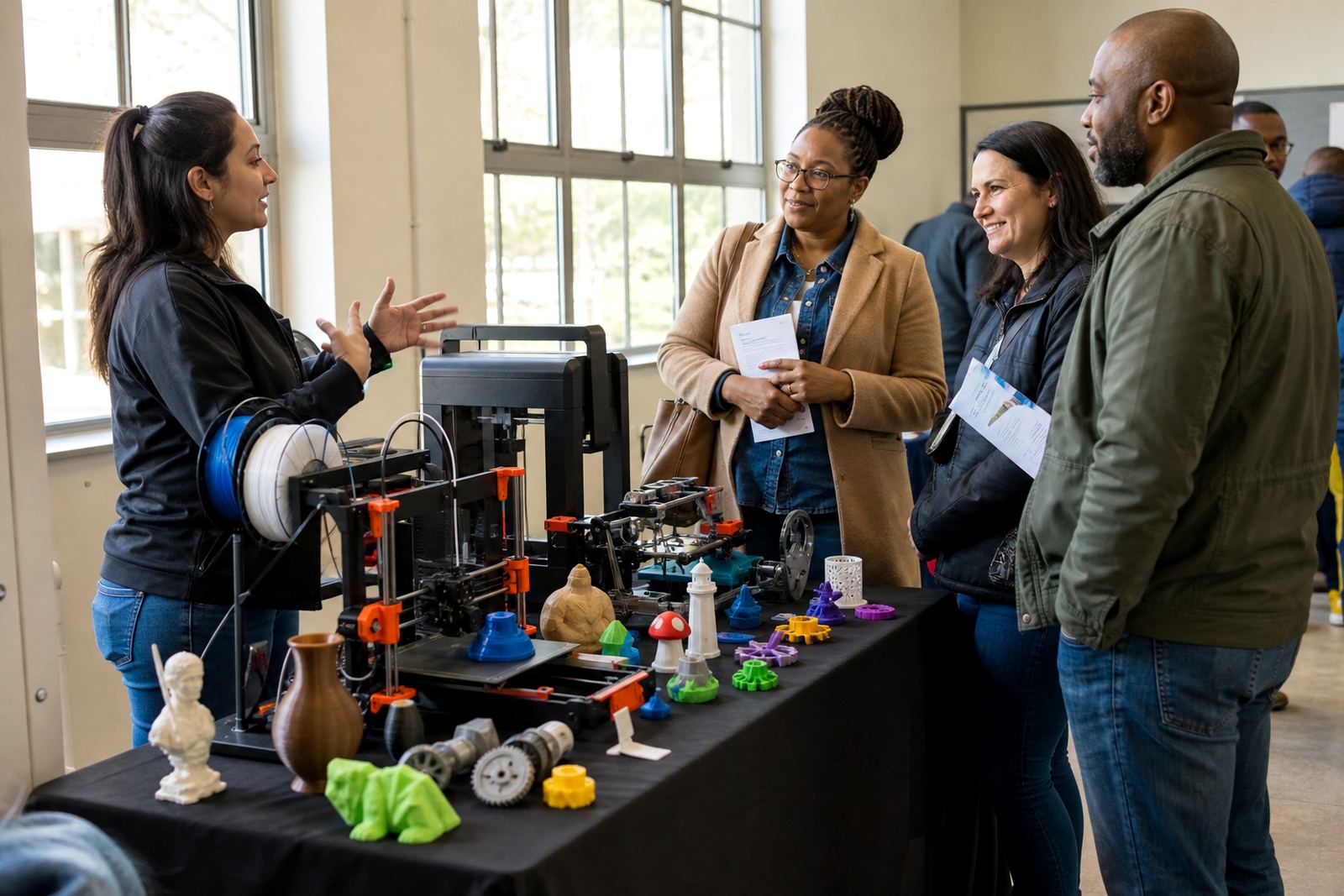
The Demo Day Kit is put together for schools that need a neat, dependable setup for a few hours at a time, not a full production lab. It is suited to open days, parent evenings, curriculum displays, technology fairs and club demonstrations where visitors want to see a printer working, touch sample parts and understand the process without having to run a full classroom programme.
The kit is kept practical. It includes the core items needed to run a visible demonstration space, explain how a model is designed, and show the step from digital file to finished print. For schools in Stellenbosch, Cape Town, Somerset West and Paarl it works well in a hall, library or classroom corner. It also suits travelling presentations for schools in Johannesburg, Pretoria, Durban and Gqeberha where a compact setup matters.
- Suited to teachers, lab coordinators and learner ambassadors
- Designed for repeat use at school events and awareness days
- Works well in spaces with limited tables and shared access
What is included in the kit and how it is sized
Each Demo Day Kit is specified around the type of event and the number of visitors expected. The standard setup is compact enough for one or two tables, while larger options add extra display space and more sample material. It is easy to move, pack down and store between events, which helps schools keep it safe and ready for the next occasion.
Typical contents include a benchtop 3D printer, sample prints, basic tools, filament samples, printed explanation cards and simple display materials. Schools can also request a trolley-style setup or a table-top format, depending on the room and how much room is available. The parts are chosen for visibility and easy use, not for complicated operation. That keeps the focus on the learning moment and reduces confusion for visitors.
- Benchtop printer and power cable
- Sample models, filament examples and display cards
- Basic tools for removing prints and showing post-processing
- Optional storage case or transport crate
- Optional signage pack for captions and event labels
Where the Demo Day Kit suits schools best
This kit is ideal where a school wants to show the value of 3D printing without turning the event into a workshop. It works well for technology awareness days, subject choice evenings, fundraising presentations, maker club promotions and parent meetings. A school can use it to show how design thinking supports science, engineering, art and entrepreneurship.
It is also useful for schools that want to build confidence before moving into a full lab setup. Visitors get to see the equipment, hear a plain explanation of the process and understand what learners can make. In coastal areas where humidity can affect stored filament, and in inland towns where load shedding may interrupt power, a planned demo day setup helps schools prepare properly and avoid last-minute surprises. Keep the kit in a dry storeroom and avoid leaving spools open to dust or moisture.
- Technology awareness events
- Parent evenings and open days
- Holiday clubs and maker displays
- Teacher demonstration sessions
- Career guidance and subject promotion events
Installation, power and event-day setup
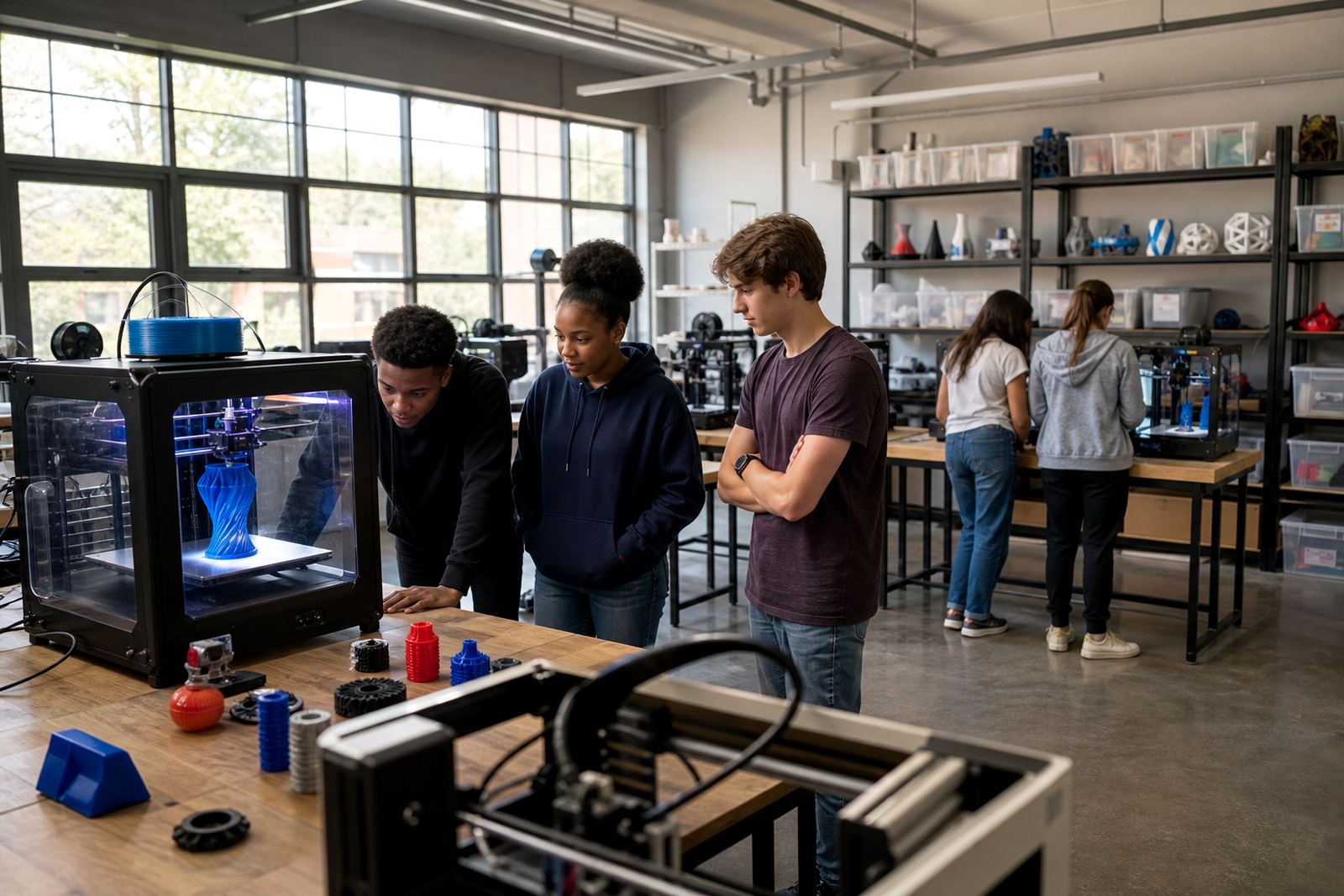
The kit is meant for straightforward setup. A level table, nearby plug point and a quiet, supervised space are usually enough. If the school wants to run live printing during an event, the printer should be placed where learners cannot touch hot parts or moving components. Clear access around the table is important so visitors can gather without bumping the machine.
For power, a standard indoor electrical supply is normally used. Where supply is uncertain, schools should plan around load shedding and consider running the printer only when stable power is available or when backup power has been checked by a qualified person. No gas is needed for the kit. Ventilation should be adequate, especially if the event room is enclosed or busy. A small fan may help move warm air, but the printer should not be placed in a draught that could affect print quality.
- Set on a firm table with enough space for cables and sample parts
- Keep water, food and loose paper away from the machine
- Use adult supervision at all times during live printing
- Allow a clean pack-down area for storage after the event
Care, servicing and storage between events
Like any classroom equipment, the Demo Day Kit lasts longer when it is cleaned and checked after each use. Wipe dust from the printer exterior, keep tools together and store filament in sealed containers where possible. Schools near the coast should be extra careful with moisture, because damp filament can affect print finish and reliability. A quick inspection before each event helps avoid problems and saves time on the day.
Basic servicing is simple. Check belts, bed surface, nozzles and cables before bringing the kit out again. If the printer has not been used for some time, run a short test print before the event so any issue can be dealt with early. Keep a log of prints, small faults and replacement items needed. That makes handover easier if different teachers or support staff use the kit over the year, and it keeps the setup tidy rather than patchy.
- Store in a dry, locked area when not in use
- Keep sample prints labelled and in good condition
- Replace worn tools before they fail at an event
- Check filament for brittleness or moisture before printing
What to check when ordering a Demo Day Kit
Before ordering, schools should think about where the kit will be used, who will manage it and how often it must travel. A small primary school event in Stellenbosch may need a simpler setup than a large secondary school display in Durban or Pretoria. The right choice depends on table space, power access, supervision and how much live printing will happen during the event.
It helps to confirm the printer size, the type of sample parts needed and whether the school wants a display-only pack or a live printing pack. Ask what is included in the case, whether spare parts are supplied and whether training is needed for staff who will set it up. If the kit will move between campuses, make sure the storage solution is strong enough for transport and easy to carry. The ordering process is smoother when the school already knows the room layout and the event format. This avoids guesswork and keeps everyone on the same page, more or less.
- Venue size and table space available
- Need for live printing or display only
- Transport between campuses or storerooms
- Staff experience with printer setup and supervision
- Storage conditions, especially in humid areas
Key facts
| Kit type | Presentation-focused 3D printing demonstration kit |
|---|---|
| Printer format | Benchtop unit for supervised event use |
| Typical footprint | One to two tables, depending on option selected |
| Power requirement | Standard indoor electrical supply |
| Gas requirement | None |
| Recommended use | School displays, parent evenings, awareness events and open days |