What the Robotics Print Pack includes
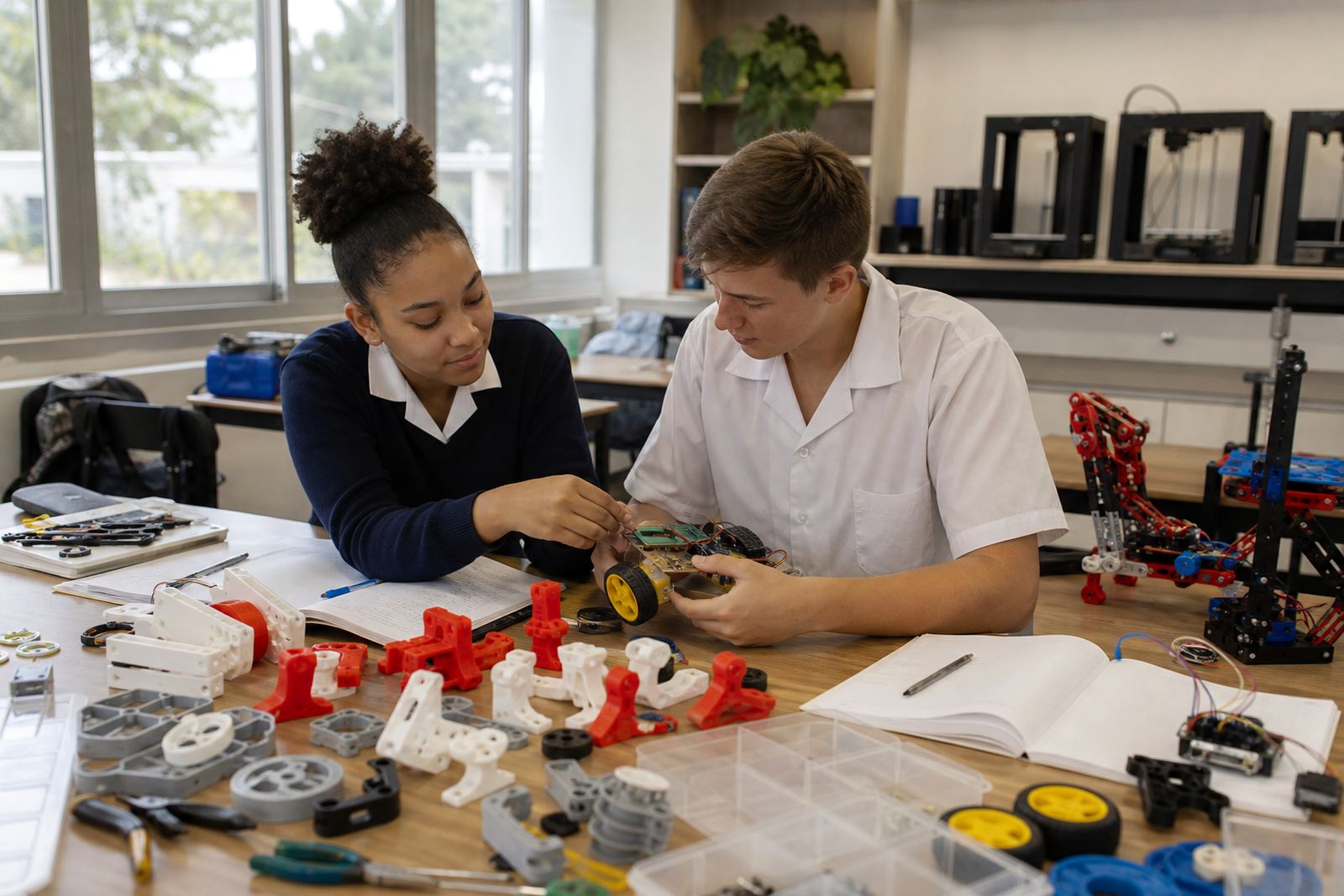
This pack is set up for schools that want to move from ideas on paper to printed parts that can be handled, tested and adjusted. It supports basic robotics club work such as sensor mounts, cable clips, wheel spacers, battery holders, gear covers and small chassis pieces. The focus is on simple parts that can be printed in a classroom or lab without needing a full engineering workshop.
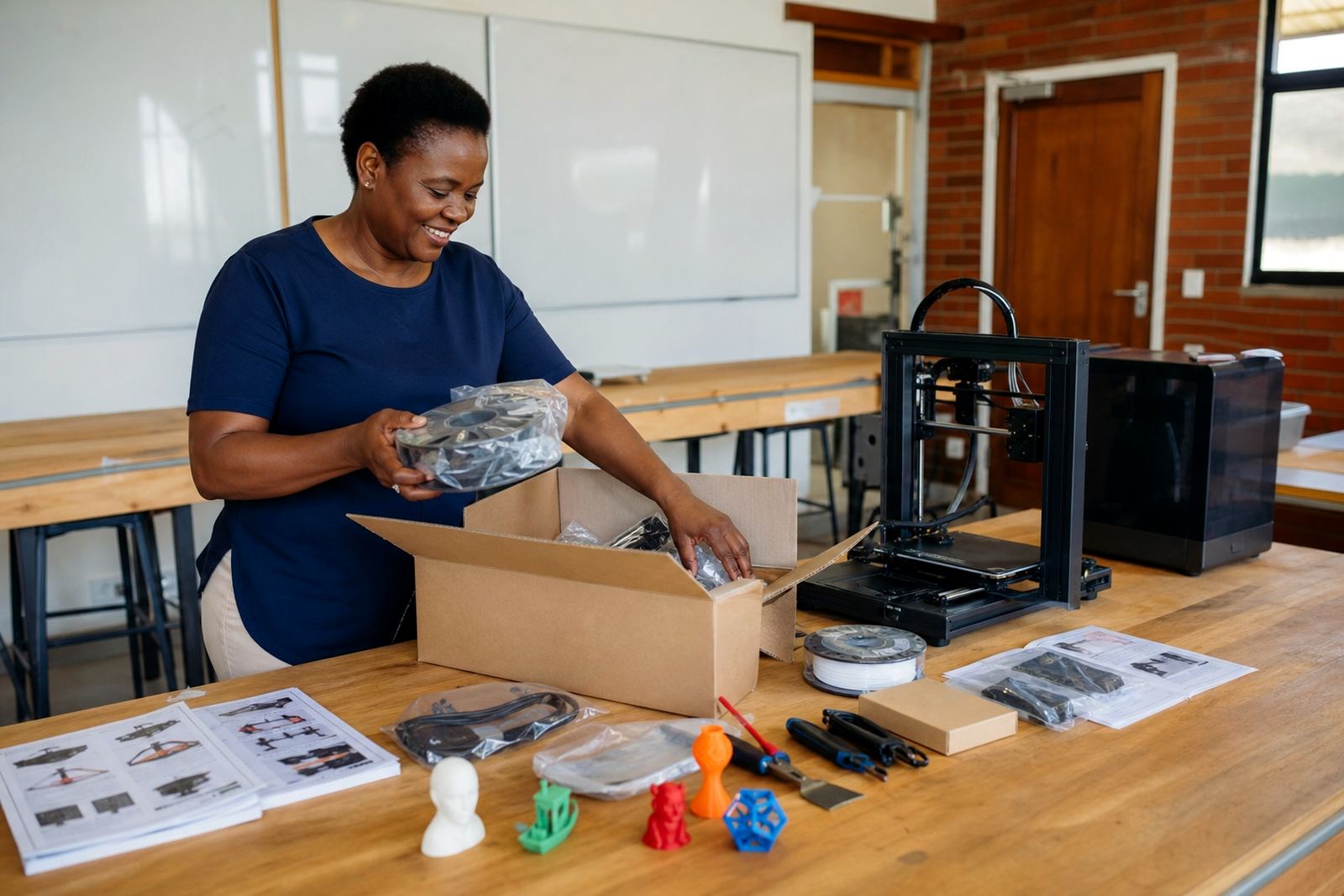
The pack is supplied with practical guidance for learners and teachers, plus the everyday items needed to keep a small print area running. It is suitable for schools that want a controlled starting point, not a complicated setup with lots of extra equipment. In many classrooms the first use is for quick prototypes, then the same parts are refined once learners understand what fails, what flexes and what must be kept clear for moving parts.
- Simple printed parts for robotics club activities
- Teacher-friendly setup notes for classroom use
- Clear handling guidance for learners
- Support for prototyping and repeat printing
Sizes and setup options for different schools
The Robotics Print Pack can be matched to a small club room, a technology classroom, or a larger shared lab. Schools in Stellenbosch, Cape Town, Johannesburg, Pretoria, Durban and Gqeberha often need different volumes and different levels of supervision, so the pack is offered in practical sizes rather than one fixed format. A smaller option suits a single teacher with a few learners, while a larger option works better when several classes will use the printers over the week.
Typical options are based on the number of printers, the available table space, and how many learners will be working at the same time. The layout should allow safe movement around the machines, clear storage for filament, and enough room for cooling parts before handling. Where a school runs more than one club group, it is worth planning for labelled trays and separate print queues so parts do not get mixed up.
- Small club setup for a compact room
- Medium setup for regular weekly use
- Multi-printer setup for shared lab time
- Optional storage and organisation layout
Where it suits in a school environment
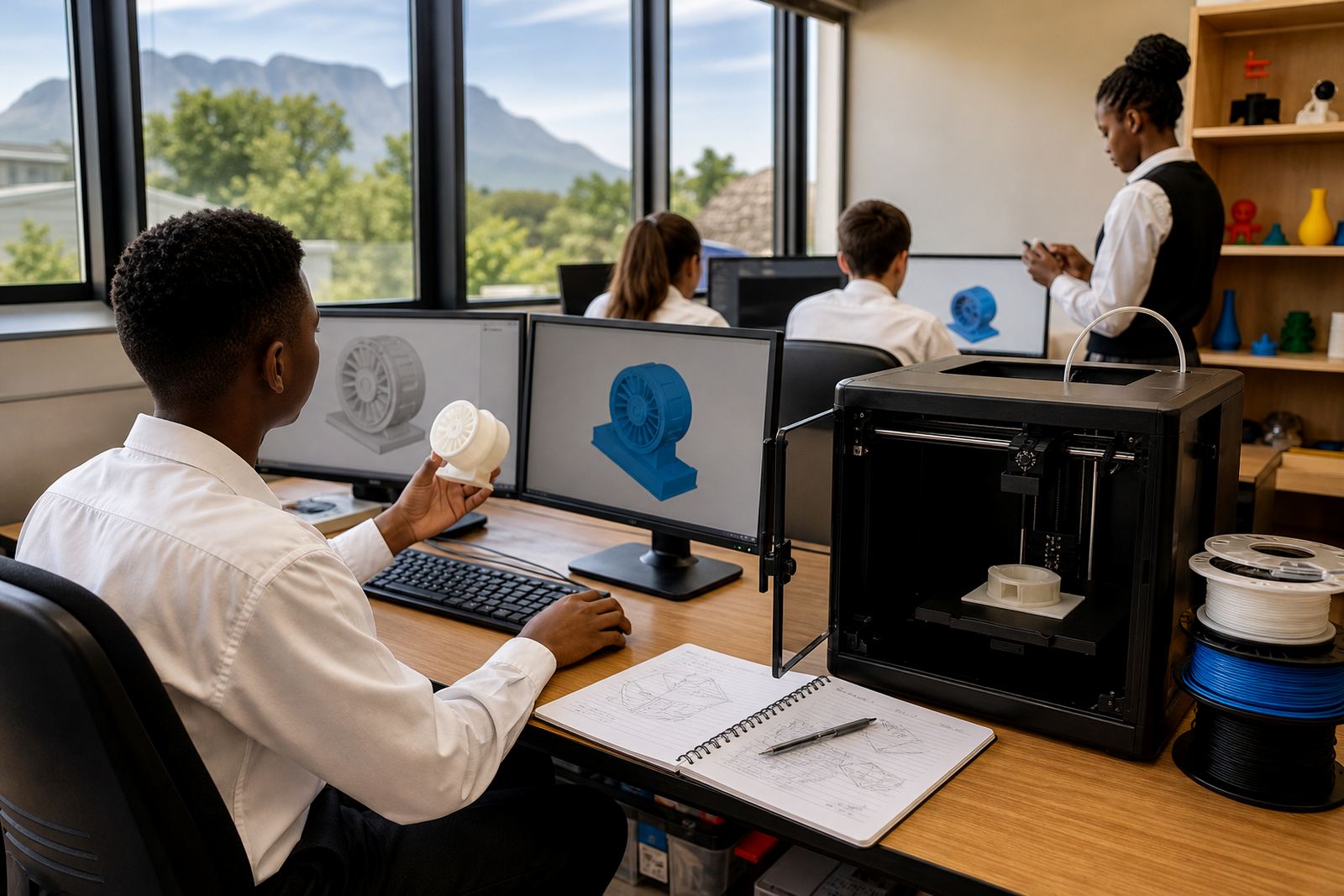
This pack suits robotics clubs, maker activities, STEM rooms and technology departments that need simple printed components for learner projects. It is also useful for schools that are introducing 3D printing slowly and want a clear link between design and hands-on building. The parts are practical, not decorative, so learners can see how a printed item supports a working assembly.
In coastal areas like Durban and Gqeberha, dust and humidity can affect storage, so printed parts and filament should be kept in sealed containers when not in use. In inland schools, load-shedding plans matter just as much, because a print job interrupted halfway through can waste time and material. For that reason the pack works best where there is a clear routine for start times, checks before printing, and a place to finish prints safely once power returns.
- Robotics clubs and maker spaces
- Technology and engineering support rooms
- After-school learner projects
- Small prototype work for class demonstrations
Power, room layout and classroom safety
The pack does not need gas. It does need a stable electrical supply, a level work surface, and sensible airflow around the printers. A standard classroom socket supply is usually enough, but the circuit should not be overloaded with heaters, kettles or other heavy appliances on the same line. If the school uses backup power, it helps to confirm that the printers and any support equipment can restart cleanly after an outage.
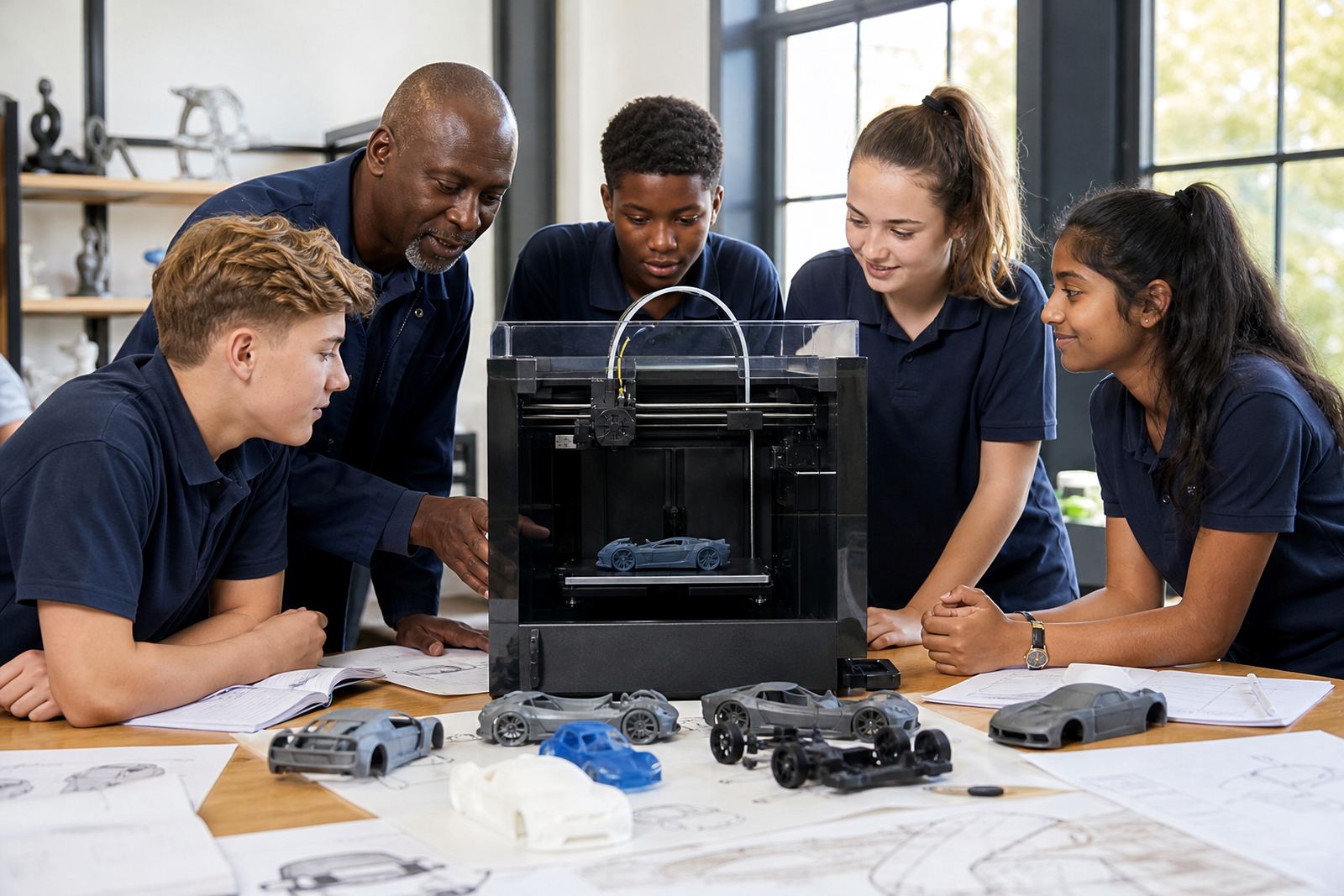
For classroom safety, the printers should be placed where learners cannot touch hot parts during operation. Keep cables tidy, keep liquids away from the machines, and avoid placing printers near open windows where dust can settle on moving parts. A teacher should supervise any removal of a completed print, and learners should be reminded that freshly printed parts can stay warm for a while. Short safety talks work better than long lectures, especially with younger groups.
- No gas connection required
- Stable mains power recommended
- Level surface and clear cable routes needed
- Teacher supervision required when parts are hot
Care, servicing and everyday maintenance
A school print pack lasts longer when it is treated as a shared tool, not a free-for-all machine. The most important habits are cleaning the build surface, checking filament feed, and watching for dust around moving parts. In busy schools it also helps to log who used the printer, what was printed, and whether any adjustments were made after the job.
Basic servicing usually includes nozzle checks, belt inspection, bed levelling and general cleaning. If the machine is used regularly for club work, it should be checked often enough to catch small issues before they become breakdowns. Spare consumables should be stored neatly, and opened filament should be sealed when not in use. In humid areas this is especially useful because damp material can affect print quality and create stringing or weak layers.
- Wipe the build area after each session
- Check filament storage and spool movement
- Inspect belts, nozzle and bed level regularly
- Keep a simple use log for the lab
What to check before placing an order
Before ordering, schools should confirm how many learners will use the pack, which room it will sit in, and whether staff already know the basics of print operation. It also helps to decide if the school needs a single-printer start or a fuller lab setup. Some schools want only the hardware and setup guidance, while others need a wider support package that includes teacher orientation and workshop planning.
You should also check the physical space, plug points, table height and storage area for filament and printed parts. If the school has limited after-hours access, think about when longer print jobs can run. For schools with multiple campuses or satellite sites, it may be worth ordering one shared setup plan and then rolling it out in stages. That makes it easier to control costs and keep the same operating standard across different rooms.
- Number of learners and clubs using the pack
- Room size, power points and storage space
- Level of staff experience with 3D printing
- Whether you need setup support or training
Key facts
| Product type | School print support pack for robotics club prototyping |
|---|---|
| Recommended use | Printing simple brackets, mounts, holders and test parts |
| Power requirement | Standard mains electricity, with stable supply recommended |
| Gas requirement | None |
| Suitable environment | Classrooms, maker spaces, robotics rooms and STEM labs |
| Care level | Routine cleaning, basic servicing and dry storage for materials |