What the Ventilation Guidance Kit covers
The Ventilation Guidance Kit is a practical planning pack for schools, training rooms and makerspaces that want to run 3D printers in a sensible, supervised environment. It is not a machine or extractor unit on its own. Instead, it gives teachers, lab coordinators and school managers a clear way to plan the room, the airflow, the power position and the daily operating routine before equipment is switched on.
The pack suits schools that are setting up a new lab or reviewing an existing room that feels too warm, too enclosed or simply not well organised for regular printing. It is useful where printers will run during class time, after school club sessions or in a shared tech room with other tools. For schools in Stellenbosch, Cape Town, Johannesburg, Pretoria, Durban and Gqeberha, it also helps teams think through coastal humidity, dust, summer heat and load-shedding planning.
- Room suitability notes for supervised use
- Airflow planning checklist
- Printer placement guide
- Power and backup planning prompts
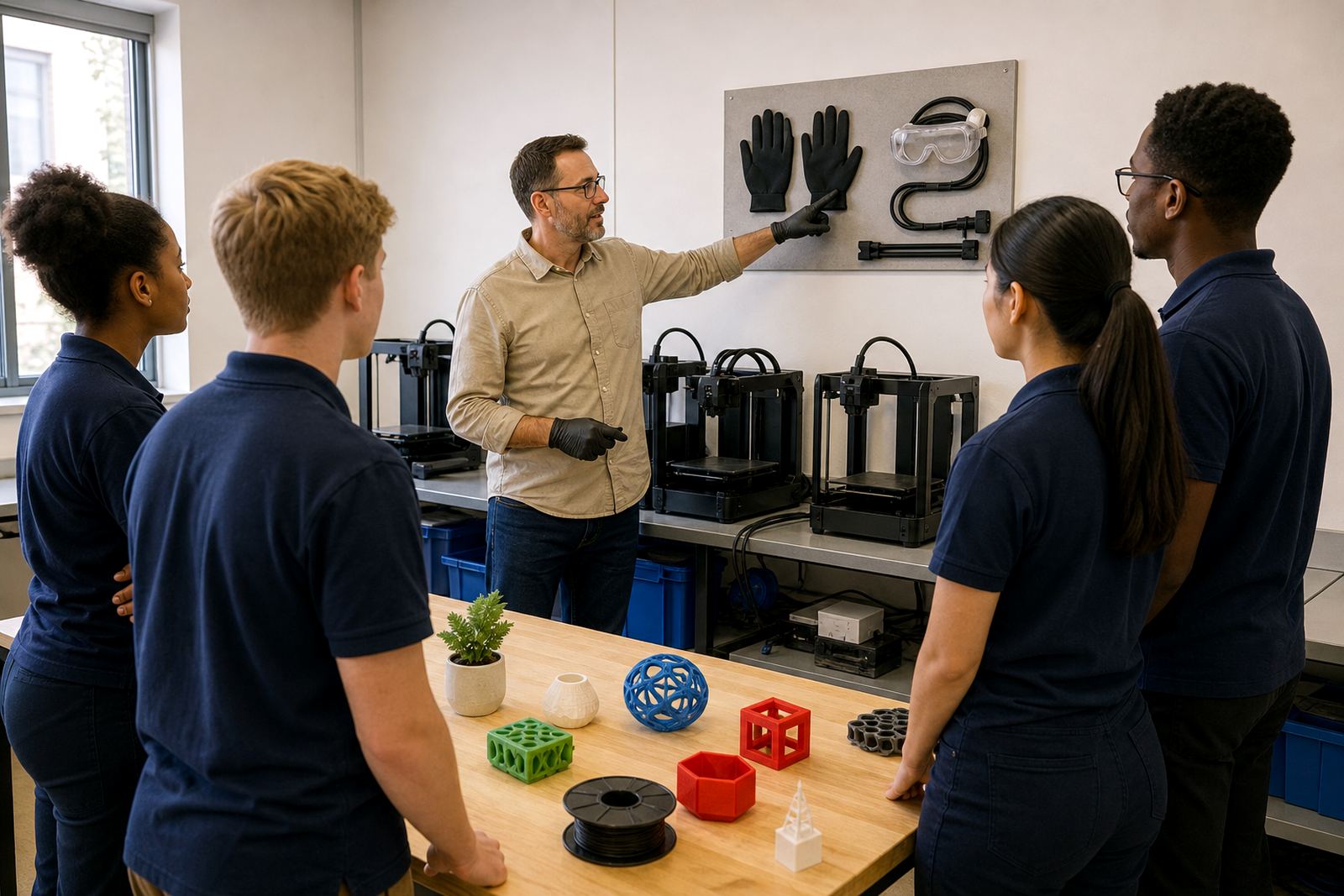
- Basic classroom safety reminders
Size options and what is included
The kit is available in simple planning formats to suit different spaces. A smaller option works well for one classroom or a compact lab, while a larger option suits a fuller setup with several printers, a prep table and space for learners to move around safely. Schools often choose the format based on how many printers are being installed and whether the room will also be used for lessons, demonstrations or club work.
Typical contents include a room planning checklist, a placement diagram, supervision notes, ventilation considerations, a maintenance log template and an ordering checklist for the school’s technical team. The aim is to help the school ask the right questions before the equipment arrives, rather than making rushed decisions later.
- Single-room planning pack for one teaching space
- Multi-printer planning pack for larger labs
- Setup notes for shared classrooms and after-school spaces
- Checklist for teacher handover and routine checks
Where it suits best in a school setting
This planning pack suits rooms where printing will happen under adult supervision and where learners need clear boundaries around access, heat and moving parts. It is a good fit for technology rooms, design rooms, art and innovation spaces, and dedicated school labs. If the school is in a coastal area such as Durban or Gqeberha, extra attention should be given to moisture, corrosion on exposed parts and keeping consumables sealed when not in use. Inland schools may need to think more about heat, dust and power interruptions.
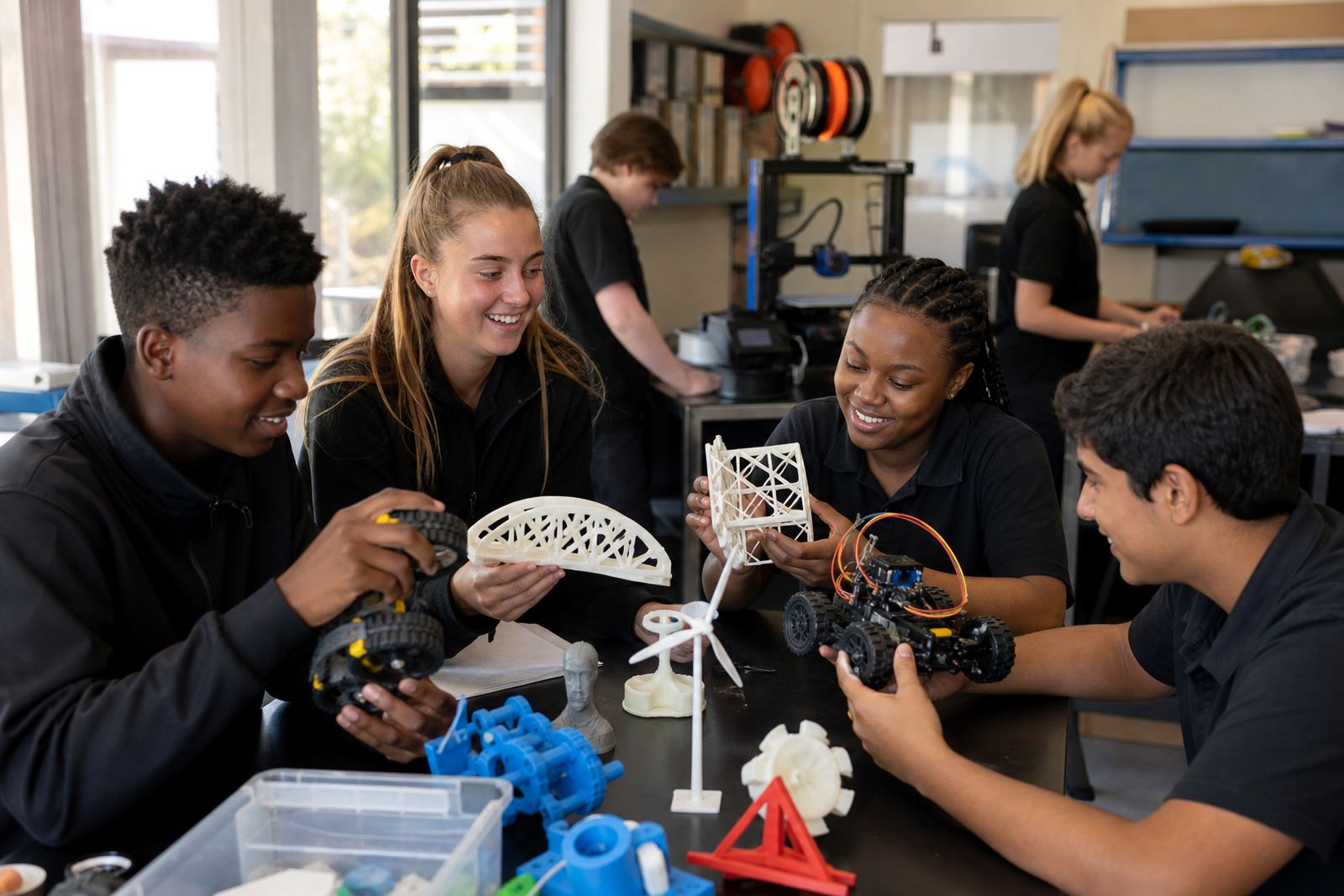
It is also useful for schools that run maker clubs or holiday programmes, where the room use changes from term time to special projects. The pack helps staff plan for storage, supervision, airflow and cleaner cable routes so the room stays orderly and easy to manage.
- Dedicated tech rooms
- Shared classrooms with scheduled access
- Maker clubs and holiday programmes
- Small innovation labs and STEM spaces
Installation, power and room planning notes
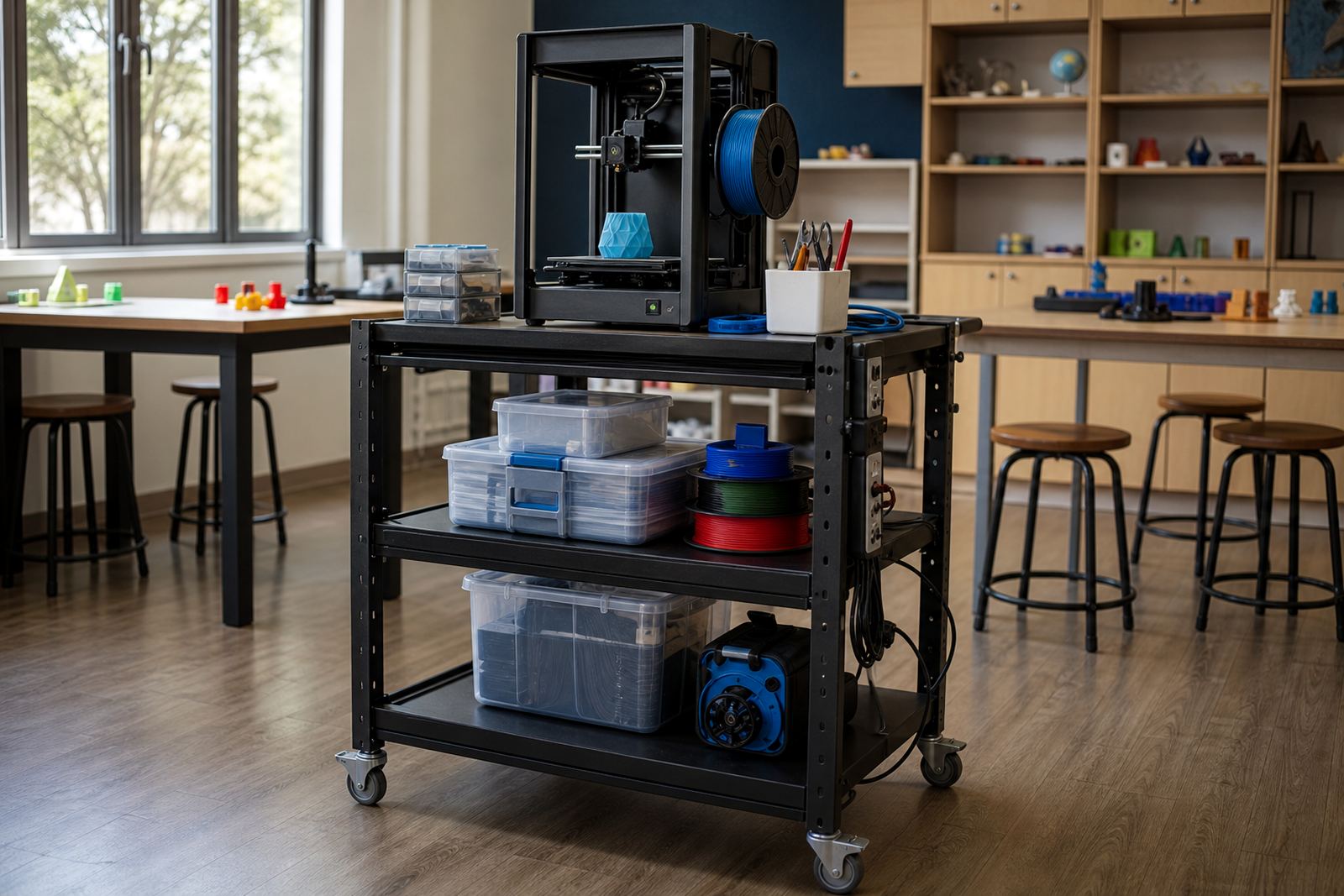
The kit gives practical guidance on where to place printers, how to leave enough working space around them, and how to plan for a stable power supply. Most school setups need standard plug points, a firm level surface and a position away from direct sun, open windows with strong draughts, and busy passage traffic. If the room uses backup power during load-shedding, the kit helps the school identify which devices must stay on and which ones can be shut down safely.
It also includes basic notes on cabling and room access. Printers should be easy to reach for supervision, but not so close to walkways that learners brush against moving parts or hot surfaces. Where the school has limited space, the guide helps with layout choices that keep the room practical rather than cramped.
- Use a level, stable work surface
- Keep printers clear of direct heat and sun
- Allow space for loading materials and removing finished parts
- Plan backup power for controlled shutdowns during outages
Care, servicing and classroom safety basics
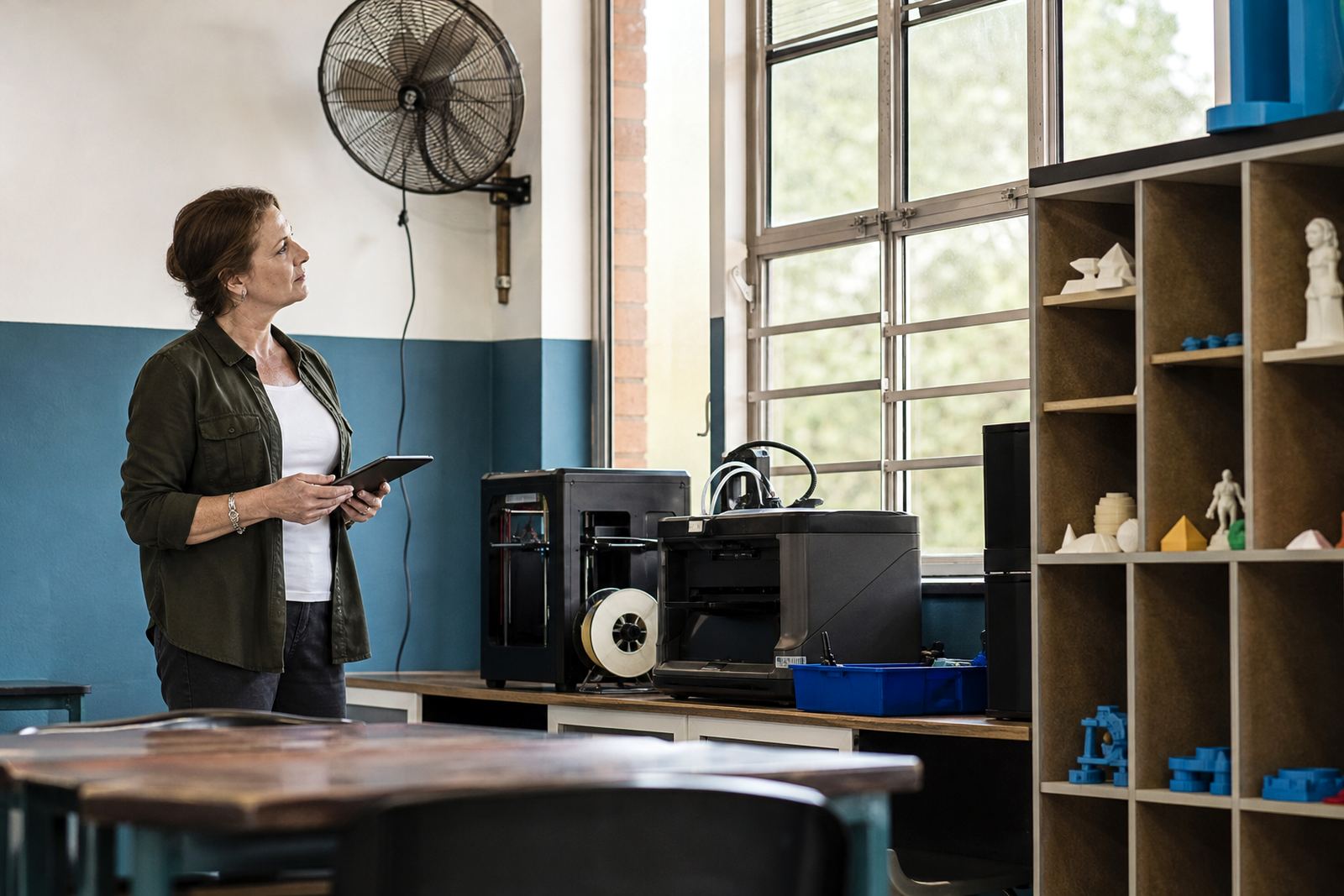
The Ventilation Guidance Kit includes simple care points for regular use. School staff should keep the room clean, check that vents and fans are not blocked, and inspect cables, plugs and surfaces at the start of each term. Where printers are used often, a quick weekly visual check helps spot dust build-up, worn leads or poor placement before they become problems.
General classroom safety matters throughout. Learners should not touch hot components, open covers or reach into a printer while it is running. Materials should be stored neatly and only used under supervision. If a room feels stuffy or warm, pause the session and review the layout instead of pushing on. A little routine care goes a long way and prevents unnecessary stoppages.
- Keep vents clear and surfaces dust-free
- Check plugs, cables and extension leads regularly
- Store materials in sealed containers where possible
- Supervise all printing sessions closely
What to check before ordering
Before ordering, schools should confirm how many printers will be used, which room they will go into, and who will supervise daily operation. It is also wise to note the available power points, the room size, any windows that cannot be opened safely, and whether the space will be shared with other classes. Those details help match the kit to the actual site, rather than to an idealised room on paper.
The school should also think through the kind of use planned for the year. A teacher introduction session, learner foundations class, holiday programme or maker club may need a slightly different room flow. If the school wants a more formal lab setup, the kit can support that planning too, especially when paired with a training session for staff.
- Number of printers and expected use frequency
- Room dimensions and furniture layout
- Power point locations and backup power plan
- Supervision arrangement and learner access rules
- Storage space for filament and tools
Key facts
| Product type | School planning pack for 3D-printer room airflow and placement |
|---|---|
| Format options | Single-room pack or larger multi-printer pack |
| Suitable spaces | Technology rooms, labs, makerspaces and supervised classrooms |
| Power needs | Standard school plug points, with backup power planning where required |
| Use guidance | For supervised educational settings only |
| Key focus | Airflow, printer placement, routine checks and room safety |